
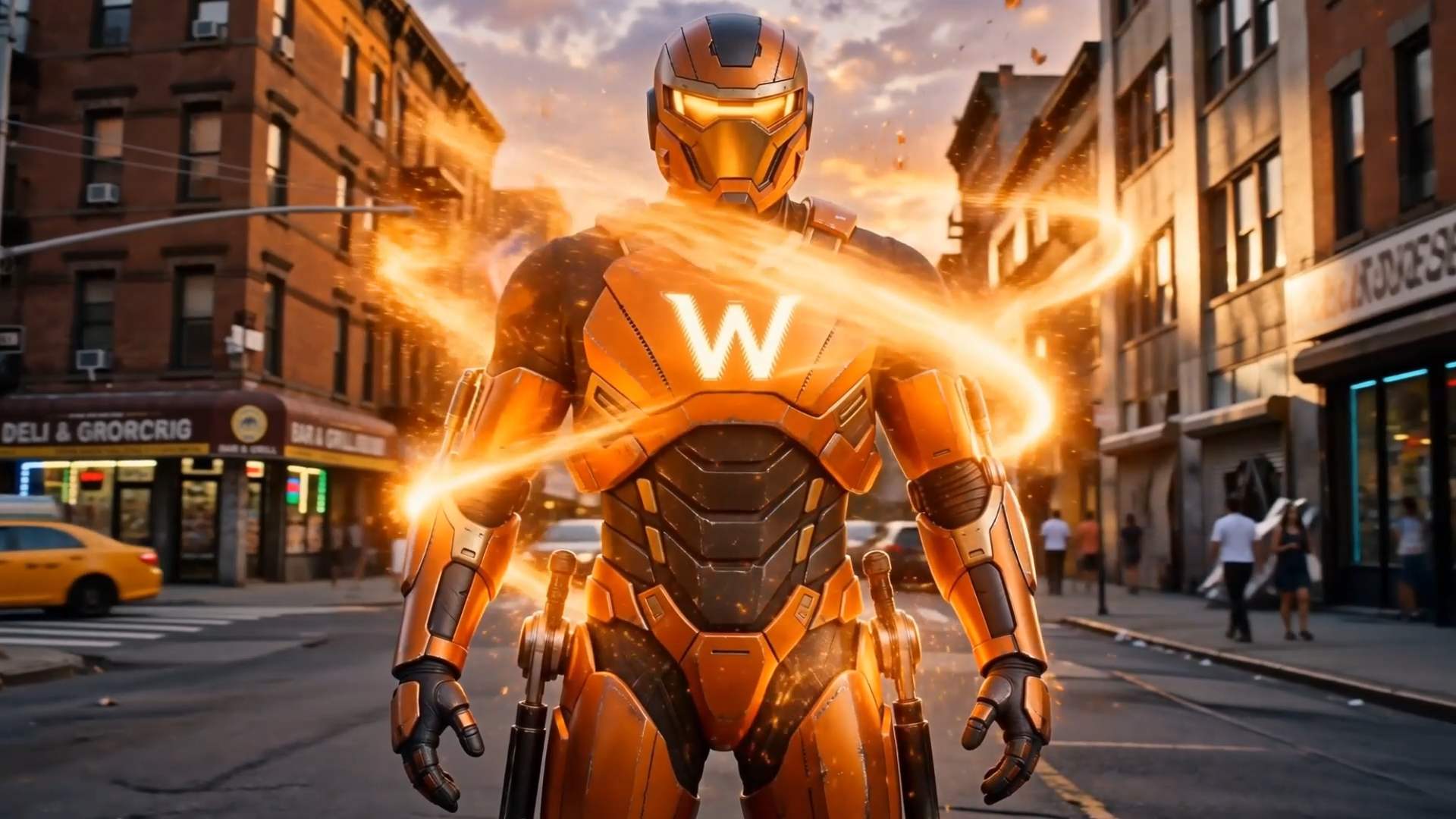
Kling 4.0 AI is gaining momentum fast because it finally delivers stability, structure, and 4K 10-bit HDR cinematic quality without requiring people to learn complicated editing software.
It produces videos that feel intentional instead of experimental, and that alone is why so many creators are paying attention right now.
Want to make pro visuals and save time with AI? Try our all-in-one AI Video & Image Generator
Why Kling 4.0 AI Is Getting So Much Attention
Kling 4.0 AI behaves more like a director than a simple generator, which immediately changes how your ideas appear on screen. It understands framing, fast dynamic movement, pacing, and physical logic in a way that makes scenes look more believable.
You don't get random camera motions or odd distortions that distract viewers. You get 4K 10-bit HDR footage in up to 21:9 widescreen that feels guided and cinematic, even with a simple prompt. That level of polish makes Kling 4.0 AI stand out fast.
Kling 4.0 AI also improves realism by treating high-speed physics and multi-person interaction with more accuracy. Characters don't float. Objects behave normally even during fast action. Movements follow natural expectations instead of breaking immersion. This subtle realism is a huge part of why the tool feels different from previous AI models.
The Multi-Shot & 30-Second Upgrade That Actually Matters
Older AI video tools struggled because they could only create one short continuous shot. There was no way to change angles across a longer timeline or build real narrative structure.
Kling 4.0 AI removes that limitation by letting you generate up to 30 seconds natively (and extend up to 2 minutes) while controlling up to 10 keyframes and 8,000 tokens of script inside one workflow. It follows your sequence reliably. It transitions smoothly. It understands when you want a close-up, when you want a medium shot, and when you want a wider frame across a full 30-second scene.
This ability to form complete scenes instead of isolated clips is what makes the tool useful for ads, product videos, educational content, and storytelling. Kling 4.0 AI turns your shot list into a coherent sequence. You don't have to stitch clips together manually. You don't need editing software. You just direct it through text and keyframes.
Character Consistency Is the Real Breakthrough
Identity drift ruined almost every AI video tool before Kling 4.0 AI arrived. Faces changed when the camera moved. Clothing adjusted unpredictably. Props and product labels shifted shape or texture without warning. These issues broke viewer trust and made AI output unusable for branding.
Kling 4.0 AI finally solves this with consistent Omni Reference modeling—allowing up to 15 multimodal reference assets (up to 10 images, 5 videos, and 7 subjects) and stable in-video text across 9+ languages. Characters stay recognizable no matter the angle. Their clothes keep the same patterns, colors, and structure. Props and product packaging remain stable throughout the scene. This makes the tool reliable for content where continuity actually matters.
Businesses can create recurring characters and swap products for campaigns. Creators can maintain consistency across multiple videos. Agencies can deliver predictable results without constantly regenerating scenes.
Built-In Stereo Audio Makes a Huge Workflow Difference
Most AI video tools fail at audio, which forces creators to use separate platforms and manually sync everything. Kling 4.0 AI eliminates that headache by generating two-channel stereo audio at the same time as the video.
The lip sync matches naturally even in longer multi-person dialogues. The stereo background ambience fits the scene with real spatial depth. The music and sound effects blend without feeling disconnected. You get a finished piece instantly instead of juggling multiple tools.
Expanded multi-language and regional accent support (including English, Chinese, Japanese, Korean, Spanish, French, German, Cantonese, and more) also makes it easy to produce localized content without rebuilding the entire sequence.
How Kling 4.0 AI Stacks Up to Veo 3.1 and Sora 2
While Veo 3.1 and Sora 2 produce impressive visuals, creators building complete workflows often compare how different engines handle specific tasks—from upgrading past Kling 3.0 to testing specialized alternatives like , Seedance 2.5 and Wan 3.0 for different visual styles. However, neither Veo 3.1 nor Sora 2 integrates 30-second structure, 15-item reference stability, and stereo sound in a single pass the way Kling 4.0 AI does.
Real Creators Say Kling 4.0 AI Feels More Human
People consistently report that Kling 4.0 AI produces motion that feels grounded rather than artificial. Characters behave naturally and don't warp when paired with precise AI Motion Control
Creators also love how well the model handles both vertical 9:16 social videos and 21:9 cinema formats. The content fits the screen and looks clean instead of stretched or awkward.
Many creators use Kling 4.0 AI daily because it supports fast-paced production schedules. It is stable enough and reliable enough to generate 30-second content quickly without sacrificing quality. Even with complex generations, most users say the results make it completely worth it.
Prompting Kling 4.0 AI Is Much Easier Than Editing Video
You don't need editing experience to succeed with Kling 4.0 AI. The tool relies on clear instructions instead of technical skills.
You describe the shots (up to 8,000 tokens). You define the order with up to 10 keyframes. You specify the style or camera movement. The AI reads your idea and turns it into a finished sequence.
Reference images and videos (up to 15 items, including character sheets, 3D white models, or motion clips) help when you want perfect accuracy for faces or products. This improves stability even more and reduces the chances of visual drift. The tool rewards clarity rather than complexity, which makes it ideal for beginners and professionals.
Kling 4.0 AI Works for Both Fast Content and Large-Scale Systems
Solo creators use it to produce daily content because it replaces filming and editing. Brands use it to generate product clips and replicate viral ad pacing without hiring videographers. Agencies use it to create marketing material faster than traditional teams. Technical users integrate it with tools like ComfyUI and platforms like Movmix.ai to automate longer workflows and batch output.
The model adapts to almost any environment. It doesn't force creators into a narrow system. It supports both flexibility and scale, which is exactly what modern content production requires.
Businesses Use Kling 4.0 AI to Remove Editing Bottlenecks
Editing has always been the slowest part of video creation because it demands detail, precision, and a lot of time. Kling 4.0 AI reduces that entire process into a single generation.
It handles character continuity across 15 reference inputs. It manages two-channel stereo audio alignment. It builds 30-second scenes that feel complete. It cuts hours of technical work from every project.
Businesses benefit because they can publish more content without increasing their workload. Creators benefit because they can focus on the creative direction instead of fixing technical errors. This shift explains why Kling 4.0 AI is becoming a foundational tool rather than a novelty.
Movmix AI — Create Pro AI Visuals & Videos in One Click
Check out Movmix AI to see how creators and brands are using the latest AI video models—along with Reference to Video, Image to Video, AI Video Extend, and AI Character Replace—to automate production, streamline content systems, and scale output without burnout.
The platform includes ready-to-use templates for Product Ads, Anime to Video, Trending Fashion, and Social Media that show exactly how to build smarter with AI. It's free to start and designed for creators who want pro visuals instead of complicated workflows.
Frequently Asked Questions About Kling 4.0 AI
1. Can I use Kling 4.0 AI for e-commerce product ads without the packaging text or logos warping?
Yes—this was one of the biggest headaches in older models, and Kling 4.0 solves it directly. By combining its upgraded text-rendering engine (which keeps labels legible across 9+ languages) with Omni Reference, your product bottles, electronics, and brand logos stay sharp and undistorted even when the camera pans or a model interacts with the item. On Movmix.ai, you can use dedicated Product Ads templates and Reference to Video to lock in your exact product look in one click.
2. How do I stop faces and bodies from morphing during fast action or complex camera moves?
Instead of relying on text prompts alone, use Kling 4.0’s 15-asset Omni Reference system. You can upload up to 10 reference images (such as front, side, and 3-view character sheets) alongside 5 motion reference videos to lock in up to 7 distinct subjects. Even during high-speed tracking shots, martial arts choreography, or dance sequences, the model anchors facial geometry and clothing textures so characters never drift off-model.
3. Generating a full 30-second video sounds risky—how do I control the pacing without wasting credits on bad generations?
You don't have to leave a 30-second generation up to luck. Kling 4.0 allows you to pin up to 10 keyframes across the timeline and feed up to 8,000 tokens of shot-by-shot direction. You can define the exact opening hook at 0s, the product close-up at 8s, the action transition at 18s, and the final call-to-action frame at 28s. The AI simply fills in the smooth motion between your approved visual milestones, dramatically reducing wasted generations.
4. Can I really replicate a viral TikTok or Reels ad structure and just swap in my own product or actor?
Yes. Rather than guessing camera angles from scratch, you can feed a proven viral video into the workflow to clone its exact camera choreography, pacing, and hand gestures—while seamlessly swapping the presenter, background, or product with your own assets. Pairing this with Movmix.ai’s AI Character Replace and AI Motion Control lets marketers turn winning ad formats into original brand creatives in minutes.
5. Is Kling 4.0 actually worth switching to if I’m already using Kling 3.0, Veo 3.1, or Sora 2?
If you only make 5-second aesthetic B-roll, older tools are fine. But if you need complete, deliverable commercial videos, Kling 4.0 removes the manual stitching bottleneck. Compared to Kling 3.0 and competing models, it doubles native duration from 15s to 30s (extendable to 2 minutes), upgrades from basic start/end frames to 10 keyframes, outputs 4K 10-bit HDR for real color grading, and generates two-channel stereo audio with regional accents in a single pass.
6. How can I access Kling 4.0 workflows without dealing with complicated node software or long queue bottlenecks?
You don't need complex ComfyUI setups or separate audio-syncing tools. You can go straight to Movmix.ai, which integrates top-tier AI video models with ready-to-use workflows like Reference to Video, Image to Video, AI Video Extend, and 1-Click Commercial Templates. Just upload your product or character reference, pick a style or template, and generate studio-grade videos right in your browser.



