

Create Cinematic AI Videos with MiniMax H3
Generate cinematic videos from a text prompt or a single image. MiniMax H3 creates detailed motion, controlled camera work and native stereo sound, with optional image, video and audio references when your idea needs more precise direction.
Bring Your Ideas to Life with MiniMax H3
MiniMax H3 excels at generating lifelike human characters and natural facial expressions from text prompts. It delivers emotionally rich video clips with smooth body movements and realistic scene details for storytelling and content creation.
Make Yours Own
MiniMax H3 AI Video Generator
Create Faster with MiniMax H3 Templates
Browse ready-to-use video templates for cinematic scenes, product ads, character motion, and social content. Choose a template, add your image or prompt, and generate a MiniMax H3 video in minutes.
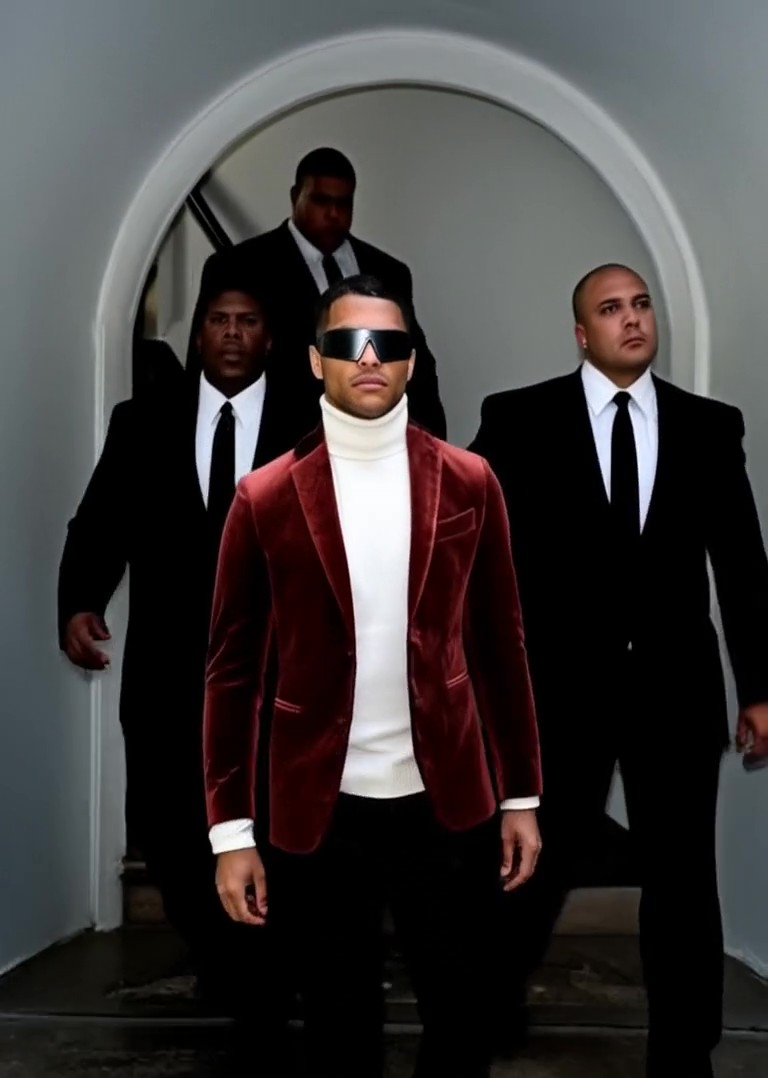

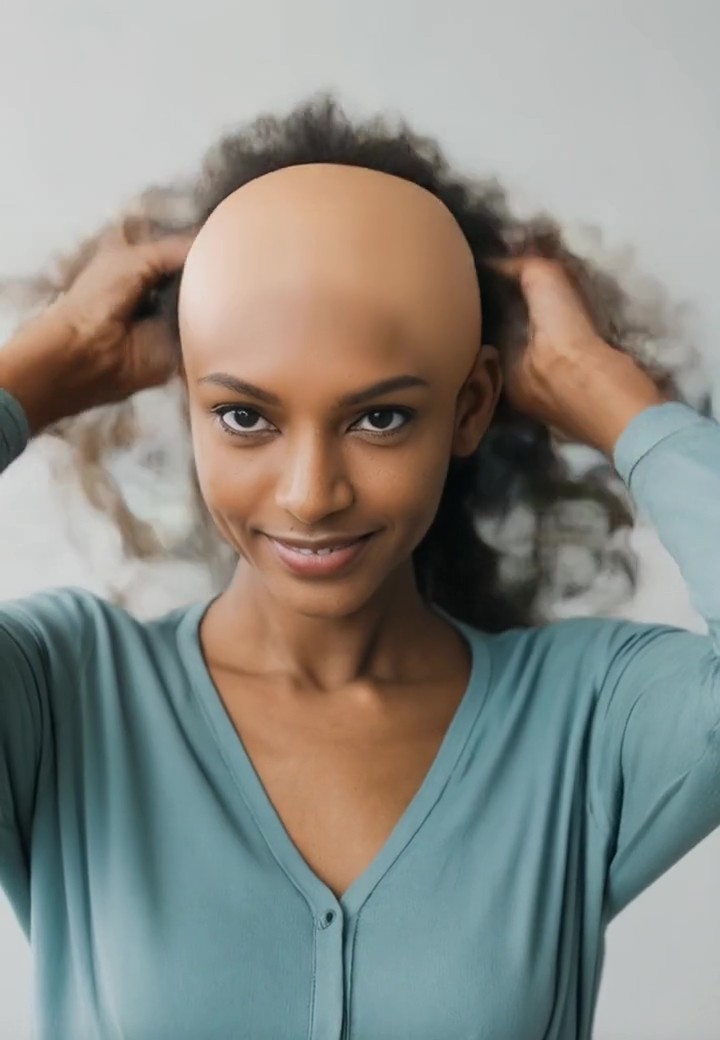
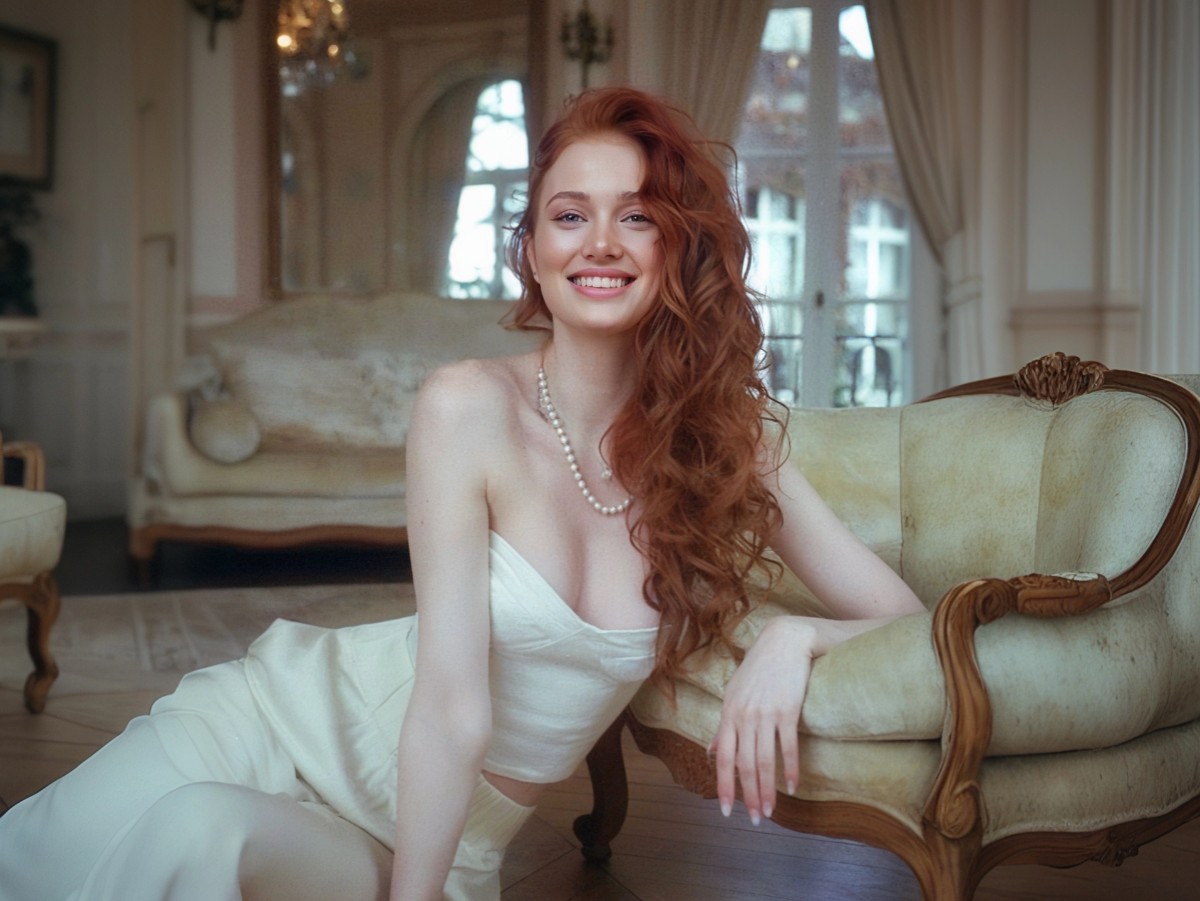
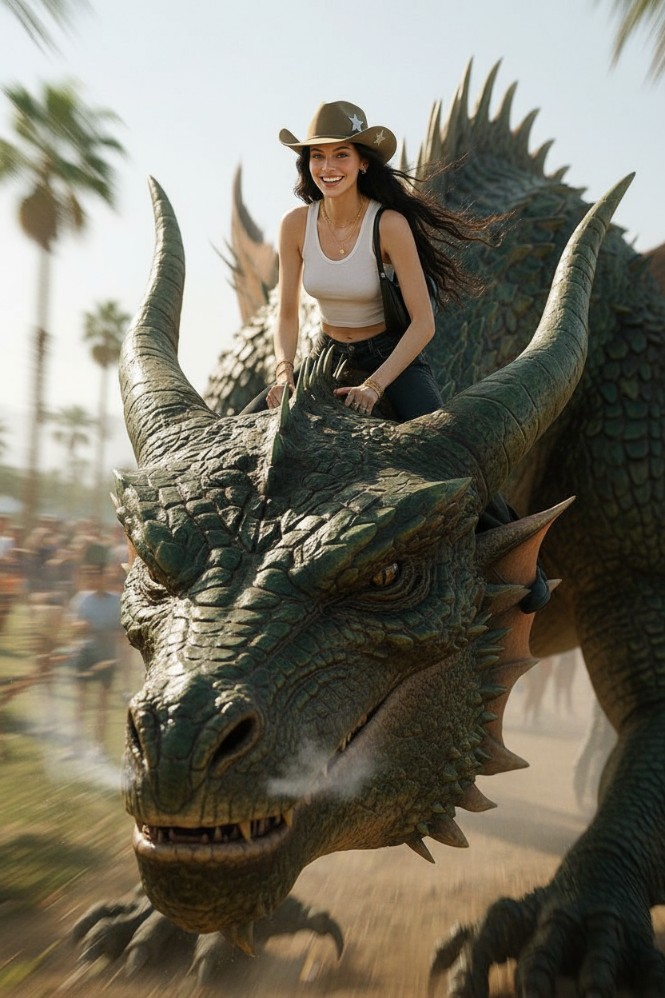
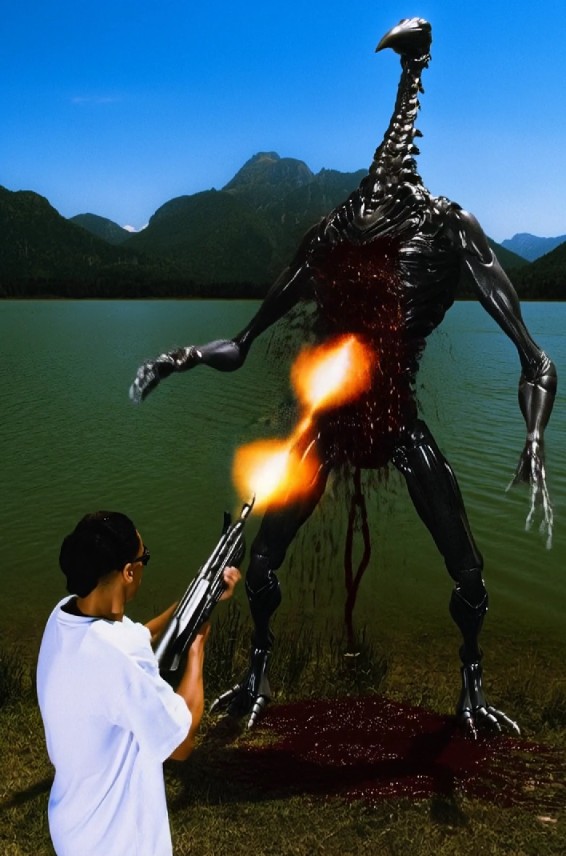
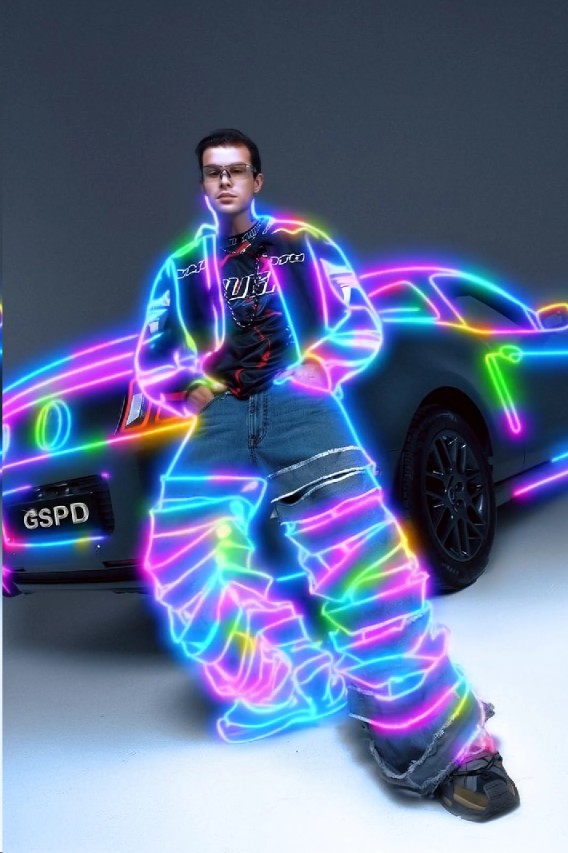
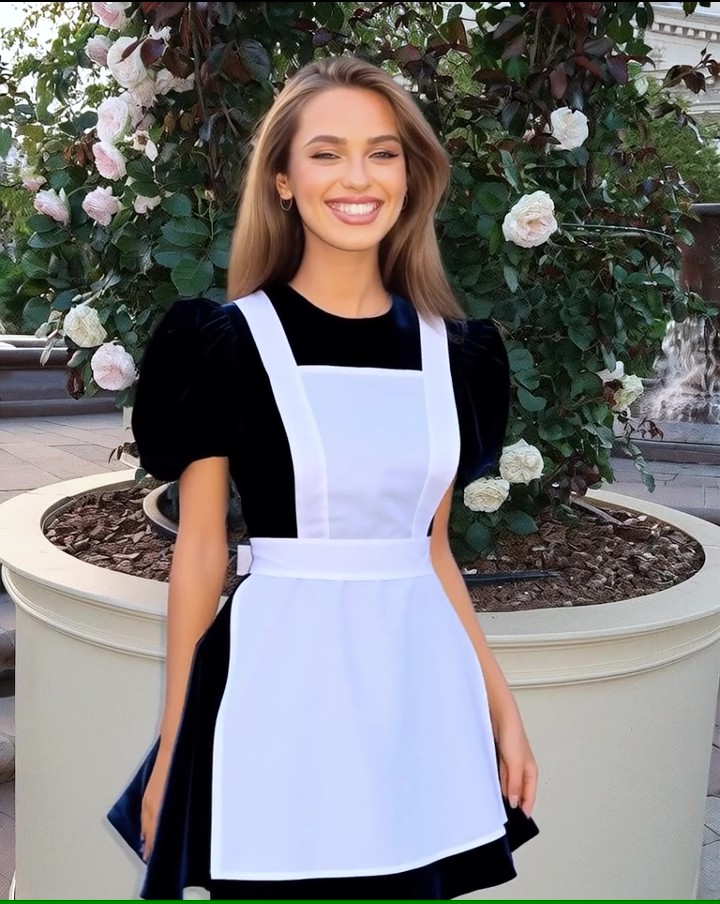
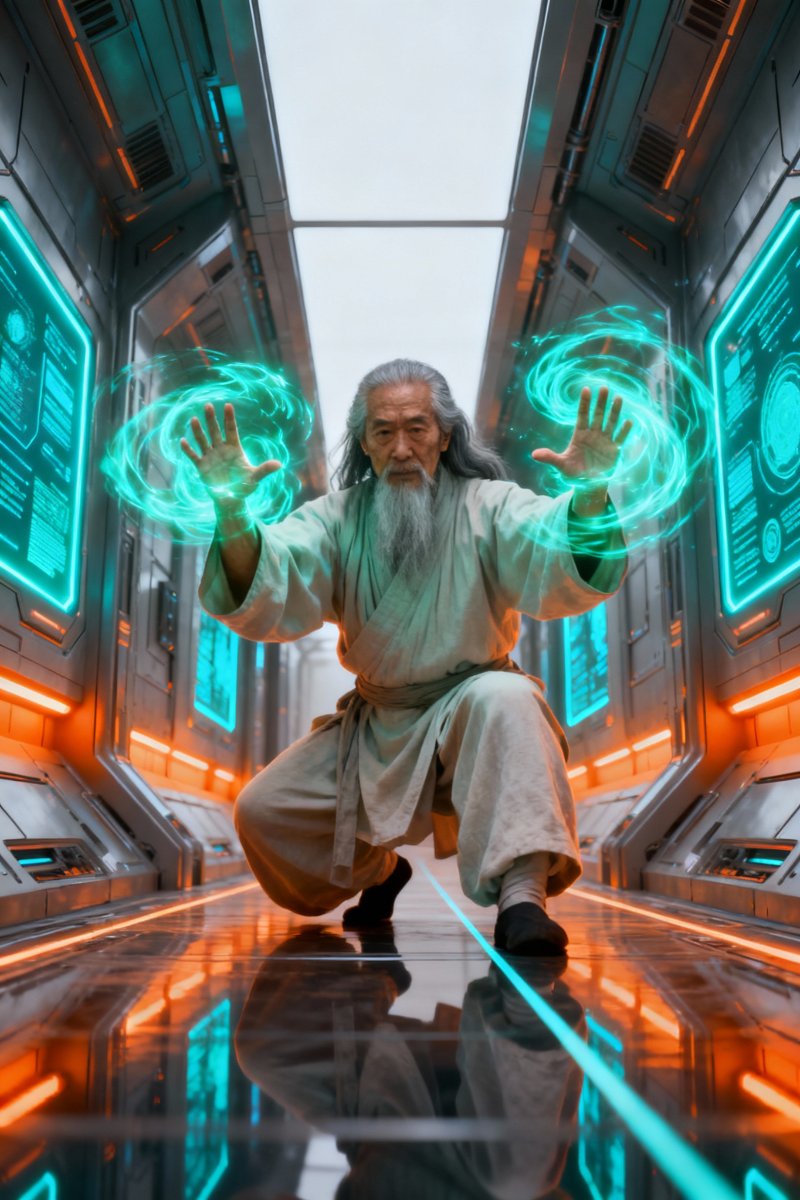
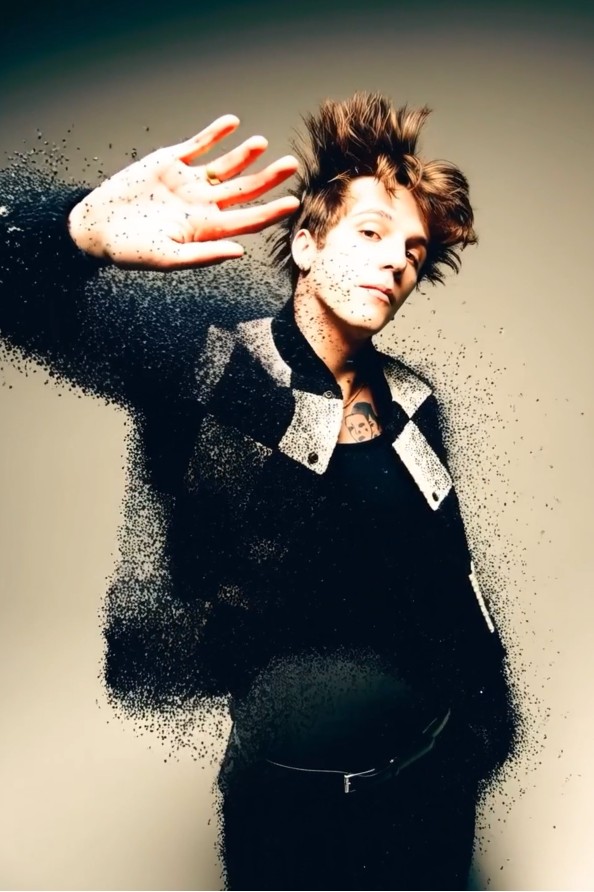
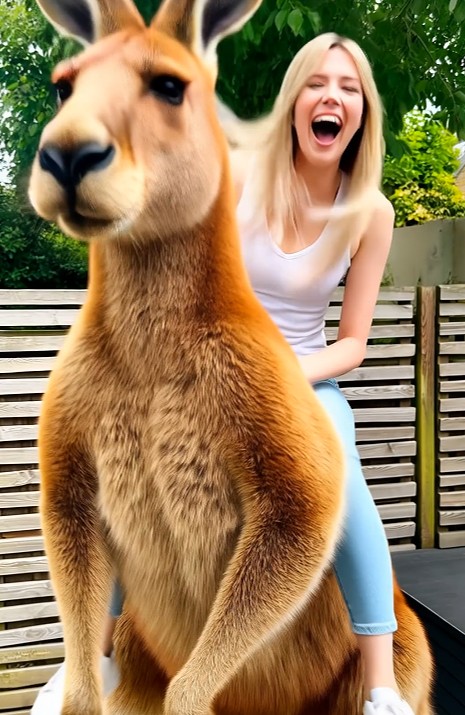
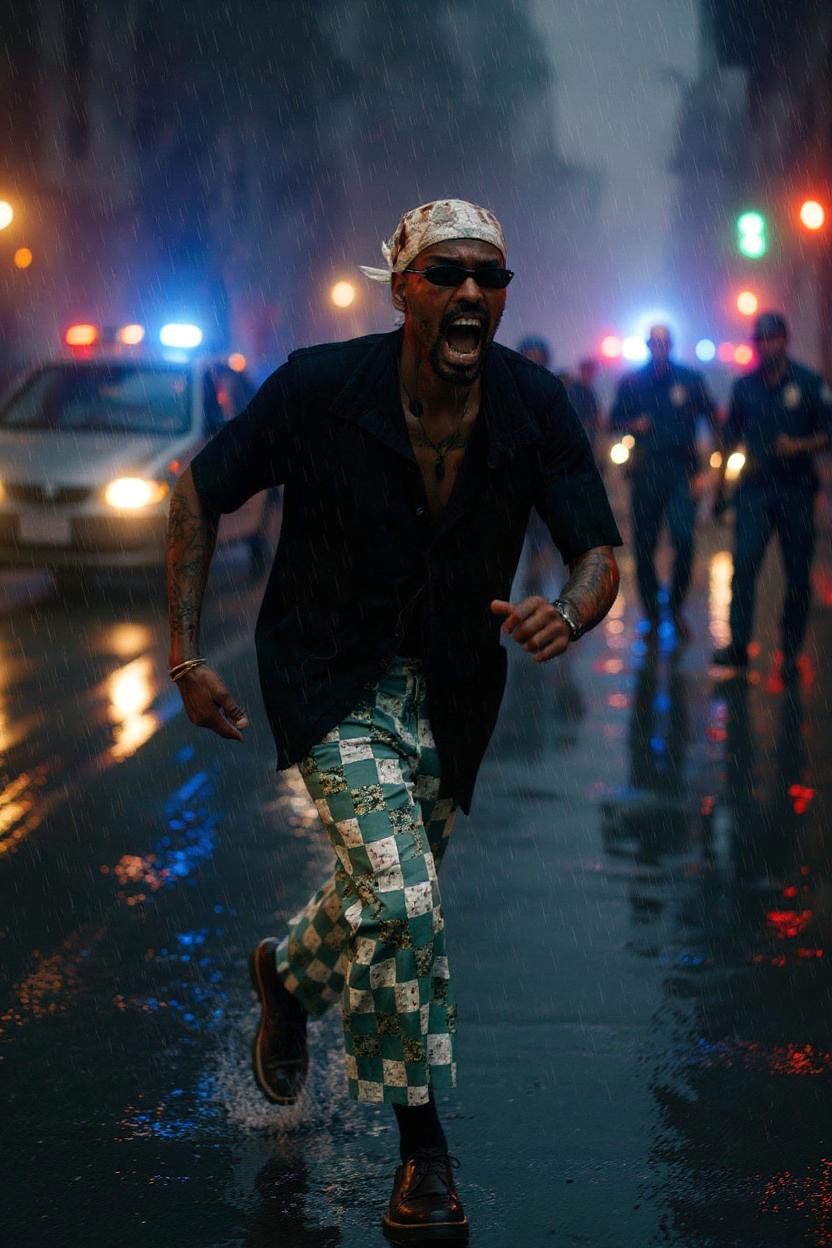
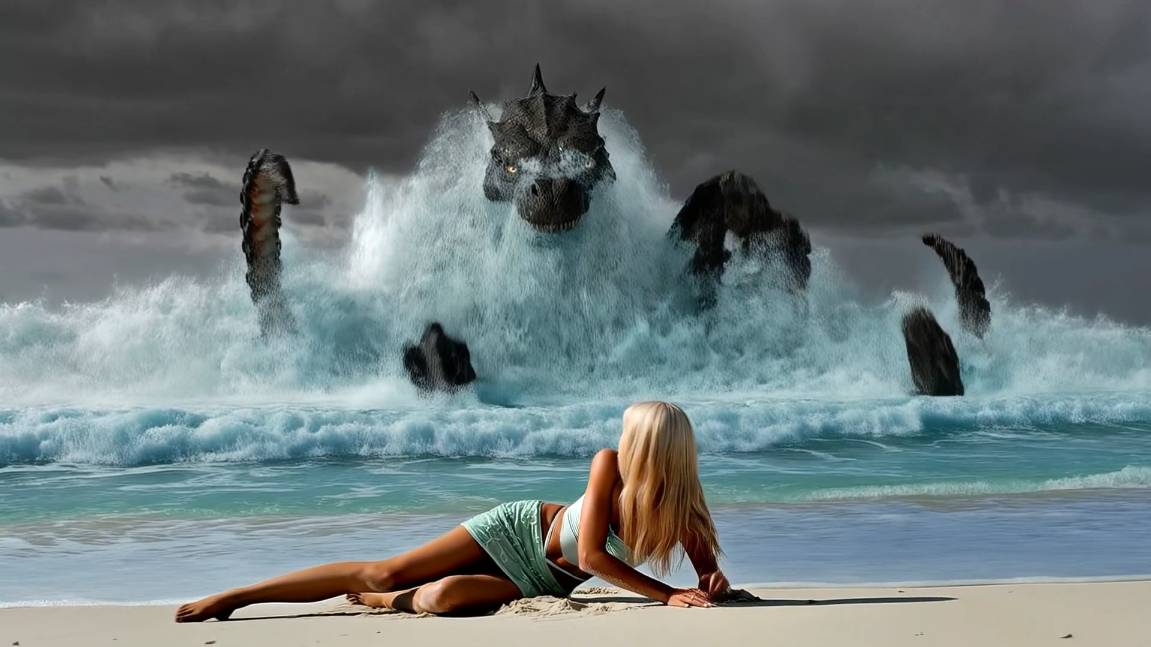
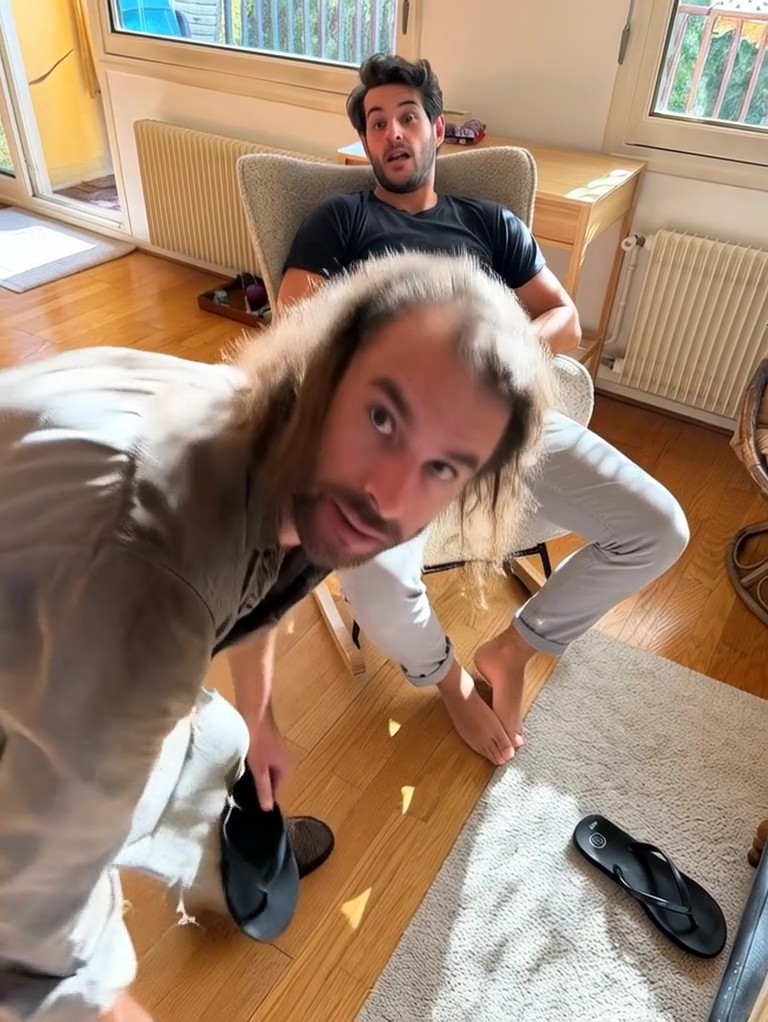
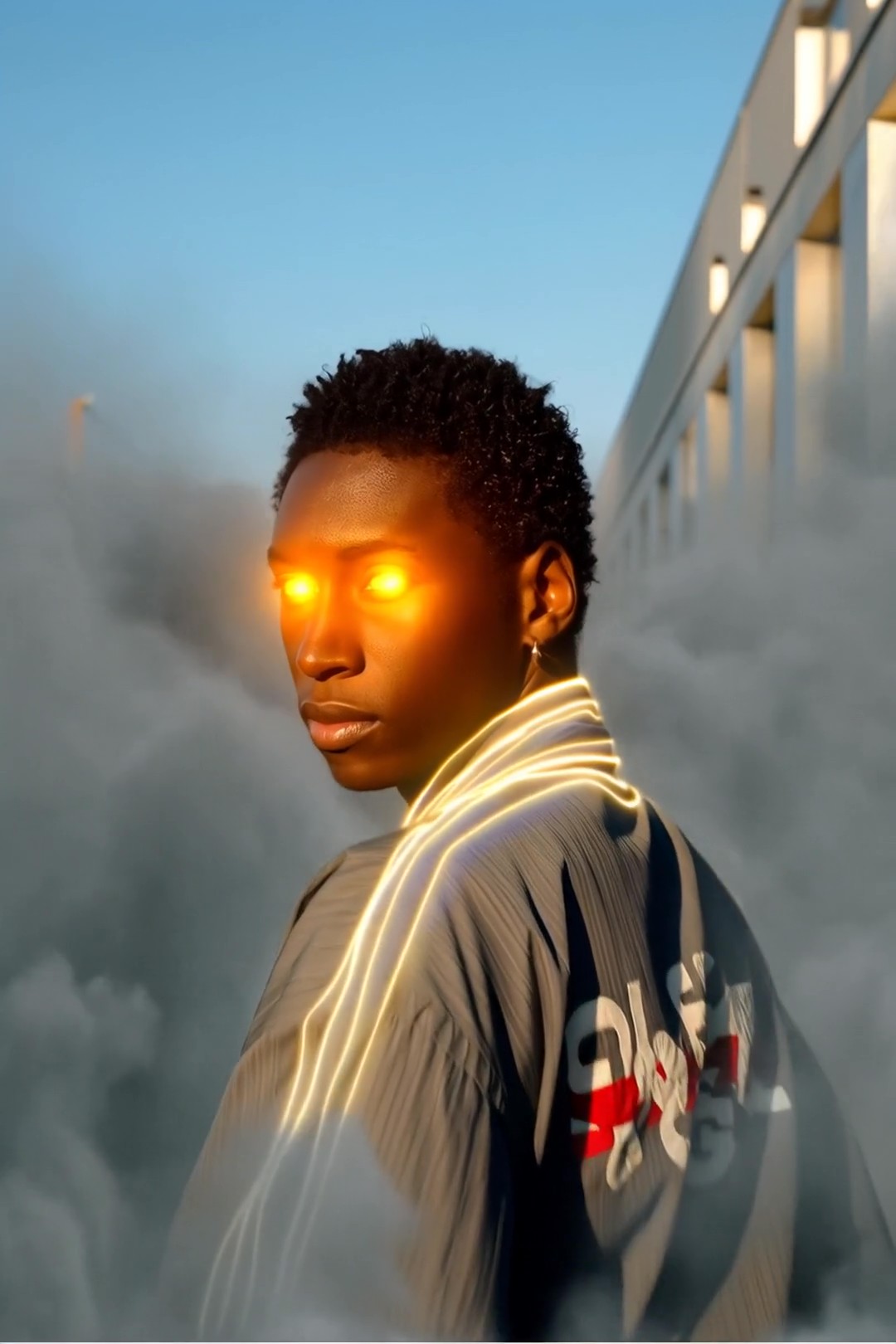
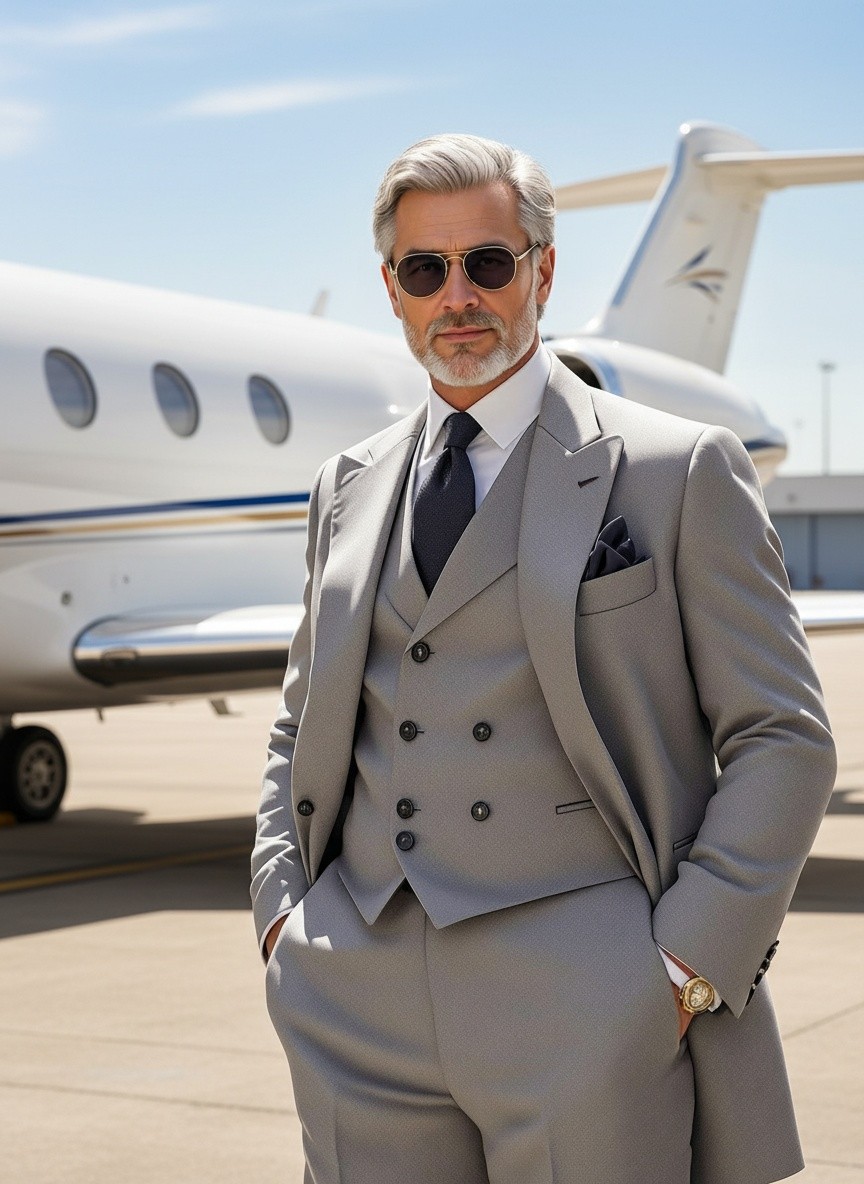
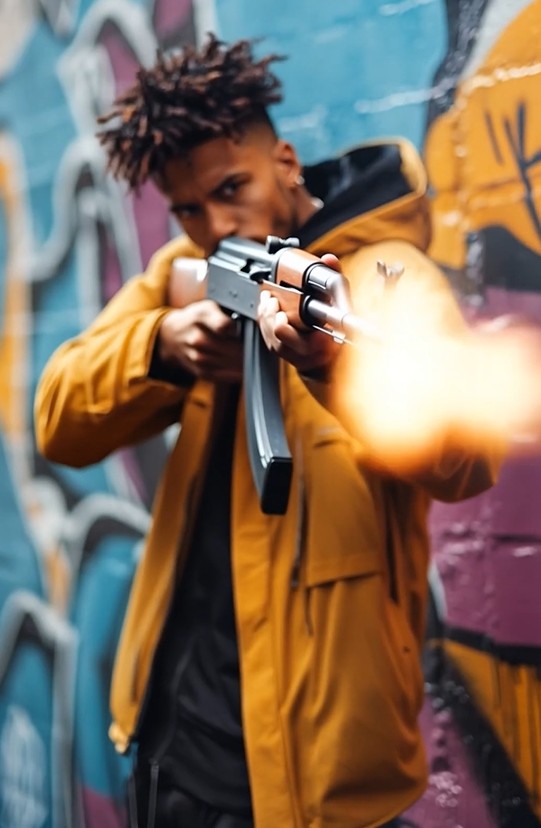
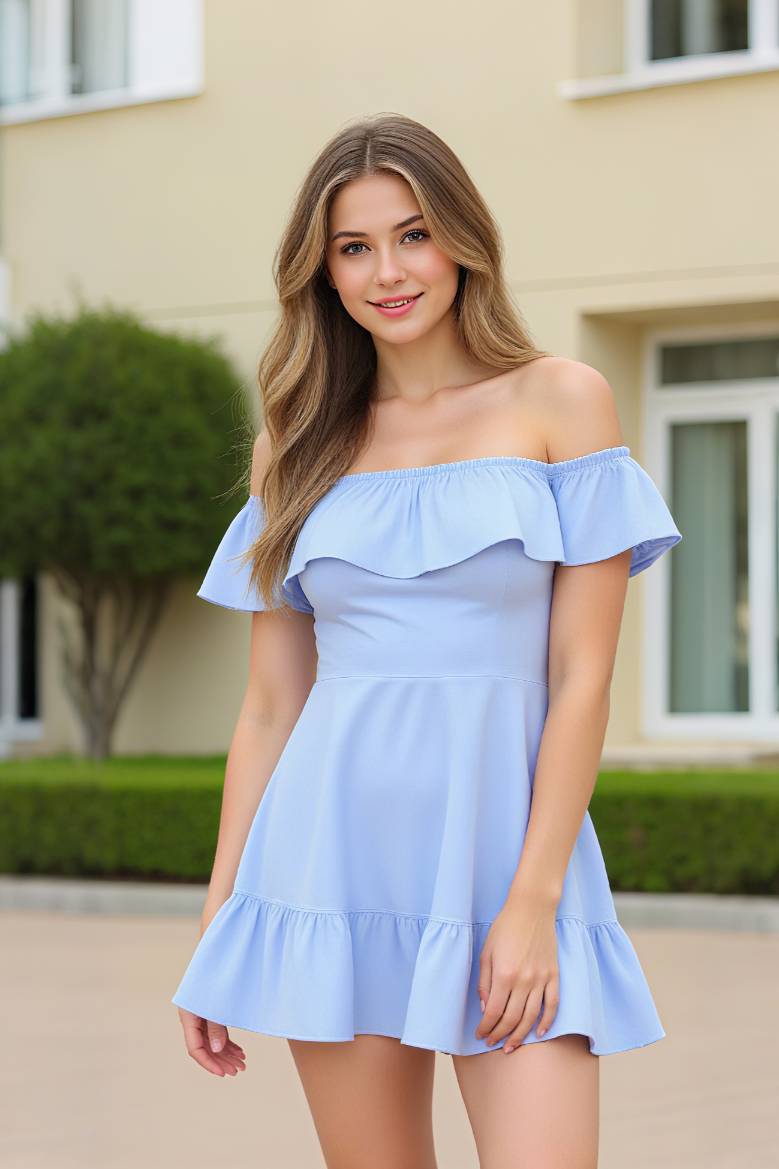
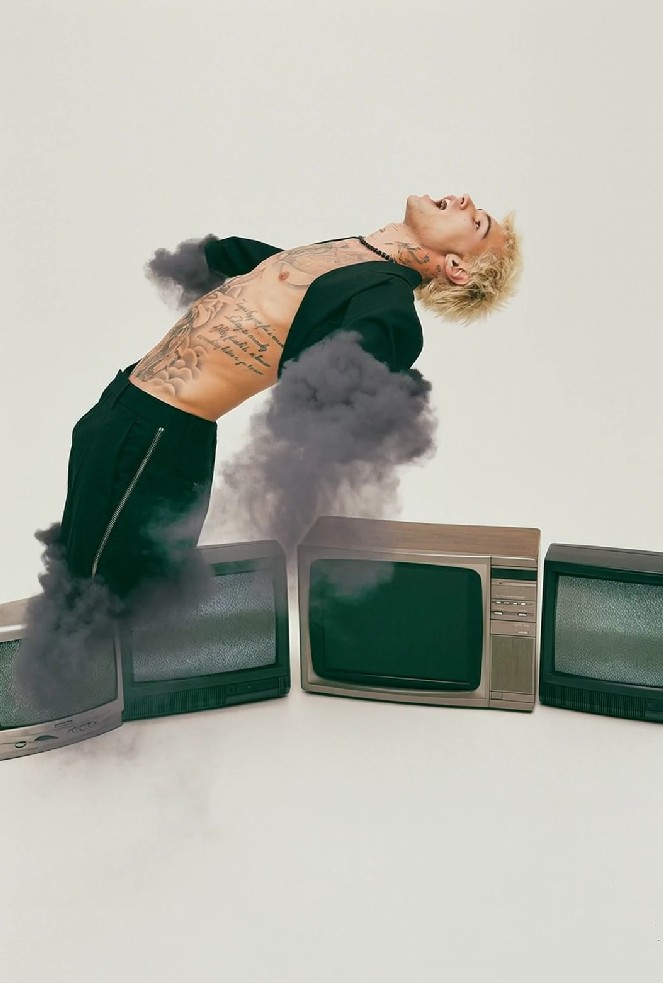
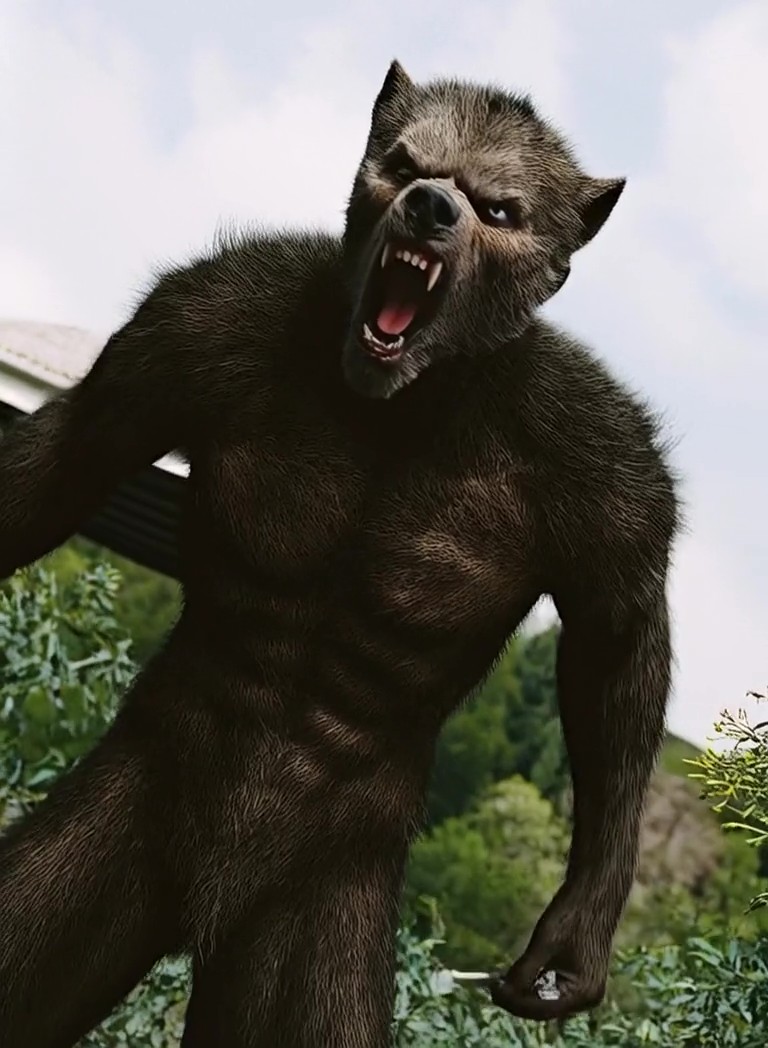
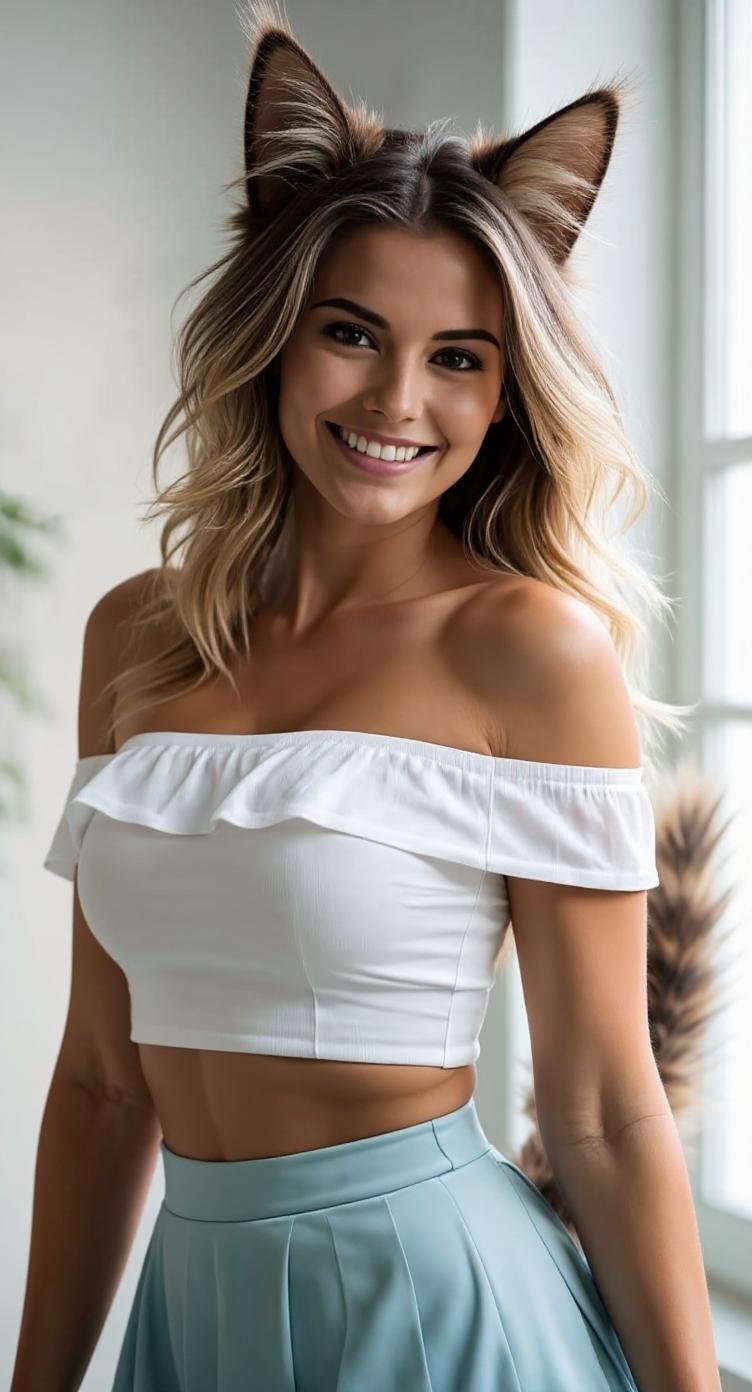
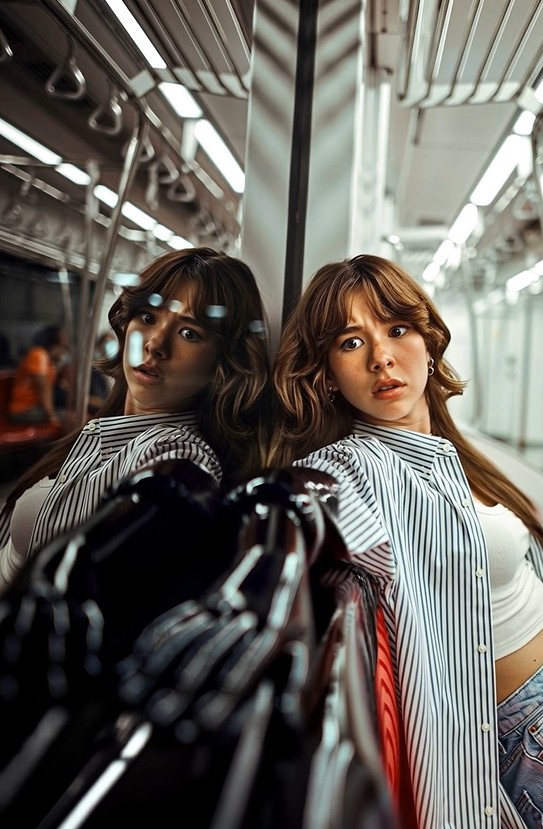
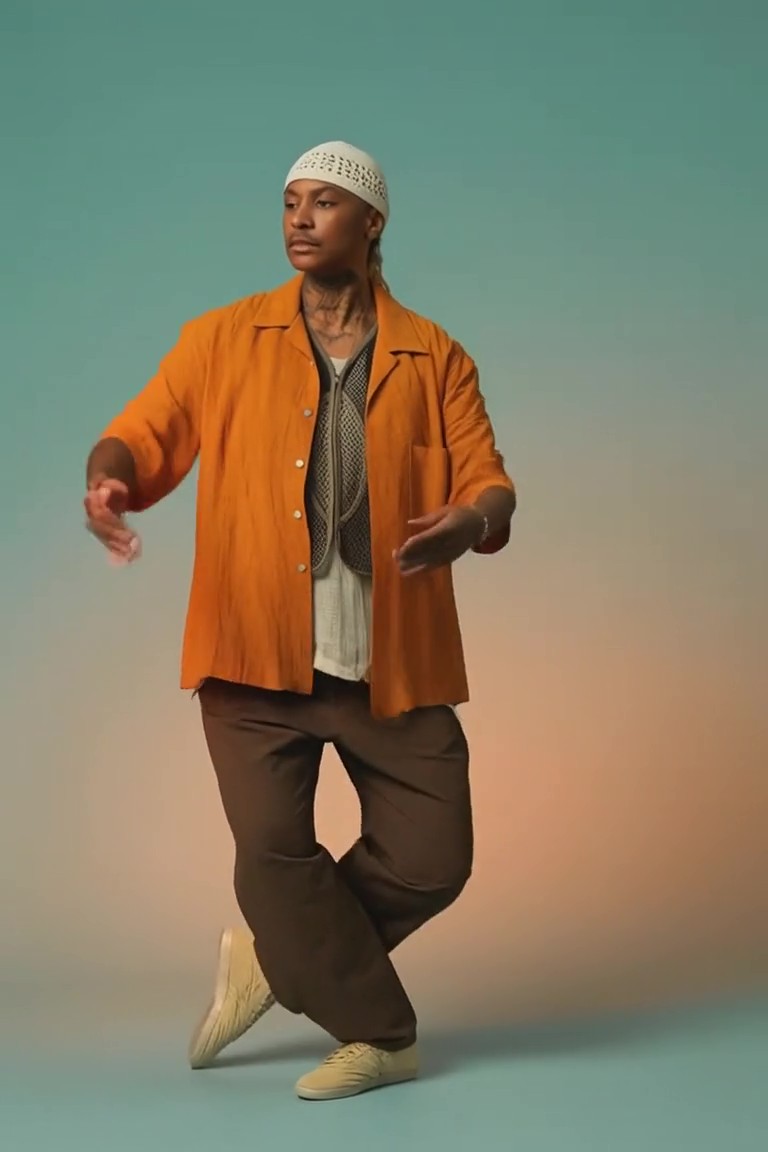
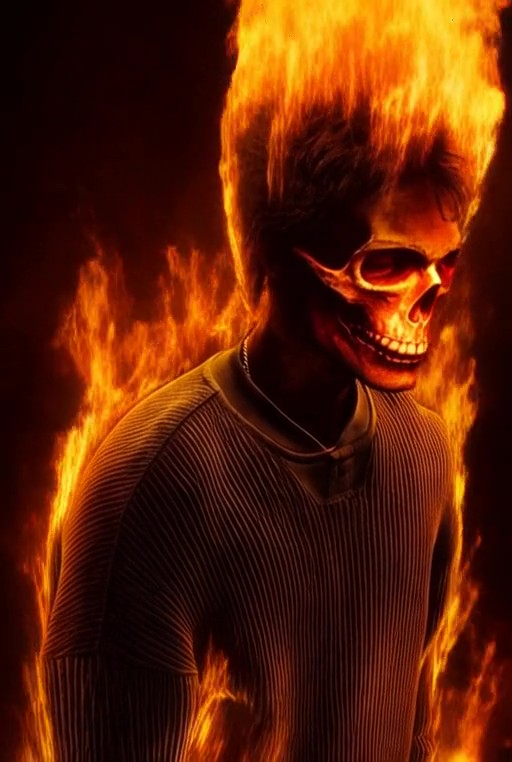
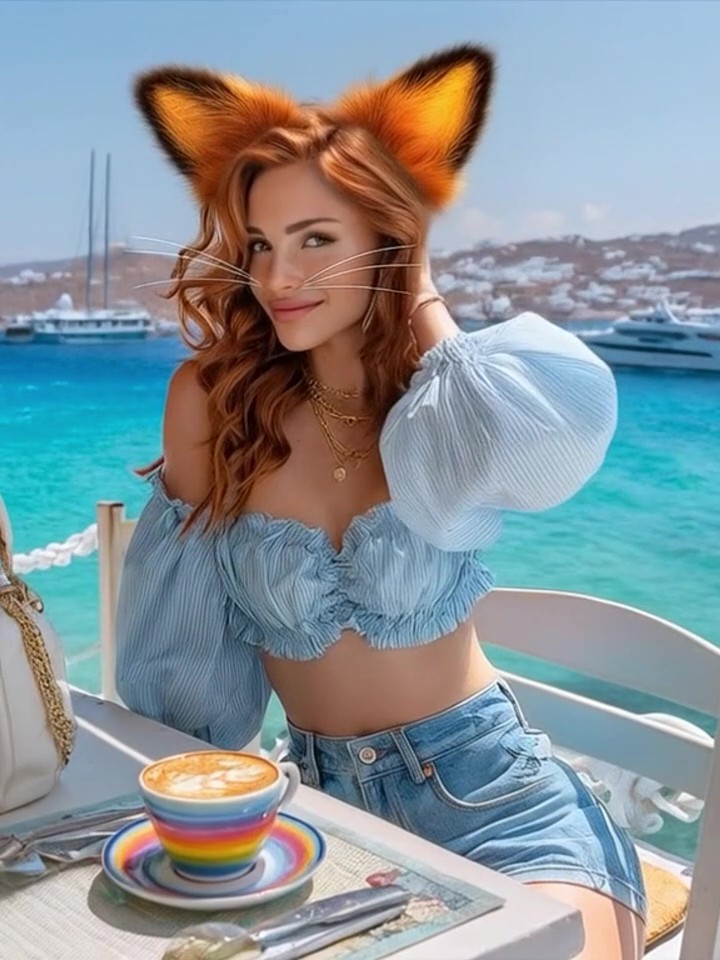
What Makes H3 Videos Different
Native Sound, Built with the Scene: Generate stereo dialogue, ambience, effects and music alongside the visuals. Because sound and video are created as parts of the same scene, important actions can feel more naturally synchronized.
Cinematic Motion and Camera Control: Direct tracking shots, push-ins, orbits and character movement in the prompt. When supported, a reference video can provide more specific motion and timing guidance.
Identity and Design Continuity: Use images to anchor a character, product, environment or visual style. Clear preservation instructions help maintain recognizable details while the scene changes around them.
A Beginning and an Ending: Supply a first frame, a last frame or both to define the visual journey. H3 generates the action between key moments for reveals, transformations and deliberately staged transitions.
Text and Brand-Aware Visuals: Create title sequences, animated posters, product shots and advertising concepts where logos, typography and branded details matter.
Format for the Final Screen: Work across landscape, portrait, square and cinematic widescreen formats, including 16:9, 9:16, 1:1 and 21:9.
Bring a Still Image to Life
Upload a portrait, product shot, artwork or landscape. Direct the movement and camera while the source image anchors the subject, composition and visual style.
integrated_multimodal_description: [Shot 1] Live-action, cinematic, a lone traveler in a weathered red coat stands on a vast black-sand beach beneath towering storm clouds. Wind drives fine sand across the ground as distant waves strike dark basalt cliffs. The camera begins behind the traveler in a wide shot, then pushes in with small amplitude at slow speed while the traveler turns toward a narrow break of golden light on the horizon. The coat and hair move naturally in the wind, with realistic scale, atmospheric depth and continuous motion.` `overall_soundscape: Strong coastal wind moves across the beach while distant waves crash against the cliffs. Fabric flutters close to the camera and loose sand skims across the ground.` `non_diegetic_music: Sustained low strings at a slow tempo, joined by a single brass note that gradually rises in volume near the end.`
| Input | Output Video |
|---|---|
![integrated_multimodal_description: [Shot 1] Live-action, cinematic, a lone traveler in a weathered red coat stands on a vast black-sand beach beneath towering storm clouds. Wind drives fine sand across the ground as distant waves strike dark basalt cliffs. The camera begins behind the traveler in a wide shot, then pushes in with small amplitude at slow speed while the traveler turns toward a narrow break of golden light on the horizon. The coat and hair move naturally in the wind, with realistic scale, atmospheric depth and continuous motion.` `overall_soundscape: Strong coastal wind moves across the beach while distant waves crash against the cliffs. Fabric flutters close to the camera and loose sand skims across the ground.` `non_diegetic_music: Sustained low strings at a slow tempo, joined by a single brass note that gradually rises in volume near the end.`](https://artres.preproduce.net/prod/seo-web-content/io-showcase/1845f0e620d53ee7e11b462df438c054.webp?x-oss-process=image/format,webp/quality,q_90) |
Turn Creative References into a New Video
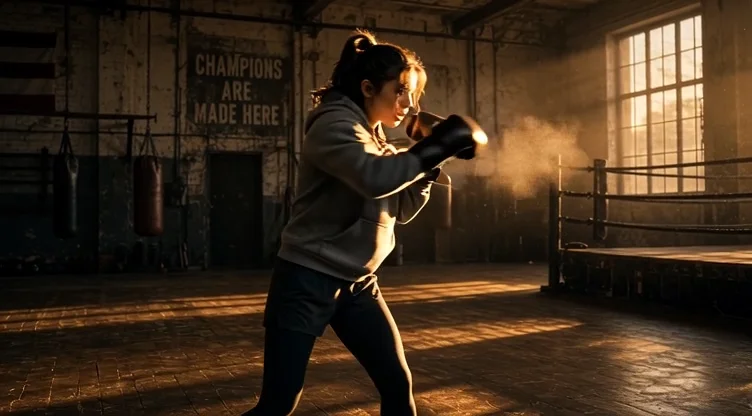
Use images, videos or audio as creative references for a newly generated scene. An image can define the subject, a video can guide motion or camera language, and audio can influence voice, rhythm or sound—while your prompt explains how everything should come together.
| Input | Output Video |
|---|---|
 |
MiniMax H3 vs Seedance 2.5: Which AI Video Model Should You Choose?
| Feature | MiniMax H3 | Seedance 2.5 |
|---|---|---|
| Model focus | General-purpose multimodal video generation | Long-form audiovisual generation, reference and editing workflows |
| Core inputs | Text, images, video and audio | Text, images, video and audio |
| Main generation modes | Text to video, image to video, first/last frame and reference to video | Foundational generation, reference generation, video editing and extension |
| Maximum single-generation duration | Up to 15 seconds | Up to 30 seconds |
| High-resolution capability | Up to 2K through the H3 high-resolution workflow | Resolution depends on the platform implementation |
| Native audio | 32 kHz stereo audio | Native audio-video joint generation |
| Reference capacity | Up to 9 images, 3 videos and 3 audio clips; up to 12 files in total | Up to 30 images, 10 videos and 10 audio clips in one generation |
| Keyframe control | Supports first frame, last frame, or both | Supports image-led and reference-based control; exact options depend on the platform |
| Video extension | Not a primary model workflow | Supports multiple rounds of extension |
| Editing | Generalized reference and editing capabilities; availability depends on the product integration | Timestamp-level audiovisual editing, plus reference-based and green-screen editing |
| Notable strengths | Up to 2K output, native stereo sound, instruction following, text and brand rendering, compact controlled clips | Longer narratives, large multimodal reference sets, multi-shot continuity and precise editing |
| Best suited to | Product videos, branded visuals, animated posters, character clips and cinematic short scenes | Longer narrative videos, complex multi-scene projects, iterative editing and reference-heavy production |
Which Model is Better for Your Project?
Choose MiniMax H3 when you want a tightly directed short video with native stereo sound, output up to 2K and strong control over visual identity, motion, text or branding.
Choose Seedance 2.5 when your priority is a longer single generation, multi-round extension, a large collection of reference assets or timestamp-level editing of an existing video.
Both models can begin with text, images or multimodal references. The better choice depends on whether your project values compact high-resolution generation or longer, editing-oriented production.
Explore More AI Video Models
MiniMax H3 Video Guides & Tutorials

How It Works

Add Your Idea or Reference

Direct the Video
Generate & Download
FAQ
Company
About MovmixContact MovmixHelp CenterPrivacy PolicyTerms and ConditionsRefund PolicyAcceptable Use Policy


 Pay Safely And Securely With


© 2026 Movmix.ai. All rights reserved
