

Kling 3.0 AI Video Generator: Create Complete Stories with Native Voice Directly
Transform text or images into cinematic, multi-shot videos featuring synchronized dialogue, sound effects, consistent characters, and seamless storytelling of up to 15 seconds.
Bring Your Ideas to Life with Kling 3.0
Kling 3.0 creates immersive motion videos from text or images. It delivers powerful dynamic movements, dramatic camera transitions and rich scene details, perfect for short films, creative clips and visual storytelling.
Make Yours Own
Explore Kling 3.0 Video Templates
Discover ready-to-use templates for cinematic stories, product ads, character videos, and creative effects. Select a template, customize your prompt, and generate with Kling 3.0 in minutes.
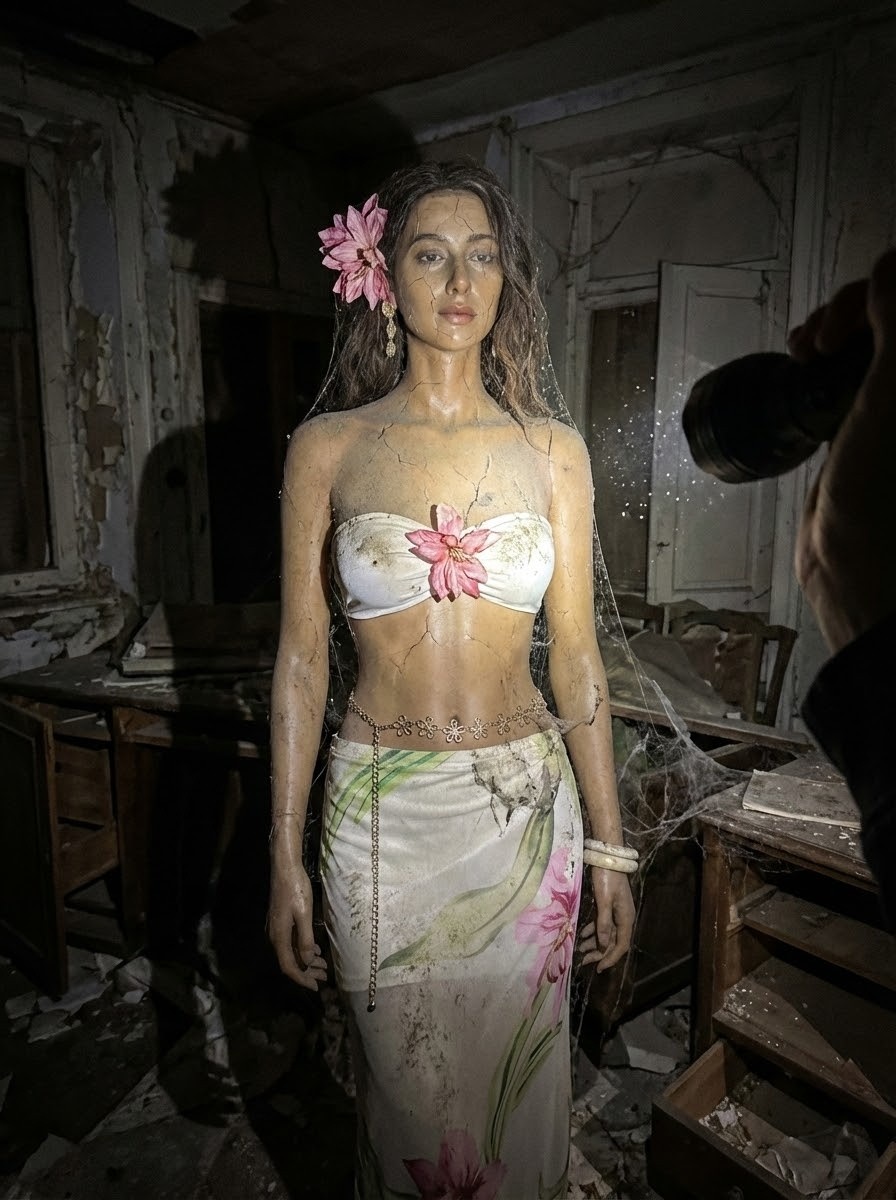
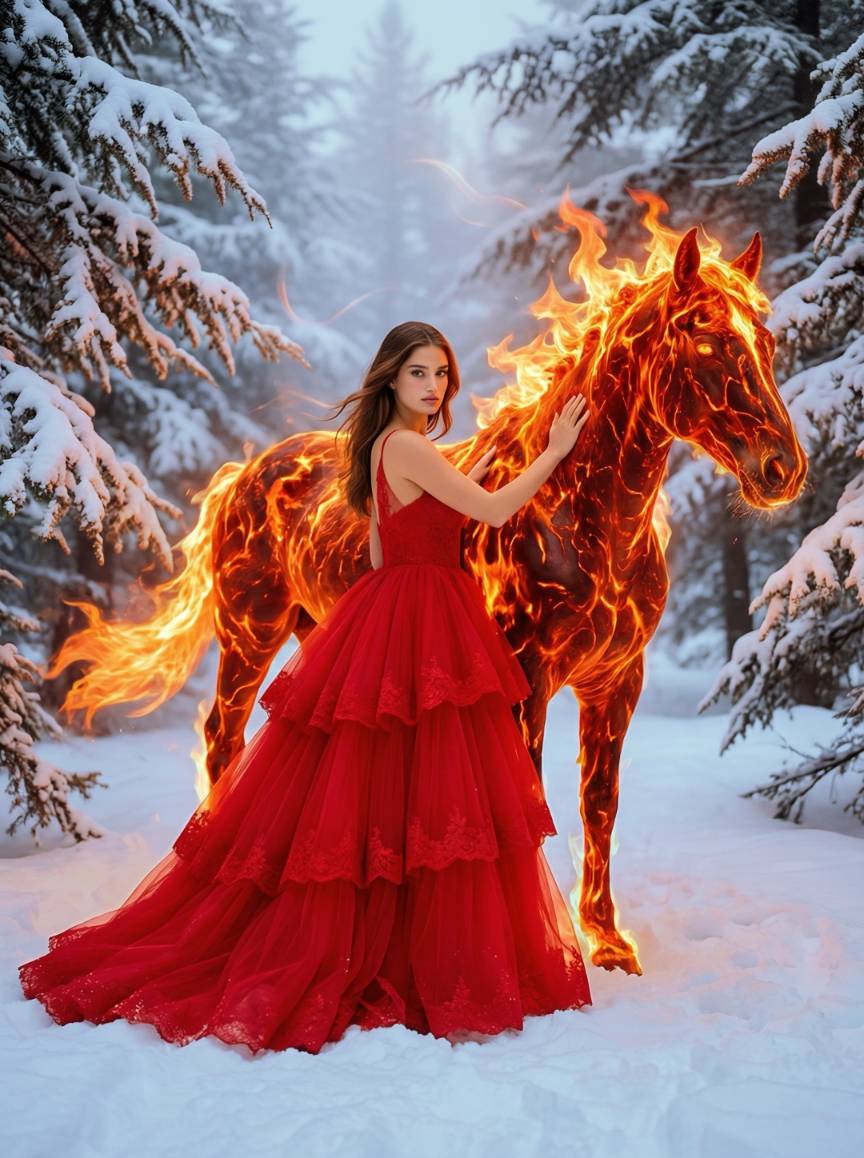
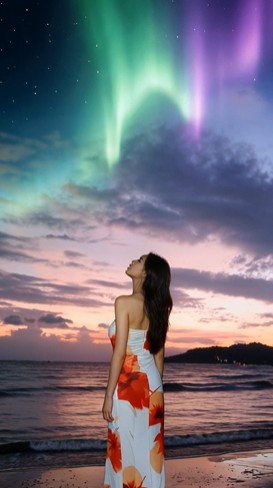
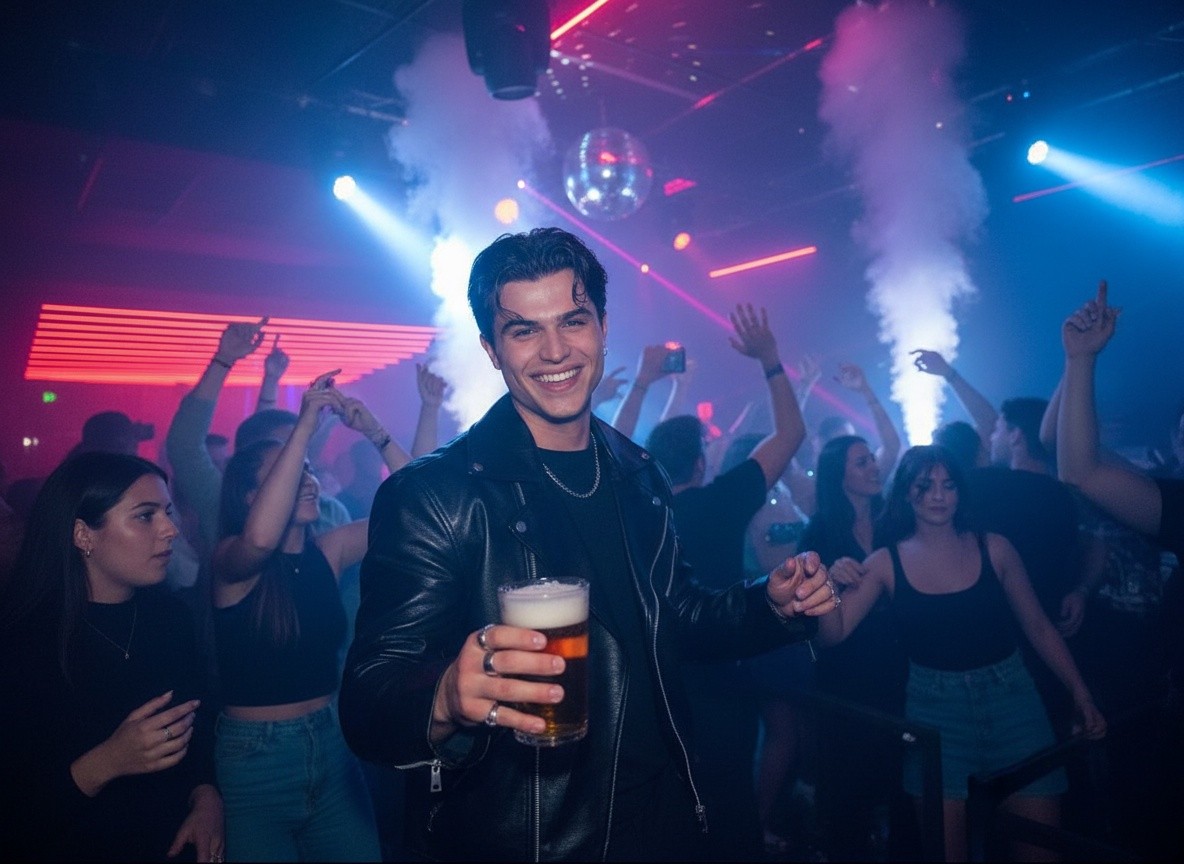
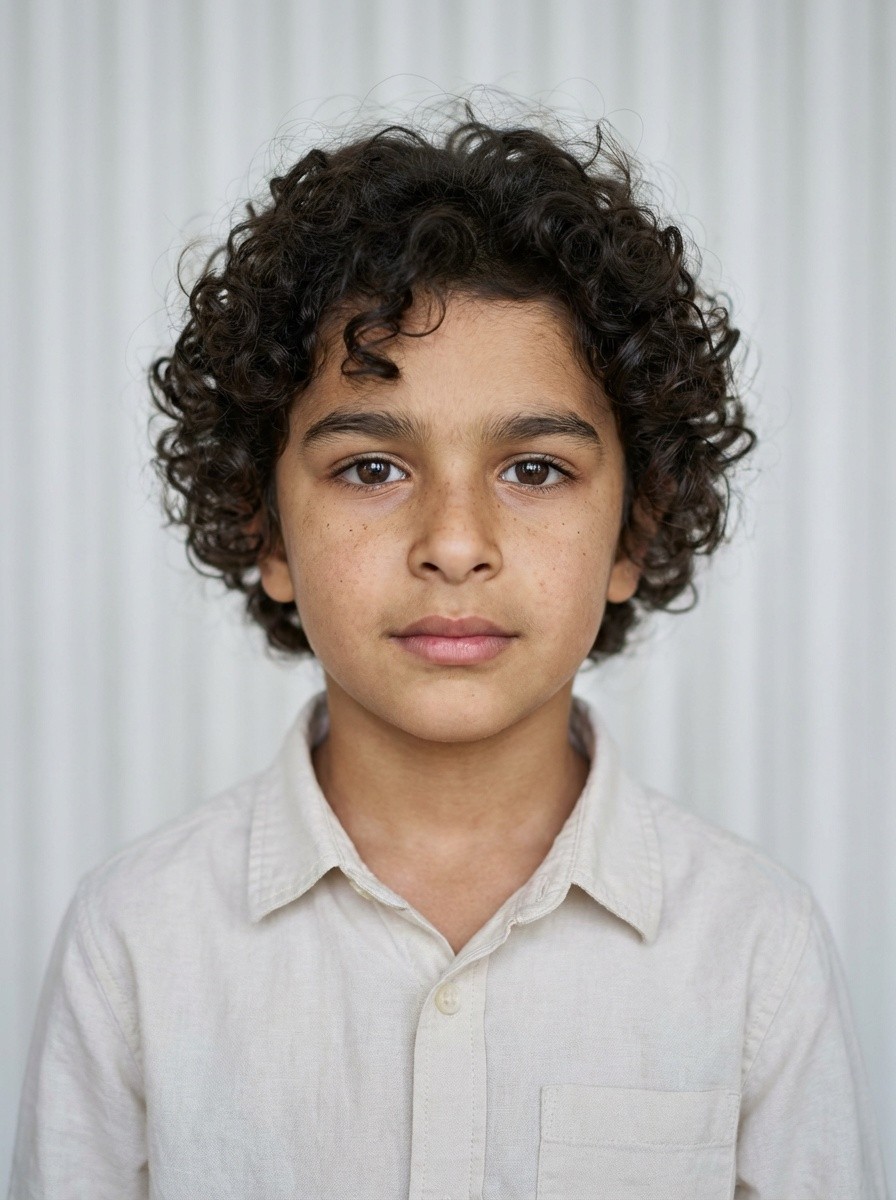
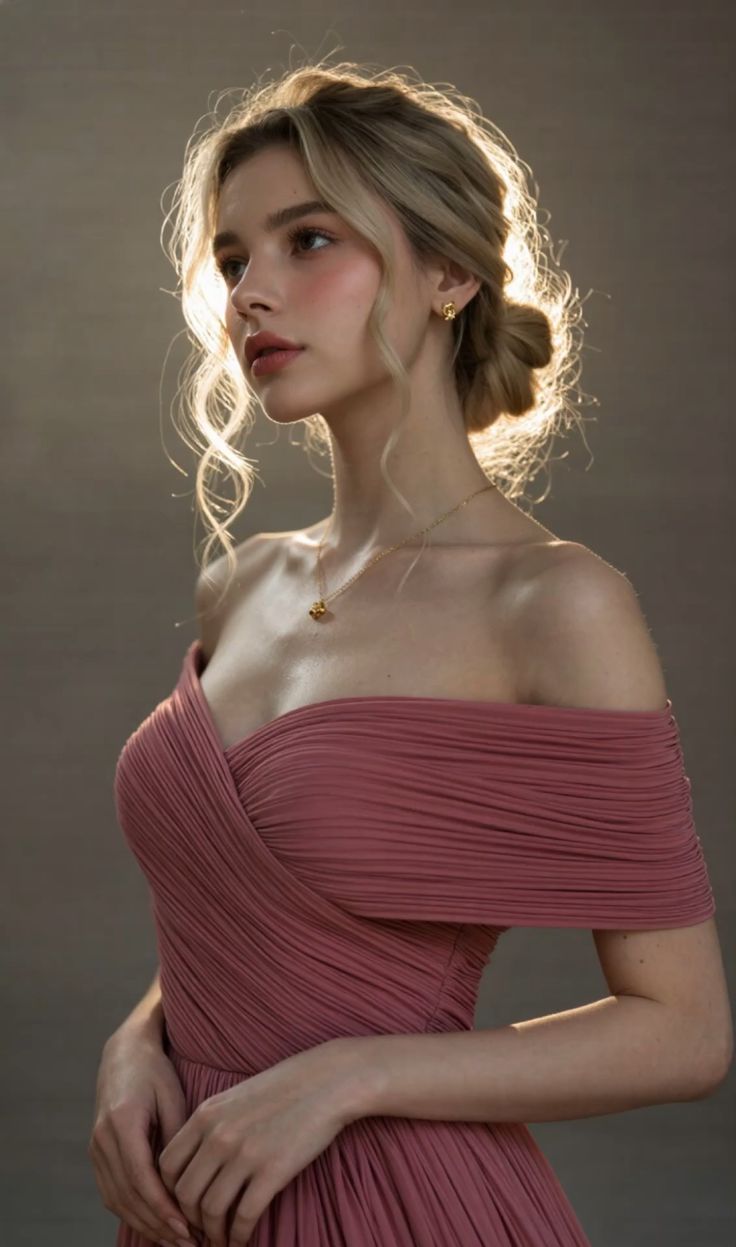
Quick Look at Capabilities
Multi-Shot Storytelling: Define the story, dialogue, and camera direction in a single prompt. Kling 3.0 automatically generates connected shots, adjusts compositions, and ensures the narrative flows smoothly from scene to scene.
Native Voice & Multilingual Dialogue: Kling 3.0 produces speech, facial expression performance, ambient sound, and visual action as a single synchronized scene. Assign lines to different characters and create localized videos in multiple languages and accents.
Character & Object Consistency: Add image or video references to preserve the defining features of people, products, and environments, even as shots, poses, and camera angles change.
15 Seconds of Continuous Action: Choose a flexible duration between 3 and 15 seconds, allowing actions, dialogue, and scene development to unfold naturally without stitching together multiple generated clips.
Commercial Text & Product Rendering: Accurately preserve packaging details, signage, labels, and campaign copy—ideal for product showcases, social media ads, and branded video concepts.
Bring Any Image to Life with Kling 3.0
Transform portraits, product photos, illustrations, and cinematic concepts into dynamic videos. Kling 3.0 adds natural movement, controlled camera motion, and synchronized audio while preserving the original subject and visual style.
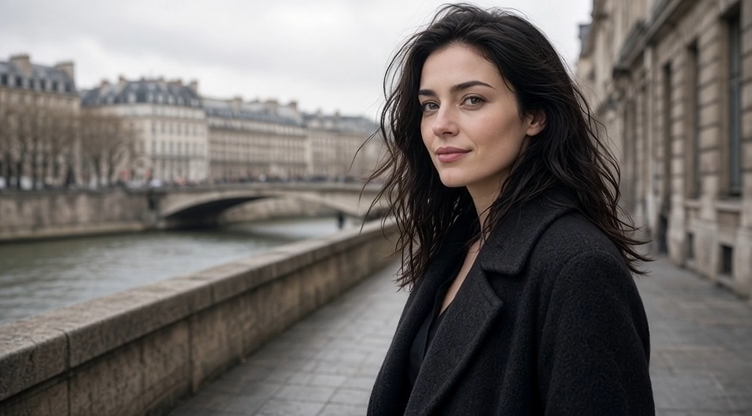
Prompt
A woman slowly turns toward the camera as a gentle breeze moves her hair and coat. She displays a light, natural smile. The camera performs a slow, cinematic zoom-in. Strictly preserve her face, hairstyle, clothing, and background. Realistic body movement, natural facial expression, soft urban ambience, cinematic lighting.
'%3e%3cpath%20d='M19.0977%2019.7656L26.832%2027.5L19.0977%2035.2344'%20stroke='%23D3FF00'%20stroke-width='5.625'%20stroke-linecap='round'/%3e%3c/g%3e%3cg%20id='Vector%201298'%20filter='url(%23filter1_d_2049_10892)'%3e%3cpath%20d='M32.4648%2019.7656L40.1992%2027.5L32.4648%2035.2344'%20stroke='%23D3FF00'%20stroke-width='5.625'%20stroke-linecap='round'/%3e%3c/g%3e%3c/g%3e%3cdefs%3e%3cfilter%20id='filter0_d_2049_10892'%20x='4.28516'%20y='8.95312'%20width='38.5234'%20height='45.0938'%20filterUnits='userSpaceOnUse'%20color-interpolation-filters='sRGB'%3e%3cfeFlood%20flood-opacity='0'%20result='BackgroundImageFix'/%3e%3cfeColorMatrix%20in='SourceAlpha'%20type='matrix'%20values='0%200%200%200%200%200%200%200%200%200%200%200%200%200%200%200%200%200%20127%200'%20result='hardAlpha'/%3e%3cfeOffset%20dy='4'/%3e%3cfeGaussianBlur%20stdDeviation='6'/%3e%3cfeComposite%20in2='hardAlpha'%20operator='out'/%3e%3cfeColorMatrix%20type='matrix'%20values='0%200%200%200%200.827451%200%200%200%200%201%200%200%200%200%200%200%200%200%200.33%200'/%3e%3cfeBlend%20mode='normal'%20in2='BackgroundImageFix'%20result='effect1_dropShadow_2049_10892'/%3e%3cfeBlend%20mode='normal'%20in='SourceGraphic'%20in2='effect1_dropShadow_2049_10892'%20result='shape'/%3e%3c/filter%3e%3cfilter%20id='filter1_d_2049_10892'%20x='17.6523'%20y='8.95312'%20width='38.5234'%20height='45.0938'%20filterUnits='userSpaceOnUse'%20color-interpolation-filters='sRGB'%3e%3cfeFlood%20flood-opacity='0'%20result='BackgroundImageFix'/%3e%3cfeColorMatrix%20in='SourceAlpha'%20type='matrix'%20values='0%200%200%200%200%200%200%200%200%200%200%200%200%200%200%200%200%200%20127%200'%20result='hardAlpha'/%3e%3cfeOffset%20dy='4'/%3e%3cfeGaussianBlur%20stdDeviation='6'/%3e%3cfeComposite%20in2='hardAlpha'%20operator='out'/%3e%3cfeColorMatrix%20type='matrix'%20values='0%200%200%200%200.827451%200%200%200%200%201%200%200%200%200%200%200%200%200%200.33%200'/%3e%3cfeBlend%20mode='normal'%20in2='BackgroundImageFix'%20result='effect1_dropShadow_2049_10892'/%3e%3cfeBlend%20mode='normal'%20in='SourceGraphic'%20in2='effect1_dropShadow_2049_10892'%20result='shape'/%3e%3c/filter%3e%3c/defs%3e%3c/svg%3e)
Control the Start and End of Every Video
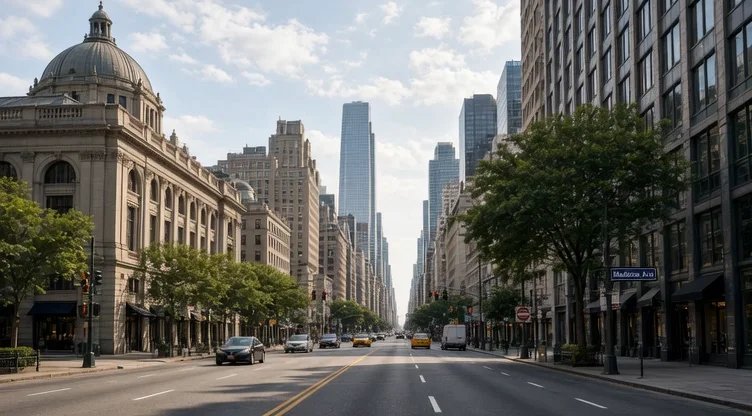
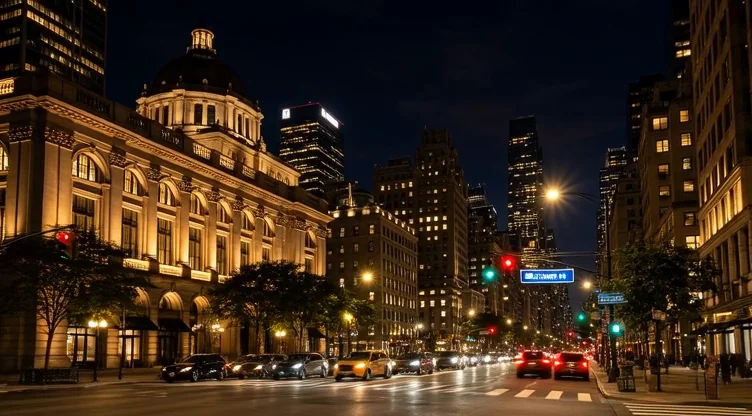
Upload a start frame and an end frame to define exactly where your video begins and ends. Kling 3.0 generates the motion in between, making transitions, camera moves, product reveals, and before-and-after videos smoother and more predictable.
Upload a daytime city image as the start frame and a nighttime city image as the end frame. Kling 3.0 creates a smooth transition between the two, naturally transforming the lighting and atmosphere while preserving the street layout and architecture.
| Input | Output Video |
|---|---|
  |
Kling 3.0 Comparison
| Feature | Kling 2.6 | Kling 3.0 |
|---|---|---|
| Text-to-Video | ✓ | ✓ |
| Image-to-Video | ✓ | ✓ |
| Native Voice | ✓ | Enhanced |
| Multi-Shot Generation | — | ✓ |
| Start Frame + Object Reference | — | ✓ |
| 3+ Character Joint Reference | — | ✓ |
| Multilingual Dialogue | Limited | ✓ |
| Flexible 3–15s Duration | — | ✓ |
| Enhanced Text Rendering | — | ✓ |
How It Works

Add Your Idea or Reference

Direct the Video

Generate & Download
Kling 3.0 Prompt Library

FAQ
Company
About MovmixContact MovmixHelp CenterPrivacy PolicyTerms and ConditionsRefund PolicyAcceptable Use Policy


 Pay Safely And Securely With


© 2026 Movmix.ai. All rights reserved
