
Model*

Gemini OmniNEW
Gemini's latest model, makes creating videos as easy as having a conversation




'%3e%3ccircle%20cx='16'%20cy='16'%20r='16'%20fill='%23fff'%20fill-opacity='.04'/%3e%3ccircle%20cx='27.188'%20cy='27.188'%20r='3.688'%20fill='%23fff'/%3e%3cpath%20d='M27.188%2025.1a.5.5%200%200%201%20.5.5v1.087h1.087a.5.5%200%200%201%200%201h-1.087v1.088a.5.5%200%200%201-1%200v-1.087H25.6a.5.5%200%200%201%200-1h1.087V25.6a.5.5%200%200%201%20.5-.5z'%20fill='%23090A0A'/%3e%3cpath%20d='M19.197%208.379a3%203%200%200%201%202.846%202.996v1.117l1.64-.814a1.35%201.35%200%200%201%201.95%201.209v6.227a1.35%201.35%200%200%201-1.95%201.21l-1.64-.816v1.117l-.004.154a3%203%200%200%201-2.842%202.842l-.154.004H9.366l-.154-.004A3%203%200%200%201%206.37%2020.78l-.004-.154v-9.25a3%203%200%200%201%203-3h9.677l.154.004zm-9.83%201.196a1.8%201.8%200%200%200-1.8%201.8v9.25a1.8%201.8%200%200%200%201.8%201.8h9.676a1.8%201.8%200%200%200%201.8-1.8v-9.25a1.8%201.8%200%200%200-1.8-1.8H9.366zm15.067%203.312a.15.15%200%200%200-.216-.135l-2.175%201.08v4.337l2.175%201.08a.15.15%200%200%200%20.216-.135v-6.227z'%20fill='%23fff'/%3e%3c/g%3e%3cdefs%3e%3cclipPath%20id='clip0_0_4'%3e%3cpath%20fill='%23fff'%20d='M0%200h32v32H0z'/%3e%3c/clipPath%3e%3c/defs%3e%3c/svg%3e)
Click or drag to upload reference video. Supports MP4 and MOV formats, 480p/720p. Max file size: 50MB. Maximum 1 file. Duration: 2-15s.
'%3e%3ccircle%20cx='16'%20cy='16'%20r='16'%20fill='%23fff'%20fill-opacity='.04'/%3e%3cpath%20d='M11.839%2010.219a.5.5%200%200%201%200%201H9.677a1.5%201.5%200%200%200-1.5%201.5v8.531a1.5%201.5%200%200%200%201.5%201.5h12.646a1.5%201.5%200%200%200%201.5-1.5v-8.531a1.5%201.5%200%200%200-1.5-1.5H16a.5.5%200%200%201%200-1h6.323a2.5%202.5%200%200%201%202.5%202.5v8.531a2.5%202.5%200%200%201-2.5%202.5H9.677a2.5%202.5%200%200%201-2.5-2.5v-8.531a2.5%202.5%200%200%201%202.5-2.5h2.162zm3.473%202.953a3.812%203.812%200%201%201%200%207.625%203.812%203.812%200%200%201%200-7.625zm0%201a2.813%202.813%200%201%200%200%205.625%202.813%202.813%200%200%200%200-5.625zm6.313-2a1%201%200%201%201%200%202%201%201%200%200%201%200-2zM15.062%208.25a.5.5%200%200%201%200%201h-2.75a.5.5%200%200%201%200-1h2.75z'%20fill='%23fff'/%3e%3ccircle%20cx='27.188'%20cy='27.188'%20r='3.688'%20fill='%23fff'/%3e%3cpath%20d='M27.188%2025.1a.5.5%200%200%201%20.5.5v1.087h1.087a.5.5%200%200%201%200%201h-1.087v1.088a.5.5%200%200%201-1%200v-1.087H25.6a.5.5%200%200%201%200-1h1.087V25.6a.5.5%200%200%201%20.5-.5z'%20fill='%23090A0A'/%3e%3c/g%3e%3cdefs%3e%3cclipPath%20id='clip0_0_4'%3e%3cpath%20fill='%23fff'%20d='M0%200h32v32H0z'/%3e%3c/clipPath%3e%3c/defs%3e%3c/svg%3e)
Optional upload, up to 8 images
'%3e%3ccircle%20cx='16'%20cy='16'%20r='16'%20fill='%23fff'%20fill-opacity='.04'/%3e%3cpath%20d='M17.909%208.43a.6.6%200%200%201%20.675.293c.339.623.694%201.291%201.17%201.684.22.181.44.28.674.294.237.014.56-.053.995-.326a.6.6%200%200%201%20.64%201.015c-.59.372-1.161.54-1.708.508-.547-.033-1.001-.265-1.366-.565a3.436%203.436%200%200%201-.332-.319v7.528a3.854%203.854%200%200%201-.099%201.52l-.062.207c-.705%202.11-3.15%203.212-5.574%202.473-2.425-.74-3.942-3.051-3.48-5.235l.05-.21c.61-2.243%203.134-3.443%205.637-2.68.93.283%201.725.798%202.328%201.448V9.011c0-.274.186-.514.452-.582zm-3.095%207.345c-2-.61-3.77.394-4.173%201.873-.401%201.479.595%203.325%202.595%203.936%202%20.61%203.772-.393%204.174-1.871.402-1.48-.595-3.328-2.596-3.938z'%20fill='%23fff'/%3e%3ccircle%20cx='27.188'%20cy='27.188'%20r='3.688'%20fill='%23fff'/%3e%3cpath%20d='M27.188%2025.1a.5.5%200%200%201%20.5.5v1.087h1.087a.5.5%200%200%201%200%201h-1.087v1.088a.5.5%200%200%201-1%200v-1.087H25.6a.5.5%200%200%201%200-1h1.087V25.6a.5.5%200%200%201%20.5-.5z'%20fill='%23090A0A'/%3e%3c/g%3e%3cdefs%3e%3cclipPath%20id='clip0_0_4'%3e%3cpath%20fill='%23fff'%20d='M0%200h32v32H0z'/%3e%3c/clipPath%3e%3c/defs%3e%3c/svg%3e)
'%3e%3ccircle%20cx='16'%20cy='16'%20r='16'%20fill='%23fff'%20fill-opacity='.04'/%3e%3cpath%20d='M17.91%208.43a.6.6%200%200%201%20.674.293c.34.623.693%201.291%201.169%201.684.22.181.44.28.675.294.236.014.56-.052.995-.325a.6.6%200%201%201%20.639%201.014c-.59.372-1.16.54-1.707.508-.547-.033-1.001-.264-1.366-.564a3.436%203.436%200%200%201-.332-.32v7.533c.066.501.038%201.014-.098%201.516l-.063.206c-.704%202.11-3.15%203.213-5.575%202.473-2.425-.74-3.942-3.051-3.48-5.235l.052-.21c.61-2.243%203.133-3.443%205.636-2.68.93.284%201.726.8%202.328%201.449V9.011c0-.274.186-.514.452-.582zm-3.095%207.346c-2.001-.61-3.772.393-4.174%201.872-.402%201.479.595%203.325%202.595%203.936%202%20.61%203.772-.393%204.174-1.872.402-1.478-.595-3.326-2.595-3.936z'%20fill='%23fff'/%3e%3ccircle%20cx='27.188'%20cy='27.188'%20r='3.688'%20fill='%23fff'/%3e%3cpath%20d='M27.188%2025.1a.5.5%200%200%201%20.5.5v1.087h1.087a.5.5%200%200%201%200%201h-1.087v1.088a.5.5%200%200%201-1%200v-1.087H25.6a.5.5%200%200%201%200-1h1.087V25.6a.5.5%200%200%201%20.5-.5z'%20fill='%23090A0A'/%3e%3c/g%3e%3cdefs%3e%3cclipPath%20id='clip0_0_4'%3e%3cpath%20fill='%23fff'%20d='M0%200h32v32H0z'/%3e%3c/clipPath%3e%3c/defs%3e%3c/svg%3e)
Click or drag to upload reference video. Supports MP4 and MOV formats, 480p/720p. Max file size: 50MB. Maximum 1 file, 2-15s
Re-Edit Existing Videos With Simple Text Prompts
Not happy with the result? Use the AI video editor to rework footage, change elements, refine scenes, or explore a new direction with text.
AI Video Editing · Real-World Case Studies
No need for a complex timeline. Movmix AI Video Editor automatically performs trimming, transitions, and scene combination, while maintaining a high degree of consistency in the characters' facial expressions and clothing. It supports character replacement and motion control, quickly transforming the generated materials into ready-to-use commercial films.

Input · Output Comparison
Upload your original video and let AI Video Editor handle trimming, transitions, and pacing while keeping characters consistent. See the comparison between raw footage and the edited result below.
Change the main character of the video.
| Input | Output Video |
|---|---|
Change the result you want by yourself.
| Input | Output Video |
|---|---|
Character Consistency
Locks facial features and clothing details across shots so characters stay recognizable and consistent after editing.
Automated Smart Editing
Handles trimming, pacing, transitions, and scene assembly automatically — no manual timeline work required.
Character Replacement & Motion Control
Lets you swap characters or adjust motion while keeping the original action, lighting, and style intact.
Professional Cinematic Output
Turns raw or AI-generated clips into polished, commercial-ready videos with natural flow and high visual quality.
More Popular Functions
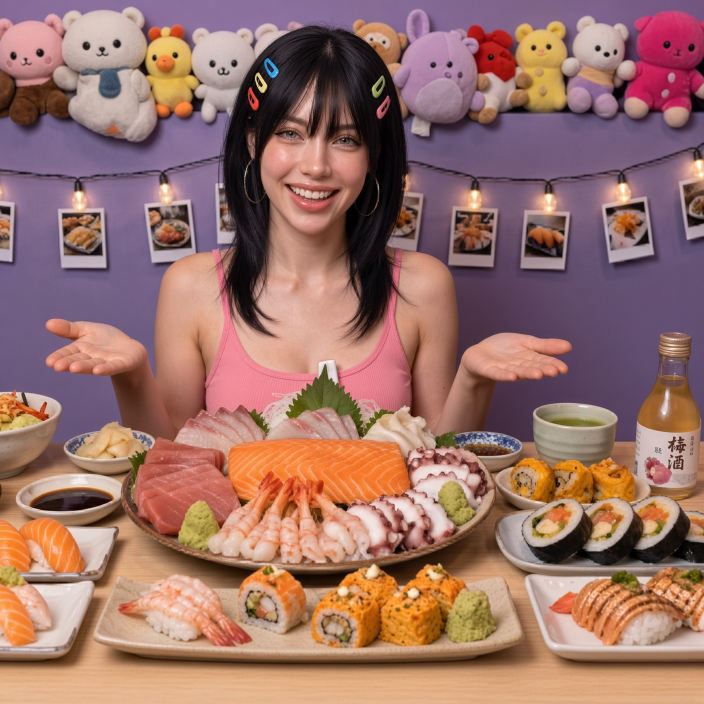
The User's Genuine Feedback

Elena Rossi
Content Creator
I used to spend hours fixing AI videos after generation. With the Video Editor, I just upload the clips and it handles the pacing and transitions automatically. Character consistency is surprisingly good — the face stays the same across shots.

James Whitaker
Advertising Strategist
For performance ads, speed matters. I can quickly refine existing clips, adjust timing, and keep the character consistent. Clients notice the quality improvement without us needing a full post-production pipeline.

Markus Andersen
Freelance Video Creator
I use it mainly for character swaps and motion tweaks. The lighting and movement stay relatively stable, which used to be the hard part. It cuts my revision time significantly.

Sophie Laurent
E-commerce Manager
We needed product videos quickly for ads. The before-and-after difference is clear — the edited versions look much more professional. I don’t have a full editing team, so this saves us a lot of time and money.

Luca Bianchi
Indie Filmmaker
Consistency was my biggest problem with AI video. This editor locks the face and clothing better than most tools I’ve tried. It’s still AI, but the results are usable for longer sequences now.
Elena Rossi
Content Creator
I used to spend hours fixing AI videos after generation. With the Video Editor, I just upload the clips and it handles the pacing and transitions automatically. Character consistency is surprisingly good — the face stays the same across shots.
James Whitaker
Advertising Strategist
For performance ads, speed matters. I can quickly refine existing clips, adjust timing, and keep the character consistent. Clients notice the quality improvement without us needing a full post-production pipeline.
Markus Andersen
Freelance Video Creator
I use it mainly for character swaps and motion tweaks. The lighting and movement stay relatively stable, which used to be the hard part. It cuts my revision time significantly.
Sophie Laurent
E-commerce Manager
We needed product videos quickly for ads. The before-and-after difference is clear — the edited versions look much more professional. I don’t have a full editing team, so this saves us a lot of time and money.
Luca Bianchi
Indie Filmmaker
Consistency was my biggest problem with AI video. This editor locks the face and clothing better than most tools I’ve tried. It’s still AI, but the results are usable for longer sequences now.

Daniel Novak
Marketing Freelancer
I don’t want to learn a complex timeline just to fix AI videos. This does the basic editing work for me and keeps the characters looking consistent. For solo work, it’s practical and fast.

Anna Müller
Freelance Motion Designer
The character replacement feature works better than I expected. I can keep the original motion and lighting while swapping the person. It’s not perfect every time, but it’s good enough for most client work.

Emma Johansson
Social Media Manager
I’m not a professional editor. This tool lets me turn raw AI footage into something I can actually post. The automatic trimming and transitions make the videos feel tighter and more polished.

Pierre Dubois
Creative Director
My team includes people who aren’t comfortable with traditional editing software. This lowers the barrier. They can upload footage, let the AI handle the basic cuts, and still get a clean result.

Thomas Keller
Brand Content Producer
We compare the original and edited versions side by side. The pacing improves and the transitions feel more natural. It’s become part of our standard workflow for social content.
Daniel Novak
Marketing Freelancer
I don’t want to learn a complex timeline just to fix AI videos. This does the basic editing work for me and keeps the characters looking consistent. For solo work, it’s practical and fast.
Anna Müller
Freelance Motion Designer
The character replacement feature works better than I expected. I can keep the original motion and lighting while swapping the person. It’s not perfect every time, but it’s good enough for most client work.
Emma Johansson
Social Media Manager
I’m not a professional editor. This tool lets me turn raw AI footage into something I can actually post. The automatic trimming and transitions make the videos feel tighter and more polished.
Pierre Dubois
Creative Director
My team includes people who aren’t comfortable with traditional editing software. This lowers the barrier. They can upload footage, let the AI handle the basic cuts, and still get a clean result.
Thomas Keller
Brand Content Producer
We compare the original and edited versions side by side. The pacing improves and the transitions feel more natural. It’s become part of our standard workflow for social content.
Latest templates
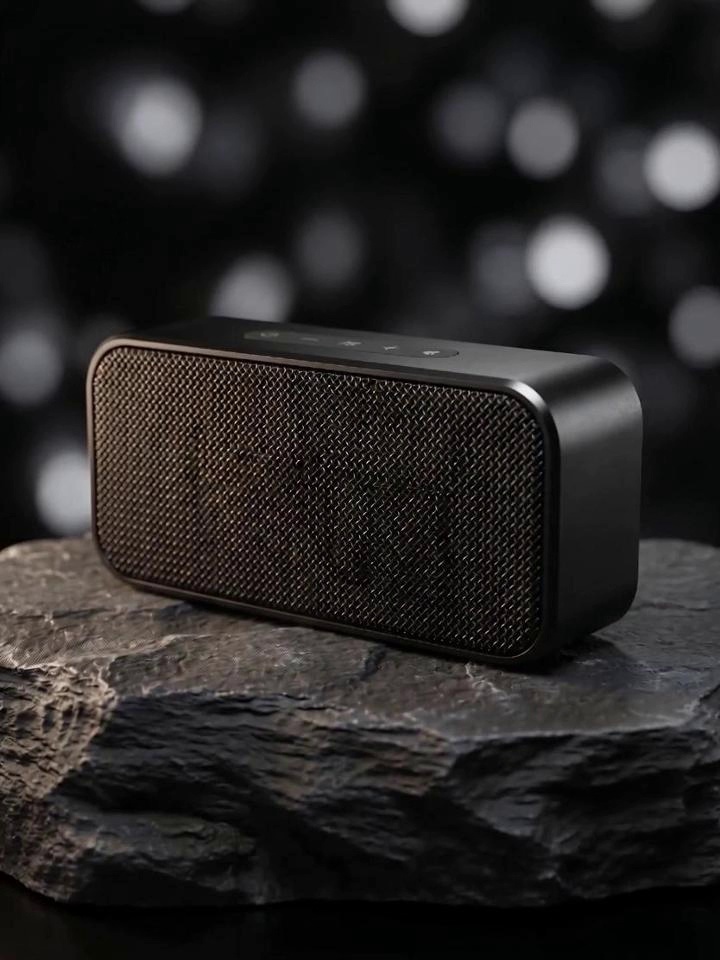
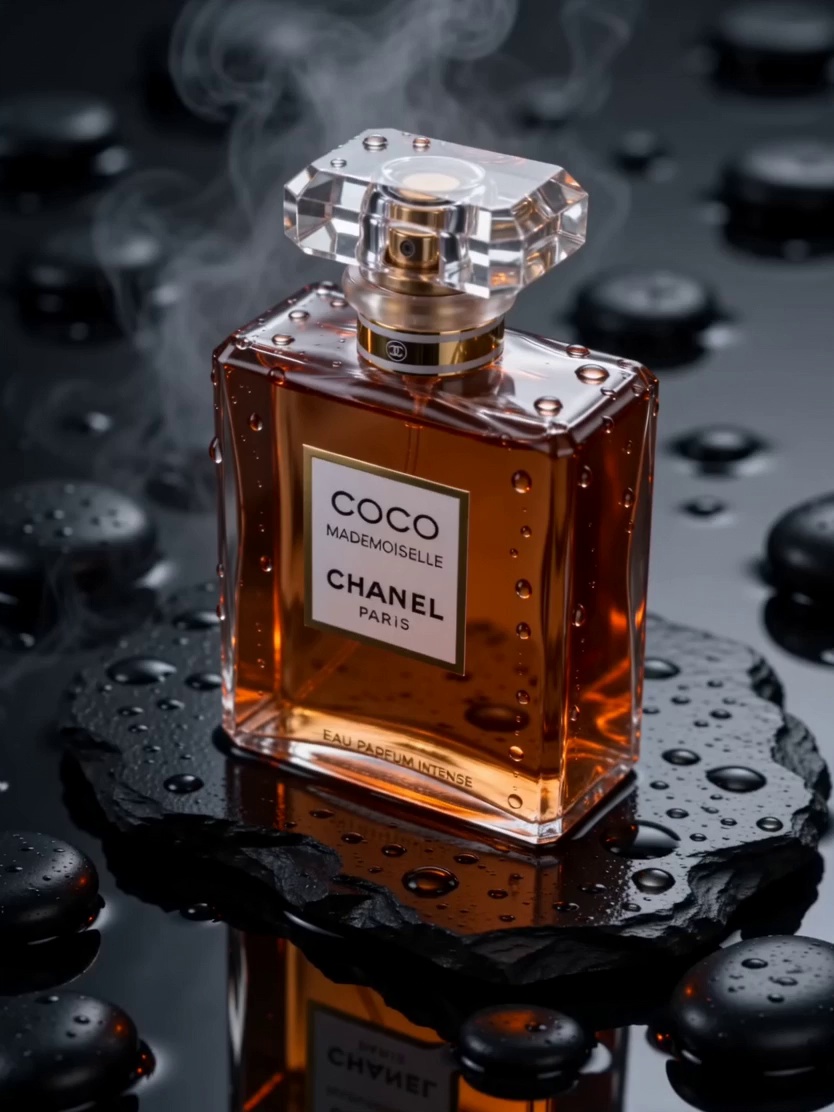

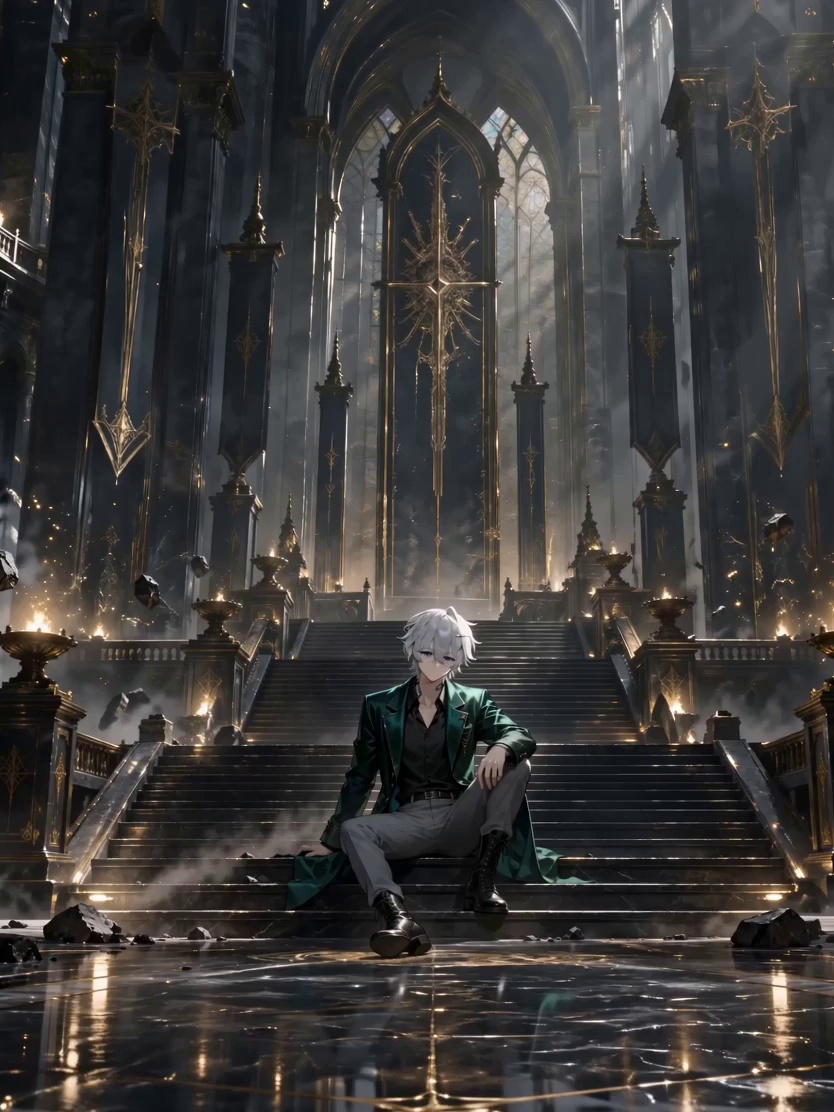

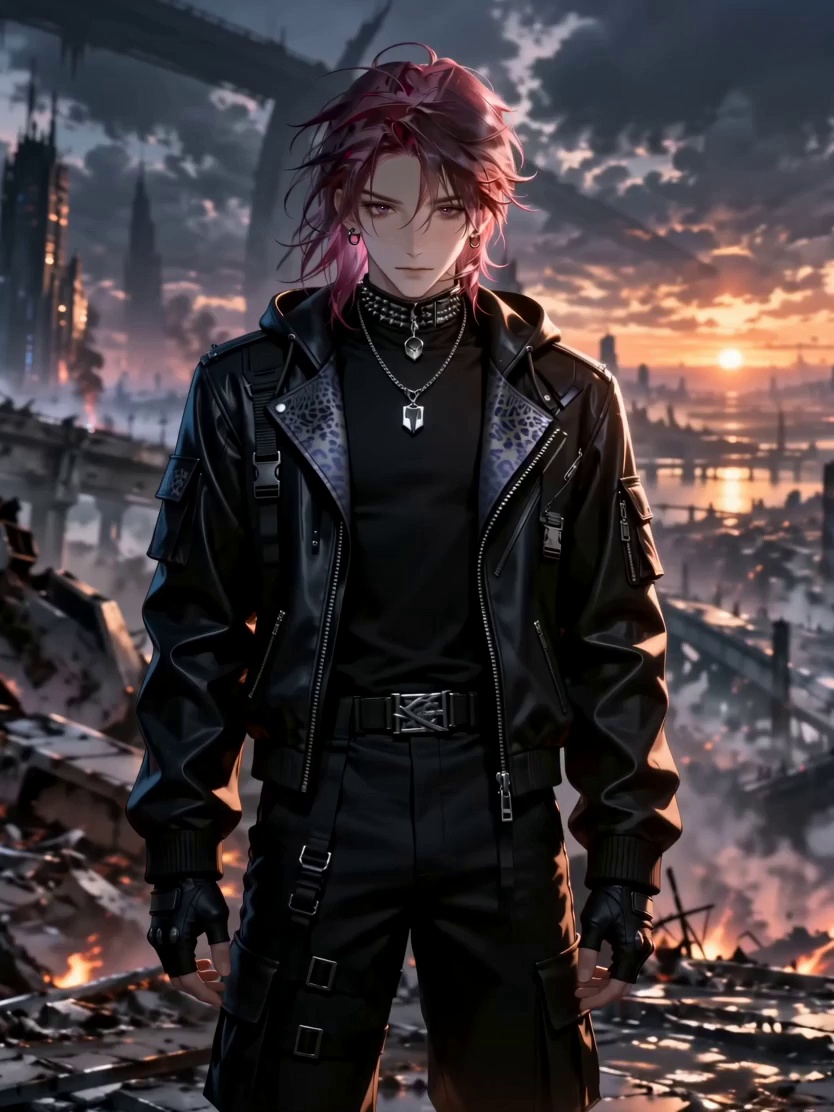


Popular Templates
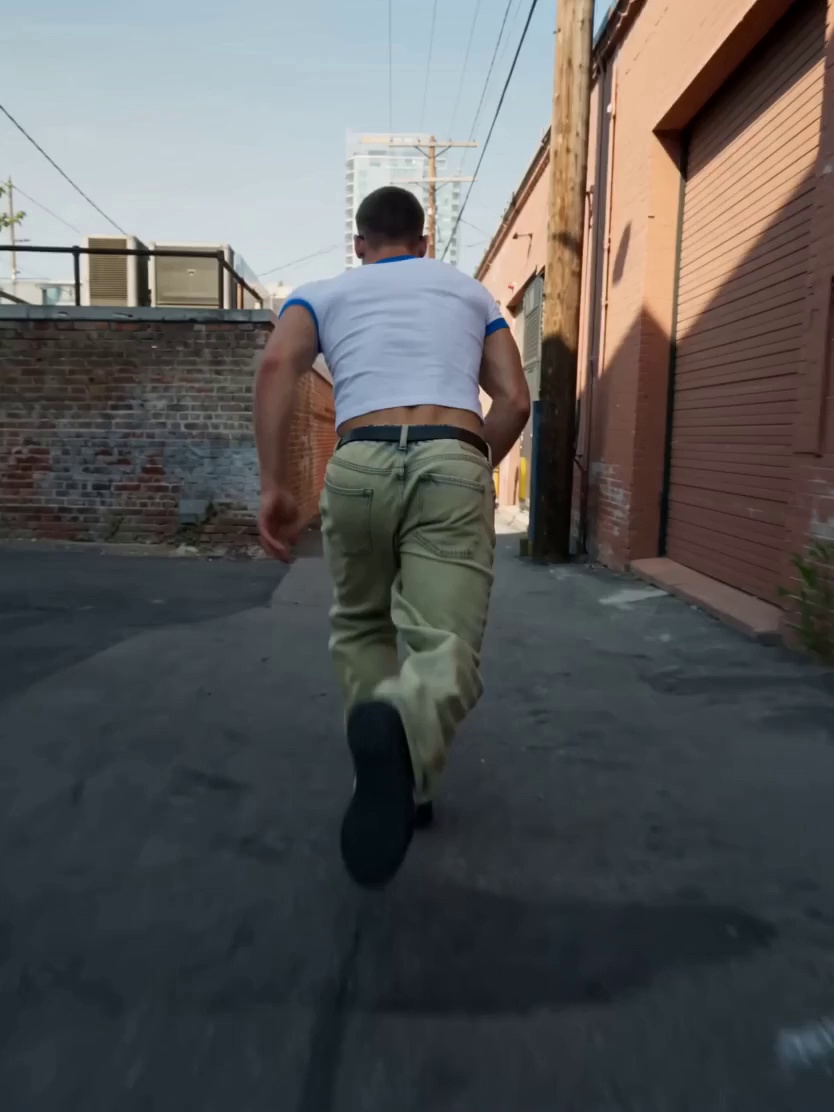

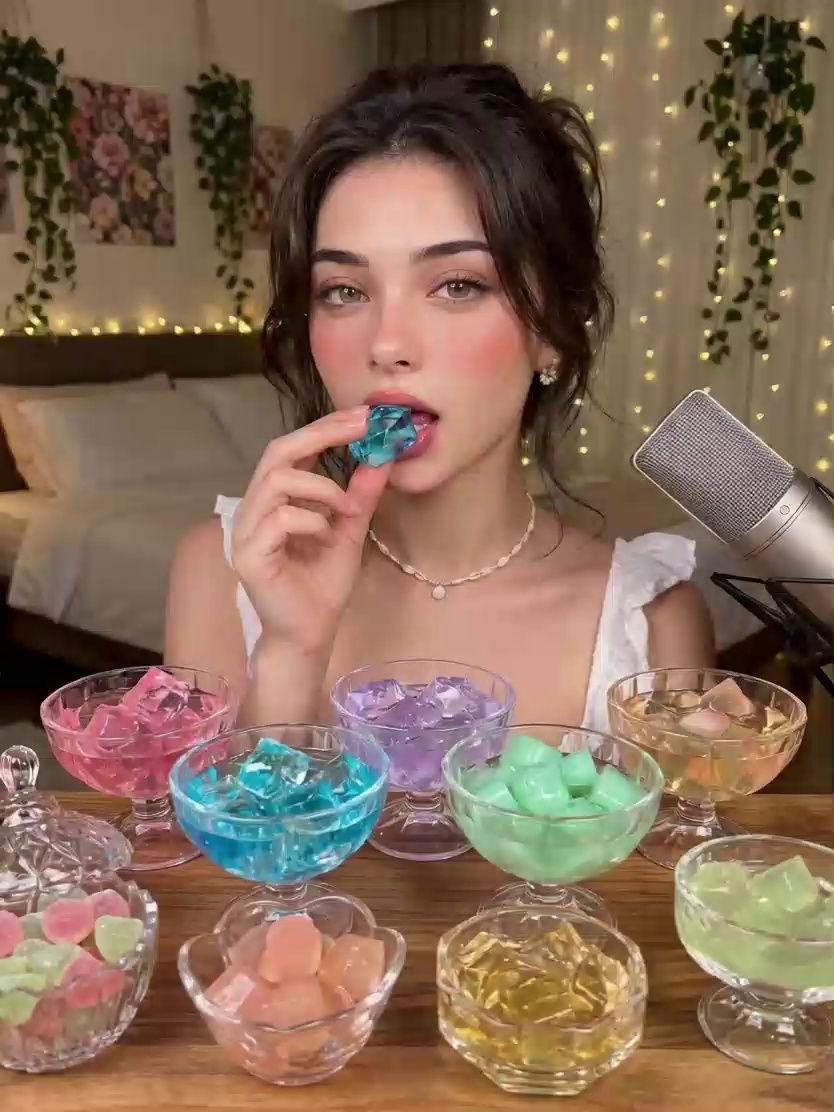
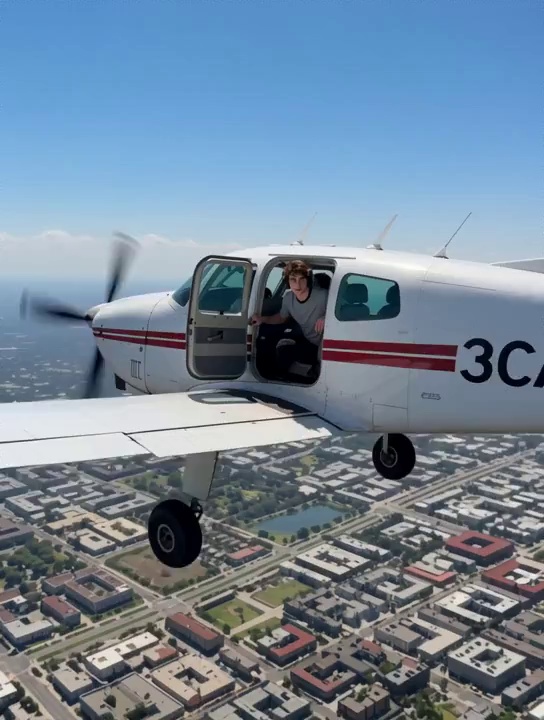
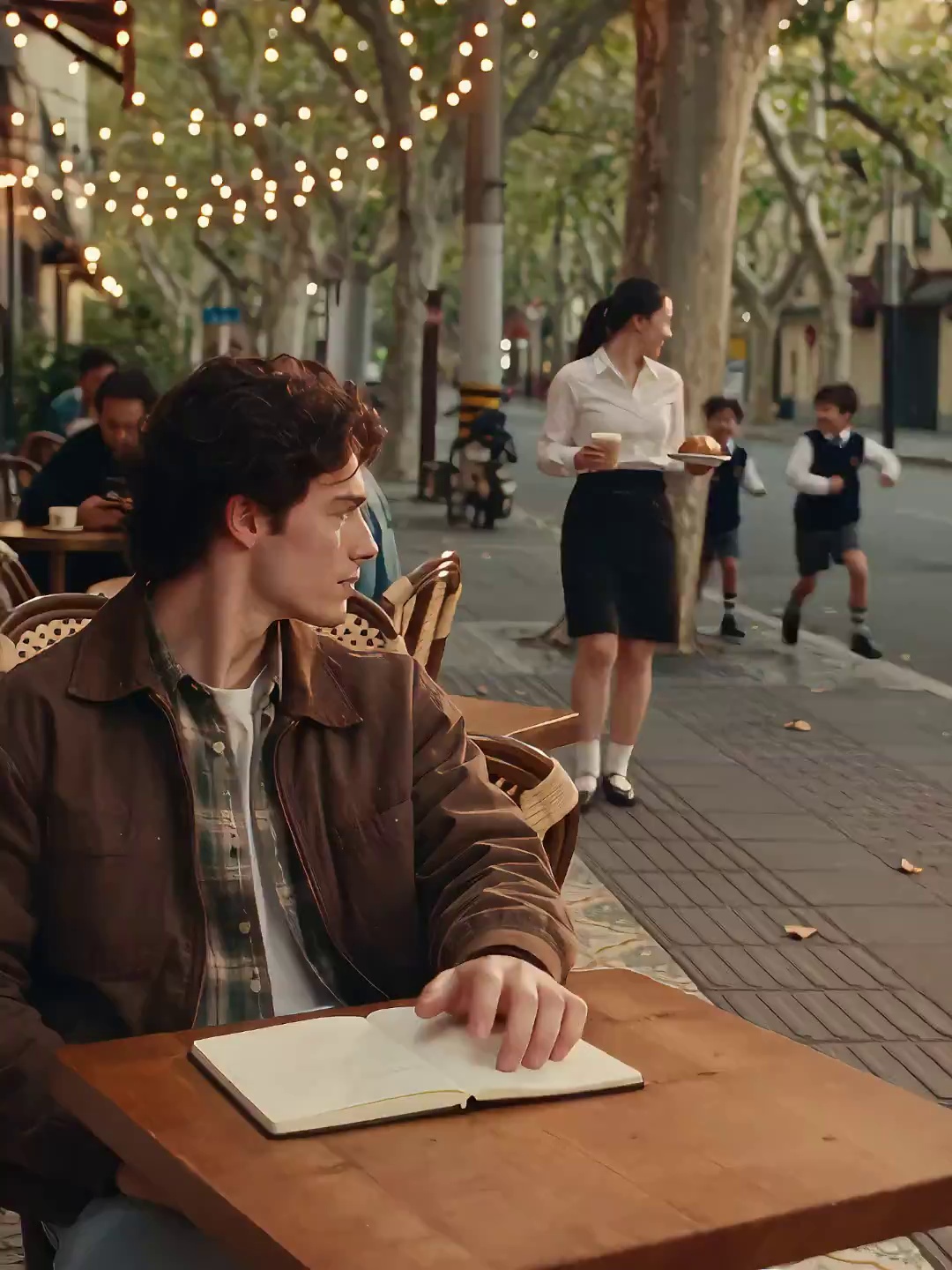
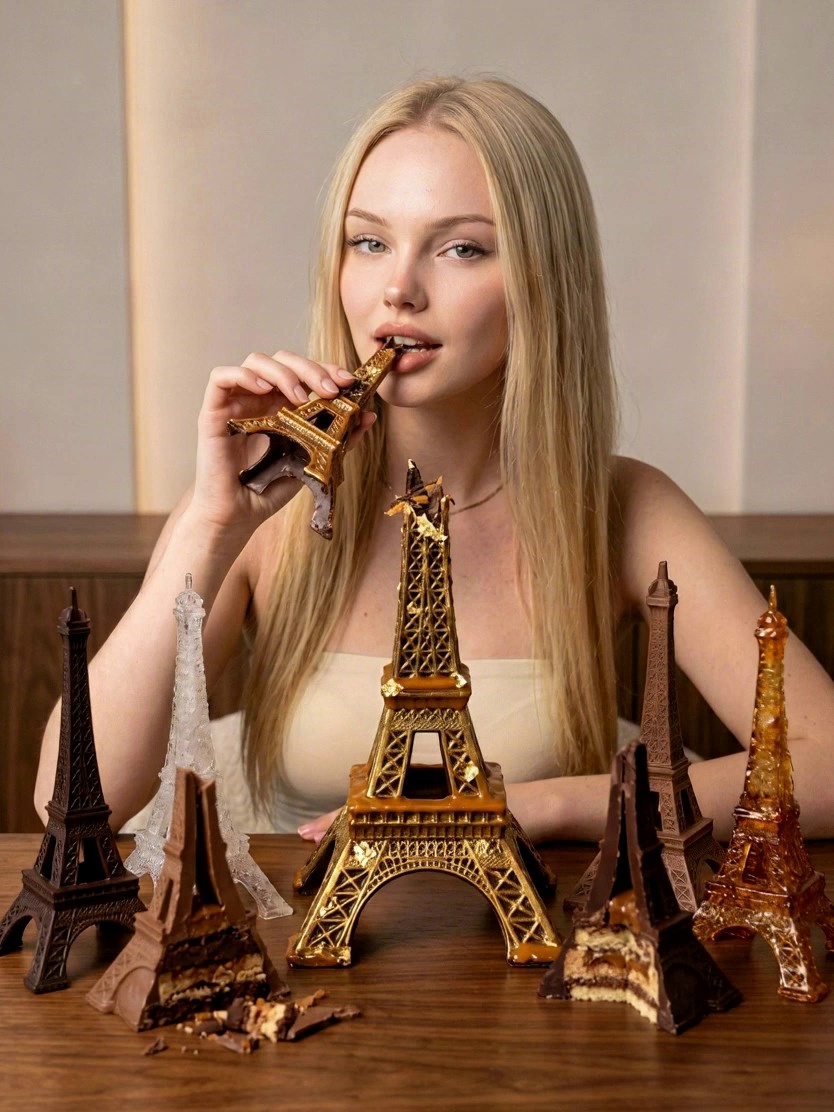
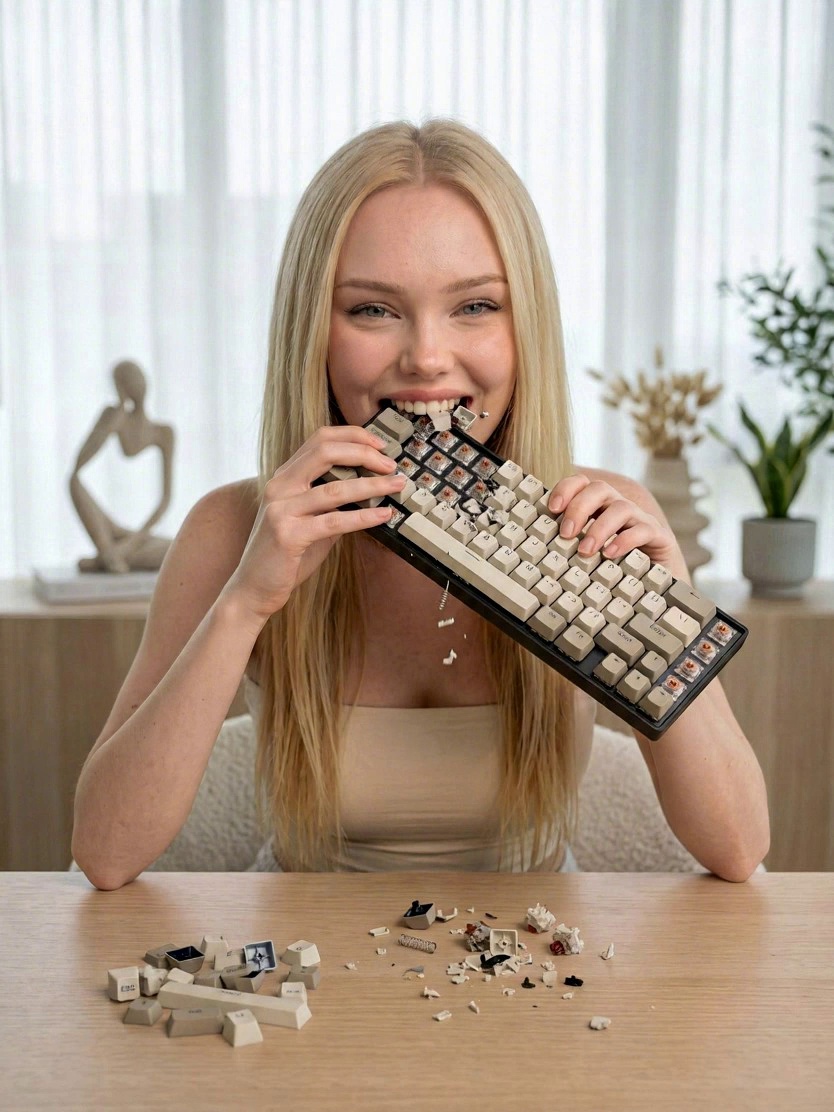
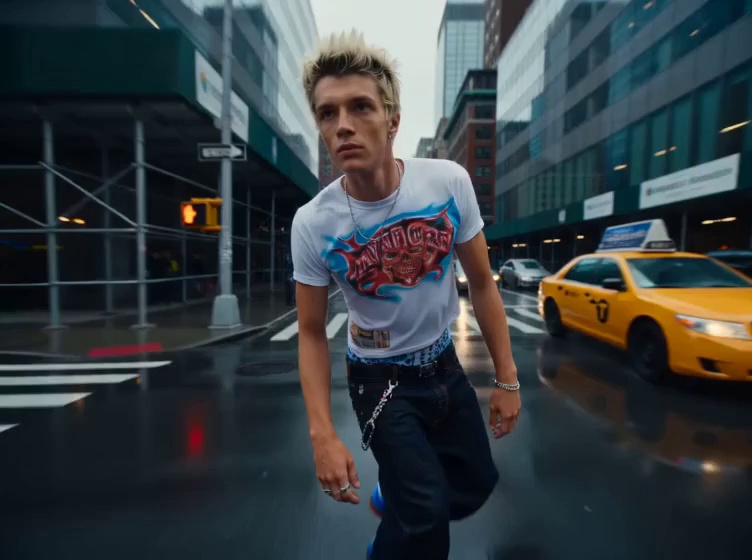
Recommended Templates



FAQ
Company
About MovmixContact MovmixHelp CenterPrivacy PolicyTerms and ConditionsRefund PolicyAcceptable Use Policy


 Pay Safely And Securely With


© 2026 Movmix.ai. All rights reserved

