
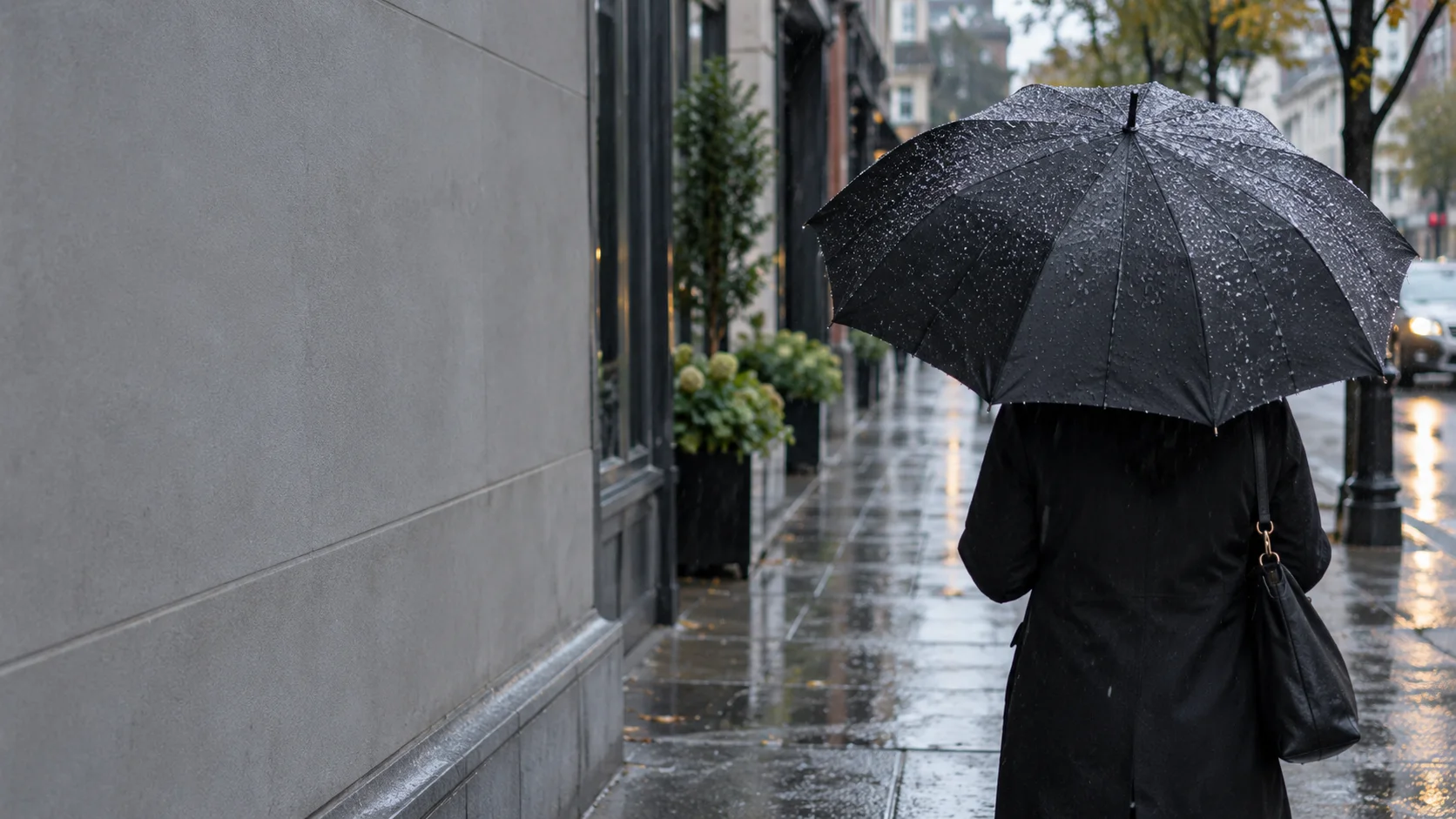
Wan 3.0 works best when you give it a strong starting frame and a clear idea of what should happen next.
A practical workflow is simple:
Generate a suitable first-frame image → upload it to Movmix → select Wan 3.0 → use a Video Prompt to control the motion.
The image determines the character, scene, lighting, and composition. The video prompt tells Wan 3.0 how the subject, camera, and environment should move.
Here are 10 practical Wan 3.0 prompt examples you can copy and adapt.
1. Cinematic City Walk
Perfect for lifestyle, fashion, and character videos.

Wan 3.0 Video Prompt
This setup keeps the motion simple: the subject moves forward while the camera tracks backward.
2. Fashion Model Street Walk
A useful template for fashion, glamour, and editorial content.
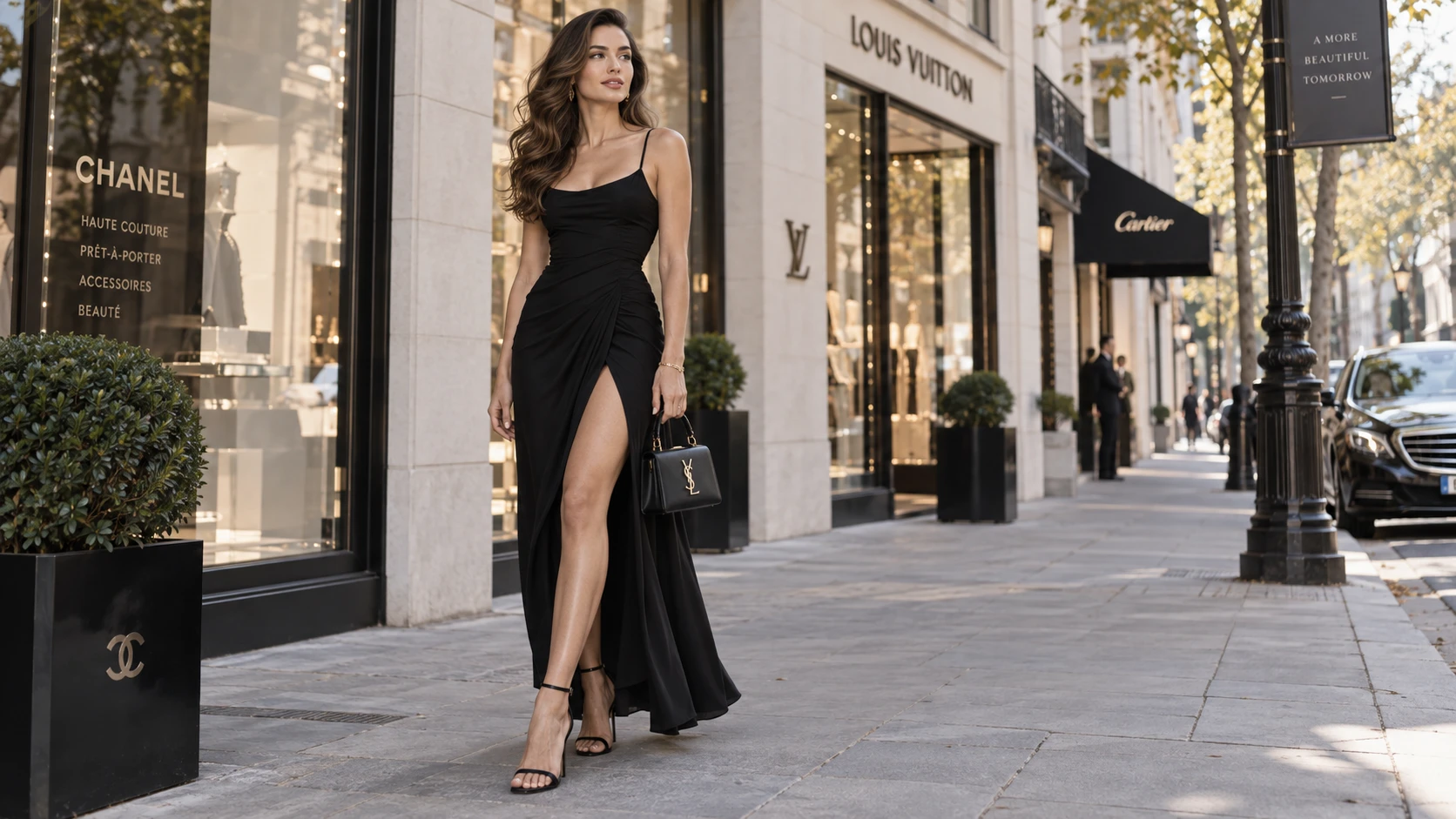
Wan 3.0 Video Prompt
Keep the movement controlled. One clear action usually gives more stable results.
3. Smooth Camera Orbit
This prompt puts most of the motion into the camera rather than the subject.

Wan 3.0 Video Prompt
This is a good choice when you want a cinematic shot without asking the character to perform complex actions.
4. Rainy Night Portrait
Ideal for moody, cinematic AI videos.
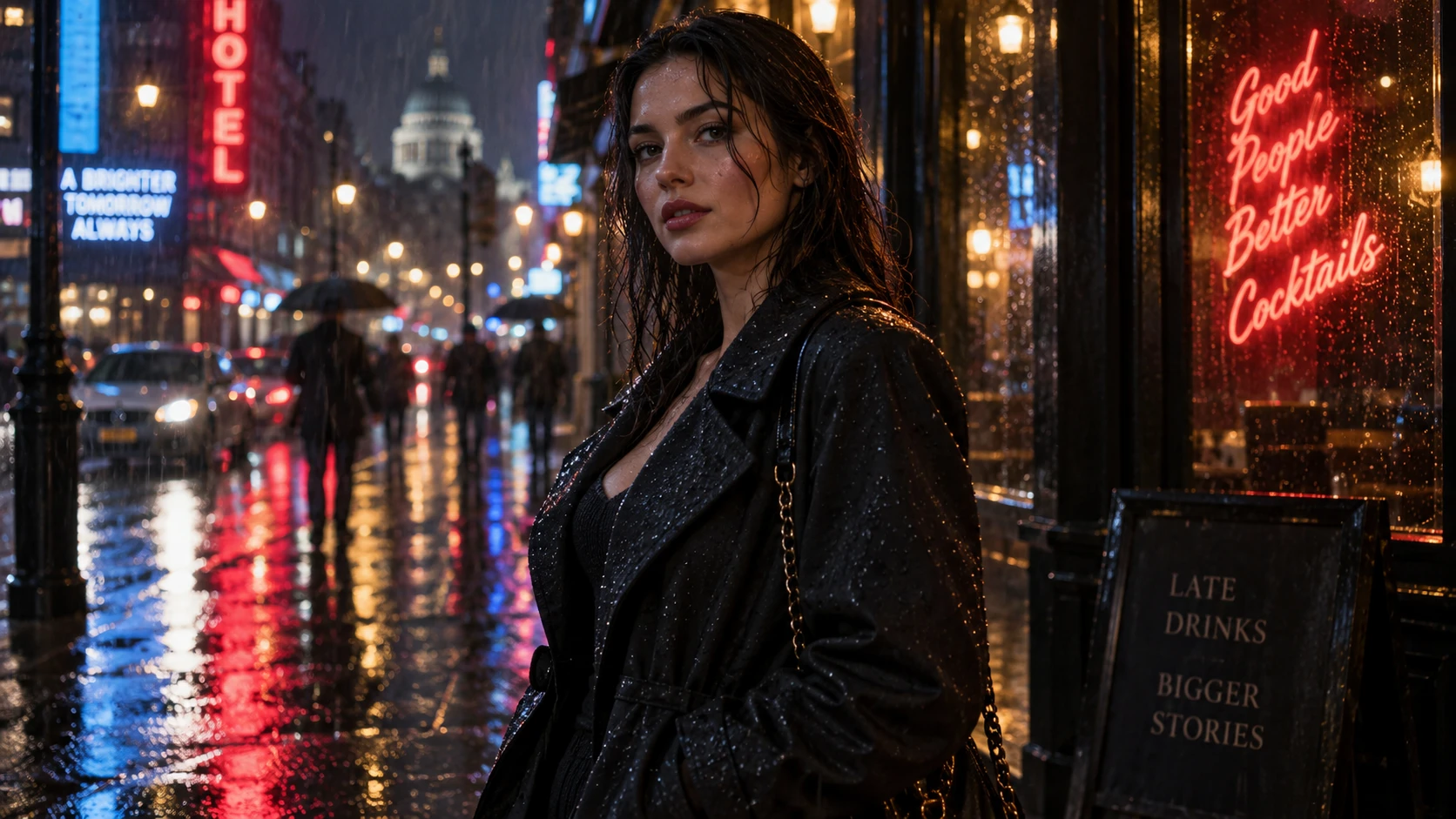
Wan 3.0 Video Prompt
Rain, reflections, and subtle character motion create movement without making the scene overly complicated.
5. Slow-Motion Hair and Dress
A simple prompt for soft fashion and beauty videos.
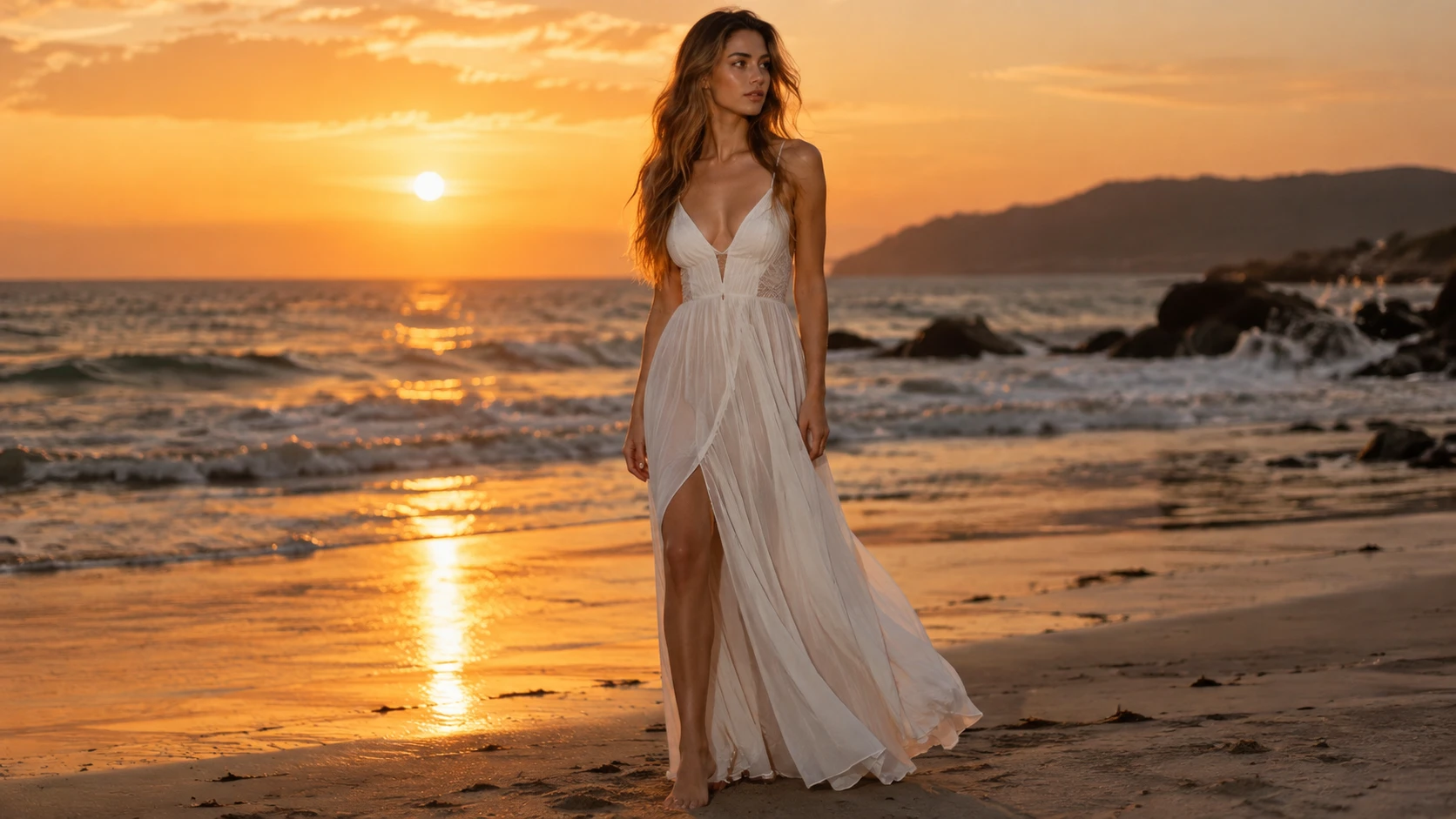
Wan 3.0 Video Prompt
Instead of repeating visual details from the image, the video prompt focuses on what should move.
6. Romantic Couple Close-Up
Useful for emotional storytelling and couple scenes.

Wan 3.0 Video Prompt
For scenes with two people, simple interaction usually works better than several actions happening at once.
7. Dance Motion
A practical prompt for music and social media content.
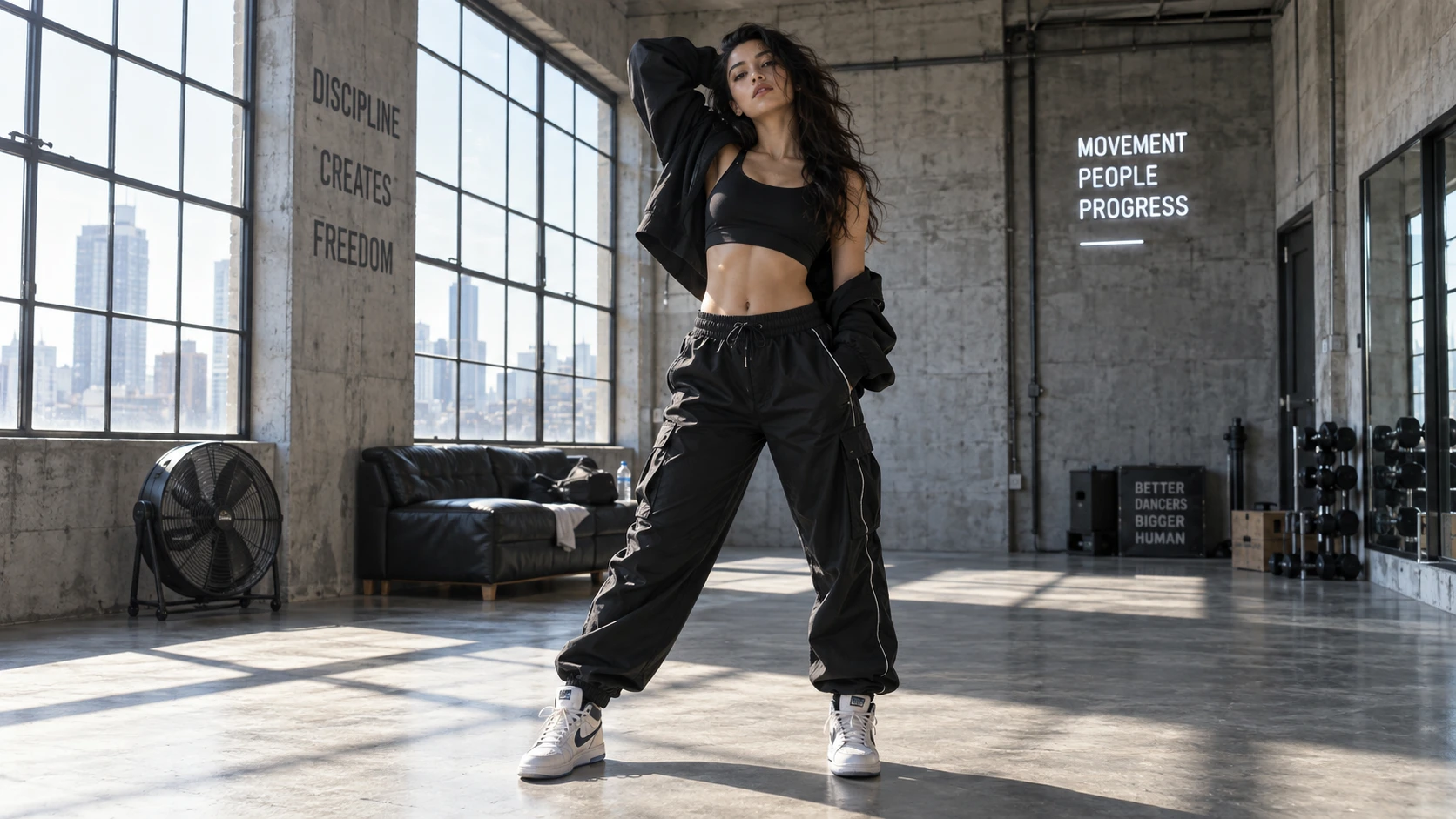
Wan 3.0 Video Prompt
Keeping the full body in frame can help make dance movement easier to follow visually.
8. Cinematic Action Scene
Use this when you want stronger movement without turning the shot into chaos.
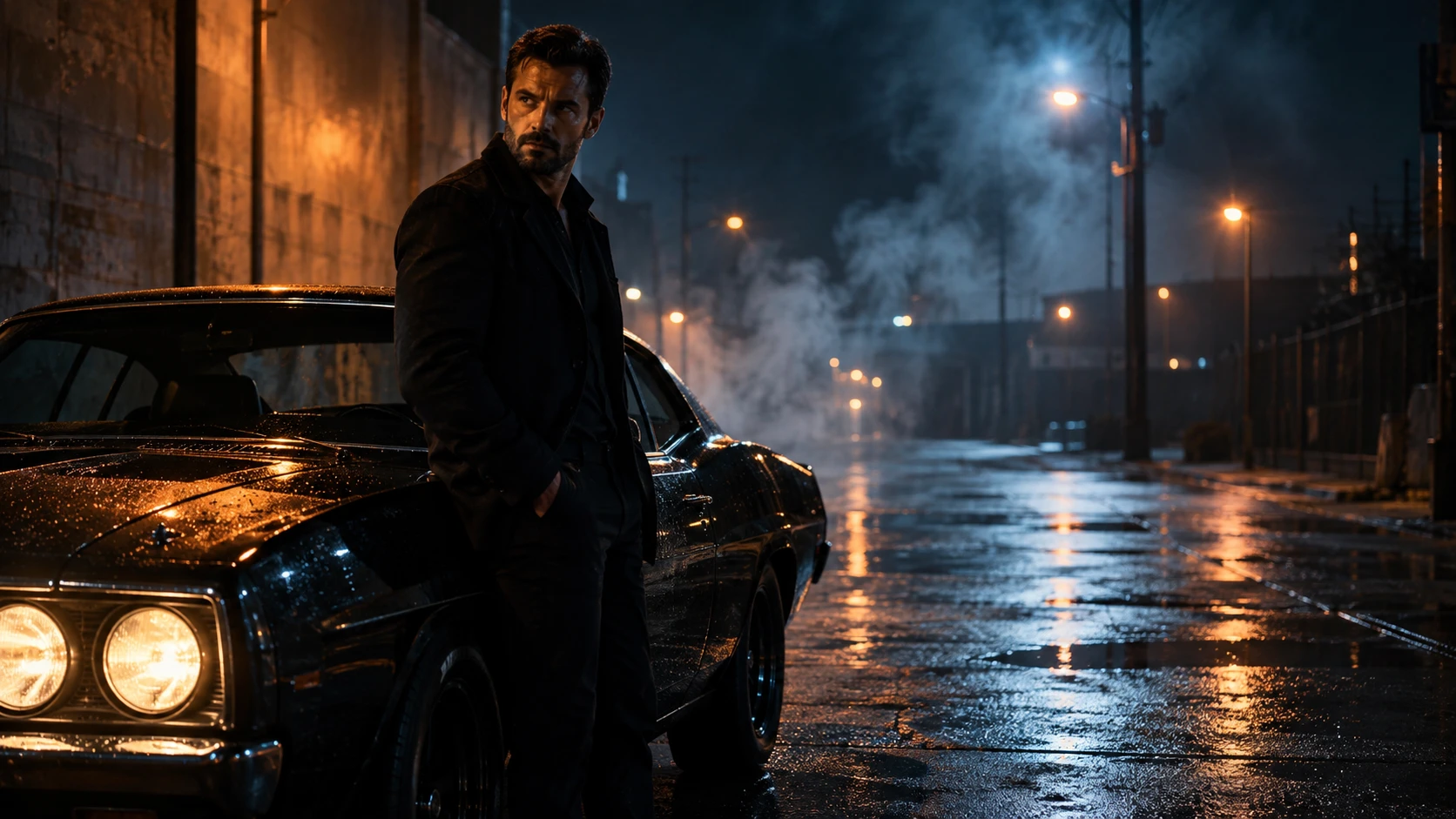
Wan 3.0 Video Prompt
Avoid combining too many major events in one short clip. One action plus one environmental effect is usually enough.
9. Luxury Product Commercial
Wan 3.0 can also work well for product-focused videos.
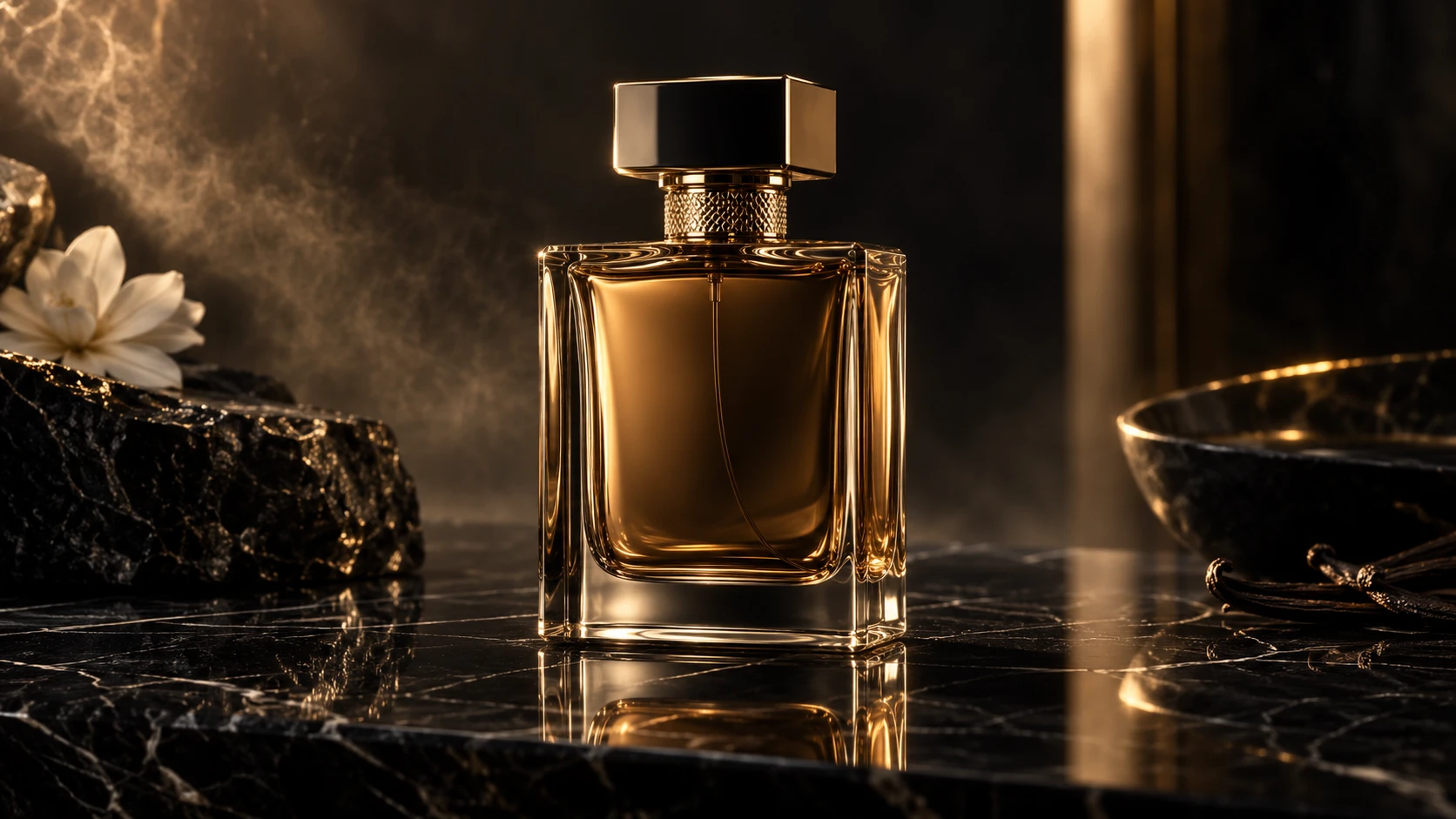
Wan 3.0 Video Prompt
For product videos, keep the object stable and let the camera, light, and atmosphere create the motion.
10. Drone Travel Reveal
A strong option for travel and cinematic landscape content.
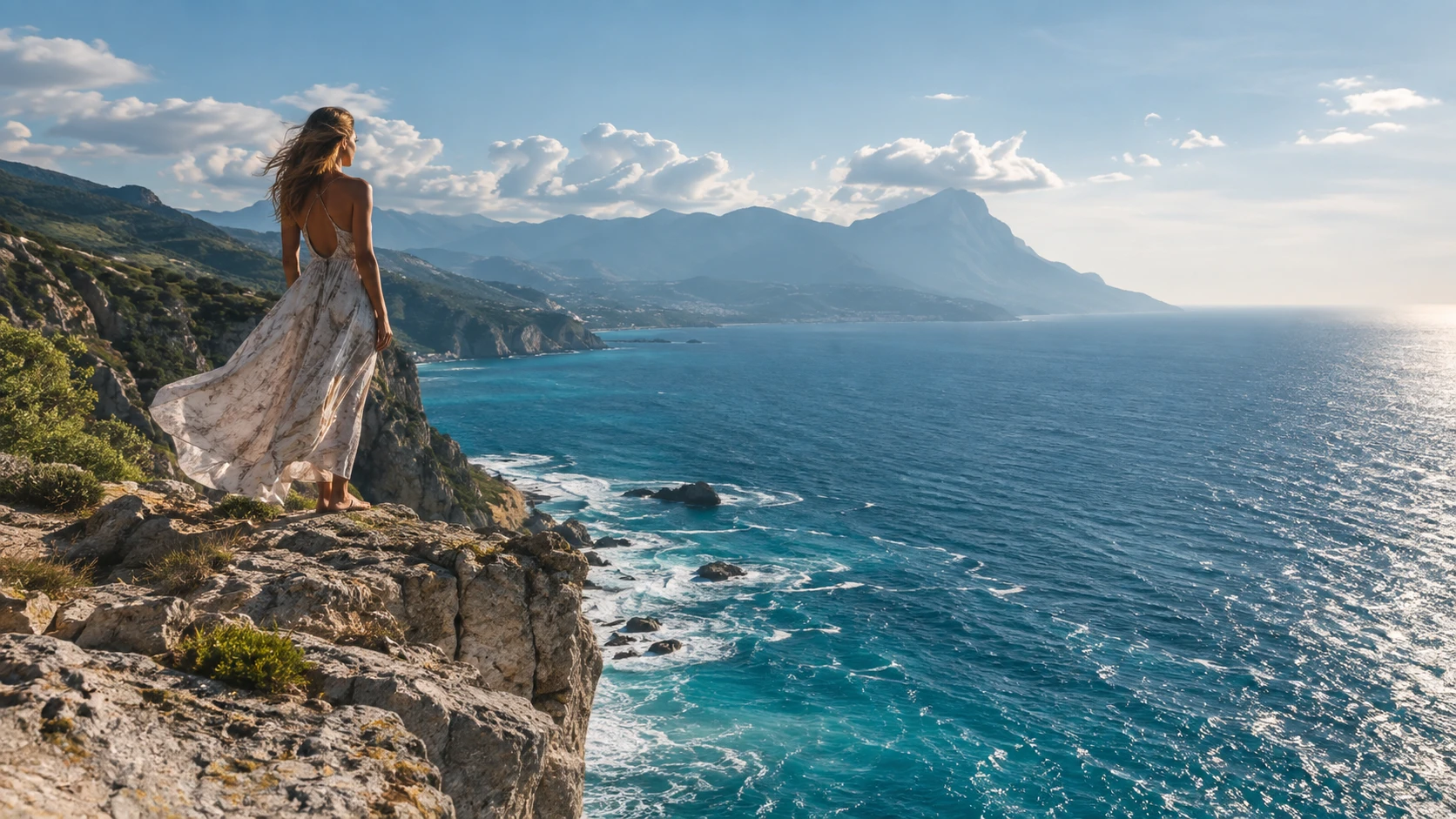
Wan 3.0 Video Prompt
This creates a clear transformation from a character-focused shot into a wider environmental reveal.
Tips for Better Wan 3.0 Prompts
Good Wan 3.0 prompts do not need to be long.
Keep one main action in each clip, and describe the camera movement clearly. Phrases such as “camera tracks backward,” “slow push-in,” “camera moves sideways,” and “camera pulls back and rises” make the intended movement easier to understand.
If your first-frame image already defines the person, outfit, location, and lighting, do not repeat all of those details in the video prompt.
Focus on three things:
Subject motion + camera motion + environmental motion.
Final Thoughts
The easiest way to use Wan 3.0 on Movmix is to start with a strong image and give the model a simple, specific motion instruction.
Generate your first frame, upload it to Movmix, choose Wan 3.0, and then use one of the prompts above as a starting point.
You do not need a complicated prompt.
A clear subject, one main action, one camera movement, and a small amount of environmental motion are often enough to turn a static image into a much more convincing AI video.
'%3e%3crect%20y='2.1906'%20width='26'%20height='17.4314'%20rx='1.55981'%20fill='white'/%3e%3c/g%3e%3crect%20x='0.311961'%20y='2.50256'%20width='25.3761'%20height='16.8075'%20rx='1.24784'%20stroke='%2322257C'%20stroke-width='0.623922'/%3e%3c/g%3e%3crect%20x='13.078'%20y='15.5656'%20width='10.8016'%20height='2.49569'%20rx='0.623922'%20fill='%2366B3FF'%20stroke='%2322257C'%20stroke-width='0.623922'/%3e%3crect%20x='-0.311961'%20y='0.311961'%20width='10.8016'%20height='2.49569'%20rx='0.623922'%20transform='matrix(-1%200%200%201%2012.61%2015.2536)'%20fill='%2366B3FF'%20stroke='%2322257C'%20stroke-width='0.623922'/%3e%3crect%20x='10.3093'%20y='13.3231'%20width='4.91339'%20height='6.98013'%20rx='2.45669'%20fill='%2322257C'/%3e%3cpath%20d='M18.9174%200.31543C20.5962%200.268025%2022.1261%200.655527%2023.9487%201.55762C24.0483%201.60695%2024.1137%201.71153%2024.1137%201.8291V16.502C24.1137%2016.7236%2023.8763%2016.891%2023.6499%2016.7979C21.803%2016.0377%2020.2158%2015.6963%2018.4975%2015.7705C16.8915%2015.8399%2015.1907%2016.2732%2013.0776%2017.0332V1.6709C15.4678%200.825877%2017.2746%200.36187%2018.9174%200.31543Z'%20fill='white'%20stroke='%2322257C'%20stroke-width='0.623922'/%3e%3cpath%20d='M15.3008%204.57C16.3536%203.94578%2019.2783%203.20503%2021.8909%203.94608'%20stroke='%2366B3FF'%20stroke-width='0.935883'%20stroke-linecap='round'/%3e%3cpath%20d='M15.3008%207.26054C16.3536%206.63631%2019.2783%205.89557%2021.8909%206.63661'%20stroke='%2366B3FF'%20stroke-width='0.935883'%20stroke-linecap='round'/%3e%3cpath%20d='M15.3008%209.95107C16.3536%209.32684%2019.2783%208.5861%2021.8909%209.32714'%20stroke='%2366B3FF'%20stroke-width='0.935883'%20stroke-linecap='round'/%3e%3cpath%20d='M15.3008%2012.6398C16.3536%2012.0156%2019.2783%2011.2749%2021.8909%2012.0159'%20stroke='%2366B3FF'%20stroke-width='0.935883'%20stroke-linecap='round'/%3e%3cpath%20d='M7.08257%200.31543C5.40384%200.268025%203.87393%200.655527%202.05132%201.55762C1.95165%201.60695%201.88628%201.71153%201.88628%201.8291V16.502C1.88628%2016.7236%202.12373%2016.891%202.35014%2016.7979C4.19702%2016.0377%205.78418%2015.6963%207.50249%2015.7705C9.10852%2015.8399%2010.8093%2016.2732%2012.9224%2017.0332V1.6709C10.5322%200.825877%208.72541%200.36187%207.08257%200.31543Z'%20fill='white'%20stroke='%2322257C'%20stroke-width='0.623922'/%3e%3cpath%20d='M10.6992%204.57C9.64638%203.94578%206.72175%203.20503%204.10907%203.94608'%20stroke='%2366B3FF'%20stroke-width='0.935883'%20stroke-linecap='round'/%3e%3cpath%20d='M10.6992%207.26054C9.64638%206.63631%206.72175%205.89557%204.10907%206.63661'%20stroke='%2366B3FF'%20stroke-width='0.935883'%20stroke-linecap='round'/%3e%3cpath%20d='M10.6992%209.95107C9.64638%209.32684%206.72175%208.5861%204.10907%209.32714'%20stroke='%2366B3FF'%20stroke-width='0.935883'%20stroke-linecap='round'/%3e%3cpath%20d='M10.6992%2012.6398C9.64638%2012.0156%206.72175%2011.2749%204.10907%2012.0159'%20stroke='%2366B3FF'%20stroke-width='0.935883'%20stroke-linecap='round'/%3e%3c/g%3e%3cdefs%3e%3cfilter%20x='0'%20y='2.1906'%20width='26'%20height='17.4314'%20filterUnits='userSpaceOnUse'%20color-interpolation-filters='sRGB'%3e%3cfeFlood%20flood-opacity='0'%20result='BackgroundImageFix'/%3e%3cfeBlend%20mode='normal'%20in='SourceGraphic'%20in2='BackgroundImageFix'%20result='shape'/%3e%3cfeColorMatrix%20in='SourceAlpha'%20type='matrix'%20values='0%200%200%200%200%200%200%200%200%200%200%200%200%200%200%200%200%200%20127%200'%20result='hardAlpha'/%3e%3cfeOffset%20dy='-1.24784'/%3e%3cfeComposite%20in2='hardAlpha'%20operator='arithmetic'%20k2='-1'%20k3='1'/%3e%3cfeColorMatrix%20type='matrix'%20values='0%200%200%200%200.572549%200%200%200%200%200.768627%200%200%200%200%200.976471%200%200%200%201%200'/%3e%3cfeBlend%20mode='normal'%20in2='shape'%20result='effect1_innerShadow_0_4'/%3e%3c/filter%3e%3c/defs%3e%3c/svg%3e)



