
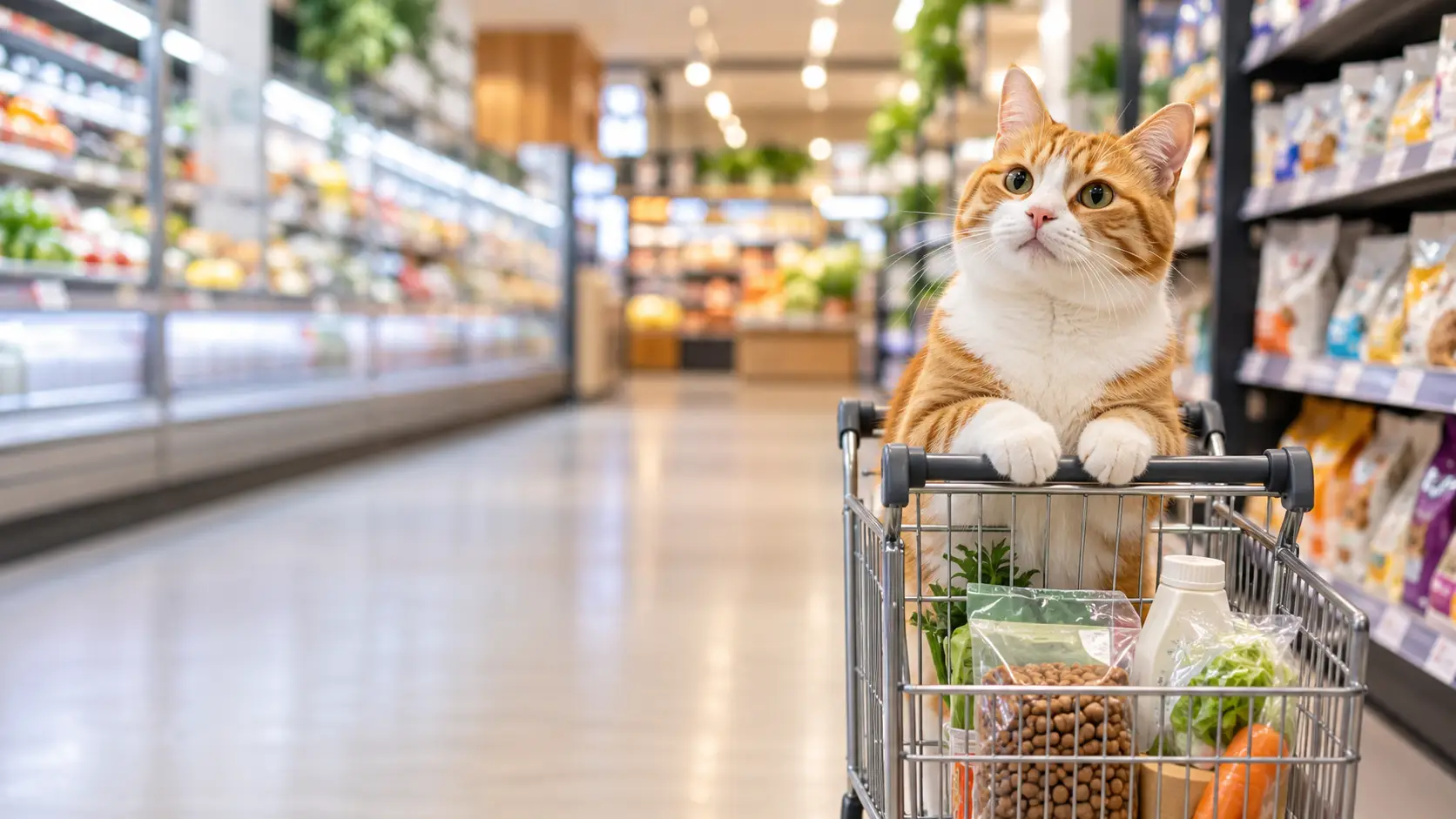
A pet that keeps appearing across different videos can quickly become more than a photo or a one-time AI effect. Today it might go to work, tomorrow it could star in an advertisement, and by the weekend it might have its own collectible figurine.
That is what makes AI pet video content interesting: you can keep the same recognizable pet while constantly changing the situation around it. If you already have a clear photo of your cat or dog, start exploring Movmix AI Pet Templates. Here are five ways to turn one pet into five very different types of content.
1. Turn Your Pet Into an Advertising Star
A pet does not have to appear only in comedy clips. With Pet Cat Food Advertisement, the pet becomes the focus of a more polished commercial-style scene.
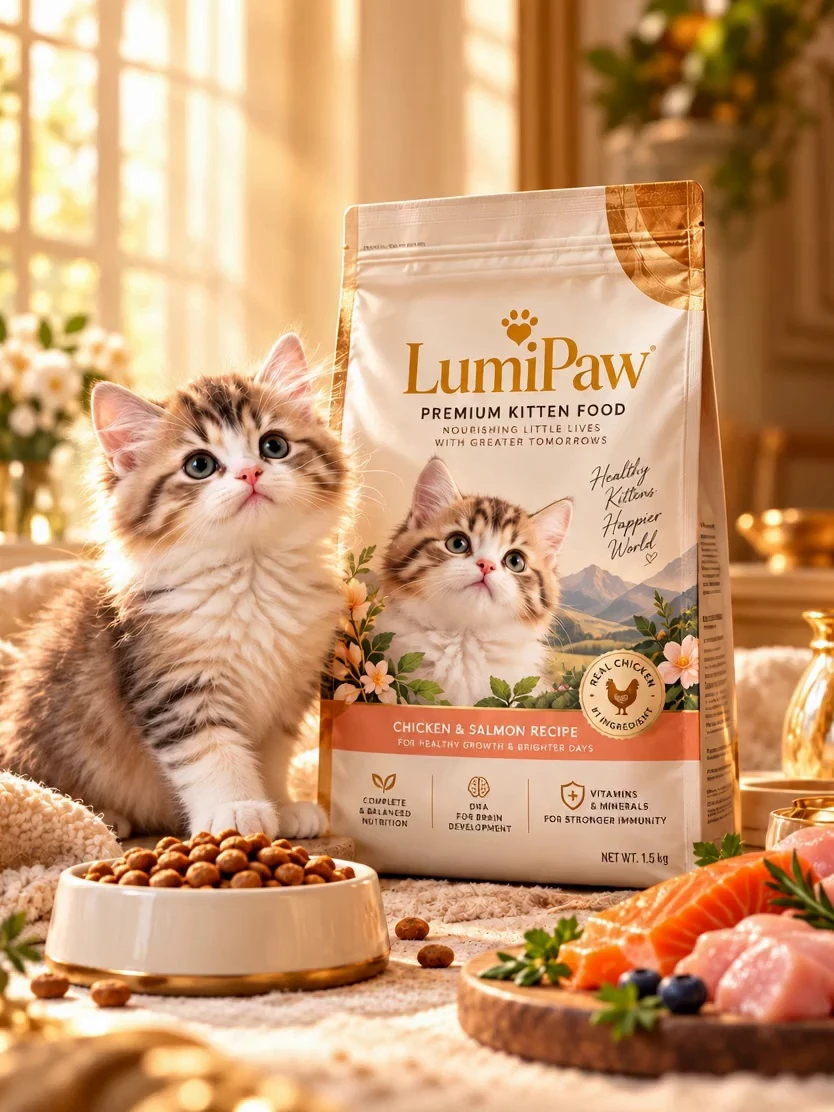
You can apply the same idea to pet food, toys, water dispensers, beds, accessories, and other products. Instead of simply placing a cat beside a product, the goal is to make the pet feel like the actual face of the campaign.
This also gives AI cat video and AI dog video content a different visual direction from everyday pet posts. One pet could even appear across a small campaign series: cat food today, a pet bed tomorrow, and a toy commercial next week.
View Pet Cat Food Advertisement
2. Give Your Pet an Official ID Photo
What would your pet look like if it suddenly needed a passport photo?
That is the joke behind Pet ID Photo. A cat that normally sleeps on the sofa suddenly appears perfectly centered and unusually serious, as if it were applying for a job.
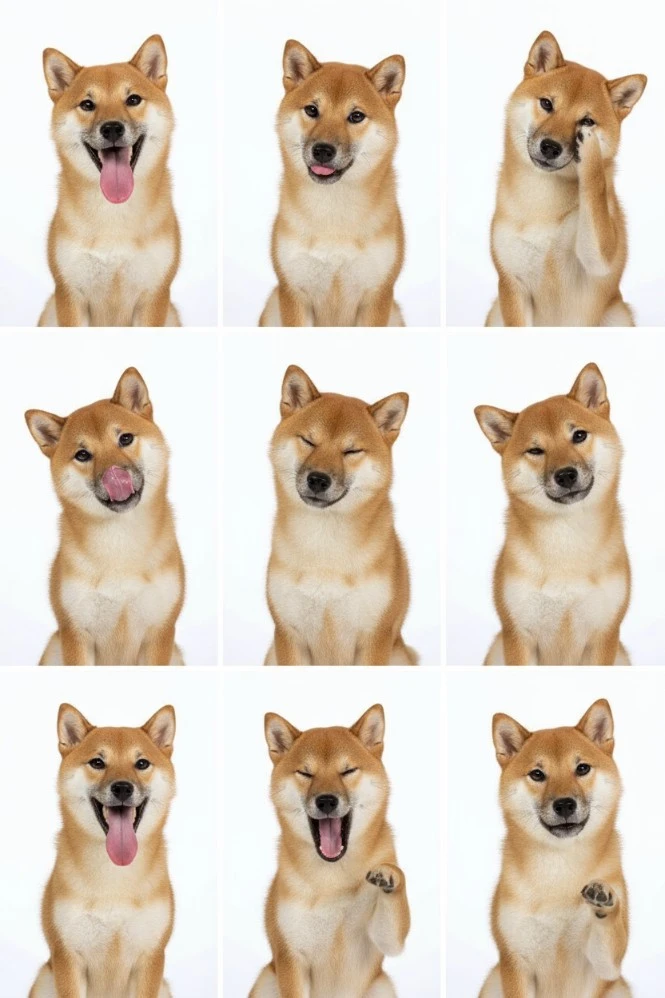
The same idea can easily expand into a Pet Passport, Employee Badge, VIP Card, or Office ID. The contrast is immediately understandable, which makes this format useful for lightweight funny AI pet videos and social posts.
For a recurring pet character, it can also become part of the story: “First day at work. Employee ID approved.”
3. Turn Your Pet Into a Collectible Figurine
Pet Figurine takes the idea in a completely different direction. Instead of placing the pet in another realistic situation, it transforms the pet into something that looks like a collectible object.
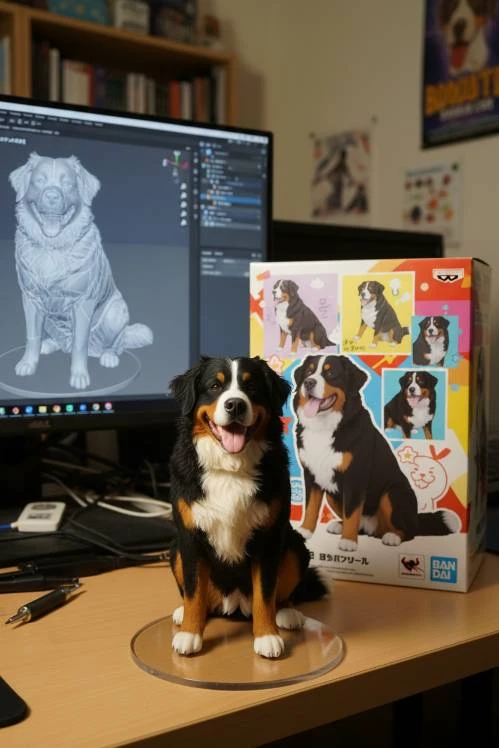
This format works especially well as a reveal. Show the original pet first, then reveal the figurine version. You can also create different editions such as Office Edition, Travel Edition, Holiday Edition, or Chef Edition.
The appeal is simple: people already know what their pet looks like, but they rarely get to see it reimagined as a product sitting on a desk or display shelf.
4. Imagine What Your Pet Would Look Like as a Human
Pet to Human is more interesting when you treat it as character design rather than a random transformation.
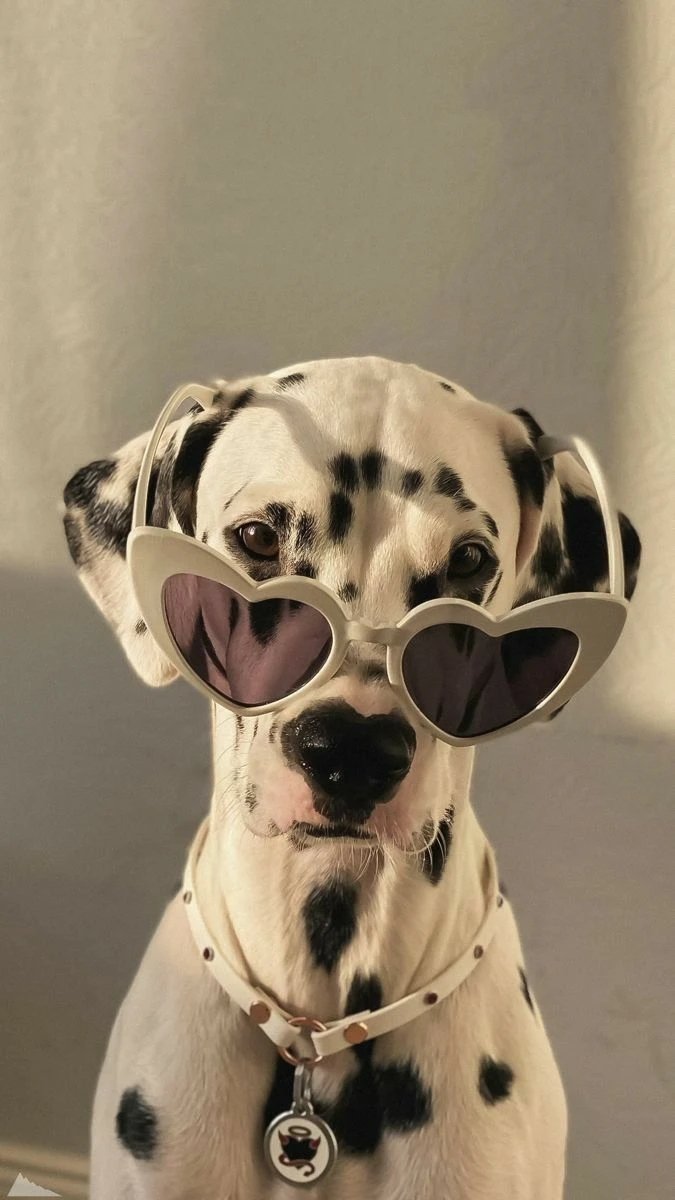
Think about the pet's personality first. A calm, distant cat might become a minimalist city character with a reserved expression. An energetic dog might translate into a brighter, more active outdoor personality. A lazy cat could become a relaxed weekend character sitting at home with coffee.
The point is to make the Human Version feel connected to the original pet. When the personality carries over, the result feels more like another identity for the same character rather than an unrelated AI transformation.
A simple caption such as “If my cat were human…” is already enough to make the concept clear on TikTok or Reels.
5. Give Your Pet a Cinematic Entrance
Sometimes the pet itself does not need to change. The opening does.
Earth Zoom In (Pet) can give a pet vlog or social video a much stronger introduction. Instead of immediately cutting to the cat sitting at home, the scene can move from a much larger environment toward the final subject.
Earth → City → Home → Pet
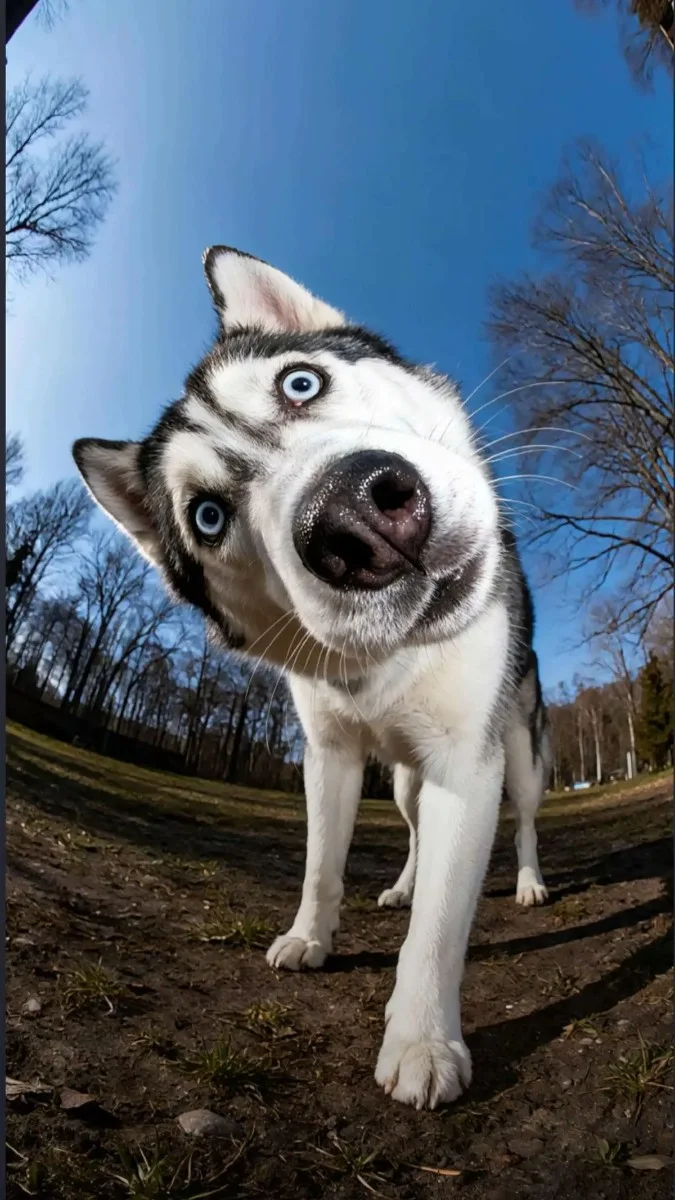
This works especially well for travel episodes, new chapters in a pet series, or a bigger “main character” entrance. A Cat Vlog series could use a normal opening for everyday episodes, then switch to an Earth Zoom when the character starts a vacation or a new adventure.
Which Pet Video Idea Should You Try?
| Content Goal | Recommended Idea |
|---|---|
| Product or brand content | Pet Cat Food Advertisement |
| Funny and shareable content | Pet ID Photo |
| Strong visual transformation | Pet Figurine |
| Character transformation | Pet to Human |
| Vlog or Reels intro | Earth Zoom In |
You do not need to use every effect. Choose the one that matches the pet's personality and the type of content you want to make.
Turn the Same Pet Into a Recurring Character
One isolated AI clip may get attention once. A recognizable character gives people a reason to come back.
The same cat could appear in an employee ID photo in Episode 1, star in its first advertisement in Episode 2, become a figurine in Episode 3, reveal its Human Version in Episode 4, and start a travel story with an Earth Zoom in Episode 5.
That turns five separate effects into one connected content universe.
A recurring pet character is more memorable than five unrelated AI videos.
How to Make an AI Pet Video on Movmix
Start with a clear pet photo, open Movmix AI Pet Templates, choose a pet video template, upload your image, and generate the result. You can also browse more pet effects on Movmix if you want additional ideas.
If you already know the scene or movement you want, use AI Image to Video instead. This gives you more control when turning a pet photo to video rather than starting from a preset effect.
One Pet, More Than One Story
One photo can become an advertisement, an ID character, a collectible figure, a Human Version, or the star of a cinematic intro.
The interesting part is not making the pet move once. It is giving the same character new roles over time.
If you already have a pet photo ready, start with Movmix AI Pet Templates.
Don’t just animate your pet. Build a character people want to follow.
'%3e%3crect%20y='2.1906'%20width='26'%20height='17.4314'%20rx='1.55981'%20fill='white'/%3e%3c/g%3e%3crect%20x='0.311961'%20y='2.50256'%20width='25.3761'%20height='16.8075'%20rx='1.24784'%20stroke='%2322257C'%20stroke-width='0.623922'/%3e%3c/g%3e%3crect%20x='13.078'%20y='15.5656'%20width='10.8016'%20height='2.49569'%20rx='0.623922'%20fill='%2366B3FF'%20stroke='%2322257C'%20stroke-width='0.623922'/%3e%3crect%20x='-0.311961'%20y='0.311961'%20width='10.8016'%20height='2.49569'%20rx='0.623922'%20transform='matrix(-1%200%200%201%2012.61%2015.2536)'%20fill='%2366B3FF'%20stroke='%2322257C'%20stroke-width='0.623922'/%3e%3crect%20x='10.3093'%20y='13.3231'%20width='4.91339'%20height='6.98013'%20rx='2.45669'%20fill='%2322257C'/%3e%3cpath%20d='M18.9174%200.31543C20.5962%200.268025%2022.1261%200.655527%2023.9487%201.55762C24.0483%201.60695%2024.1137%201.71153%2024.1137%201.8291V16.502C24.1137%2016.7236%2023.8763%2016.891%2023.6499%2016.7979C21.803%2016.0377%2020.2158%2015.6963%2018.4975%2015.7705C16.8915%2015.8399%2015.1907%2016.2732%2013.0776%2017.0332V1.6709C15.4678%200.825877%2017.2746%200.36187%2018.9174%200.31543Z'%20fill='white'%20stroke='%2322257C'%20stroke-width='0.623922'/%3e%3cpath%20d='M15.3008%204.57C16.3536%203.94578%2019.2783%203.20503%2021.8909%203.94608'%20stroke='%2366B3FF'%20stroke-width='0.935883'%20stroke-linecap='round'/%3e%3cpath%20d='M15.3008%207.26054C16.3536%206.63631%2019.2783%205.89557%2021.8909%206.63661'%20stroke='%2366B3FF'%20stroke-width='0.935883'%20stroke-linecap='round'/%3e%3cpath%20d='M15.3008%209.95107C16.3536%209.32684%2019.2783%208.5861%2021.8909%209.32714'%20stroke='%2366B3FF'%20stroke-width='0.935883'%20stroke-linecap='round'/%3e%3cpath%20d='M15.3008%2012.6398C16.3536%2012.0156%2019.2783%2011.2749%2021.8909%2012.0159'%20stroke='%2366B3FF'%20stroke-width='0.935883'%20stroke-linecap='round'/%3e%3cpath%20d='M7.08257%200.31543C5.40384%200.268025%203.87393%200.655527%202.05132%201.55762C1.95165%201.60695%201.88628%201.71153%201.88628%201.8291V16.502C1.88628%2016.7236%202.12373%2016.891%202.35014%2016.7979C4.19702%2016.0377%205.78418%2015.6963%207.50249%2015.7705C9.10852%2015.8399%2010.8093%2016.2732%2012.9224%2017.0332V1.6709C10.5322%200.825877%208.72541%200.36187%207.08257%200.31543Z'%20fill='white'%20stroke='%2322257C'%20stroke-width='0.623922'/%3e%3cpath%20d='M10.6992%204.57C9.64638%203.94578%206.72175%203.20503%204.10907%203.94608'%20stroke='%2366B3FF'%20stroke-width='0.935883'%20stroke-linecap='round'/%3e%3cpath%20d='M10.6992%207.26054C9.64638%206.63631%206.72175%205.89557%204.10907%206.63661'%20stroke='%2366B3FF'%20stroke-width='0.935883'%20stroke-linecap='round'/%3e%3cpath%20d='M10.6992%209.95107C9.64638%209.32684%206.72175%208.5861%204.10907%209.32714'%20stroke='%2366B3FF'%20stroke-width='0.935883'%20stroke-linecap='round'/%3e%3cpath%20d='M10.6992%2012.6398C9.64638%2012.0156%206.72175%2011.2749%204.10907%2012.0159'%20stroke='%2366B3FF'%20stroke-width='0.935883'%20stroke-linecap='round'/%3e%3c/g%3e%3cdefs%3e%3cfilter%20x='0'%20y='2.1906'%20width='26'%20height='17.4314'%20filterUnits='userSpaceOnUse'%20color-interpolation-filters='sRGB'%3e%3cfeFlood%20flood-opacity='0'%20result='BackgroundImageFix'/%3e%3cfeBlend%20mode='normal'%20in='SourceGraphic'%20in2='BackgroundImageFix'%20result='shape'/%3e%3cfeColorMatrix%20in='SourceAlpha'%20type='matrix'%20values='0%200%200%200%200%200%200%200%200%200%200%200%200%200%200%200%200%200%20127%200'%20result='hardAlpha'/%3e%3cfeOffset%20dy='-1.24784'/%3e%3cfeComposite%20in2='hardAlpha'%20operator='arithmetic'%20k2='-1'%20k3='1'/%3e%3cfeColorMatrix%20type='matrix'%20values='0%200%200%200%200.572549%200%200%200%200%200.768627%200%200%200%200%200.976471%200%200%200%201%200'/%3e%3cfeBlend%20mode='normal'%20in2='shape'%20result='effect1_innerShadow_0_4'/%3e%3c/filter%3e%3c/defs%3e%3c/svg%3e)



