
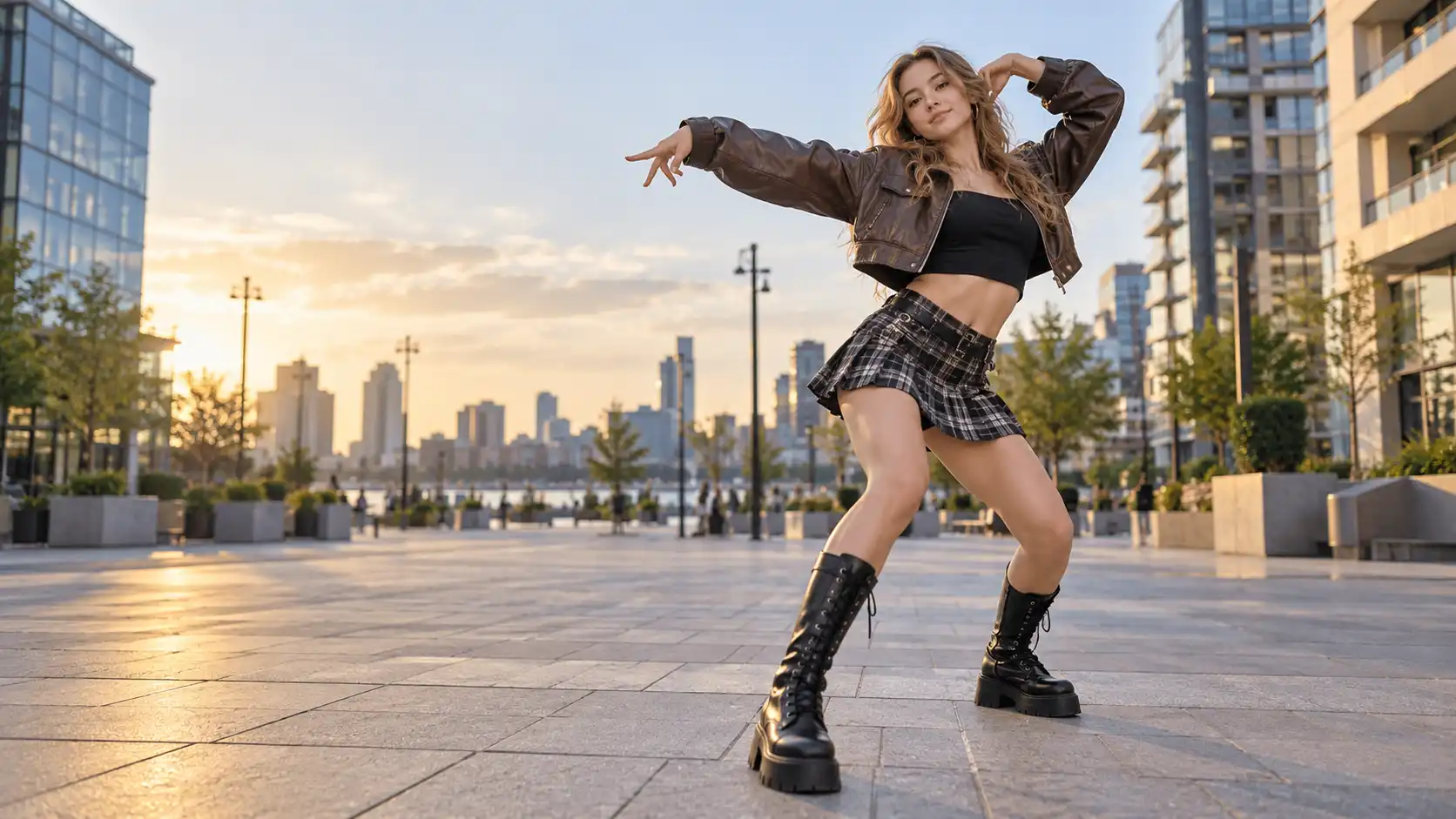
Turning a still photo into a dance video is no longer the hardest part.
The more important question is:
What kind of dance actually fits your photo?
A full-body street portrait, a waist-up fashion shot, and a sporty standing photo can all become an AI dance video, but they should not necessarily use the same movement.
Some photos work better with fast, trend-driven TikTok choreography. Others look stronger with full-body dance challenges, body movement, or fashion-focused performance.
Movmix currently offers both TikTok Dance Templates and Dance Challenge Templates. Instead of listing every template, this guide starts with the photo you already have and helps you choose a dance style that actually fits it.
Use one of your strongest finished dance clips here, such as Chinese Trend or Dance Star.
The first screen should immediately show one thing:
A single photo can become a complete dance performance.
TikTok Dance vs. Dance Challenge: They Are Not the Same Thing
Left: TikTok Dance
Right: Dance Challenge
At first glance, both categories do the same thing: they make a character dance.
But the final content feels very different.
TikTok Dance: Made for the Feed
TikTok Dance is the better starting point when you want the result to feel like something you would naturally scroll past on TikTok, Reels, or Shorts.
Movmix currently includes styles such as:
Chinese Trend
Like Jennie Dance
Stay With Me
Dark Side Dance
These templates are more focused on recognizable social choreography, character performance, and movements that communicate quickly in a short clip.
If your goal is:
“I want this photo to look like a creator performing a trending TikTok dance.”
Start here.
Dance Challenges: More About Performance
Dance Challenge templates give you a wider range of full-body choreography, rhythm, poses, and performance-driven movement.
Examples include:
World Cup Dance
Overdrive Dance
Dance Star
Heels Dance
This category is a stronger match when you care more about full-body movement, stage presence, body rhythm, or fashion performance.
A simple way to think about it:
| What you want | Start with |
|---|---|
| Trending TikTok feel | TikTok Dance |
| Full-body choreography | Dance Challenge |
| Creator / Reels content | TikTok Dance |
| Fashion or performance | Dance Challenge |
Before Choosing a Template, Look at Your Photo
This is one of the most useful decisions when creating a photo to dance video.
You Have a Clear Full-Body Photo
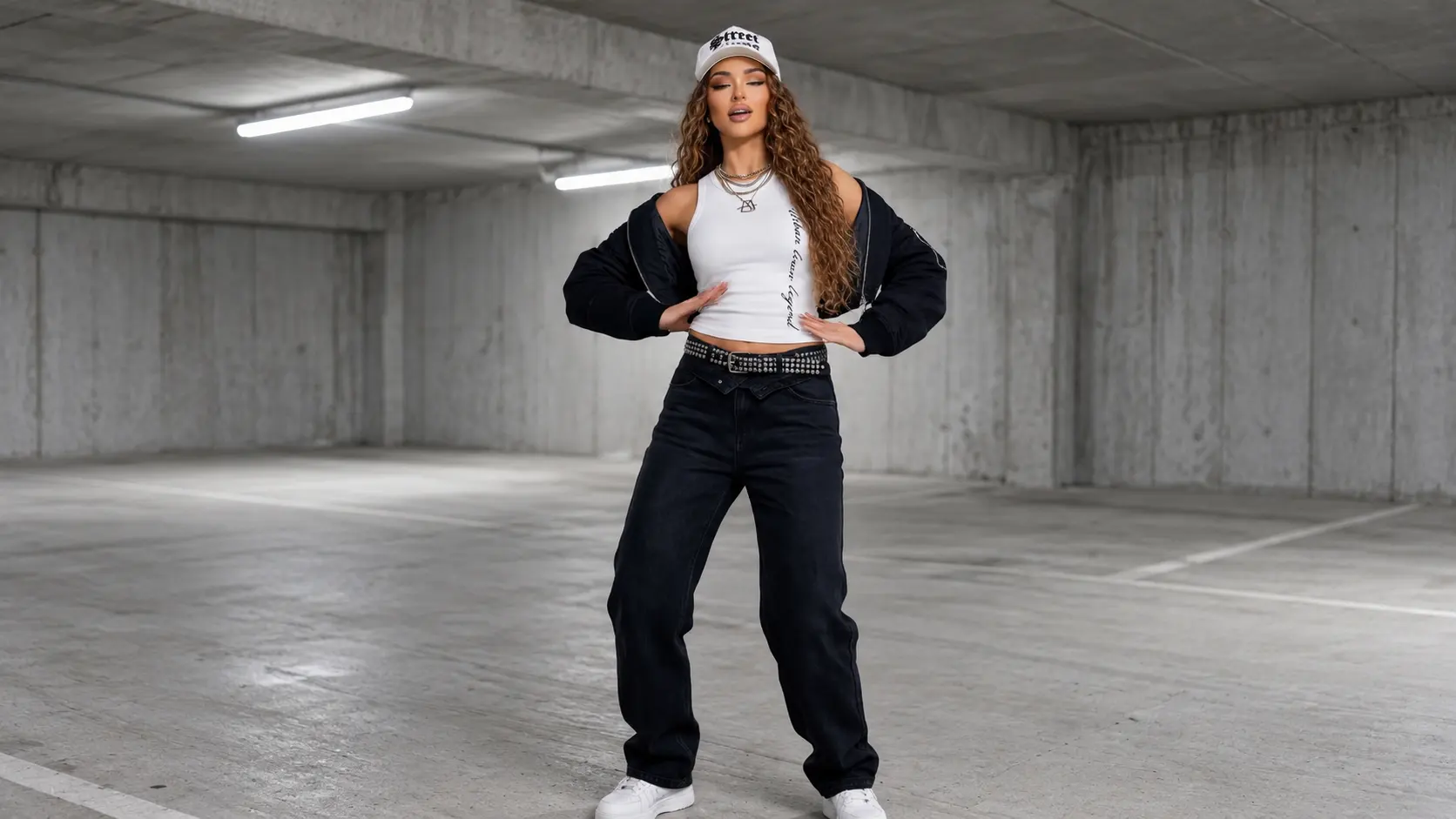
If the person is visible from head to toe and has enough space around the body, the image is a strong match for larger choreography.
Try:
Dance Star
Overdrive Dance
World Cup Dance
The reason is simple: dance is body language.
When viewers can clearly see the legs, feet, arms, and torso, the choreography becomes easier to read as a complete performance rather than just upper-body motion.
Good source photos: street portraits, sports looks, studio full-body photos, standing lifestyle shots.
Your Photo Is Framed From the Waist Up
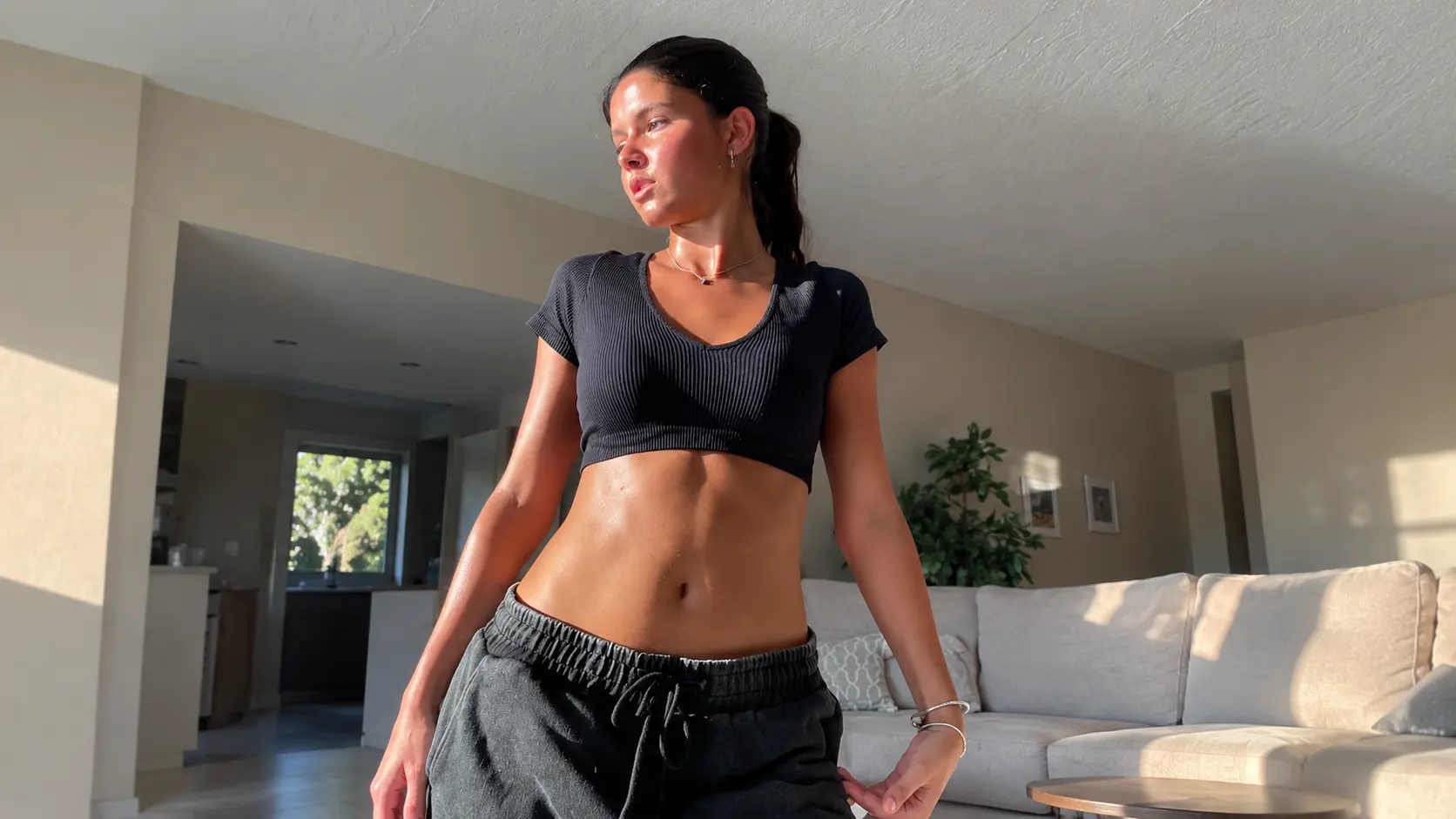
A waist-up portrait can still work very well for AI dance.
You simply want a movement style that puts more emphasis on:
shoulders, torso rhythm, arms, head movement, and expression.
Good options include:
and:
These styles are less dependent on large footwork and can make a portrait feel dynamic without changing the visual identity of the original image.
This can be a strong approach for an image to dance video made from creator portraits, indoor photos, or social profile images.
The Photo Already Has a Strong Fashion Look
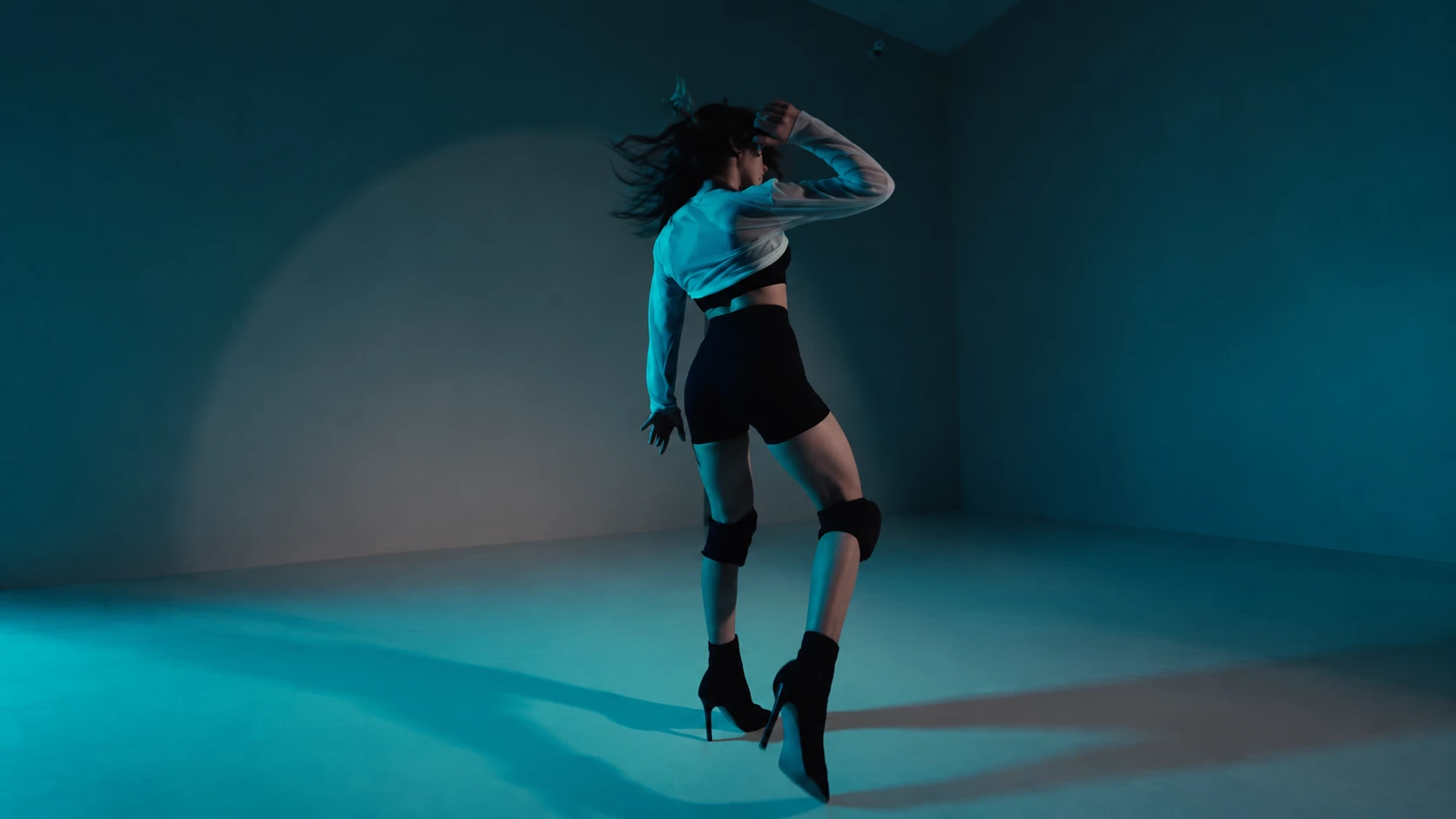
Some photos are interesting before they ever start moving.
The outfit, pose, hairstyle, and overall styling are already part of the content.
In that case, look at:
Heels Dance
Chanel Dance
Tennis Fashion
The appeal here is not simply “watch this person dance.”
It is:
Outfit + Movement + Attitude
That makes fashion-oriented dance especially useful for creators, style accounts, and Instagram Reels where the character's visual identity matters as much as the choreography.
Four AI Dance Styles Worth Trying
Once you know what type of image you are working with, choosing an AI dance template becomes much easier.
Viral TikTok Dance
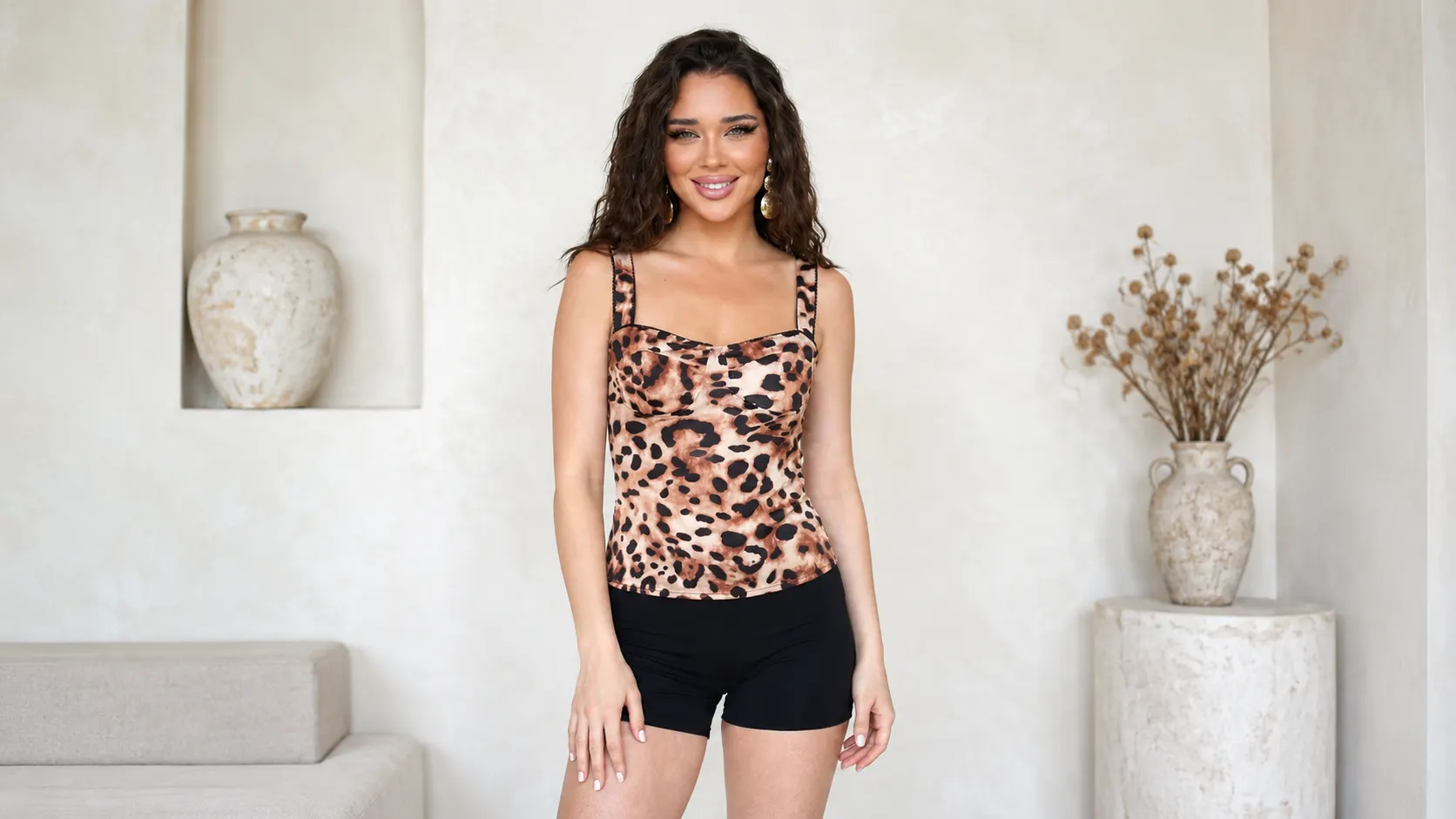
Try:
Chinese Trend
Like Jennie Dance
Stay With Me
For this style, the most important question is not how large the stage is.
It is whether the character looks rhythmic and engaging within the first few seconds.
A good TikTok dance template should feel immediately readable on a vertical feed.
High-Energy Performance
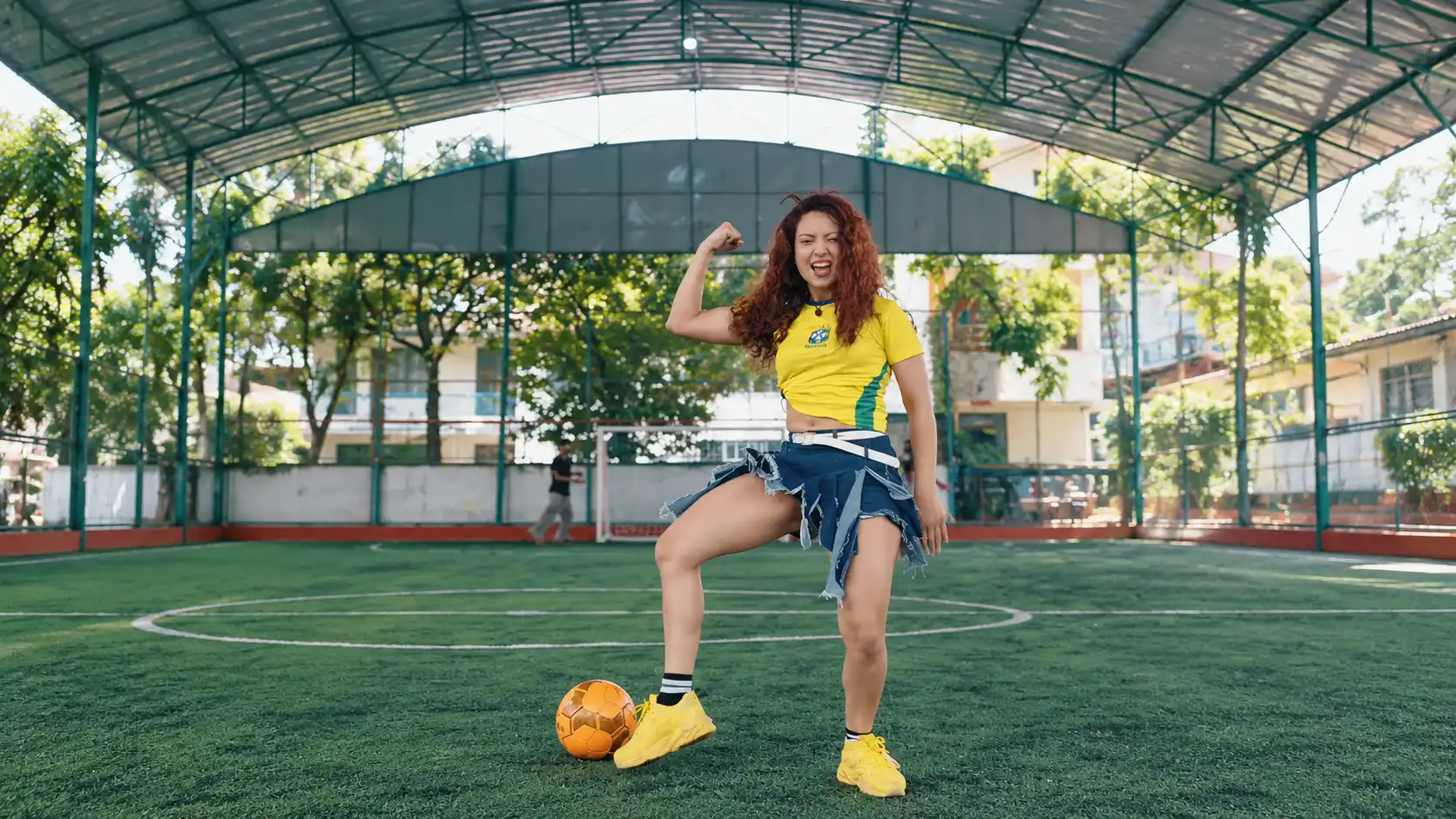
Try:
These work best when the original photo gives the character enough room to perform.
Full-body framing, a clear silhouette, and a confident pose can make the final result feel closer to an actual performance rather than a static portrait that was simply animated.
Rhythm & Body Movement
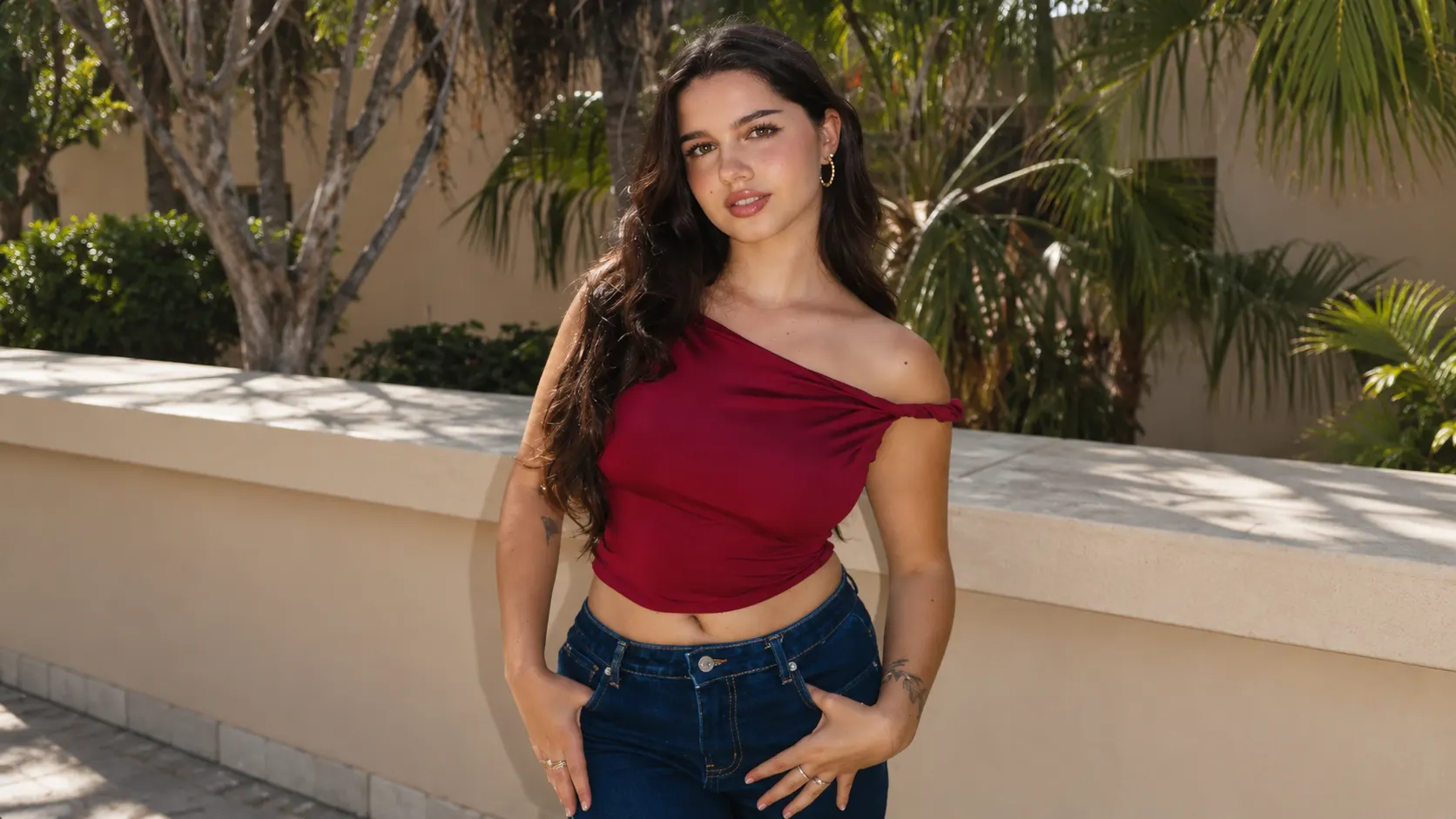
Try:
A body wave dance or hip twist dance does not need constant high-energy motion to look good.
The appeal comes from rhythm.
A smaller, controlled movement that fits the character can often feel more convincing than forcing a dramatic choreography onto the wrong source image.
Fashion Dance
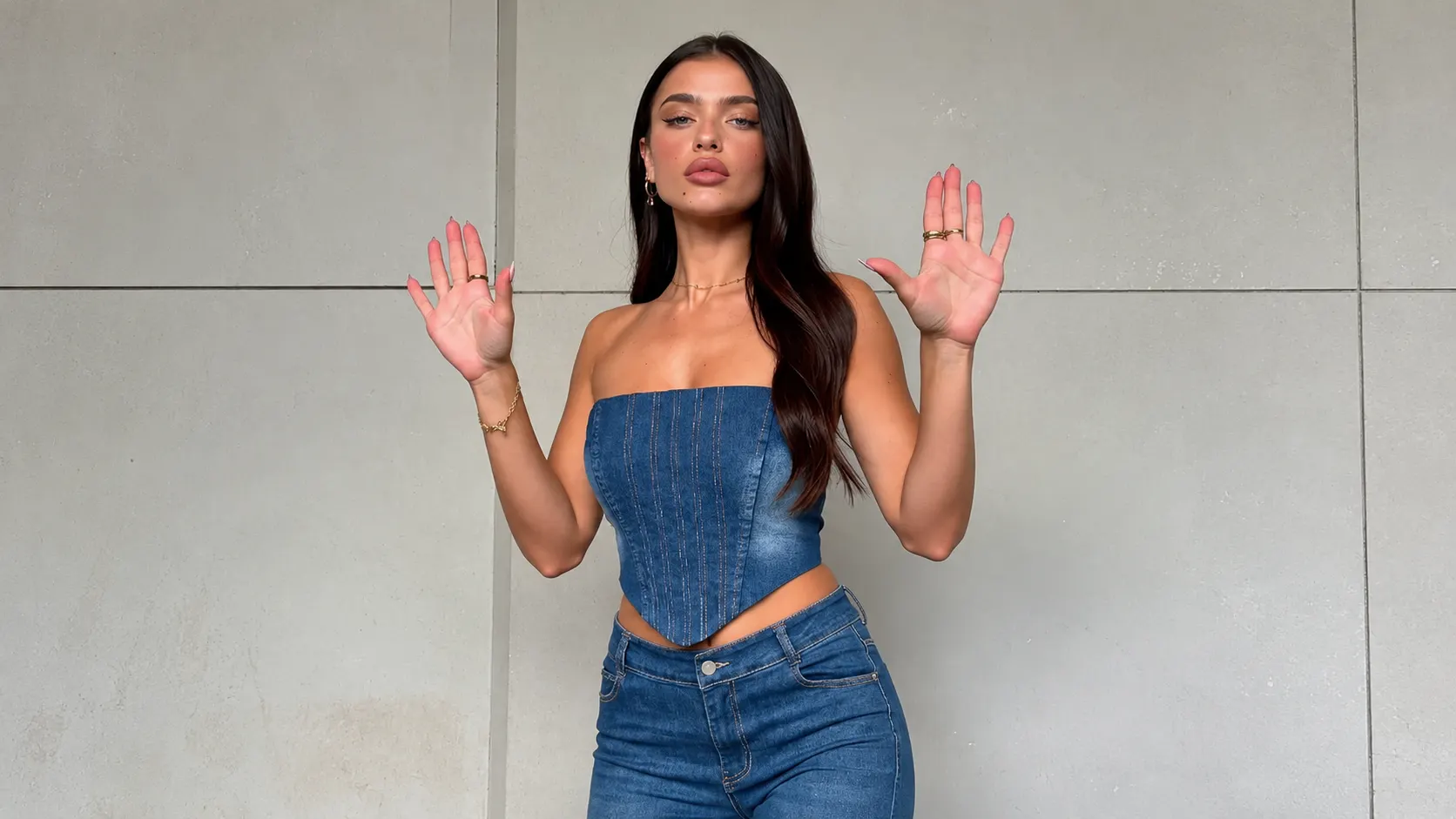
Fashion dance works more like a moving editorial.
For example:
The viewer is not only watching the dance.
They are also watching how the outfit moves, how the character carries themselves, and whether the entire scene feels like a fashion Reel.
Why Some AI Dance Videos Feel Like Finished Content—and Others Just Look Like Moving Photos
Choosing the most popular dance video template is not enough.
A stronger AI dance result usually has several things working together.
The body silhouette is easy to read. Arms, legs, and the torso remain visually distinct once movement begins.
The original image leaves room for movement. If the character is already pressed against the edge of the frame, larger choreography can feel visually crowded.
The outfit matches the dance energy. Streetwear, sportswear, editorial fashion, and casual portraits all create different expectations.
The background supports the performance. Rooftops, studios, hotel interiors, city streets, and open halls can all work. The important thing is that the character still remains the first thing you notice.
Most importantly:
The dance should feel compatible with the photo.
A minimal editorial portrait does not automatically become better when you add the biggest, fastest dance available.
Sometimes a controlled fashion movement will look much stronger.
The better question is not:
“Which template is the most viral?”
It is:
“Which template makes this particular photo feel believable as a dance video?”
What If You Already Have a Dance Video You Want to Copy?
Templates are not the only option.
If you already have a reference dance clip, you can use the Movmix AI Dance Generator to combine a character image with a reference video.
The workflow is straightforward:
Upload Character → Upload Reference Video → Generate
[Screenshot: Upload Character + Upload Video + Generate only]
This is useful when you see a dance on TikTok or another short-form platform and want your own character to perform the same choreography.
Instead of searching for a similar template, the reference clip becomes the movement source.
If you are also turning the final result into Instagram content, our How to Make Reels With AI guide covers the broader Reel workflow, including image selection and short-form presentation.
A Simple Way to Choose Your Dance
If you still are not sure where to begin, start here:
| What you have or want | Try first |
|---|---|
| Clear full-body photo | Dance Star / Overdrive |
| Fashion full-body portrait | Heels Dance / Chanel Dance |
| Waist-up portrait | Body Wave |
| Trending TikTok feel | Chinese Trend / Like Jennie |
| High-energy performance | World Cup Dance |
| Strong body rhythm | Hip Twist / Body Wave |
| Your own reference dance clip | AI Dance Generator |
The most interesting part of AI dance is not making every photo perform the same choreography.
It is finding a movement that feels like it belongs to that character.
Browse TikTok Dance Templates if you want trend-driven social choreography, or explore Dance Challenge Templates for fuller performance and body movement.
Start with the photo.
Then choose the dance.
That decision often matters more than simply chasing whichever AI dance video effect is currently the most popular.
'%3e%3crect%20y='2.1906'%20width='26'%20height='17.4314'%20rx='1.55981'%20fill='white'/%3e%3c/g%3e%3crect%20x='0.311961'%20y='2.50256'%20width='25.3761'%20height='16.8075'%20rx='1.24784'%20stroke='%2322257C'%20stroke-width='0.623922'/%3e%3c/g%3e%3crect%20x='13.078'%20y='15.5656'%20width='10.8016'%20height='2.49569'%20rx='0.623922'%20fill='%2366B3FF'%20stroke='%2322257C'%20stroke-width='0.623922'/%3e%3crect%20x='-0.311961'%20y='0.311961'%20width='10.8016'%20height='2.49569'%20rx='0.623922'%20transform='matrix(-1%200%200%201%2012.61%2015.2536)'%20fill='%2366B3FF'%20stroke='%2322257C'%20stroke-width='0.623922'/%3e%3crect%20x='10.3093'%20y='13.3231'%20width='4.91339'%20height='6.98013'%20rx='2.45669'%20fill='%2322257C'/%3e%3cpath%20d='M18.9174%200.31543C20.5962%200.268025%2022.1261%200.655527%2023.9487%201.55762C24.0483%201.60695%2024.1137%201.71153%2024.1137%201.8291V16.502C24.1137%2016.7236%2023.8763%2016.891%2023.6499%2016.7979C21.803%2016.0377%2020.2158%2015.6963%2018.4975%2015.7705C16.8915%2015.8399%2015.1907%2016.2732%2013.0776%2017.0332V1.6709C15.4678%200.825877%2017.2746%200.36187%2018.9174%200.31543Z'%20fill='white'%20stroke='%2322257C'%20stroke-width='0.623922'/%3e%3cpath%20d='M15.3008%204.57C16.3536%203.94578%2019.2783%203.20503%2021.8909%203.94608'%20stroke='%2366B3FF'%20stroke-width='0.935883'%20stroke-linecap='round'/%3e%3cpath%20d='M15.3008%207.26054C16.3536%206.63631%2019.2783%205.89557%2021.8909%206.63661'%20stroke='%2366B3FF'%20stroke-width='0.935883'%20stroke-linecap='round'/%3e%3cpath%20d='M15.3008%209.95107C16.3536%209.32684%2019.2783%208.5861%2021.8909%209.32714'%20stroke='%2366B3FF'%20stroke-width='0.935883'%20stroke-linecap='round'/%3e%3cpath%20d='M15.3008%2012.6398C16.3536%2012.0156%2019.2783%2011.2749%2021.8909%2012.0159'%20stroke='%2366B3FF'%20stroke-width='0.935883'%20stroke-linecap='round'/%3e%3cpath%20d='M7.08257%200.31543C5.40384%200.268025%203.87393%200.655527%202.05132%201.55762C1.95165%201.60695%201.88628%201.71153%201.88628%201.8291V16.502C1.88628%2016.7236%202.12373%2016.891%202.35014%2016.7979C4.19702%2016.0377%205.78418%2015.6963%207.50249%2015.7705C9.10852%2015.8399%2010.8093%2016.2732%2012.9224%2017.0332V1.6709C10.5322%200.825877%208.72541%200.36187%207.08257%200.31543Z'%20fill='white'%20stroke='%2322257C'%20stroke-width='0.623922'/%3e%3cpath%20d='M10.6992%204.57C9.64638%203.94578%206.72175%203.20503%204.10907%203.94608'%20stroke='%2366B3FF'%20stroke-width='0.935883'%20stroke-linecap='round'/%3e%3cpath%20d='M10.6992%207.26054C9.64638%206.63631%206.72175%205.89557%204.10907%206.63661'%20stroke='%2366B3FF'%20stroke-width='0.935883'%20stroke-linecap='round'/%3e%3cpath%20d='M10.6992%209.95107C9.64638%209.32684%206.72175%208.5861%204.10907%209.32714'%20stroke='%2366B3FF'%20stroke-width='0.935883'%20stroke-linecap='round'/%3e%3cpath%20d='M10.6992%2012.6398C9.64638%2012.0156%206.72175%2011.2749%204.10907%2012.0159'%20stroke='%2366B3FF'%20stroke-width='0.935883'%20stroke-linecap='round'/%3e%3c/g%3e%3cdefs%3e%3cfilter%20x='0'%20y='2.1906'%20width='26'%20height='17.4314'%20filterUnits='userSpaceOnUse'%20color-interpolation-filters='sRGB'%3e%3cfeFlood%20flood-opacity='0'%20result='BackgroundImageFix'/%3e%3cfeBlend%20mode='normal'%20in='SourceGraphic'%20in2='BackgroundImageFix'%20result='shape'/%3e%3cfeColorMatrix%20in='SourceAlpha'%20type='matrix'%20values='0%200%200%200%200%200%200%200%200%200%200%200%200%200%200%200%200%200%20127%200'%20result='hardAlpha'/%3e%3cfeOffset%20dy='-1.24784'/%3e%3cfeComposite%20in2='hardAlpha'%20operator='arithmetic'%20k2='-1'%20k3='1'/%3e%3cfeColorMatrix%20type='matrix'%20values='0%200%200%200%200.572549%200%200%200%200%200.768627%200%200%200%200%200.976471%200%200%200%201%200'/%3e%3cfeBlend%20mode='normal'%20in2='shape'%20result='effect1_innerShadow_0_4'/%3e%3c/filter%3e%3c/defs%3e%3c/svg%3e)



