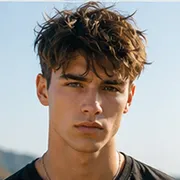
Pick an AI birthday template, upload one clear photo of yourself, and Movmix turns it into a styled birthday portrait — then, if you want, into a short birthday Reel. Below are the seven birthday templates on Movmix, which one fits which occasion, and prompts for occasions the templates do not cover.
Make a Birthday Photo in 3 Steps
- Choose a template from the gallery below or search "birthday" on Movmix.
- Upload a photo — a well-lit, front-facing photo with your face clearly visible works best.
- Generate, then try a second photo or variation if you want a set. Optional: animate the result in AI Image to Video to get a birthday Reel.
AI Birthday Template Gallery
1. Birthday Star
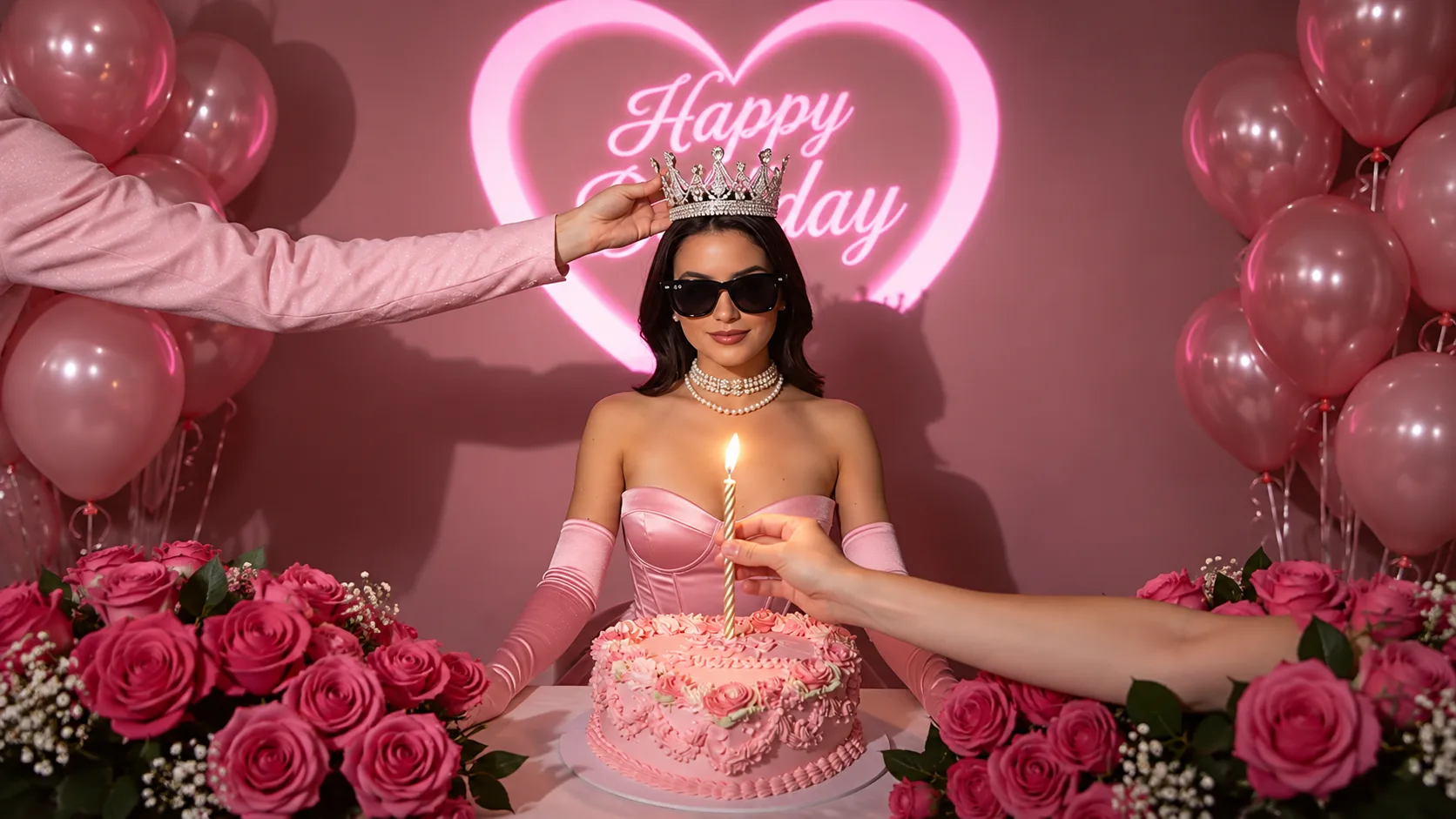
If you want your birthday photo to instantly feel like a main-character moment, Birthday Star is one of the most direct styles to try.
The crown, birthday cake, pink setting, and spotlight-style composition make the image feel more like a dedicated birthday shoot than a casual snapshot. It works especially well for bright, polished, social-first birthday content.
Best for: Birthday Portrait / Instagram Birthday Post / Reels Cover
Make it yours: Change the outfit color, cake design, background palette, or overall party theme to create a more personal version.
Good for: Solo portrait, main-character birthday post
2. Birthday Selfie Party
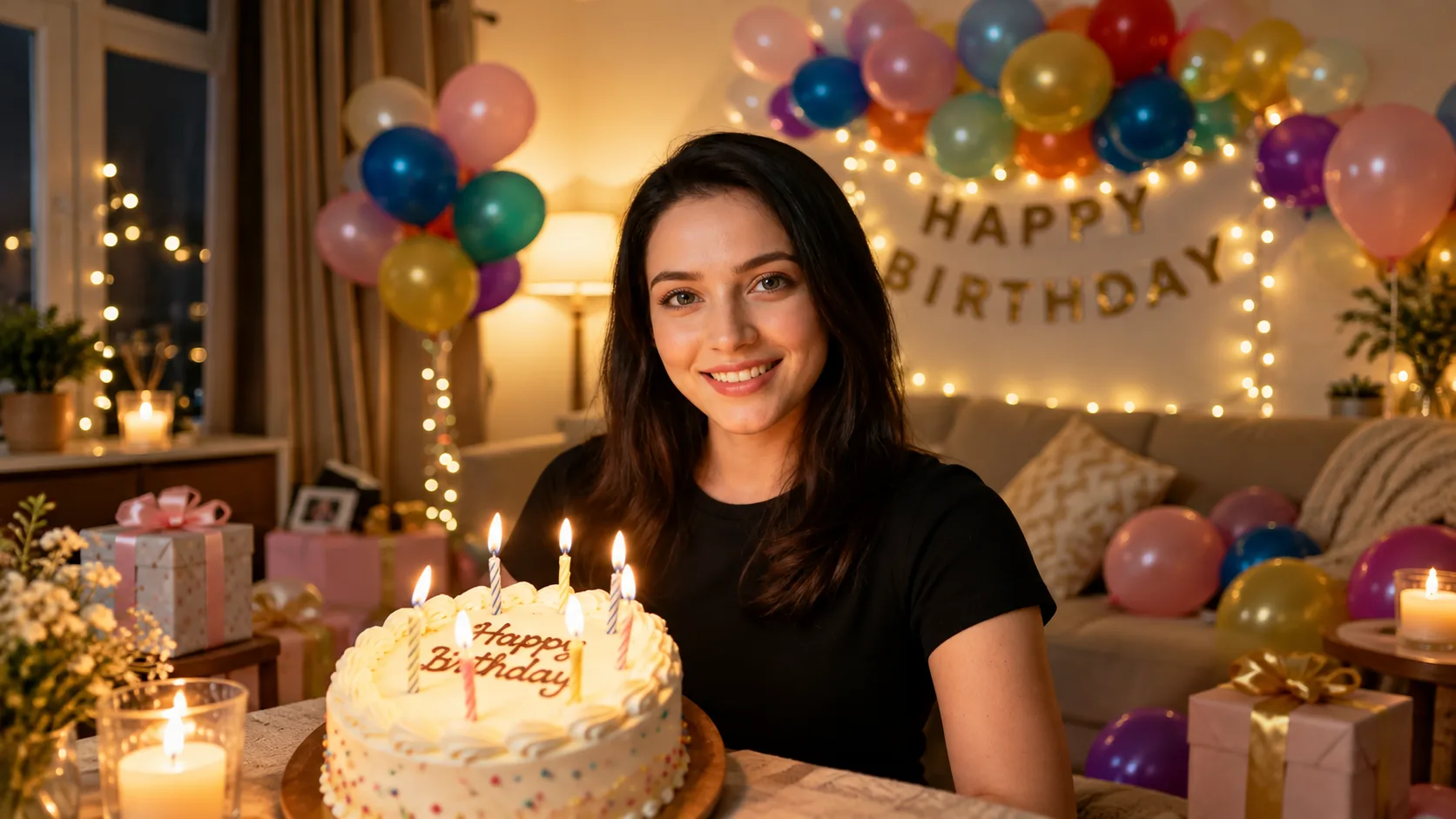
Not every birthday photo needs to look like a formal photoshoot.
Birthday Selfie Party feels closer to the kind of birthday content people naturally post on Instagram: balloons, cake, warm party lighting, and a relaxed selfie-style composition.
Its biggest strength is that it feels casual, social, and easy to share, making it a good choice for anyone who wants a real party atmosphere rather than a highly staged portrait.
Best for: Birthday Selfie / Friends / Casual Party / Social Posts
Make it yours: Switch the balloon colors, party location, outfit, or cake style to match your own celebration.
Good for: Selfies, friends, casual home parties
3. Champagne Birthday Cheers
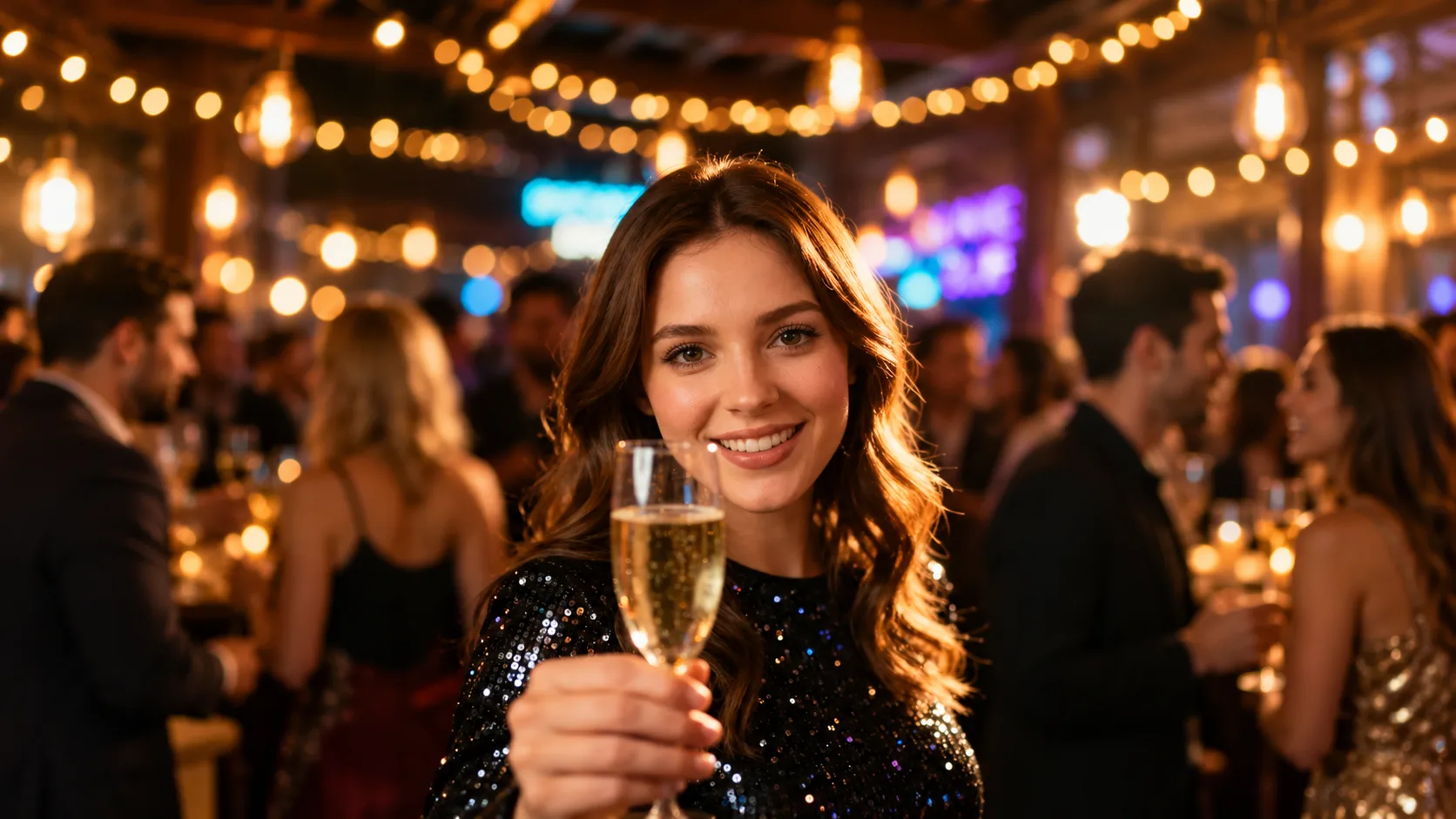
If colorful balloons and traditional birthday props are not your style, try a more lifestyle-focused birthday celebration.
Champagne Birthday Cheers uses warm lighting, party ambience, and a celebratory drink to create a more polished and elevated birthday mood.
It still clearly feels like a special occasion, but without relying on the usual birthday-photo formula.
Best for: Lifestyle Birthday / Instagram / Celebration Post / Birthday Reels
Make it yours: Move the celebration to a rooftop, restaurant, private party, or city-night setting for a completely different atmosphere.
Good for: Adult birthdays, dinners, rooftop or night-out celebrations
4. Birthday Girl
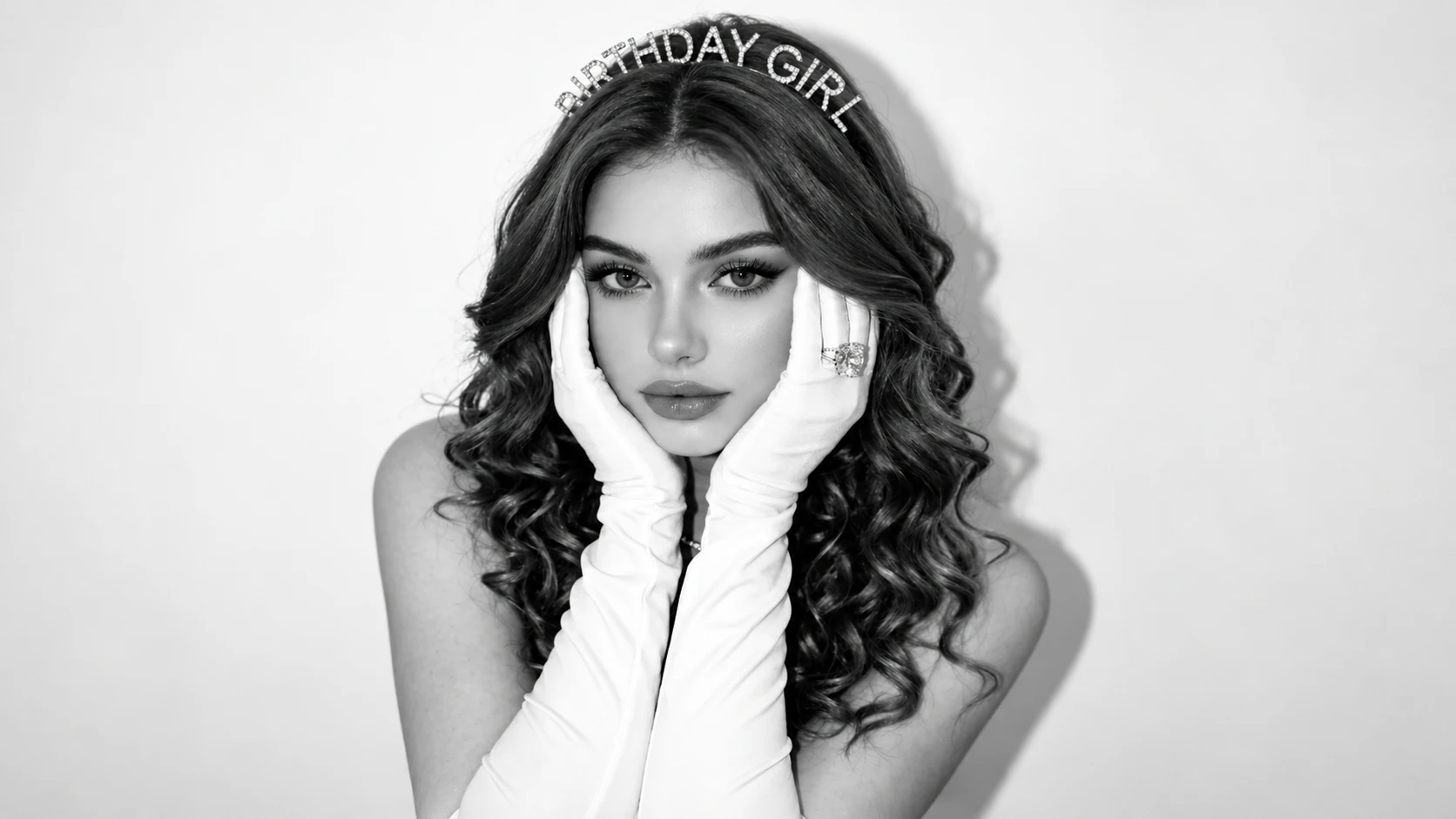
Birthday content does not always need balloons, cake, and confetti.
Birthday Girl takes a cleaner approach with a black-and-white editorial portrait that keeps all attention on the subject.
Compared with more colorful party templates, this style feels more like an editorial birthday portrait, making it ideal for users who prefer something minimal, stylish, and timeless.
It can also work especially well as the first image in an Instagram birthday post.
Best for: Minimal Portrait / Editorial Birthday / Instagram Post
Make it yours: Adjust the pose, hairstyle, outfit, or lighting while keeping the background simple and the subject visually dominant.
Good for: Minimal black-and-white portrait, milestone birthdays
5. Neon Candle Queen
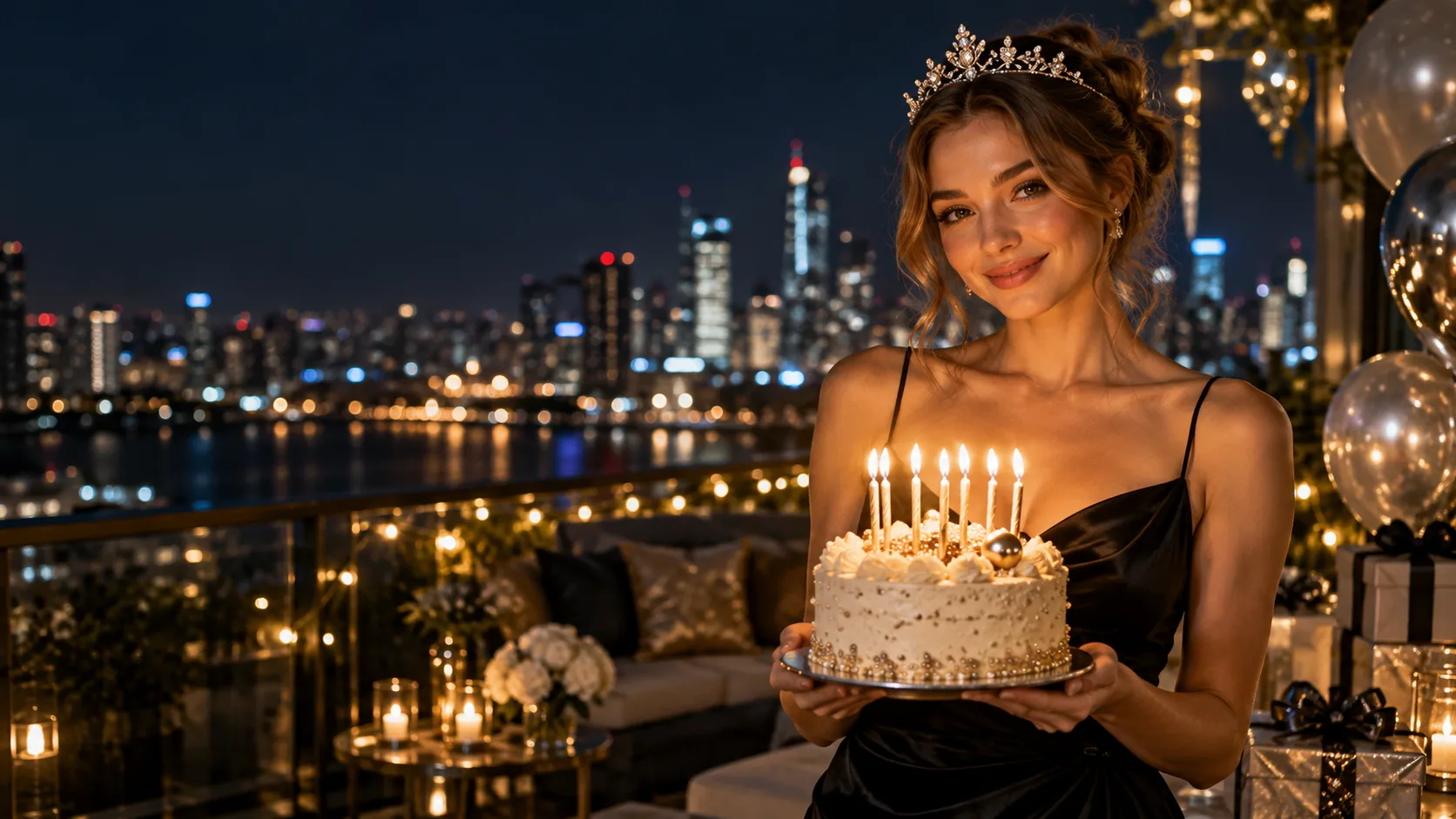
For a birthday look with stronger short-form and social media energy, try a neon night setting.
Neon Candle Queen combines a crown, birthday cake, candlelight, and colorful city-style lighting. The warm candle glow contrasts with the cooler background lights, creating a stronger visual hook than a standard indoor birthday photo.
It works well as both a standalone birthday portrait and a Birthday Reel cover.
Best for: Birthday Reels / Night Portrait / Creator Content / Social Media
Make it yours: Change the crown, cake color, city lights, or outfit to move the look from soft and elegant to bold and nightlife-inspired.
Good for: Night-time look, Reel covers, creators
6. Confetti Pop Glam
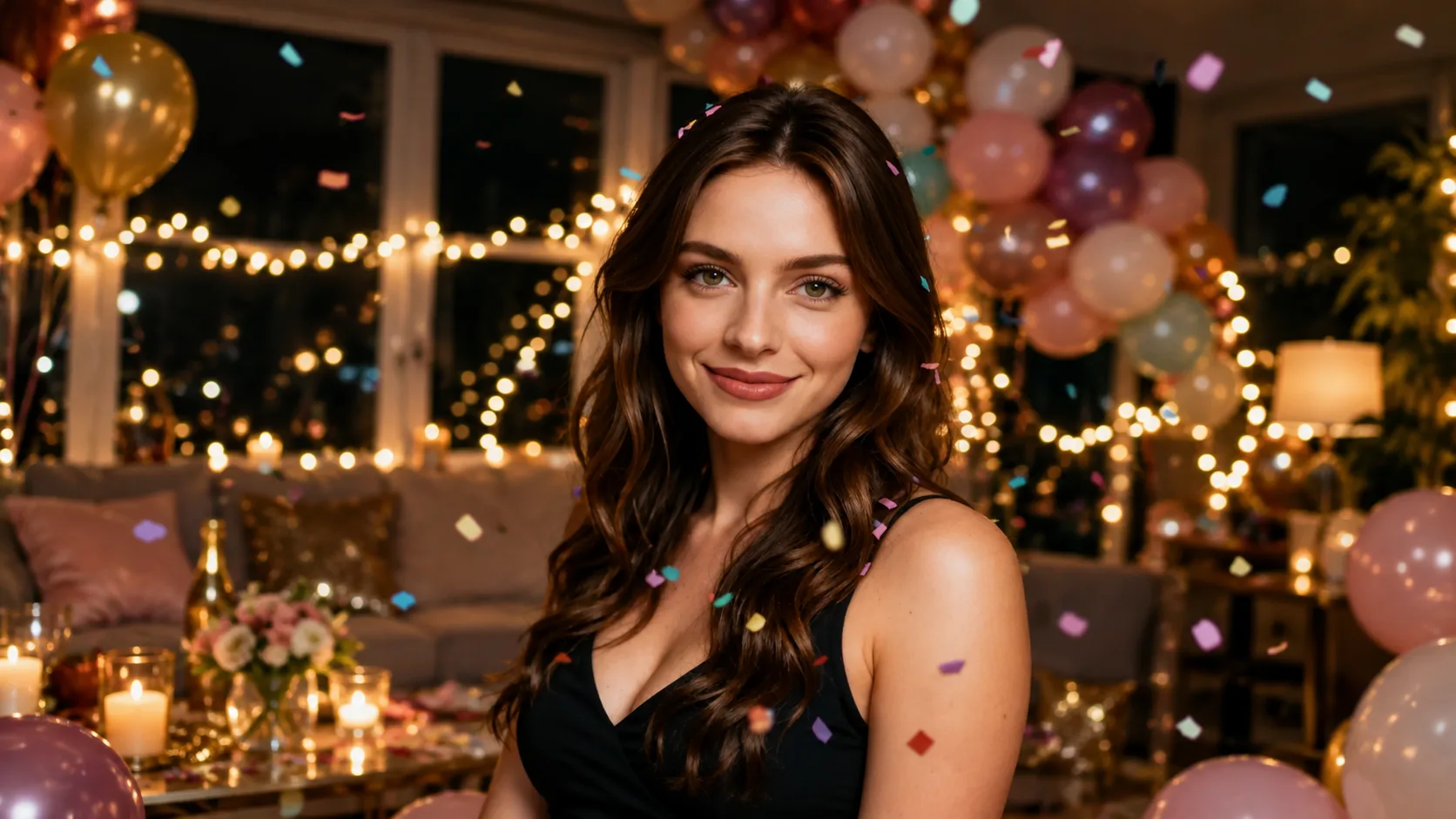
If Birthday Star says “I’m the main character,” Confetti Pop Glam feels more like:
“It’s my birthday.”
Confetti, party lighting, and a close portrait create an immediate celebration mood. It is especially suitable for birthday-day posts and announcement-style content.
This template works well for users who want something brighter, more energetic, and clearly designed for social media.
Best for: Birthday Announcement / Party Content / Instagram / Reels
Make it yours: Change the confetti colors, party lighting, and outfit theme to build a different type of birthday celebration.
Good for: Birthday-day announcement posts
7. Crown Cake
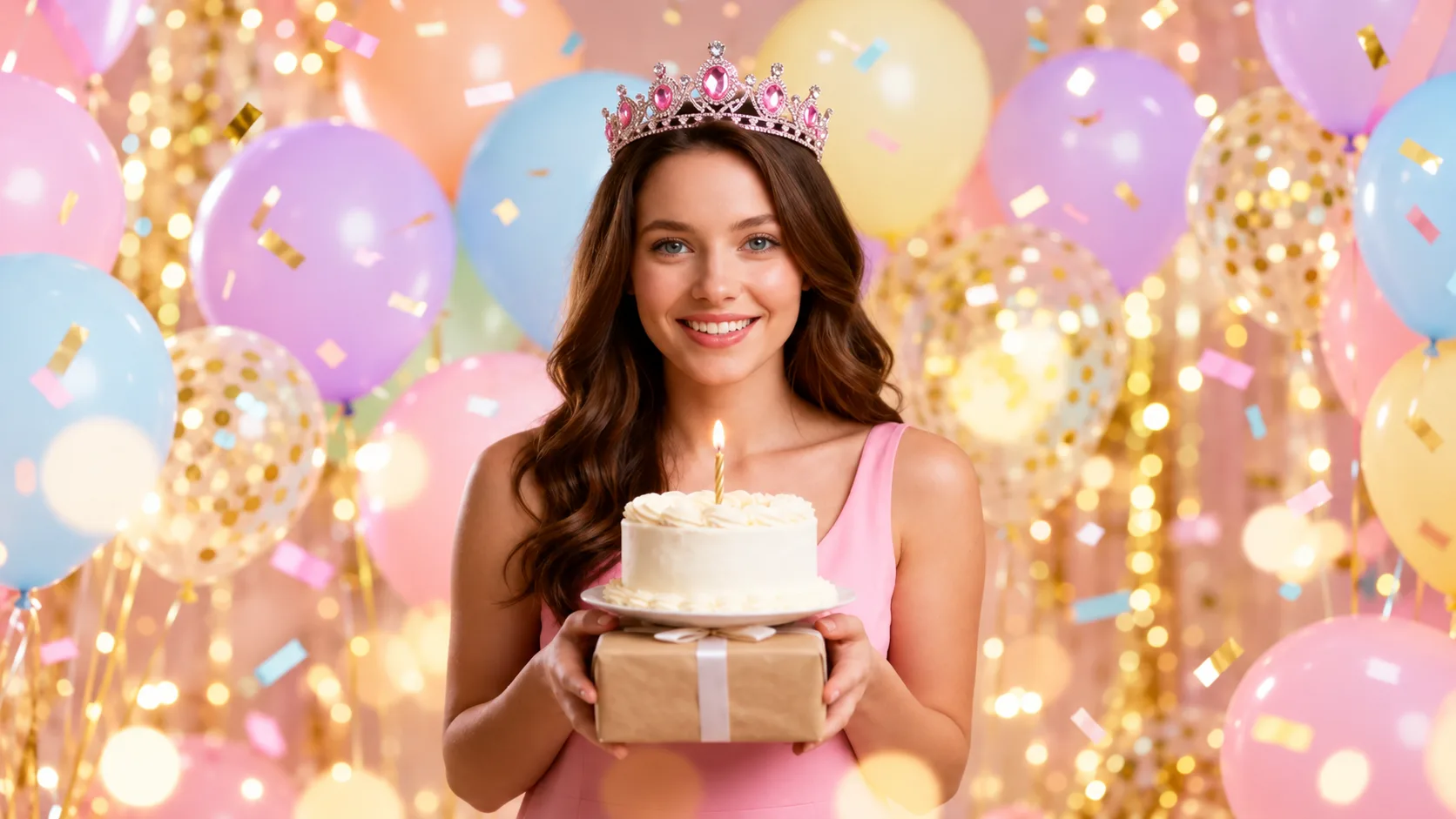
Sometimes the classic birthday look still works best.
A crown, cake, balloons, and gifts are instantly recognizable birthday elements. Crown Cake does not rely on an unusual concept; instead, it creates a warm, bright celebration that viewers understand immediately.
If this is your first time using an AI birthday template, or you want something easy to share with friends and family, this style is a strong place to start.
Best for: Birthday Photo / Family / Friends / Social Post
Make it yours: Change the cake, crown, gift wrapping, and background colors to create your own variation.
Good for: Classic look for family and friends; good first try
Birthday Templates by Occasion
Movmix's birthday collection is currently built around adult party portraits. For the occasions below, use the matching template where one exists; where it does not, upload your photo to AI Image to Image and adapt the prompt we wrote for it.
Selfie and Friends Party
Use Birthday Selfie Party for a relaxed group or selfie feel, or Confetti Pop Glam for an announcement-style post.
Milestone Birthdays (18, 21, 30, 50)
Birthday Girl and Champagne Birthday Cheers suit milestone posts. To add the number, edit in AI Image to Image:
Keep the person's face, hairstyle and outfit unchanged. Add large gold foil balloons forming the number "30" behind them, slightly out of focus. Warm party lighting, champagne glasses on a table in the foreground. Do not add any other text.
Couples Birthday
There is no dedicated couples template yet. Upload a photo of the two of you to AI Image to Image and use:
Keep both people's faces, hairstyles and clothing unchanged. Place them side by side at a candlelit restaurant table with a small birthday cake between them, one candle lit. Soft warm light, shallow depth of field, romantic and natural. No text.
Baby and Kids Birthday
For a first birthday or a child's party, use a photo you have permission to edit and try:
Keep the child's face and outfit unchanged. Place the child in a bright pastel birthday setup with soft balloons, a small smash cake in front and paper bunting in the background. Even soft daylight, playful and gentle. Do not add text.
Pet Birthday
For your dog or cat, browse Movmix's AI pet templates, or edit a pet photo with:
Keep the dog's face, fur color and markings unchanged. Add a small paper party hat, a dog-safe birthday cake with one candle in front, and colorful confetti on the floor. Bright, cheerful indoor light. No text.
Which Birthday Style Fits You?
Different birthday templates work better for different moods and social platforms.
| Style You Want | Recommended Template |
|---|---|
| Main-character birthday look | Birthday Star |
| Natural party atmosphere | Birthday Selfie Party |
| Elevated lifestyle celebration | Champagne Birthday Cheers |
| Minimal editorial portrait | Birthday Girl |
| Trendy night-time birthday look | Neon Candle Queen |
| Bright party energy | Confetti Pop Glam |
| Classic birthday style | Crown Cake |
Turn Your Birthday Photo Into a Birthday Reel
This is where Movmix goes further than a photo template: your birthday portrait can become a short vertical video.
- Open AI Image to Video and upload your finished birthday image.
- Write one short sequence of motion, for example: looks at the cake → closes eyes and makes a wish → blows out the candles → confetti falls → smiles at the camera.
- Add a keep sentence: "Keep her face, hairstyle and outfit unchanged."
- Choose a vertical 9:16 format if the model offers it, since that is the native shape for Reels, TikTok and Stories.
- Generate, check the face and hands, and adjust one thing at a time if needed.
For a deeper walkthrough, see our AI birthday video tutorial, image-to-Reel guide and Instagram Reels ideas.
Make a Full Birthday Content Set
Once you find a birthday style that works, you do not have to use it only once.
For example, Birthday Star could become:
Pink Birthday Star
Black & Gold Birthday Star
Rooftop Birthday Star
Night Birthday Star
Birthday Selfie Party could be adapted into:
Home Party
Restaurant Party
Garden Party
Rooftop Party
One template can become an entire set of visually consistent birthday content.
For Instagram or TikTok, that often creates a stronger overall look than posting several completely unrelated birthday images.
AI Birthday Templates FAQ
Do I need editing skills to use an AI birthday template?
No. Choose a template, upload a clear photo and generate. If you want changes, swap the photo or try a variation; prompts are only needed for occasions without a template.
Will the result still look like me?
Templates work best with a sharp, well-lit, front-facing photo where your face is not covered. Check the result before posting, and try another photo if the likeness is off.
Can I make a first-birthday or kids' birthday photo?
There is no dedicated kids template right now, but you can upload a photo to AI Image to Image and use the kids birthday prompt above. Only use photos you have permission to edit.
Can I add a name or age to the image?
Yes, by editing in AI Image to Image: put the exact words in quotation marks and say where they should appear, for example number balloons reading "30". Check the spelling before sharing.
How do I post my birthday image as an Instagram Reel?
Animate the image in AI Image to Video with a short motion sequence such as making a wish and blowing out the candles, use a vertical 9:16 format if available, then upload the video to Instagram as a Reel.
Create Your Birthday Look
Pick a template above, upload your photo, and when you have a favorite, turn it into a Reel with AI Image to Video. You can also search "birthday" on Movmix to see the latest styles.