Black Friday 2026 falls on Friday, November 27, with Cyber Monday on November 30. The weeks before those dates are when ecommerce brands and creators stockpile Black Friday video templates for TikTok, Instagram Reels, Shorts, and paid ads — not when they should be inventing a concept from scratch.
Search results for Black Friday video templates are mostly editable design libraries — you pick a layout, swap clips and sale text, and export. Another common result is a ready-made vertical clip for Black Friday video ads on TikTok and Reels. This guide is different: it is a format playbook. Each template below is a reusable sale-ad structure — shot list, offer overlay, urgency line, and CTA — that you can run with a real product photo on Movmix, then refine for TikTok Shop, Reels, or Meta ads.
When you are ready to generate, open the seasonal hub Black Friday AI Video Generator or the focused card Black Friday Product. Use this article to pick the format; use those pages to produce the clip.
What Makes a Black Friday Video Template Work
A useful Black Friday template is not a random product demo with “40% OFF” pasted on top. Shoppers skim vertical video in seconds. The formats that convert usually share four layers:
| Layer | What it does | Example |
|---|---|---|
| Hook (0–2s) | Stops the scroll before the discount appears | Price tag swing-in, sealed box, split before/after |
| Product proof | Shows the item clearly in use or in hand | Hero spin, unboxing hands, UGC bathroom sink |
| Offer + urgency | States the deal and the deadline in short lines | “Weekend only” / “Ends tonight” — not a paragraph |
| CTA | One clear next step | Shop Now / Get the Deal / Claim Offer |
Keep exact dollar amounts and coupon codes for your editor or ad platform when AI models may misspell long text. On-screen, prefer short sale words (SALE, BF DEAL) plus a clean product shot.
10 Black Friday Video Templates (Format Playbook)
Each template below includes: best for, shot list or generation brief, suggested overlay copy, and a Movmix starting point. Swap in your own product photo; do not invent a deal percentage you are not running.
1. Product Hero Spin — Classic Black Friday ecommerce ad
Best for: Beauty, electronics, and any SKU with strong packaging.
Shot list / brief: Clean 9:16 frame. Product centered on a simple surface. Slow orbit or gentle push-in for 4–6 seconds. Leave lower-third space for the offer. No cluttered props.
Overlay pattern: Line 1 = Black Friday deal · Line 2 = short urgency · Line 3 = Shop Now.
Example lines: Black Friday Deal / This Weekend Only / Shop Now
Start from a product inspiration such as Facial Cleanser or Bluetooth Speaker Ad, then generate with AI Image to Video or open /module/black-friday.
2. Price-Tag Reveal — Black Friday video ads that lead with the deal

Best for: Clear discounts, doorbuster SKUs, paid social.
Shot list / brief: Product locked in frame. A sale tag, sticker, or label enters from the edge in the first second, settles, then holds. Keep the tag short so the product stays readable.
Overlay pattern: One sale word on the tag + one deadline under the product.
Example lines: SALE / Ends Tonight
Generate from your product still via Black Friday Product, then add the exact price in CapCut/Canva/your ad editor if the number must be pixel-perfect.
3. Doorbuster Countdown — Urgency for TikTok & Reels
Best for: Flash hours, “ends at midnight,” early-bird drops.
Shot list / brief: Product hero for 1–2 seconds → big countdown numerals (or a ticking clock motif) for 2–3 seconds → CTA end card. Keep total length under ~12 seconds for feed ads.
Overlay pattern: Countdown + one deal line + CTA.
Example lines: 48 Hours Left / Black Friday Drop / Get the Deal
Build the motion on Movmix, then stamp your real end time in the caption and the ad set — video text and ad schedule must match.
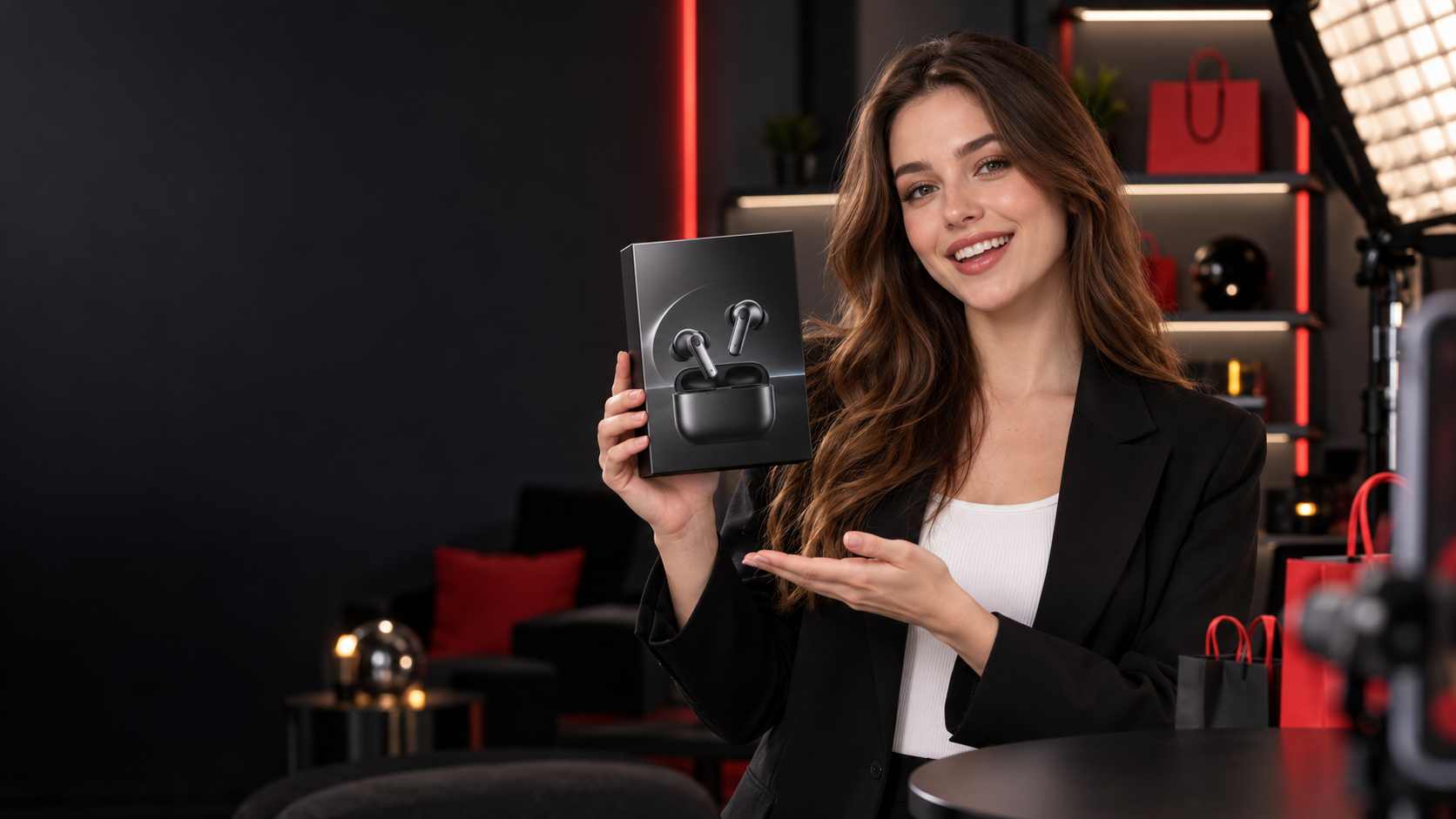
4. Unboxing Reveal — Hands + product for social proof
Best for: Gadgets, beauty sets, gift bundles, TikTok Shop.
Shot list / brief: Closed box or pouch fills the frame → hands open it → product rises into a hero hold. Soft practical light. Avoid busy backgrounds.
Overlay pattern: Silent first second (hook) → deal after the product appears.
Example lines: Black Friday Unbox / Limited Bundle / Shop the Set
Use a single clear product photo as the first frame. The Black Friday module lists unboxing-style retail motion among its promo formats.
5. Before / After Discount Split — Price-drop storytelling
Best for: Comparing list price vs sale price without a long voiceover.
Shot list / brief: Split screen or hard cut: left = “before” (product alone or muted packaging) · right = “after” (product + sale badge). Same camera angle on both sides so the change reads as the deal, not a new product.
Overlay pattern: Was / Now labels kept short; CTA once.
Example lines: Was → Now / Black Friday Price Drop / Shop Now
Put exact numbers in the caption if AI typography is unreliable. Motion can come from AI Image to Video with two stills sequenced in your editor.
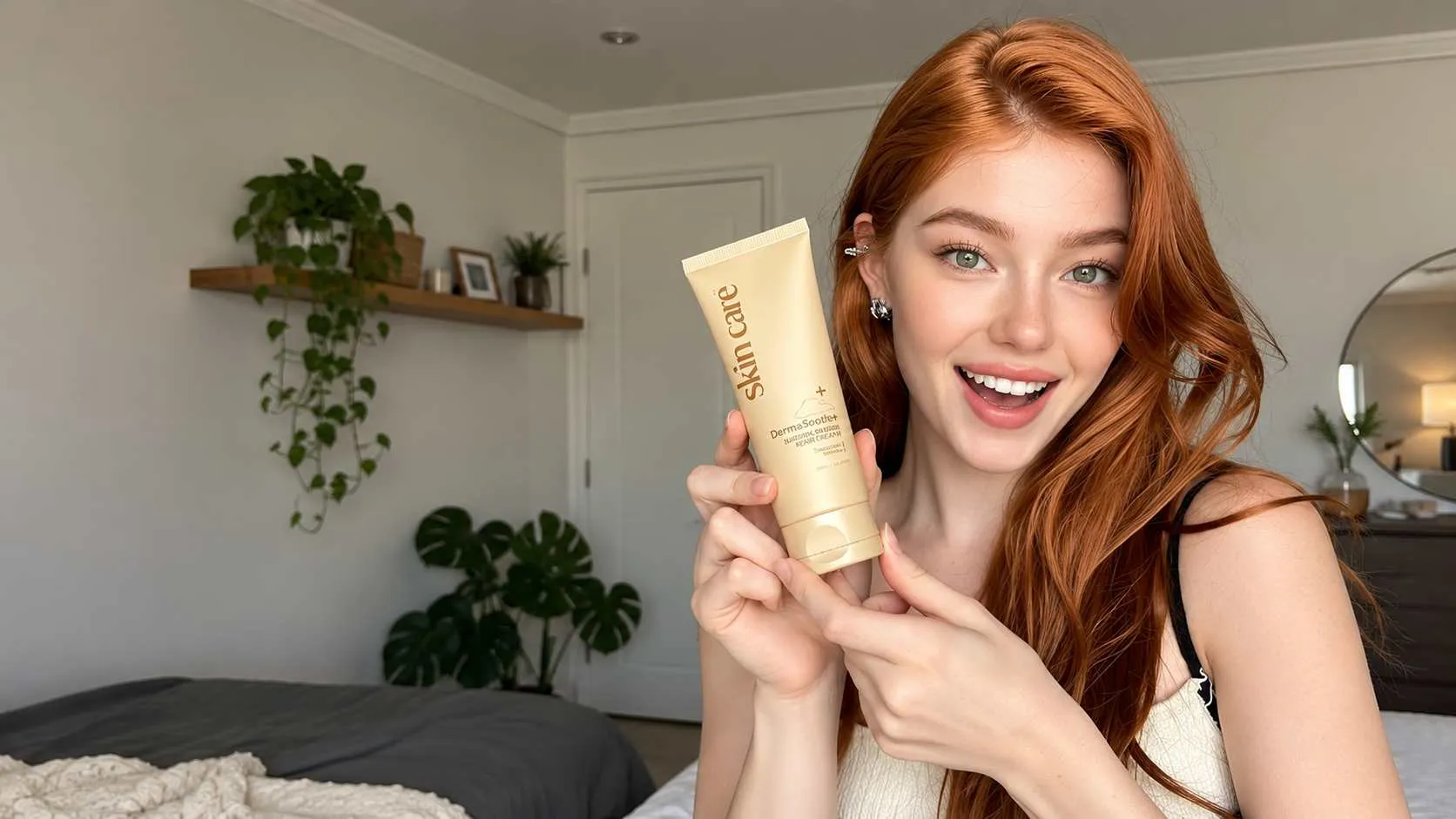
6. UGC Testimonial Clip — Creator-style Black Friday Reels


Best for: Skincare, wellness, personal care, trust-building ads.
Shot list / brief: Phone-style vertical. Person holds product near face or sink. Natural room light. One honest line of voice or on-screen text about the result — then the Black Friday offer. Keep it under 15 seconds.
Overlay pattern: Soft social proof → deal → CTA.
Example lines: My restock weekend / Black Friday restock / Shop Now
Product-in-use inspirations like Restore Cream or Daily Shave work as visual references; rewrite the offer for your real campaign.
7. Lifestyle In-Use — Soft sell for home & wellness


Best for: Home devices, wellness, everyday upgrades that feel odd as hard-sell ads.
Shot list / brief: Wide or medium shot of the product living in a real room (desk, nightstand, bathroom). Slow ambient motion. Deal appears late — after the lifestyle beat.
Overlay pattern: Lifestyle line → home/wellness deal → CTA.
Example lines: Weekend reset / Black Friday Home Deal / Claim Offer
References: Humidifier Promotion, Fish Oil Promotion.
8. Bundle / Gift Set — Multi-SKU Black Friday templates
Best for: Gift guides, BOGO, “complete the set” offers.
Shot list / brief: Flat-lay or group hero of 2–4 items → quick individual pops → return to group with bundle badge. Music can carry energy; text stays short.
Overlay pattern: Bundle name → savings line → gift CTA.
Example lines: Black Friday Grooming Set / Limited Bundle / Shop the Set
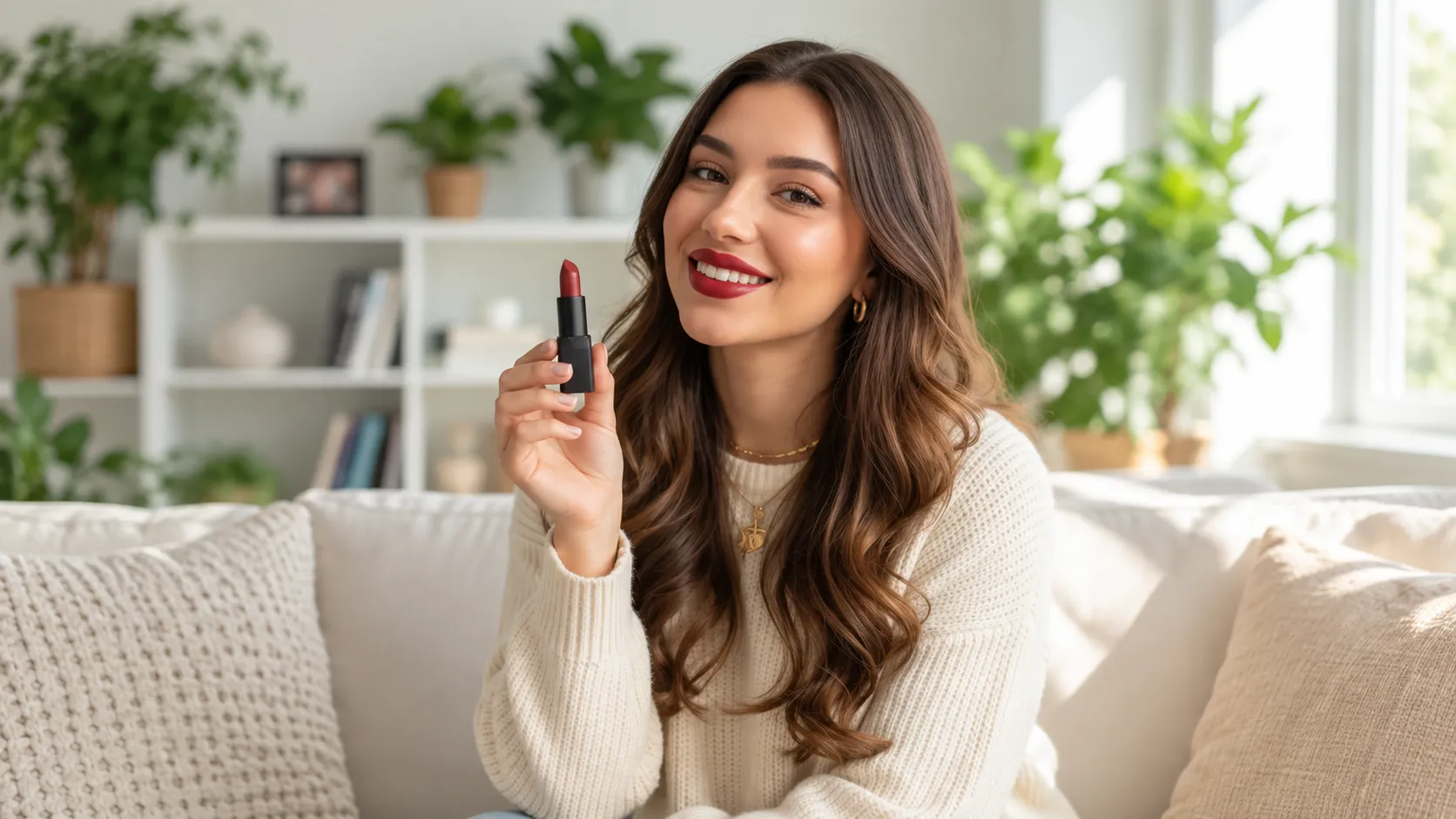
Generate one hero still of the set, then animate it; or stitch single-SKU clips from inspirations such as Lipstick Showcase + a complementary SKU.
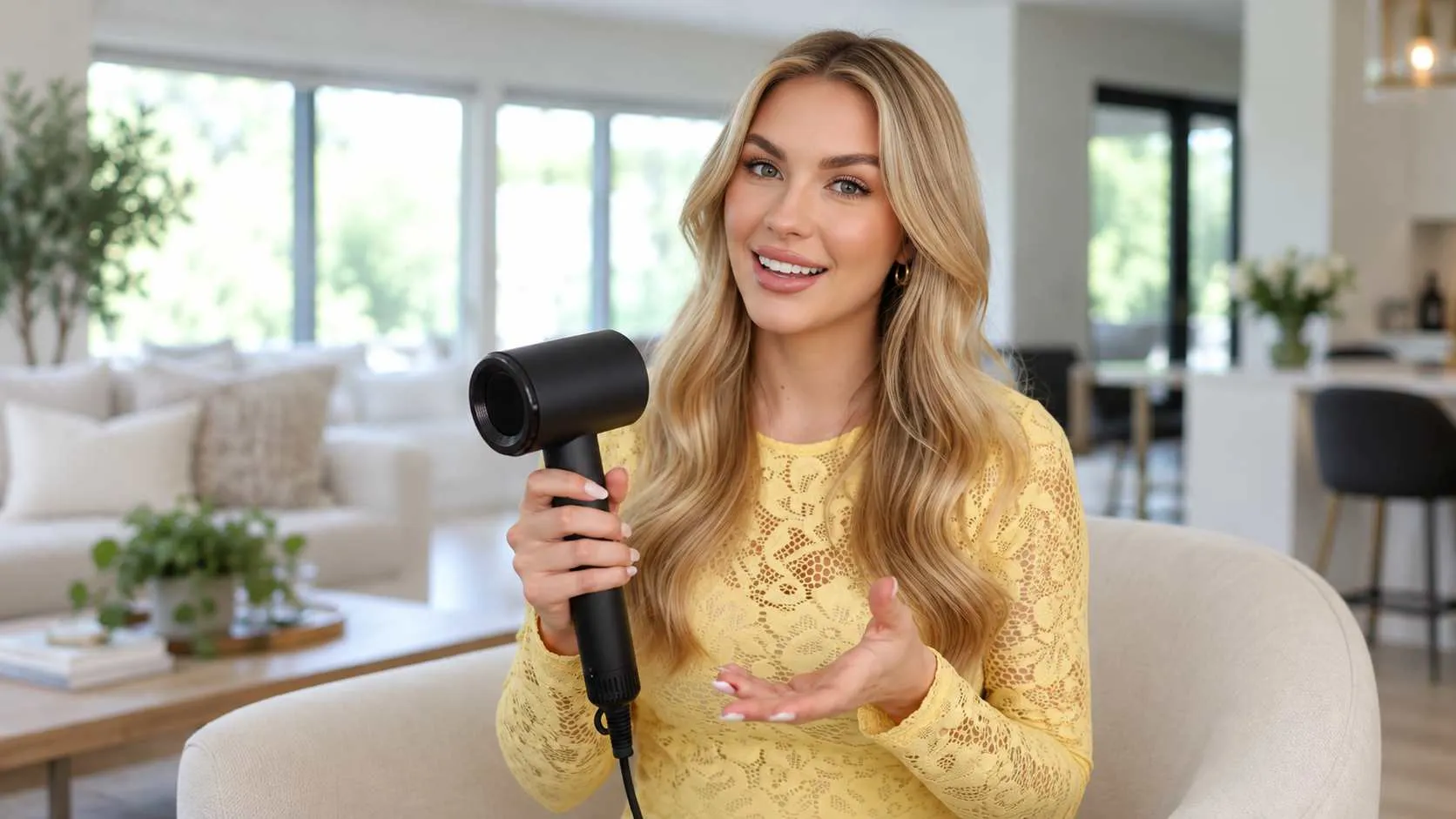
9. Demo → Deal — Beauty & device how-it-works ads

Best for: Hair tools, beauty devices, personal-care gadgets.
Shot list / brief: 3–5 seconds of product in use (dryer airflow, brush stroke, device click) → hard cut to offer card. Demo earns attention; deal converts it.
Overlay pattern: Silent or soft demo → deal card with urgency + CTA.
Example lines: Black Friday Beauty Deal / Save This Weekend / Shop Now
Try Hair Dryer Demo or Electric Toothbrush Showcase as motion references, then route generation through AI Video Generator or the Black Friday module.
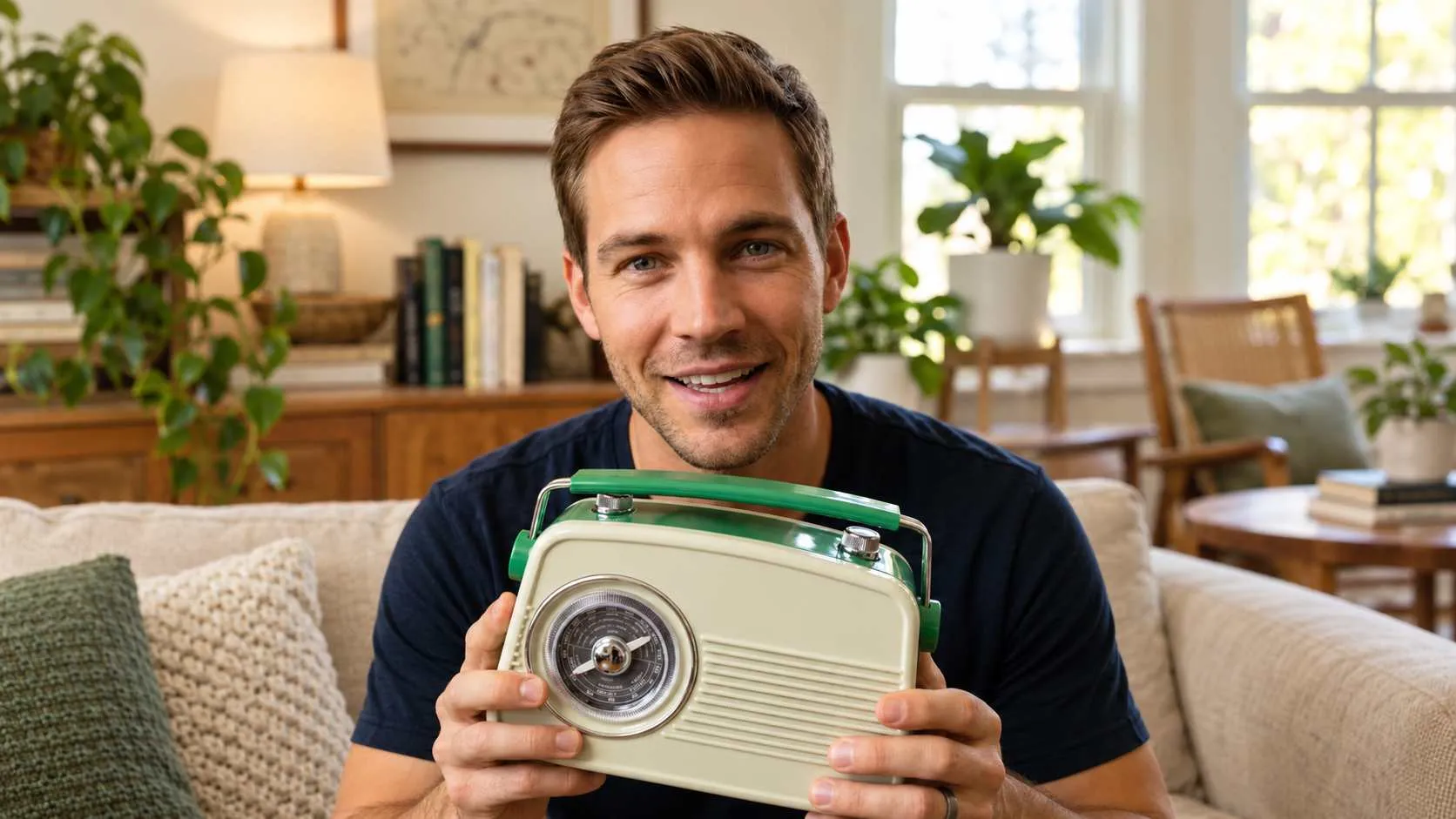
10. Cyber Monday Tech Drop — Extend the weekend window
Best for: Electronics, accessories, software-adjacent gadgets after Black Friday.
Shot list / brief: Higher-contrast lighting, quicker cuts, optional subtle glitch or neon accent for one second — then a clean product hold so the SKU stays trustworthy. Label the end card Cyber Monday so the creative matches the calendar (Nov 30, 2026).
Overlay pattern: Cyber Monday line → tech deal → CTA.
Example lines: Cyber Monday Tech Deal / Online Only / Shop Now
Reuse your Black Friday product hero; change the end-card date and color accents rather than reshooting everything.
How to Turn Any Format Into a Black Friday Ad
You do not need a new concept for every SKU. Pick one format, then swap only three elements:
| Element | Examples |
|---|---|
| Offer | Percent off / Buy one get one / Save $X / Bundle price |
| Urgency | Today only / Ends tonight / 48 hours / While supplies last |
| CTA | Shop Now / Get the Deal / Claim Your Offer |
Workflow on Movmix:
- Choose a format above that matches the job (urgency vs proof vs lifestyle).
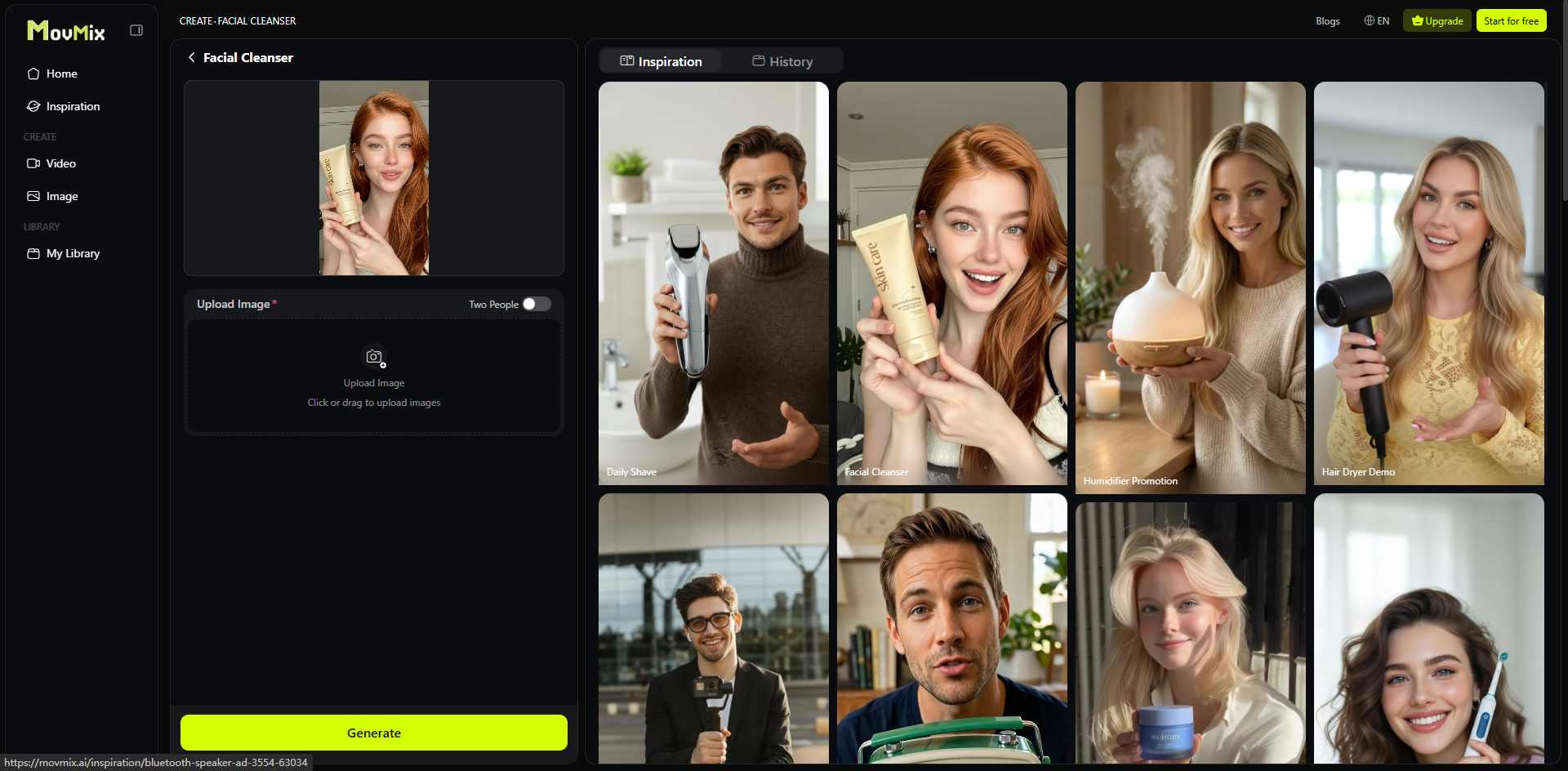
- Open Black Friday or Black Friday Product and upload a clean product photo.
- Generate a vertical clip, then add your exact price, code, and dates in your editor or ad platform.
- Export 9:16 for TikTok / Reels / Shorts; crop or letterbox only if a placement requires it.
Need more short-form hooks after the sale creative is locked? See AI Reels prompts for caption and hook ideas — keep Black Friday offer text separate so you do not mix evergreen hooks with expired dates.
Where to Use These Black Friday Video Templates
- TikTok / TikTok Shop: Product hero, unboxing, UGC, countdown.
- Instagram Reels: Lifestyle, beauty demo → deal, clean price-tag reveals.
- YouTube Shorts: Same 9:16 masters; slightly longer end cards are fine.
- Meta / paid social: Price-tag, before/after discount, doorbuster countdown with matching ad schedules.
- Product pages: Soft lifestyle or demo clips without aggressive countdown text.
One master creative can cover multiple placements if you keep safe margins and change only the caption, offer, and CTA.
Black Friday Video Templates FAQ
When should I make Black Friday video ads for 2026?
Before the week of November 27. Building creatives one to two weeks early leaves time to test two or three formats and keep the winner running through Cyber Monday on November 30.
What photo works best for AI Black Friday templates?
A sharp, well-lit product photo on a simple background with the full product in frame. Labels and true colors carry into the first frame of the video.
Should the video show my exact sale price?
Short sale words are safer inside generative video. Add exact prices, codes, and dates in your editor or ad platform so the offer on screen always matches the live checkout.
Where do I generate these on Movmix?
Start at Black Friday AI Video Generator or Black Friday Product. For general motion from a still, use AI Image to Video.
Start Your 2026 Black Friday Videos on Movmix
Black Friday 2026 is November 27; Cyber Monday follows on November 30. Pick one format from this playbook, upload your product photo, and generate a vertical sale ad on the Black Friday module. Test a second format before the week begins so you are not inventing creative under a countdown clock.