
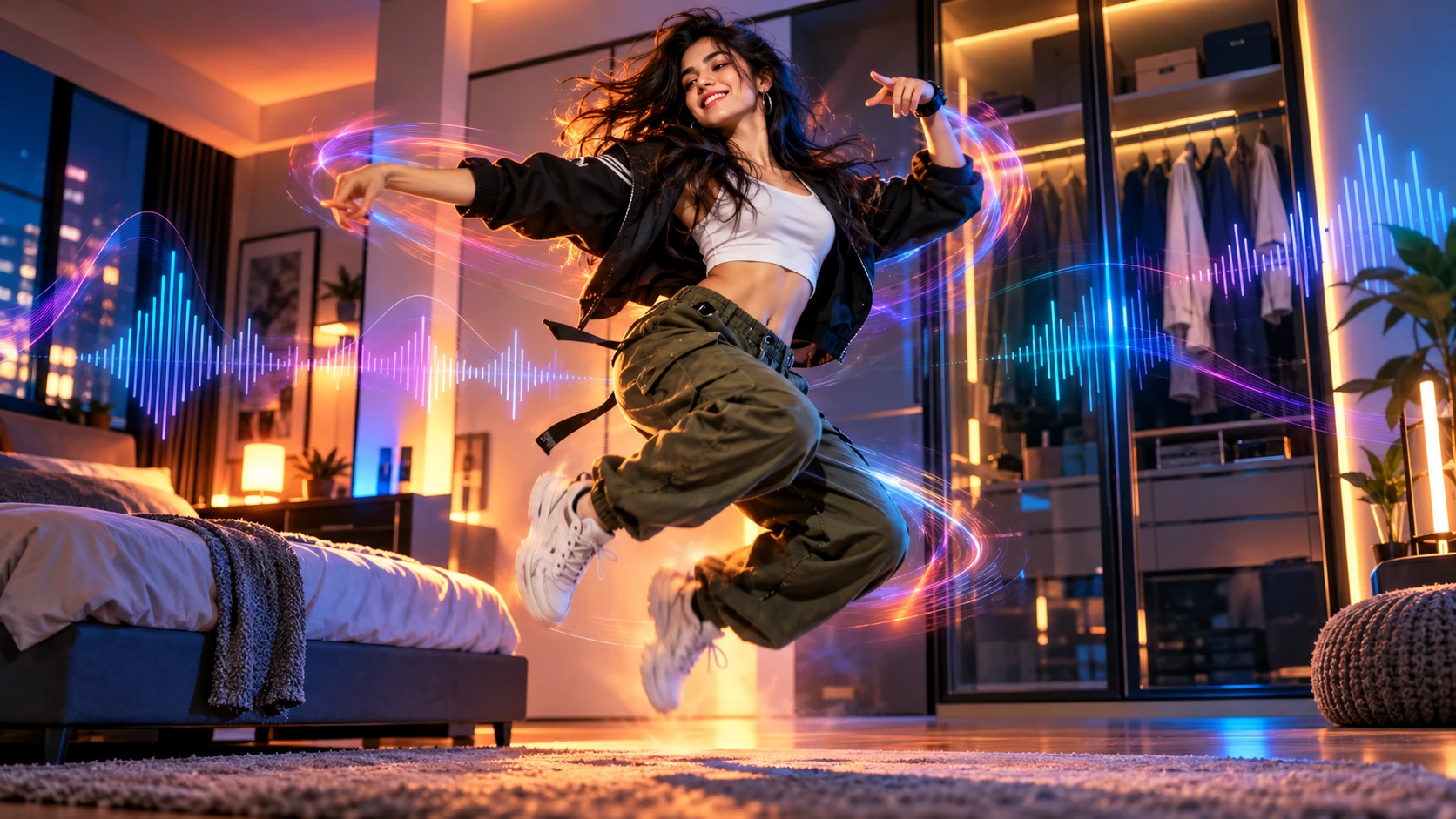
Have you noticed the viral Wipe Me Down dance clips taking over feeds lately? The classic track has resurfaced thanks to creator @mattshort85, who uploaded his photo into an AI tool and danced in front of a closet. With smooth bounces and sharp beat drops, creators are seeking easy ways to generate their own wipe me down ai dance.
Originating from the rhythm of the hip-hop hit Wipe Me Down, the trend centers on fluid motions synchronized to heavy bass drops. Instead of rehearsing choreography and recording dozens of takes, web-based tools now let anyone turn a reference video and a single photo into a rhythmic dance clip in minutes.
10-Second Core Action Blueprint
Precise motion tracking paired with beat synchronization ensures natural results:
- 0 to 1s (Rhythm Bounce): Bend knees facing the camera and bounce lightly to catch the opening beat.
- 1 to 5s (Low Stomp & Floor Taps): Drop low with alternating foot stomps, bent knees, hands tapping down, and shoulders shaking to the rhythm.
- 5 to 7s (Step Forward): Walk toward the camera with bouncy steps and a bright smile.
- 7 to 10s (Arm Swings & Finish): Swing both arms cleanly to one side, then the other, maintaining a light bounce to finish the routine.
Quick Generation with Video-to-Video on Movmix AI
Recreating this viral routine requires only three simple steps with video-to-video motion reference:
- Preparation: Clip a 5 to 10 second clear reference video of the original Wipe Me Down dance.
- Workflow:
- Go to the wipe me down ai dance page and open the video-to-video motion reference tool.
- Upload the dance clip along with a clear, full-body portrait of your character.
- Enter a concise descriptive prompt and click generate.
Quality & Compliance Checklist
- Avoid Unauthorized Likenesses: Do not use celebrities, professional athletes, or copyrighted IPs without permission to prevent infringement risks. Use personal photos or original synthetic avatars.
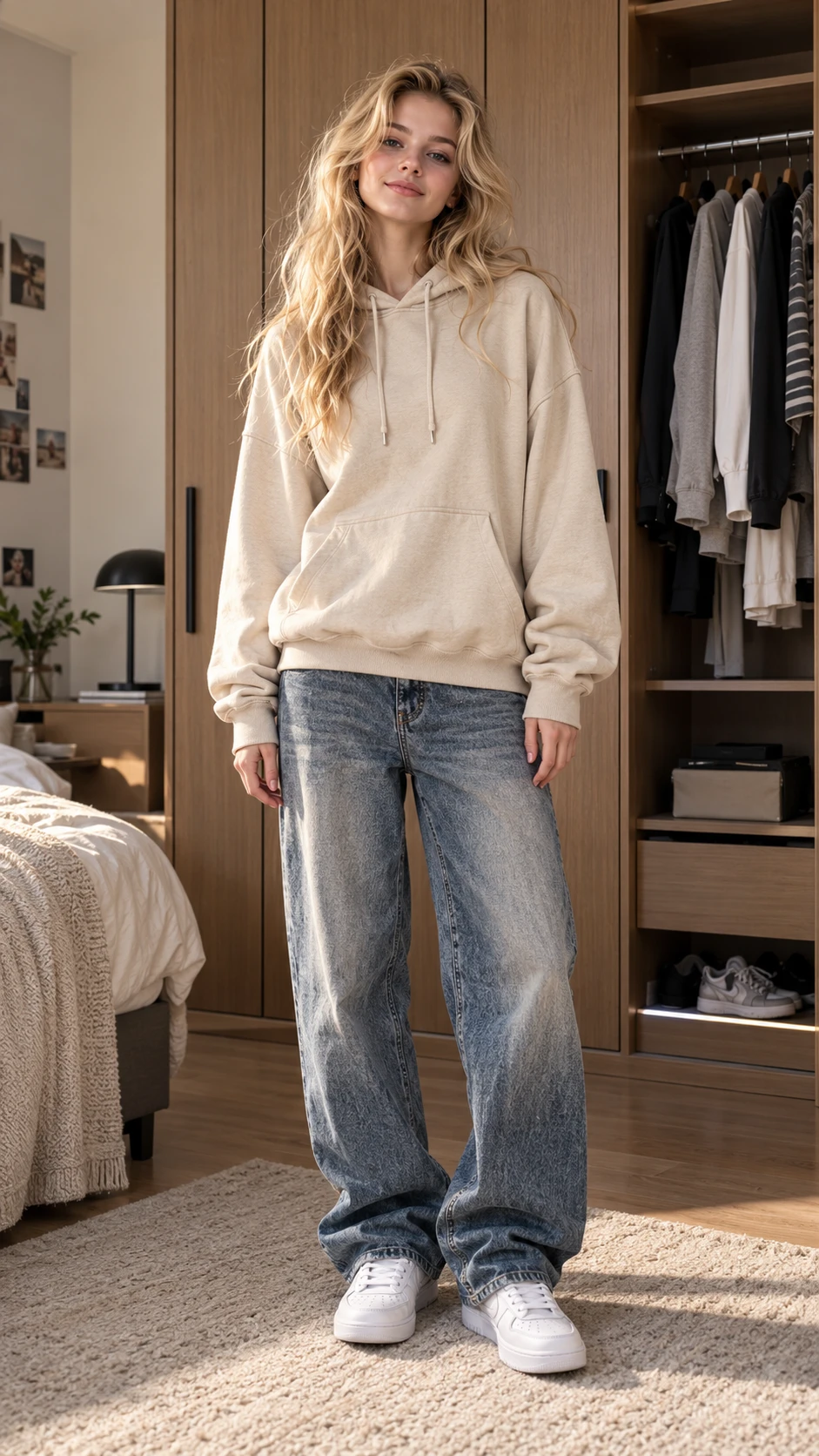
- Use Clear Full-Body Shots: Keep limbs visible and upright in source photos to ensure clean bone tracking and prevent limb distortion.
- Watch Ground Interaction: Ensure hand and foot edges remain defined during low taps and floor moves to avoid background merging.
- Align the Original Audio Track: Re-attach the official Wipe Me Down audio in post to synchronize every stomp and swing to the beat drops.
Creating engaging dance clips no longer demands physical sets or motion-capture gear. Leveraging modern motion transfer and character binding makes producing a personalized wipe me down ai dance straightforward and accessible. Select the preset on movmix, upload your reference video and photo, and render your custom rhythmic dance in just a few clicks.
'%3e%3crect%20y='2.1906'%20width='26'%20height='17.4314'%20rx='1.55981'%20fill='white'/%3e%3c/g%3e%3crect%20x='0.311961'%20y='2.50256'%20width='25.3761'%20height='16.8075'%20rx='1.24784'%20stroke='%2322257C'%20stroke-width='0.623922'/%3e%3c/g%3e%3crect%20x='13.078'%20y='15.5656'%20width='10.8016'%20height='2.49569'%20rx='0.623922'%20fill='%2366B3FF'%20stroke='%2322257C'%20stroke-width='0.623922'/%3e%3crect%20x='-0.311961'%20y='0.311961'%20width='10.8016'%20height='2.49569'%20rx='0.623922'%20transform='matrix(-1%200%200%201%2012.61%2015.2536)'%20fill='%2366B3FF'%20stroke='%2322257C'%20stroke-width='0.623922'/%3e%3crect%20x='10.3093'%20y='13.3231'%20width='4.91339'%20height='6.98013'%20rx='2.45669'%20fill='%2322257C'/%3e%3cpath%20d='M18.9174%200.31543C20.5962%200.268025%2022.1261%200.655527%2023.9487%201.55762C24.0483%201.60695%2024.1137%201.71153%2024.1137%201.8291V16.502C24.1137%2016.7236%2023.8763%2016.891%2023.6499%2016.7979C21.803%2016.0377%2020.2158%2015.6963%2018.4975%2015.7705C16.8915%2015.8399%2015.1907%2016.2732%2013.0776%2017.0332V1.6709C15.4678%200.825877%2017.2746%200.36187%2018.9174%200.31543Z'%20fill='white'%20stroke='%2322257C'%20stroke-width='0.623922'/%3e%3cpath%20d='M15.3008%204.57C16.3536%203.94578%2019.2783%203.20503%2021.8909%203.94608'%20stroke='%2366B3FF'%20stroke-width='0.935883'%20stroke-linecap='round'/%3e%3cpath%20d='M15.3008%207.26054C16.3536%206.63631%2019.2783%205.89557%2021.8909%206.63661'%20stroke='%2366B3FF'%20stroke-width='0.935883'%20stroke-linecap='round'/%3e%3cpath%20d='M15.3008%209.95107C16.3536%209.32684%2019.2783%208.5861%2021.8909%209.32714'%20stroke='%2366B3FF'%20stroke-width='0.935883'%20stroke-linecap='round'/%3e%3cpath%20d='M15.3008%2012.6398C16.3536%2012.0156%2019.2783%2011.2749%2021.8909%2012.0159'%20stroke='%2366B3FF'%20stroke-width='0.935883'%20stroke-linecap='round'/%3e%3cpath%20d='M7.08257%200.31543C5.40384%200.268025%203.87393%200.655527%202.05132%201.55762C1.95165%201.60695%201.88628%201.71153%201.88628%201.8291V16.502C1.88628%2016.7236%202.12373%2016.891%202.35014%2016.7979C4.19702%2016.0377%205.78418%2015.6963%207.50249%2015.7705C9.10852%2015.8399%2010.8093%2016.2732%2012.9224%2017.0332V1.6709C10.5322%200.825877%208.72541%200.36187%207.08257%200.31543Z'%20fill='white'%20stroke='%2322257C'%20stroke-width='0.623922'/%3e%3cpath%20d='M10.6992%204.57C9.64638%203.94578%206.72175%203.20503%204.10907%203.94608'%20stroke='%2366B3FF'%20stroke-width='0.935883'%20stroke-linecap='round'/%3e%3cpath%20d='M10.6992%207.26054C9.64638%206.63631%206.72175%205.89557%204.10907%206.63661'%20stroke='%2366B3FF'%20stroke-width='0.935883'%20stroke-linecap='round'/%3e%3cpath%20d='M10.6992%209.95107C9.64638%209.32684%206.72175%208.5861%204.10907%209.32714'%20stroke='%2366B3FF'%20stroke-width='0.935883'%20stroke-linecap='round'/%3e%3cpath%20d='M10.6992%2012.6398C9.64638%2012.0156%206.72175%2011.2749%204.10907%2012.0159'%20stroke='%2366B3FF'%20stroke-width='0.935883'%20stroke-linecap='round'/%3e%3c/g%3e%3cdefs%3e%3cfilter%20x='0'%20y='2.1906'%20width='26'%20height='17.4314'%20filterUnits='userSpaceOnUse'%20color-interpolation-filters='sRGB'%3e%3cfeFlood%20flood-opacity='0'%20result='BackgroundImageFix'/%3e%3cfeBlend%20mode='normal'%20in='SourceGraphic'%20in2='BackgroundImageFix'%20result='shape'/%3e%3cfeColorMatrix%20in='SourceAlpha'%20type='matrix'%20values='0%200%200%200%200%200%200%200%200%200%200%200%200%200%200%200%200%200%20127%200'%20result='hardAlpha'/%3e%3cfeOffset%20dy='-1.24784'/%3e%3cfeComposite%20in2='hardAlpha'%20operator='arithmetic'%20k2='-1'%20k3='1'/%3e%3cfeColorMatrix%20type='matrix'%20values='0%200%200%200%200.572549%200%200%200%200%200.768627%200%200%200%200%200.976471%200%200%200%201%200'/%3e%3cfeBlend%20mode='normal'%20in2='shape'%20result='effect1_innerShadow_0_4'/%3e%3c/filter%3e%3c/defs%3e%3c/svg%3e)



