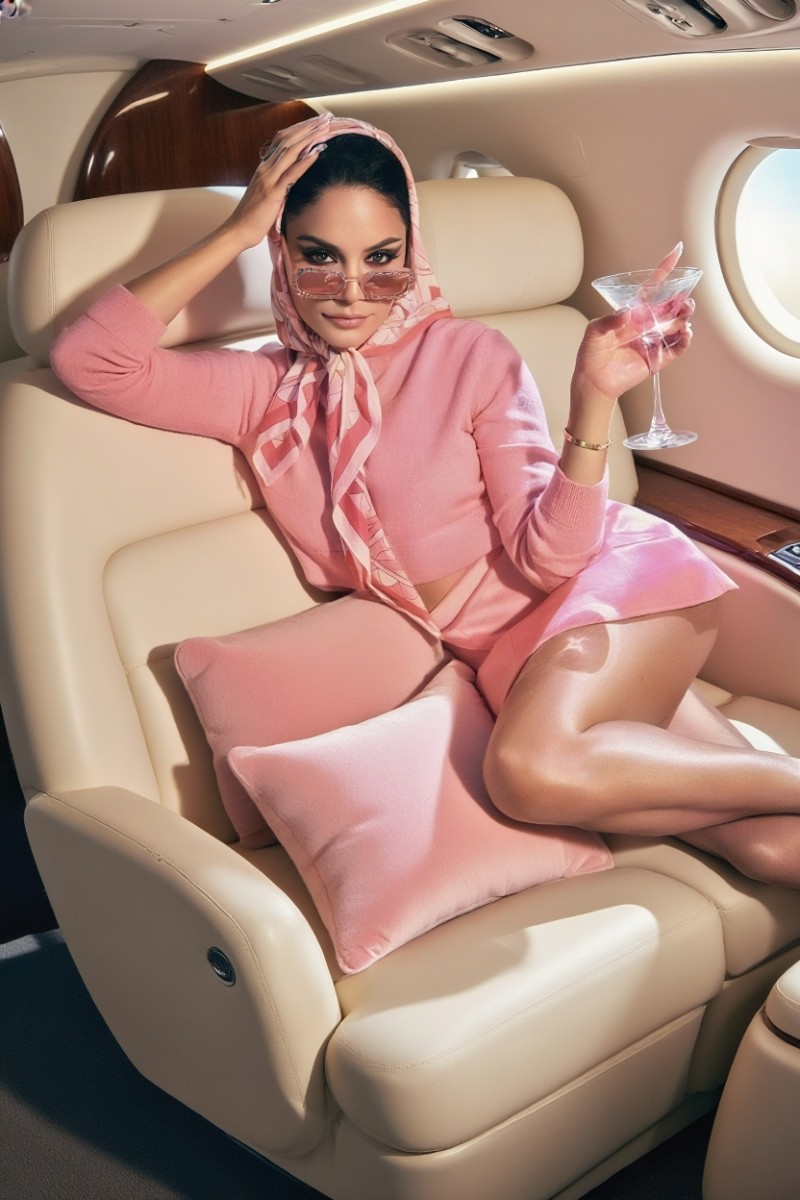
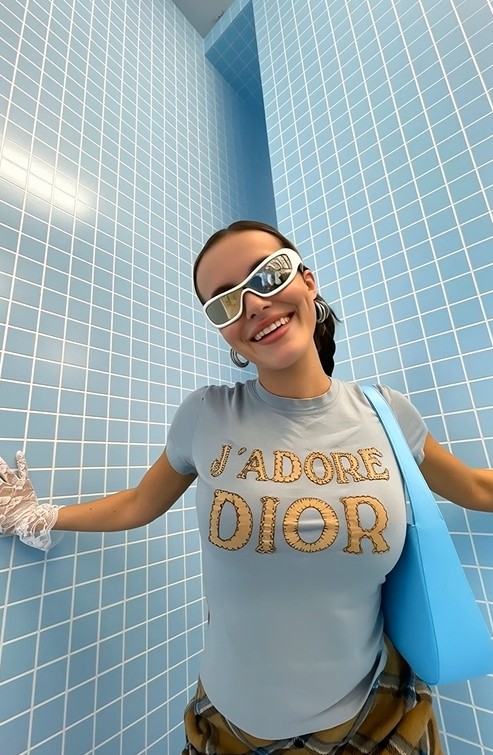
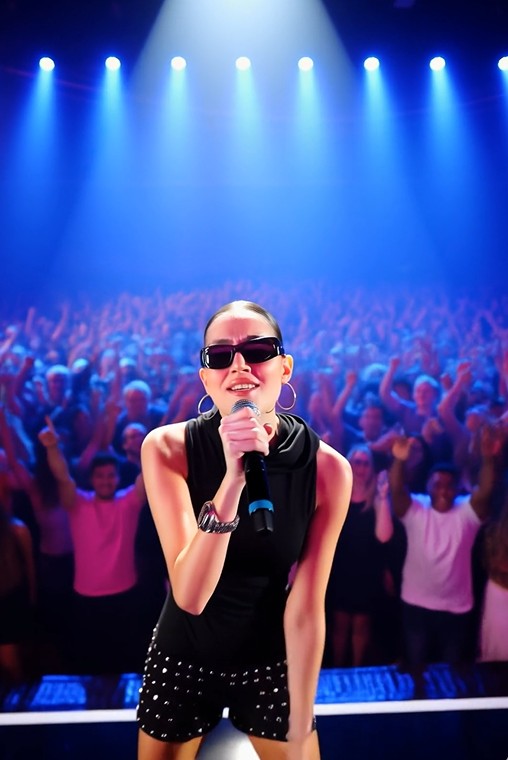
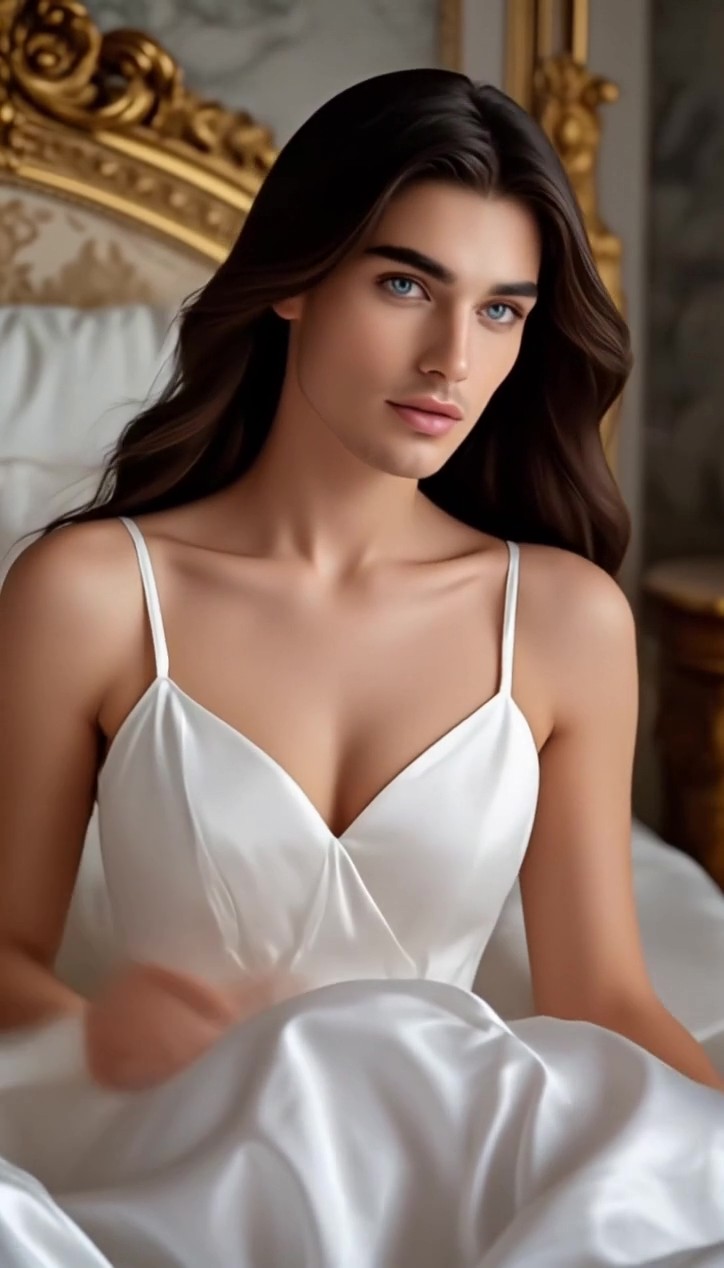
Wan 3.0 AI動画ジェネレーター:より長く、映画のようなクオリティのAI動画を作成
テキスト、画像、参照資料を一貫性のあるAI動画に変換。 リアルな動きと精密なクリエイティブ制御を実現します。
Wan 3.0 でアイデアを現実に
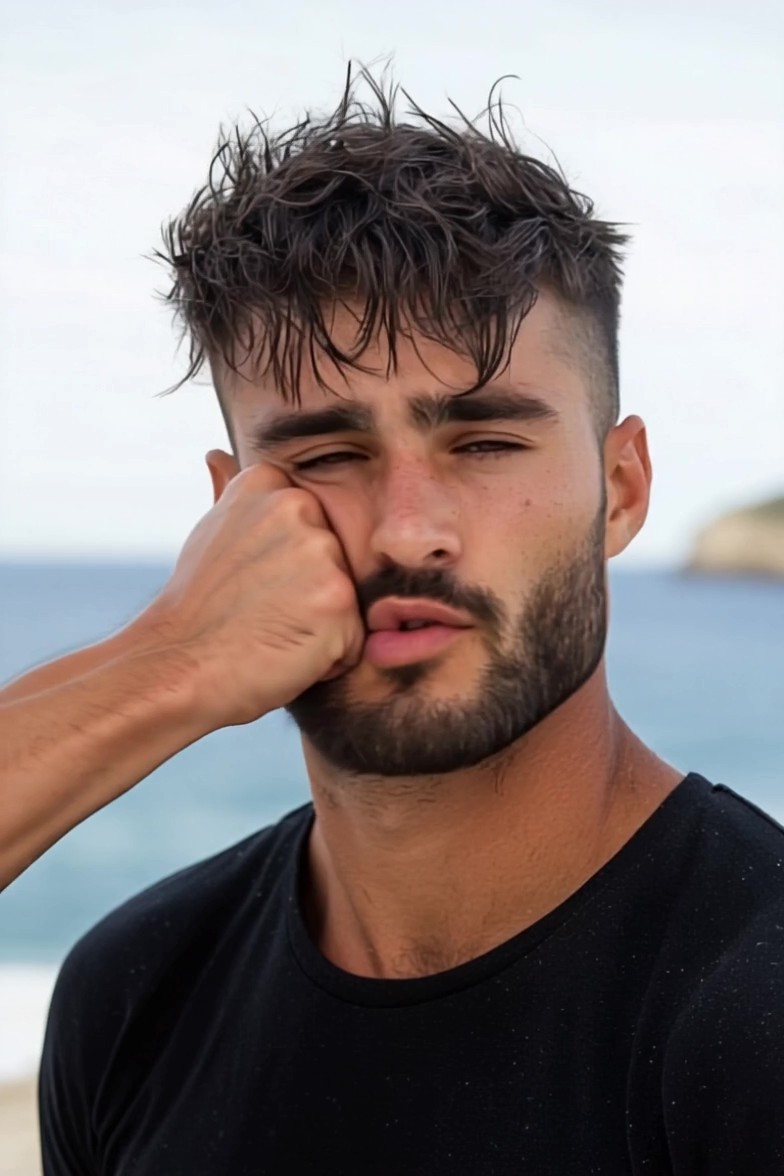
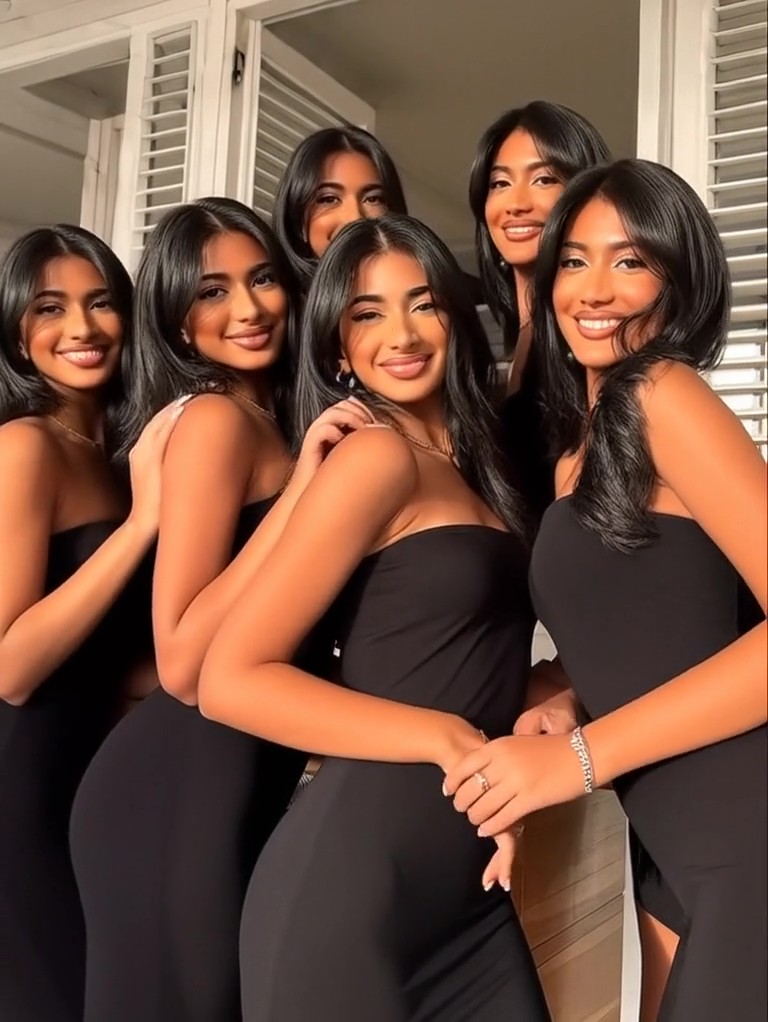
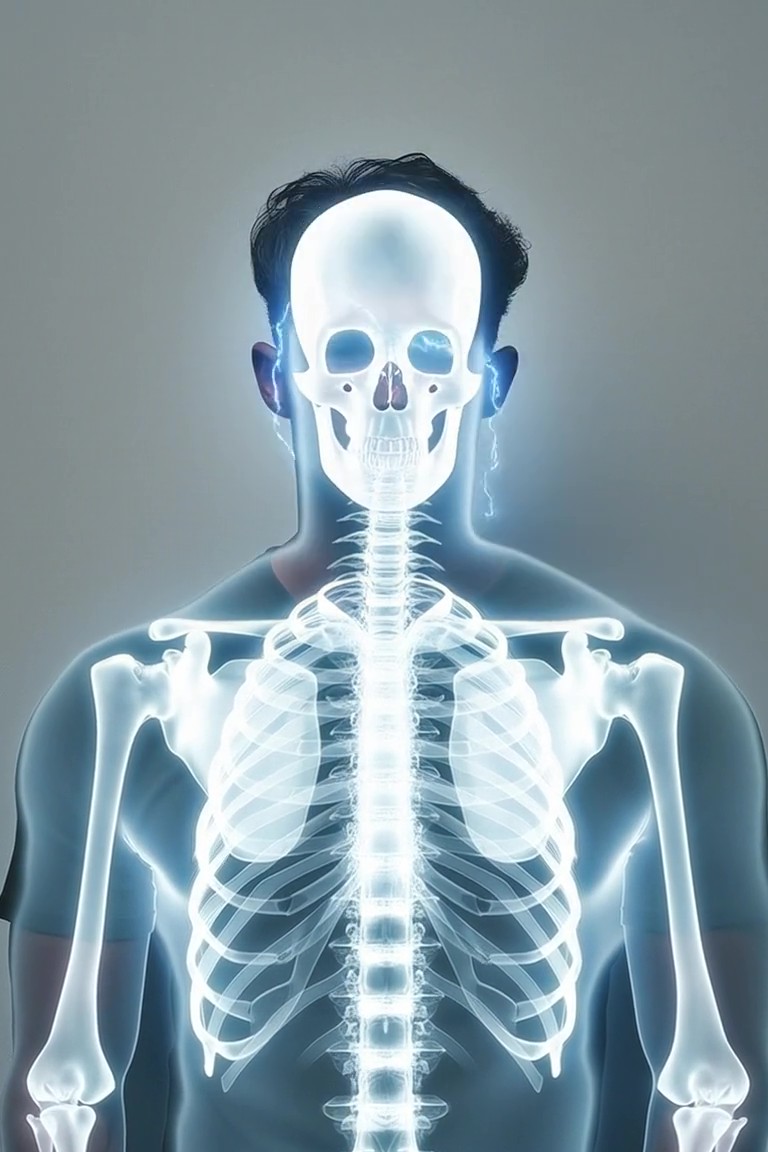
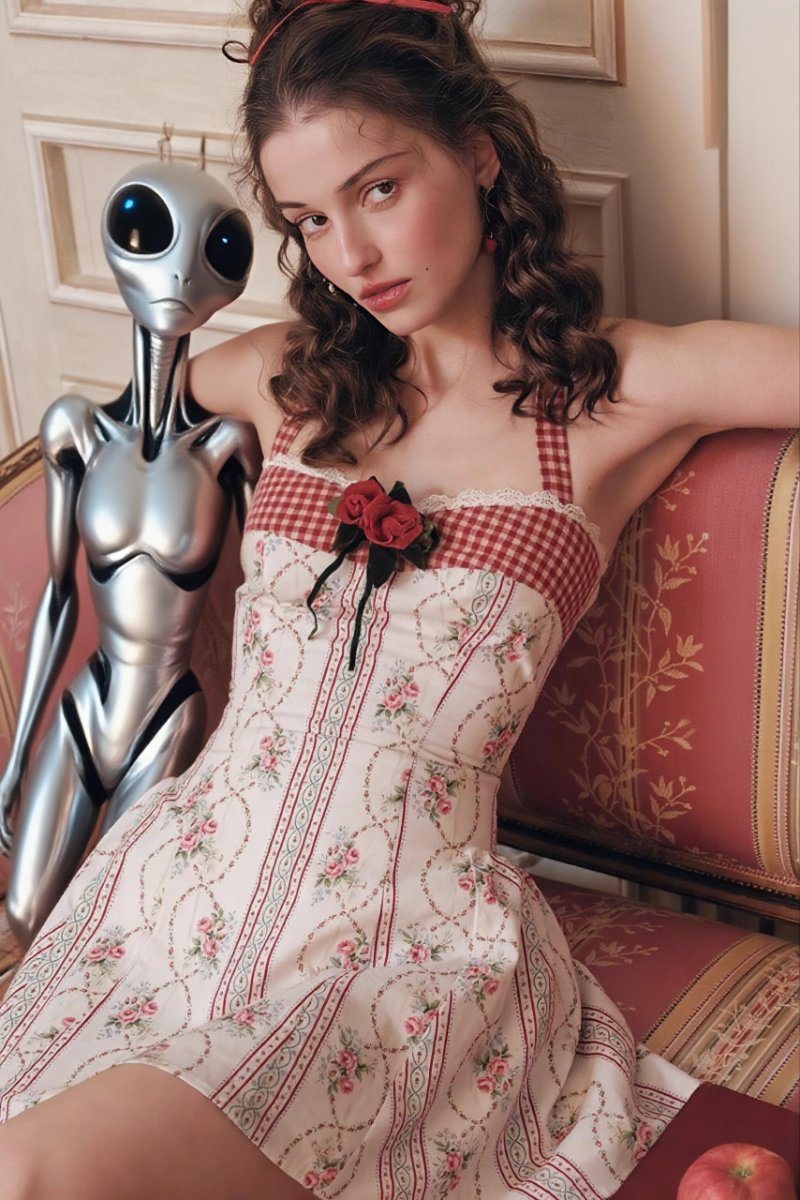
Wan 3.0 は、テキストプロンプトからリアルで長時間のAI動画を生成します。複雑なシーン、自然な人間の動き、一貫したビジュアル表現に優れており、クリエイターが簡単に映画のような動画制作を行えるよう支援します。
今すぐ作成
Wan 3.0 テキストから動画生成
Wan 3.0 テキストから動画生成ツールを使って、アイデアを映画のような動画に変えましょう。プロンプトで被写体、アクション、環境、照明、カメラの動きを説明すると、Wan 3.0 があなたの言葉をリアルな動きと豊かな視覚的ディテールを持つダイナミックなAI生成動画に変換します。
| プロンプト | 出力結果 |
|---|---|
ゴールデンアワーのアメリカ南西部の広大な砂漠。赤い砂岩の崖、乾燥した平原、遠くの山々に囲まれています。洗練された銀色の未来的な磁気列車が高架線路を左から右へ高速で走り抜け、線路の下に長い埃の跡を残します。 前景では、肩までの長さの金髪を持つ若い白人女性の旅行者が、何もない砂漠の道路脇に立っています。彼女はベージュの実用ジャケット、ブルーデニム、レザーブーツ、小さな旅行用バックパックを身に着けています。彼女は遠くを走る列車を見送るように少し体を向け、砂漠の風で髪とジャケットが自然になびいています。 カメラは旅行者の背後からのローアングル広角ショットから始まり、風景を横切る高速の列車に向かってスムーズにトラッキングします。スケール感、リアルな列車の動き、自然な埃のシミュレーション、暖かい日光、長い映画のような影、 subtle なレンズフレア、フォトリアリスティック、SF映画のようなシネマティックな質感、連続ショット、詳細な環境描写、滑らかな動き。 テキストから動画を作成 |
Wan 3.0 画像から動画生成
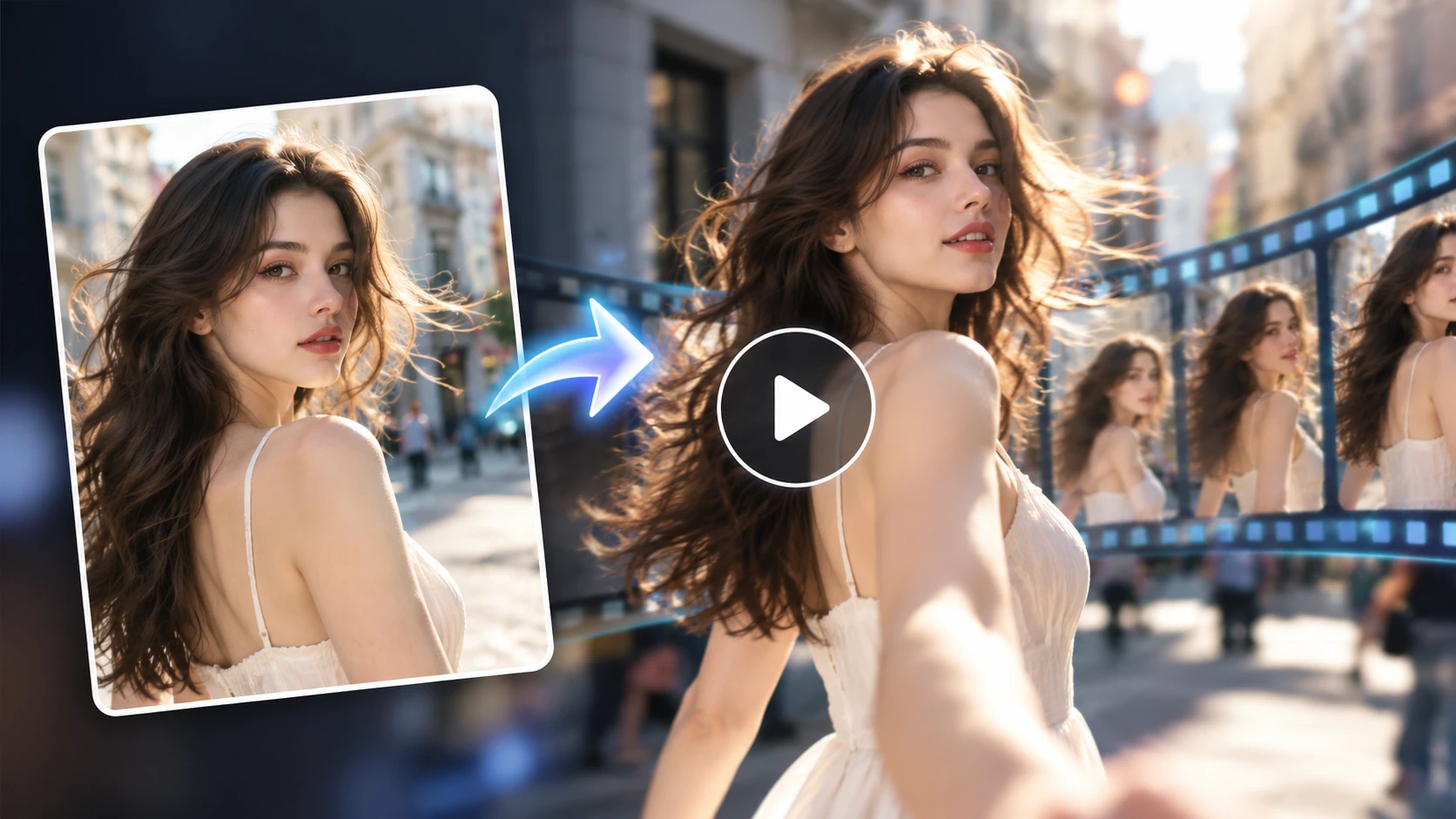
Wan 3.0 画像から動画生成ツールで、静止画に命を吹き込みましょう。ポートレート、イラスト、商品写真、風景などをアップロードし、 desired な動きを説明してください。元の画像の重要な視覚的ディテールを保ちながら、滑らかなキャラクターの動き、映画のようなカメラエフェクト、ダイナミックなシーンを作成できます。
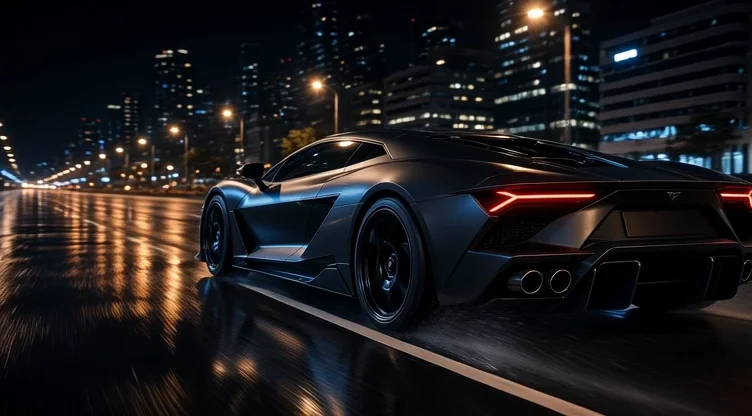
静止画をアップロードし、Wan 3.0 画像から動画生成ツールに、リアルな車両の動き、映画のようなカメラワーク、ダイナミックな都市の反射を追加させましょう。元の被写体とビジュアルスタイルは保持されます。
| 入力 | 出力動画 |
|---|---|
 |
Wan 3.0 参照画像から動画生成
Wan 3.0 参照画像から動画生成機能を使って、より一貫性があり制御可能な動画を作成しましょう。参照画像やサポートされているビジュアルアセットを使用して、キャラクターの外見、シーンのスタイル、構図、動きをガイドします。ブランドコンテンツ、 recurring キャラクター、製品動画、視覚的に一貫したAI動画シーケンスの制作に最適です。
| 参照画像 | プロンプト | 出力動画 |
|---|---|---|
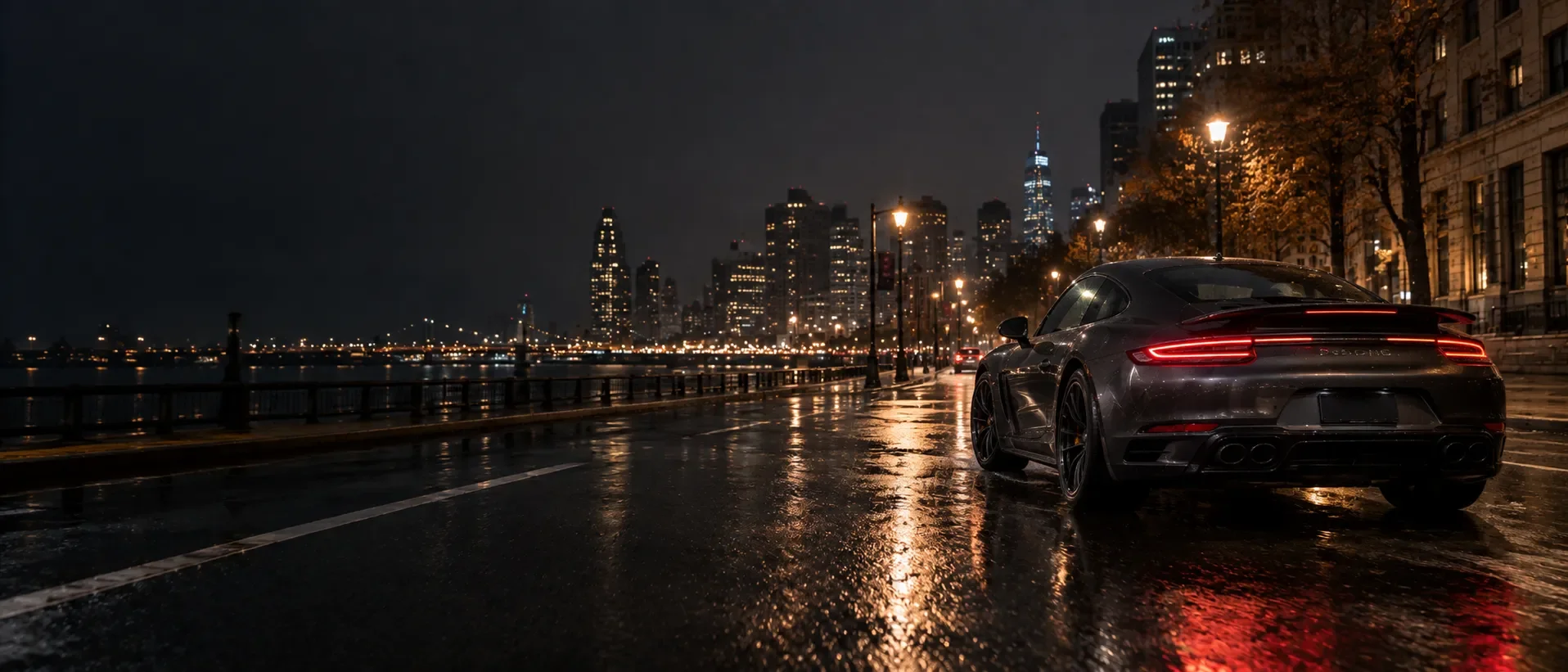 画像 1 画像 1 | 正確な車のデザインと構図を保持。スーパーカーが濡れた都市の大通りをスムーズに加速し、ホイールが自然に回転し、タイヤの後ろから水しぶきが上がります。動く反射、自然な都市のパララックス、 subtle なモーションブラーを備えた、低い後方斜めからのトラッキングショットを使用。プレミアムな映画のような車のコマーシャル、フォトリアリスティック、滑らかで連続的な動き、カットなし。 |
Wan 3.0 で動画を作成する理由
Wan 3.0 AI動画ジェネレーターは、長時間の動画作成、リアルな動き、一貫したキャラクター、映画のような制御を組み合わせ、テキスト、画像、ビジュアル参照から高品質な動画制作をサポートします。
長時間の動画生成
Wan 3.0 で最大30秒のAI動画を生成。より長いシーンを構築し、より完全なアクション、滑らかな視覚的展開、そして映画のようなストーリーテリングのための広い余地を提供します。
一貫したキャラクターとシーン
動画全体を通じて、認識しやすいキャラクター、服装、色、環境を維持します。Wan 3.0 は、連続するアクションやカメラの動き across して、視覚的に一貫したAI動画を作成します。
映画のようなカメラ制御
トラッキングショット、スローなプッシュイン、カメラオービット、航空ビュー、その他の映画のような動きでシーンを演出しましょう。シンプルなプロンプトを、プロフェッショナルにフレーム分けされたAI生成動画に変換します。
Wan 3.0 の使い方
アップロード
選択
生成
ガイド、ワークフロー、モデルの洞察

最新のWan AI動画モデルを比較
| 機能 | Wan 3.0 | Wan 2.7 | Wan 2.5 | Wan 2.2 |
|---|---|---|---|---|
| モデルの焦点 | オールインワンAI動画制作 | マルチショットおよび参照ベースの制作 | 音声付きショート動画生成 | クラシックな短編動画制作 |
| テキストから動画へ | 対応 | 対応 | 対応 | 対応 |
| 画像から動画へ | 対応 | 対応 | 対応 | 対応 |
| 参照から動画へ | オールインワンの参照ワークフロー | 対応 | 制限あり | 特化型ワークフロー |
| 最初と最後のフレーム | 対応 | 対応 | 制限あり | 別モデルで対応 |
| 最大再生時間 | 最大30秒 | 最大15秒 | 5秒または10秒 | 標準生成では5秒 |
| 解像度 | 最大1080P | 最大1080P | 最大1080P | 最大1080P |
| 音声サポート | 対応済み | 対応済み | 対応済み | 標準的なT2V/I2Vではネイティブ音声は非対応 |
| スマート再生時間 | 対応済み | カスタム再生時間 | 固定オプション | 固定再生時間 |
| 最適な用途 | 長尺で柔軟な制作ワークフロー | マルチショット動画と参照制御 | 音声同期付き短尺動画 | 音声同期付き短尺動画 |