
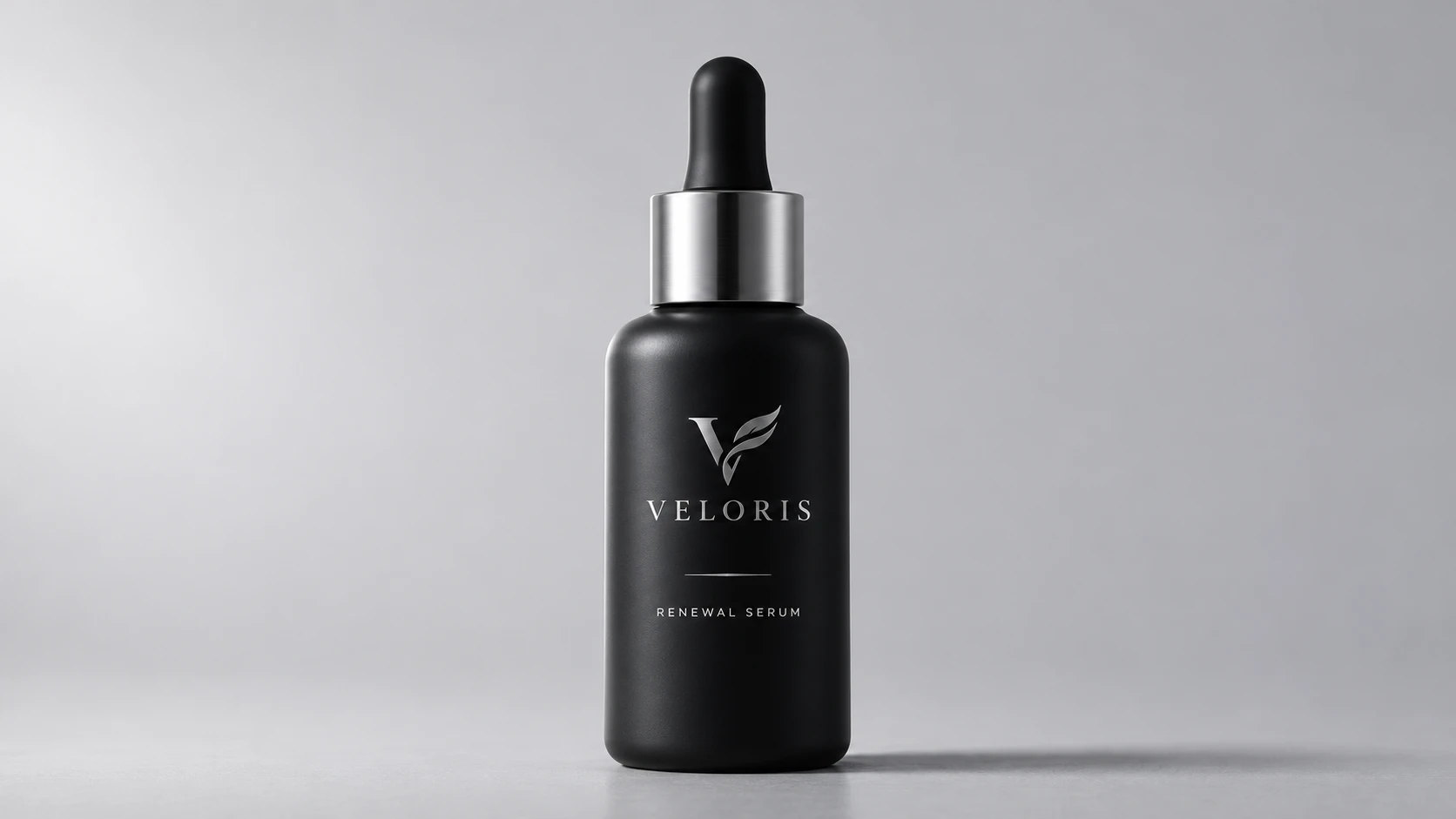
One clear product photo is enough to generate multiple usable shots for ecommerce video ads. The AI ecommerce video ads prompts below are organized by advertising role so you can pick what you need and assemble them later. Use a sharp front-facing product image and keep every clip within what the photo actually shows.
25 AI Ecommerce Video Ads Prompts
1. Opening Hooks
1. Foreground Reveal
Prompt: Use the supplied product photo as the identity reference. Place a soft foreground fabric edge partly in front of the stationary product, then move only that fabric aside. Keep the product front visible at the original angle. End with the complete item revealed against a simple background.
Use: Attention-grabbing open.
Fidelity: Product stays still; only the fabric moves.
2. Detail to Full Product
Prompt: Start with a tight crop on a distinctive visible detail from the source photo. Slowly pull back to the complete photographed product without changing its angle or geometry.
Use: Highlight a feature, then show the whole item.
Fidelity: Do not alter shape or proportions during the pull-back.
3. Light Sweep Reveal
Prompt: Keep the product stationary. A soft light slowly sweeps across the surface from left to right, gradually illuminating the full product. Maintain the original angle and details.
Use: Clean, premium opening.
Fidelity: Light changes only; product itself does not move or change.
4. Background Contrast
Prompt: Keep the product centered and still. Transition the background from darker or busier to a clean, light background.
Use: Make the product stand out.
Fidelity: Product position and angle remain fixed.
5. Slow Push-In
Prompt: Start slightly wider and perform a slow, steady push-in toward the product while keeping the front visible.
Use: Simple, stable opener.
Fidelity: Keep the movement minimal and controlled.
2. Visible Product Details
6. Main Surface Texture
Prompt: Isolate a visible material area from the source photo. Shift a soft highlight across that surface while the object remains still. Preserve the real texture, color, and construction.
Use: Show material quality.
Fidelity: Enhance only existing texture; do not invent new detail.
7. Visible Fasteners or Seams
Prompt: Close-up on already clear fasteners, seams, or edges. Apply only a very subtle light change while holding the original angle.
Use: Emphasize build quality.
Fidelity: Do not reveal construction that is not in the photo.
8. Front Design Detail
Prompt: Begin on a visible design element (logo, pattern, button) and slowly pull out to a wider view that still includes it. Keep the angle unchanged.
Use: Highlight branding or design.
Fidelity: Strictly maintain the original angle.
9. Surface Sheen
Prompt: Keep the product still and make a small lighting adjustment so natural sheen appears on the surface.
Use: Products with gloss or special finishes.
Fidelity: Avoid overexposure or unnatural shine.
10. Edge and Contour
Prompt: Start on a clear edge or contour and slowly move to show more of the visible product while preserving proportions.
Use: Communicate shape.
Fidelity: Do not reshape the product.
3. Context Without Inventing Function
11. Product on a Work Desk
Prompt: Place the referenced product on a simple work desk with a closed notebook in the background. Animate only a soft change in window light. Keep the product at its source angle.
Use: Everyday context without implying use.
Fidelity: No hands or interaction.
12. Shelf Display
Prompt: Place the product on a clean shelf or display surface. Make only a light environmental light change.
Use: Ecommerce-style context.
Fidelity: Product remains centered and fully visible.
13. Window Light
Prompt: Place the product near a window with soft natural light. Change only light intensity; the product stays still.
Use: Lifestyle feel.
Fidelity: Keep the background simple.
14. Neutral Tabletop
Prompt: Place the product on a clean neutral surface. Apply a very small shadow change only.
Use: Safe, versatile context shot.
Fidelity: No extra props.
15. Packing Surface
Prompt: Place the product on a simple packing or work surface. Adjust light slightly while keeping the product unchanged.
Use: “Ready to ship” atmosphere.
Fidelity: No packing action or hands.
4. Pacing Shots and Visual Connections
16. Foreground Focus Transition
Prompt: Keep the product stationary behind a simple blurred foreground object. Shift focus from the foreground to the product without moving the camera.
Use: Transition between shots.
Fidelity: Product angle stays the same.
17. Side Light Change
Prompt: Hold the product at its front angle and only vary the strength of side light.
Use: Gentle pacing.
Fidelity: Keep light changes subtle.
18. Stable Hold
Prompt: Product remains completely still against a clean background.
Use: Give viewers time to read text.
Fidelity: No movement.
19. Slight Pull-Back
Prompt: Slowly pull back a small amount so more space appears around the product. Product itself does not change.
Use: Create room for later text or CTA.
Fidelity: Minimal movement only.
20. Light Fade
Prompt: Product stays still while overall light gradually brightens or softens.
Use: Soft transition.
Fidelity: Do not shift product color.
5. Closing Frames for the CTA
21. Space for Offer
Prompt: Position the product left or right of center and leave clean space on the opposite side or bottom. Background remains simple; product is still.
Use: Room for offer text or button.
Fidelity: Keep the empty area clean.
22. Centered Stable End
Prompt: Center the product on a simple background and hold completely still.
Use: Classic end frame.
Fidelity: Product fully visible and sharp.
23. Product + Blank Card
Prompt: Place a blank card or label area next to the product. Keep the product at its original angle and the card area empty.
Use: Later addition of offer details.
Fidelity: Card stays blank.
24. Brand and Product Together
Prompt: Show the product with existing brand elements (packaging or logo already in the photo). Hold the frame stable and leave space for text.
Use: Stronger brand presence.
Fidelity: Do not invent new brand elements.
25. Return to Opening Frame
Prompt: End on a stable shot similar in angle and background to the opening, with the full product visible.
Use: Visual loop.
Fidelity: Match the opening consistency.
How to Assemble These Shots into Full Ads
These prompts create individual clips. Combine them in editing:
- Product Introduction: Opening hook → 1–2 detail shots → one context shot → closing frame
- Conversion / Offer Ad: Opening hook → detail or context → closing frame with space for offer
- Short Social Ad: Strong opening + stable hero + closing frame with space
Add real offers, prices, deadlines, and buttons in post. Do not rely on the AI to generate them.
Usage and Optimization Tips
- Check fidelity against the original photo (logo, proportions, color, seams, material).
- Change only one variable at a time when testing.
- If the product distorts, strengthen the “keep original angle and proportions” language and verify the source photo is clear and front-facing.
- Beauty products often benefit from texture and sheen shots; electronics need care with buttons and ports; apparel should avoid invented wearing effects.
FAQs
Can one photo really be enough?
Yes for appearance and detail shots. Real usage or function usually needs actual footage.
What if the product changes shape?
Confirm the source image is sharp and front-facing, and reinforce identity-preservation language in the prompt.
Can these show the product in use?
No. They stay within what is visible in the photo. Function demos need real reference.
Are these only for big sales?
No. The structure works for everyday product ads, launches, and ongoing campaigns.