
Bicep Heart AI Video Generator: Flex & Form a Heart in Seconds
Upload a single photo and let Movmix AI animate the viral Bicep Heart Trend for you. Watch your subject naturally roll up a sleeve, flex a sculpted bicep, and connect the other hand to form a charming heart shape with a confident smile. Perfect for TikTok, Instagram Reels, and YouTube Shorts in crisp 9:16 vertical HD.
Make Bicep Heart Video FreeAI Bicep Heart Trend Generator
Animate Any Photo into a Flexing Heart Video
Upload a front-facing or upper-body photo to generate smooth bicep flexing and hand-heart motion.
Bicep Heart AI Video Preview
How to Do the Bicep Heart Trend with AI
- Upload a Clear Portrait: Choose a front-facing upper-body photo of yourself, a friend, an anime character, or even a pet.
- Apply the Bicep Heart Motion: Use our preset motion prompt or upload a reference clip to trigger the sleeve-roll, bicep flex, and two-hand heart pose.
- Download & Post Viral Shorts: Export your smooth 9:16 vertical MP4 without watermarks and share directly to TikTok or Reels.
Creative Ways to Use Bicep Heart AI
Go beyond standard gym selfies with hilarious and heartwarming AI variations.

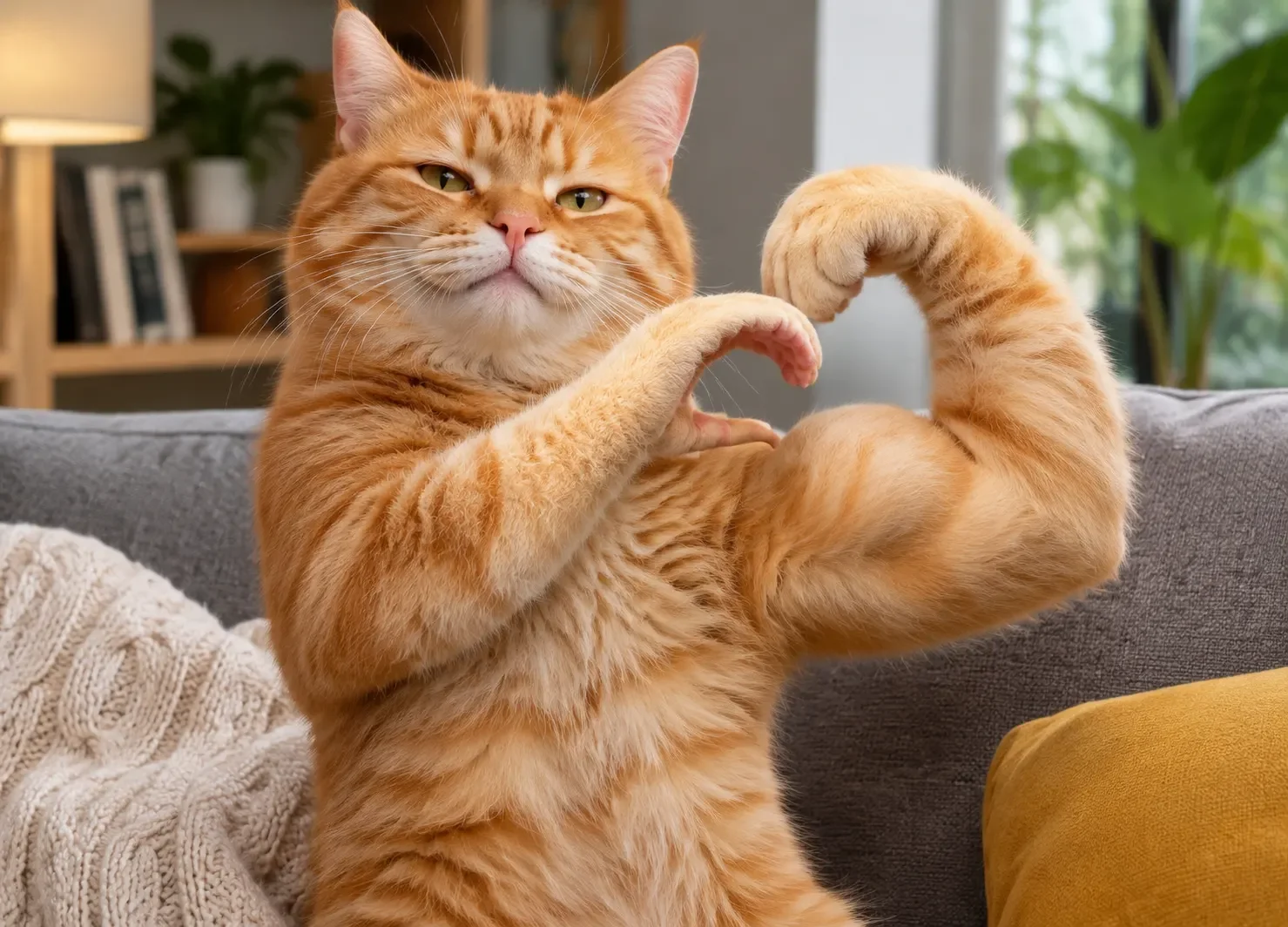
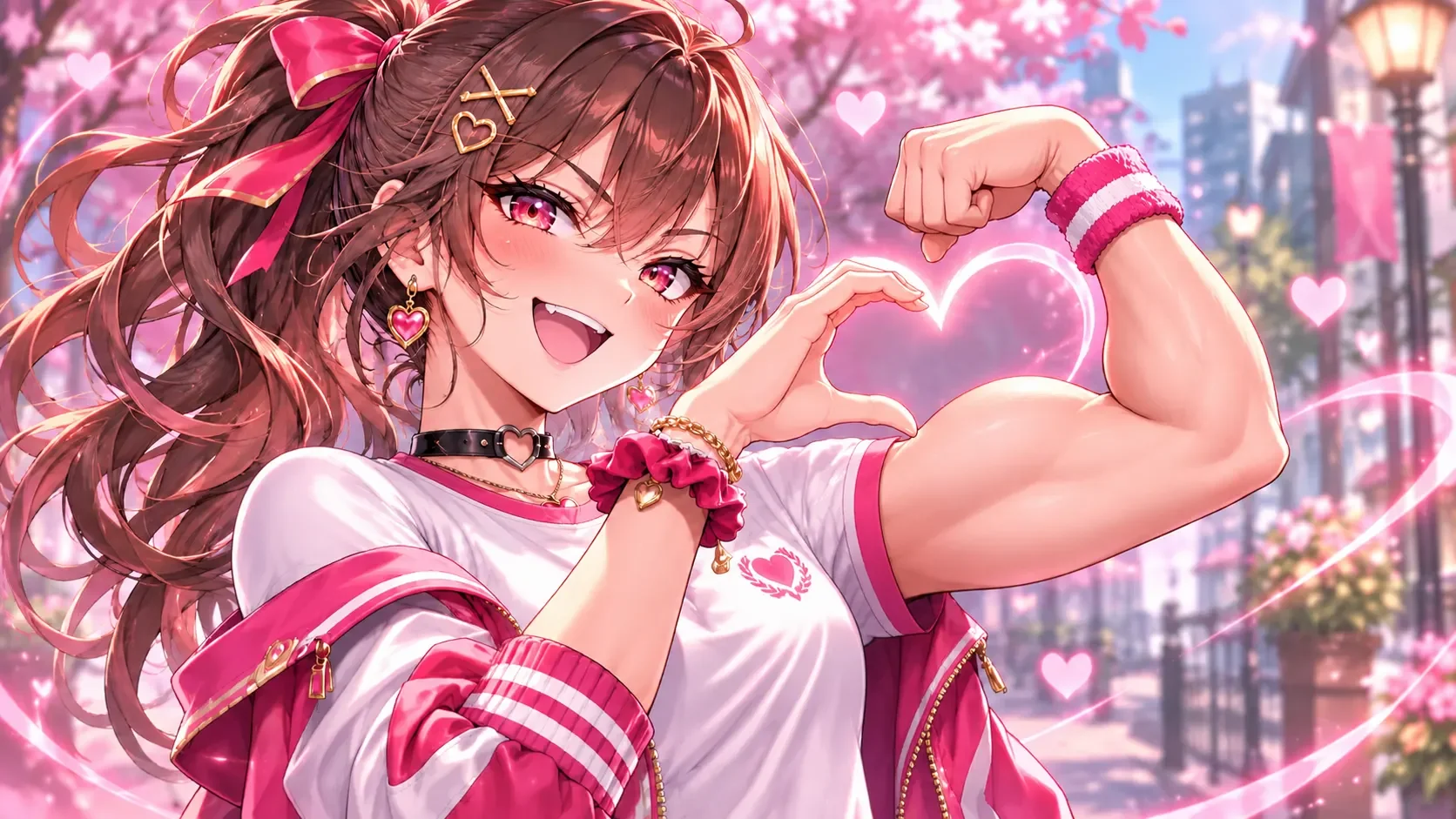
Classic Bicep Heart Trend Prompt (Portrait)
Replicates the exact viral TikTok motion: rolling up the sleeve, flexing the arm, and forming a heart.
| Prompt | Output Result |
|---|---|
(viral bicep heart trend:1.4), medium upper-body shot of the person looking at the camera with a warm confident smile. He smoothly lift one hand to roll up the opposite short sleeve, flex their arm to show a toned bicep muscle, and raise the other hand to connect fingers with the flexed wrist to form a clear heart shape. Natural indoor lighting, smooth realistic body motion, 9:16 vertical video, 60fps. Generate with This Prompt |
Natural Hand Geometry & Smooth Sleeve Physics
Hand-heart gestures and flexed arm contours often break in basic AI filters. Movmix preserves your original facial identity, skin tone, and clothing texture while rendering realistic sleeve movement and clean finger alignment—so every clip looks like a genuine camera recording.
Explore More Trending AI Effects & Topics
Discover other viral AI filters, dance trends, and creative visual effects on Movmix.
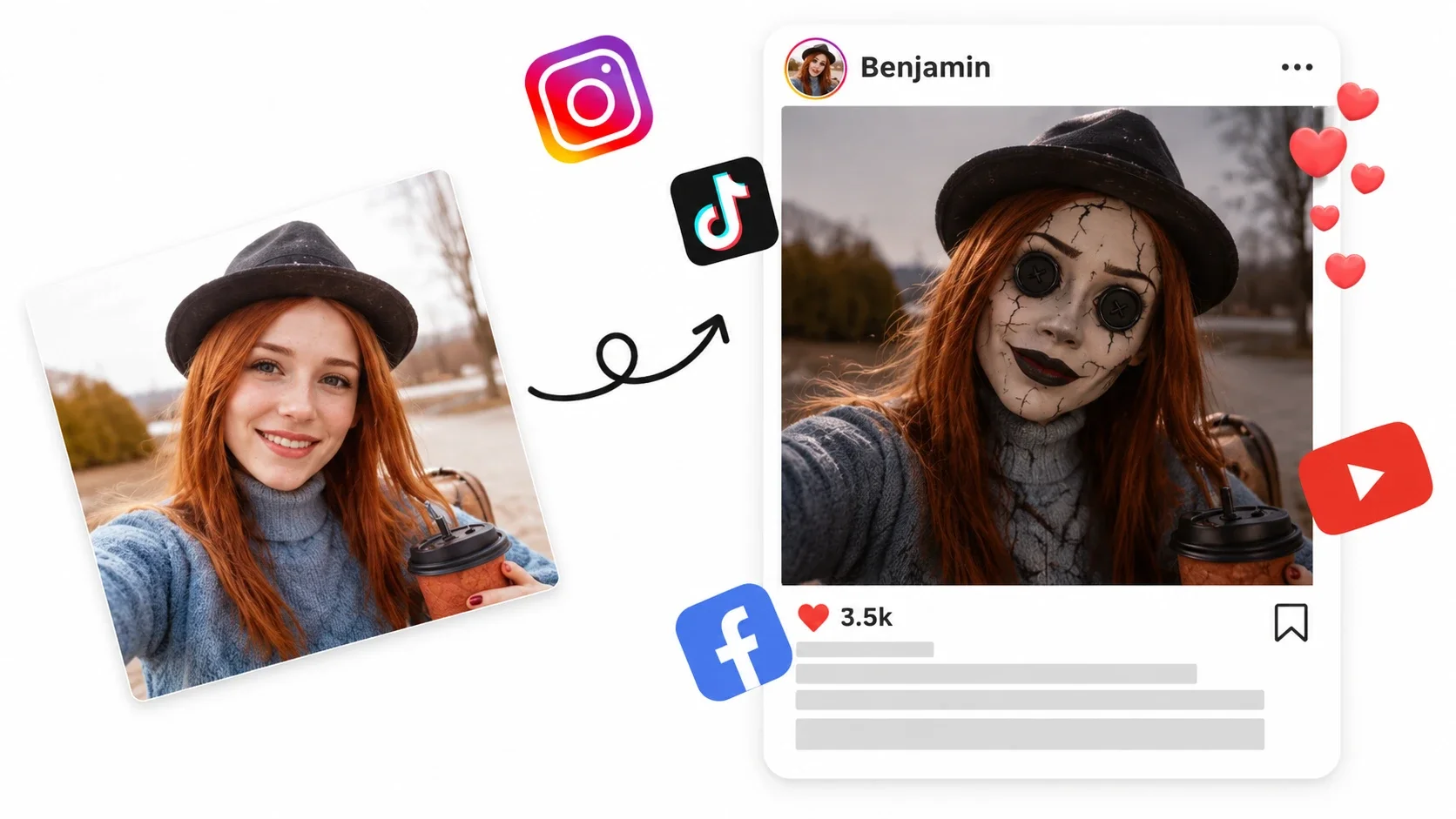
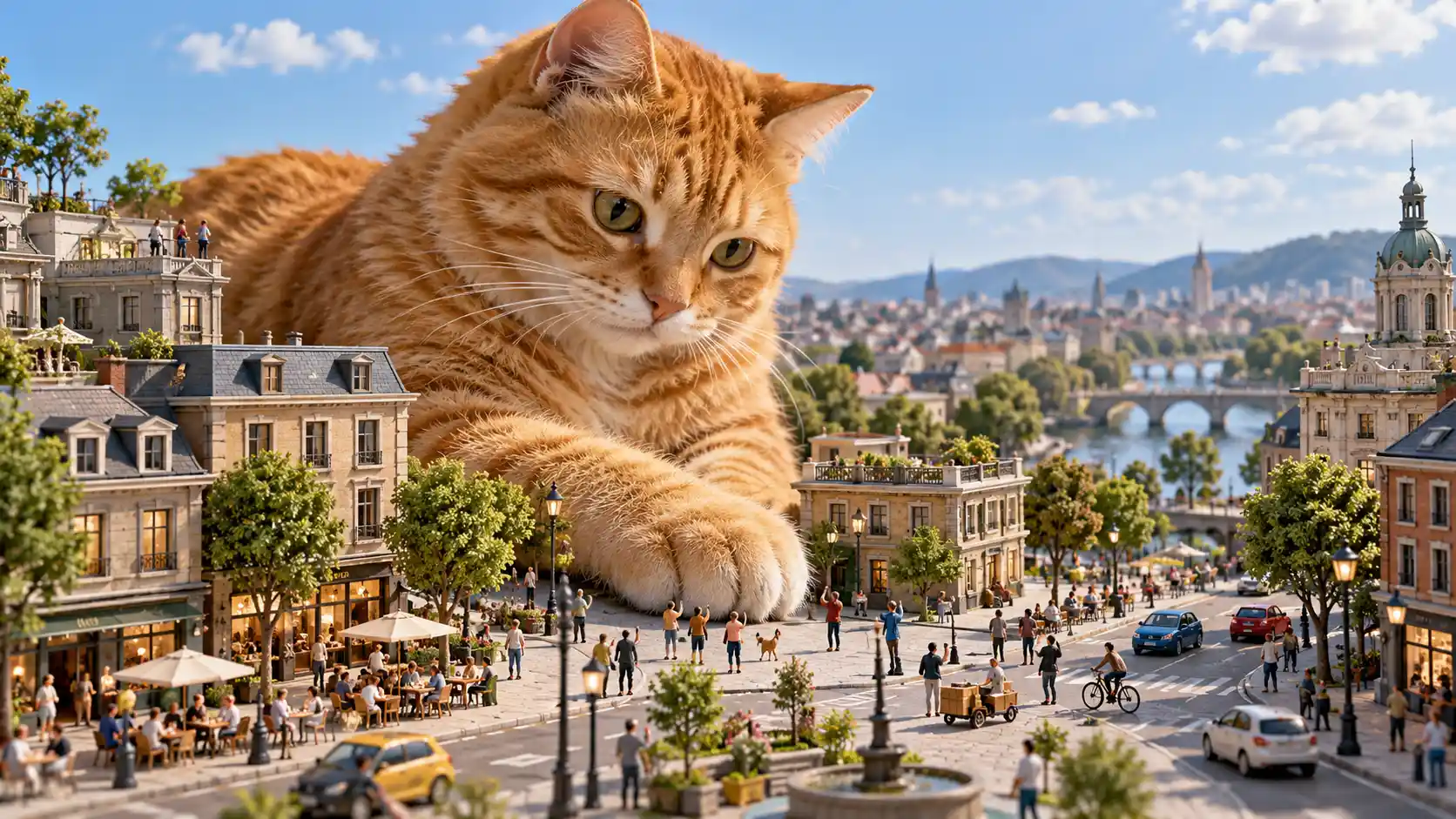
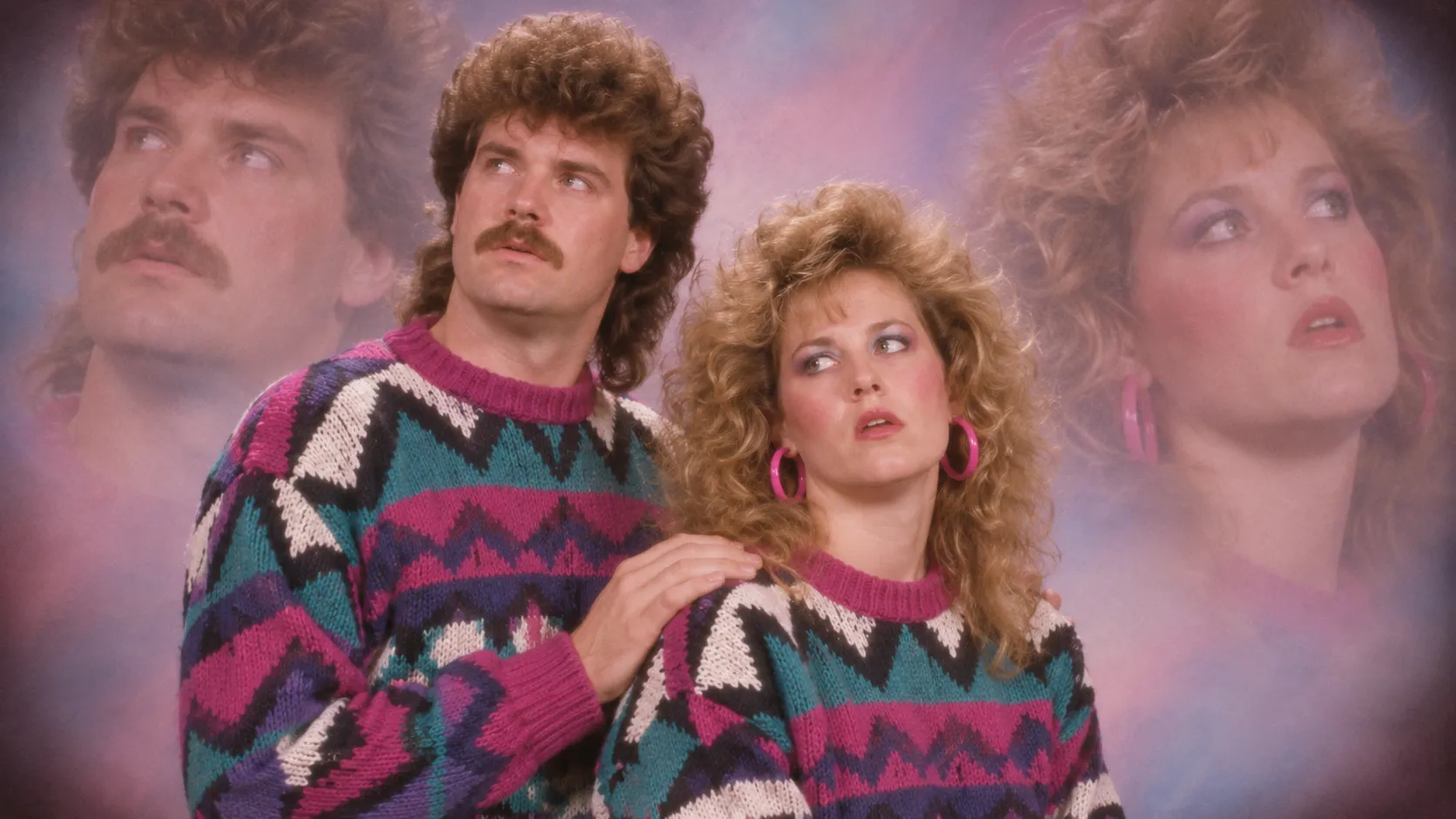
Coraline Button Eyes Filter — Dark Fantasy Doll Effect
Marigold Bridge AI — Glowing Golden Petal Fantasy
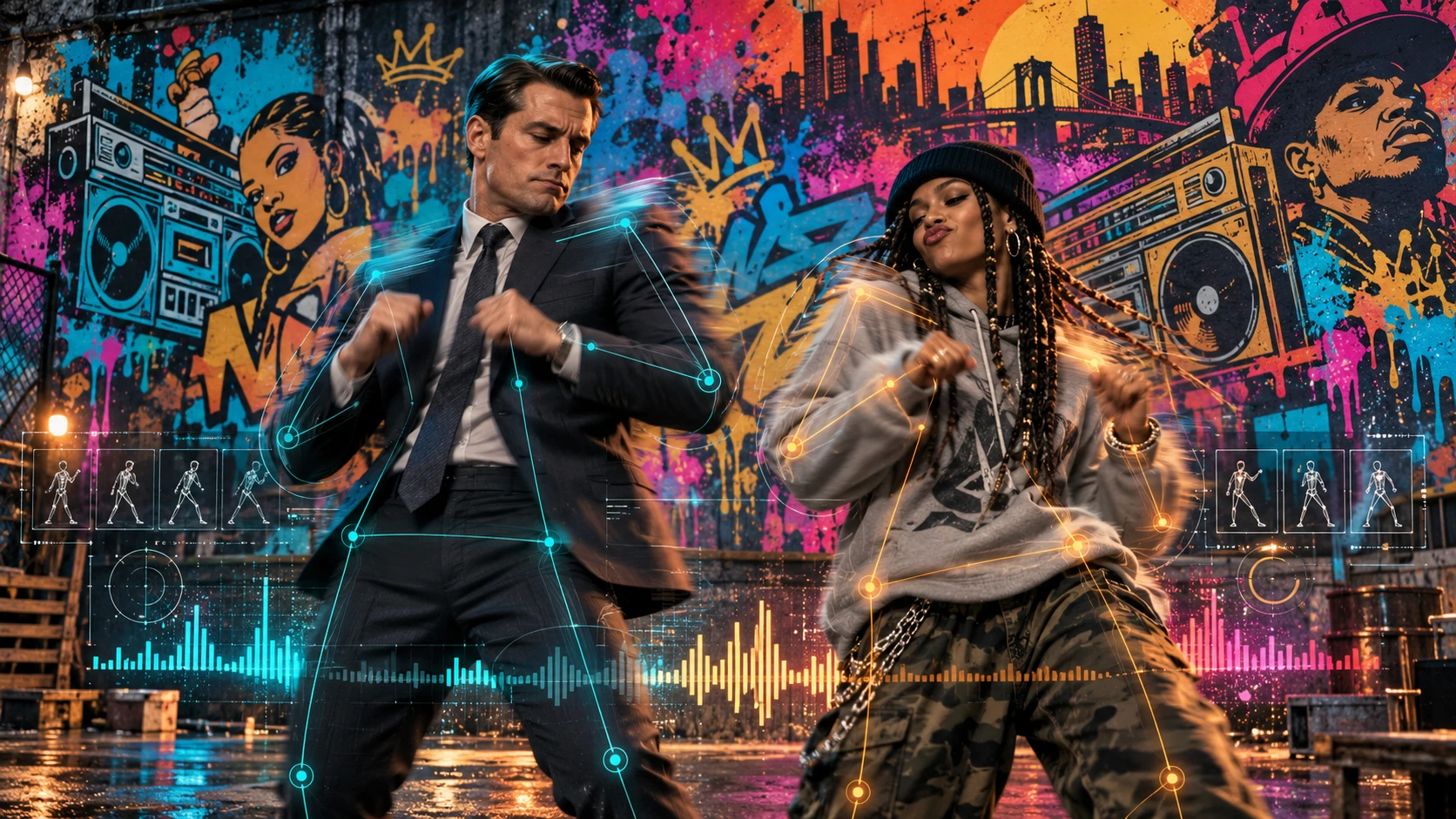
Wipe Me Down AI Dance — Viral Beat Transition Video
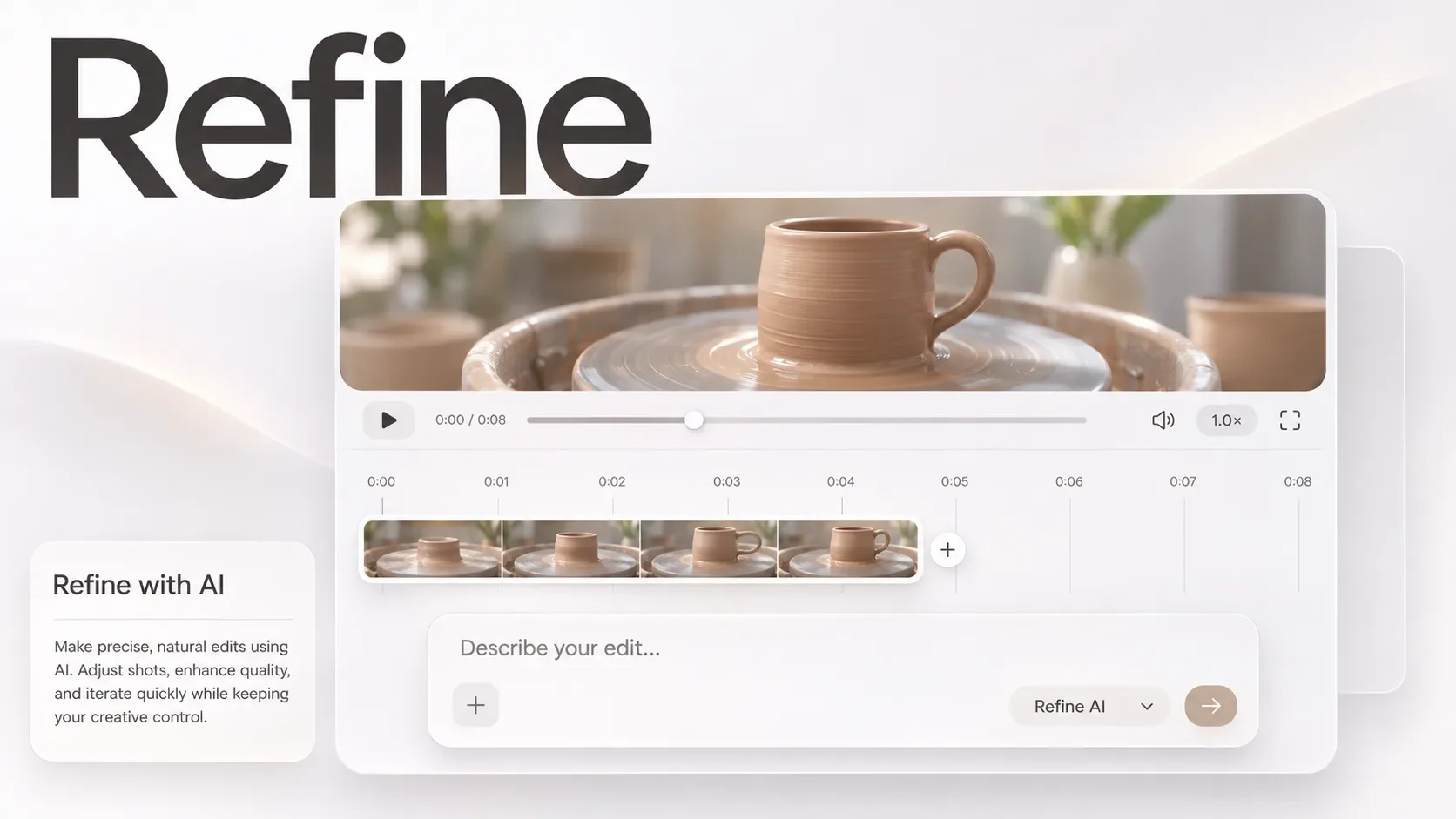
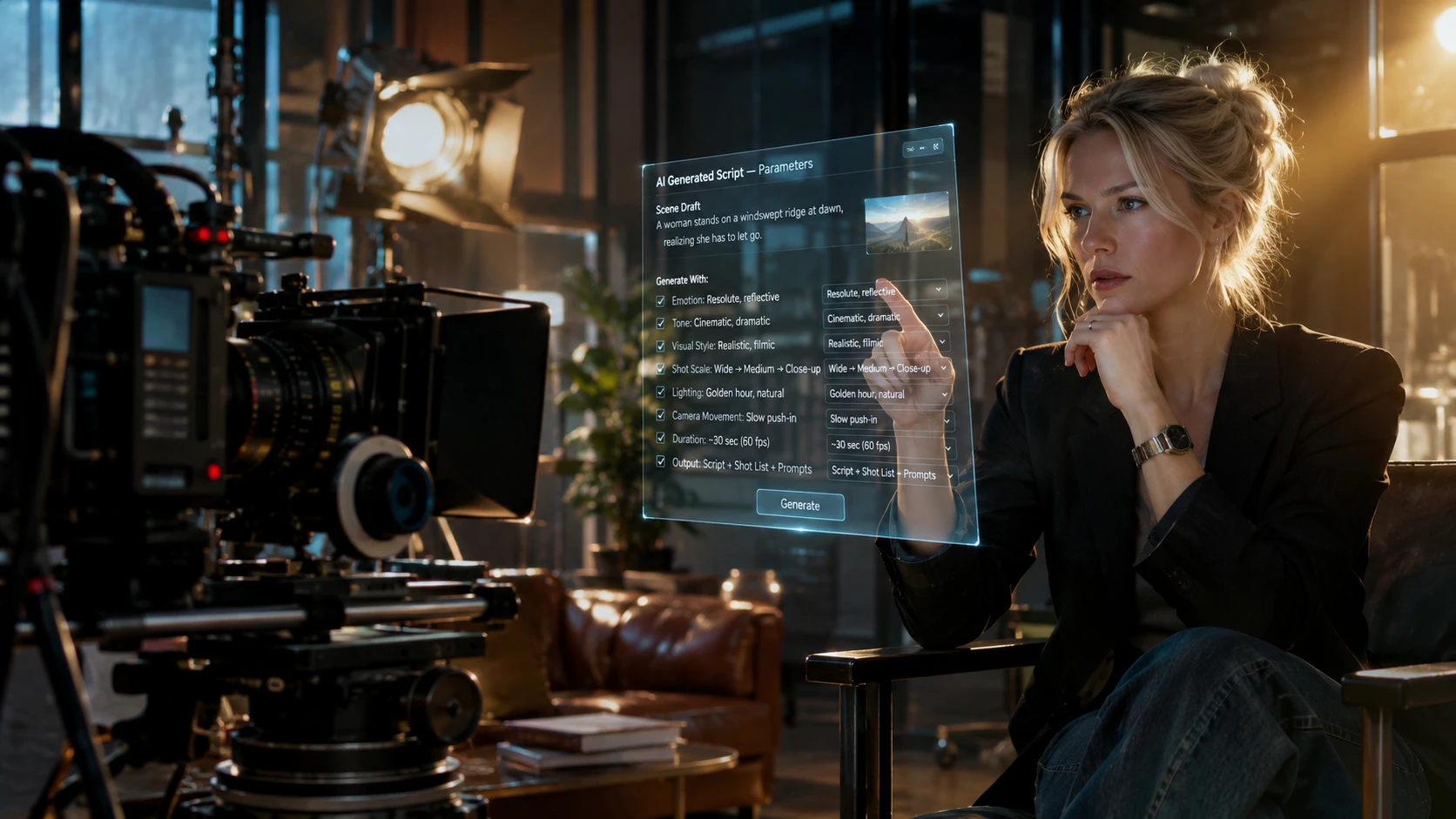
Google Flow AI — Cinematic Camera Trajectory Control

AI Christmas Background — Cozy Holiday Backdrop Changer
Mulmannan Gwangeo AI — Viral Korean Fish Meme Effect
Related AI Trend Guides & Video Prompts
FAQ
Company
About MovmixContact MovmixHelp CenterPrivacy PolicyTerms and ConditionsRefund PolicyAcceptable Use PolicyIntellectual Property RightsSubscription TermsAI Video Tools
AI Image to Video AI Video Extend AI Reference to Video AI Dance Generator AI Video Editor AI Text to Video


 Pay Safely And Securely With





© 2026 Movmix.ai. All rights reserved
