King Jin AI Trend Video Generator: Your Boss Entrance From One Photo
Step straight into the viral King Jin AI Trend. Upload one front-facing photo and let Movmix animate you across all four iconic beat cuts: walking down a neon night street as an entire crowd bows low, a confident lollipop close-up, a dramatic stairwell stride, and a rooftop finale with your crew lined up behind you. Crisp vertical HD ready for TikTok, Reels, and Shorts.
Make King Jin AI VideoKing Jin AI Trend Generator
Remix the 4-Shot Boss Entrance Clip with Your Face
Upload one clear, front-facing solo photo with good lighting to swap yourself into the viral King Jin AI video.
King Jin AI Trend Live Preview
What Is the King Jin AI Trend? (Viral TikTok & CapCut Breakdown)
The King Jin AI Trend (also searched as king jin, king jin ai, king jin incoming, king jin capcut template, and #kingjinaitrend) exploded across TikTok in November 2026, racking up millions of views within days. Set to the high-energy hardtekk track KIAT JUD DAY HARDTEKK, the clip transforms an ordinary selfie into a four-beat cinema sequence: a bowing night-street crowd, a slow-motion lollipop close-up, a stairwell walk, and a rooftop crew reveal. Instead of fighting complex manual keyframes in CapCut, Movmix lets you recreate the entire sequence in one pass with locked facial identity.
King Jin AI Trend Video Examples & Styles to Remix
Pick the vibe that matches your photo—from classic all-black streetwear to sleek formal suits and playful pet remixes.
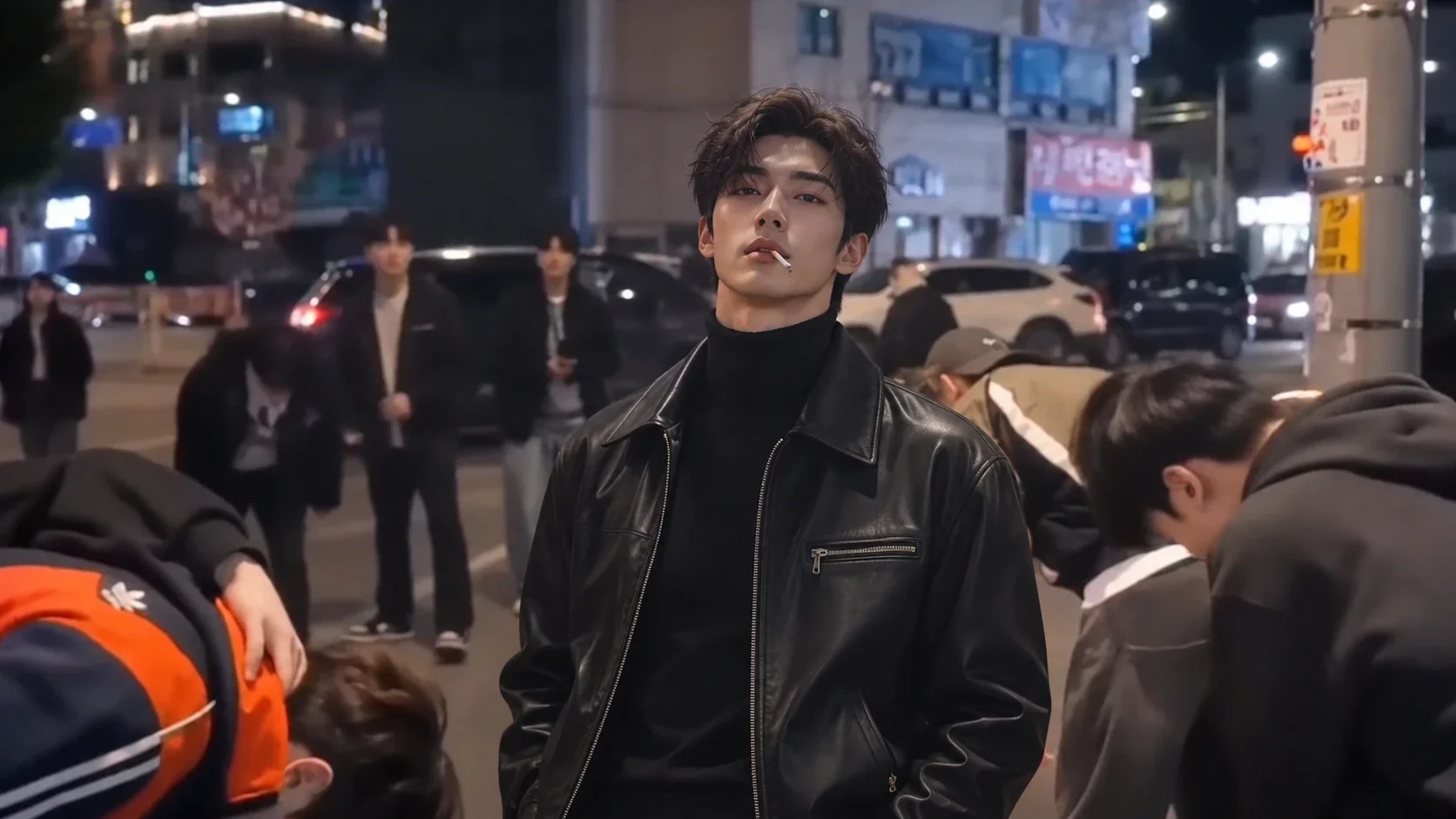
The Man in Black — Classic night-street bowing crowd & rooftop crew cut
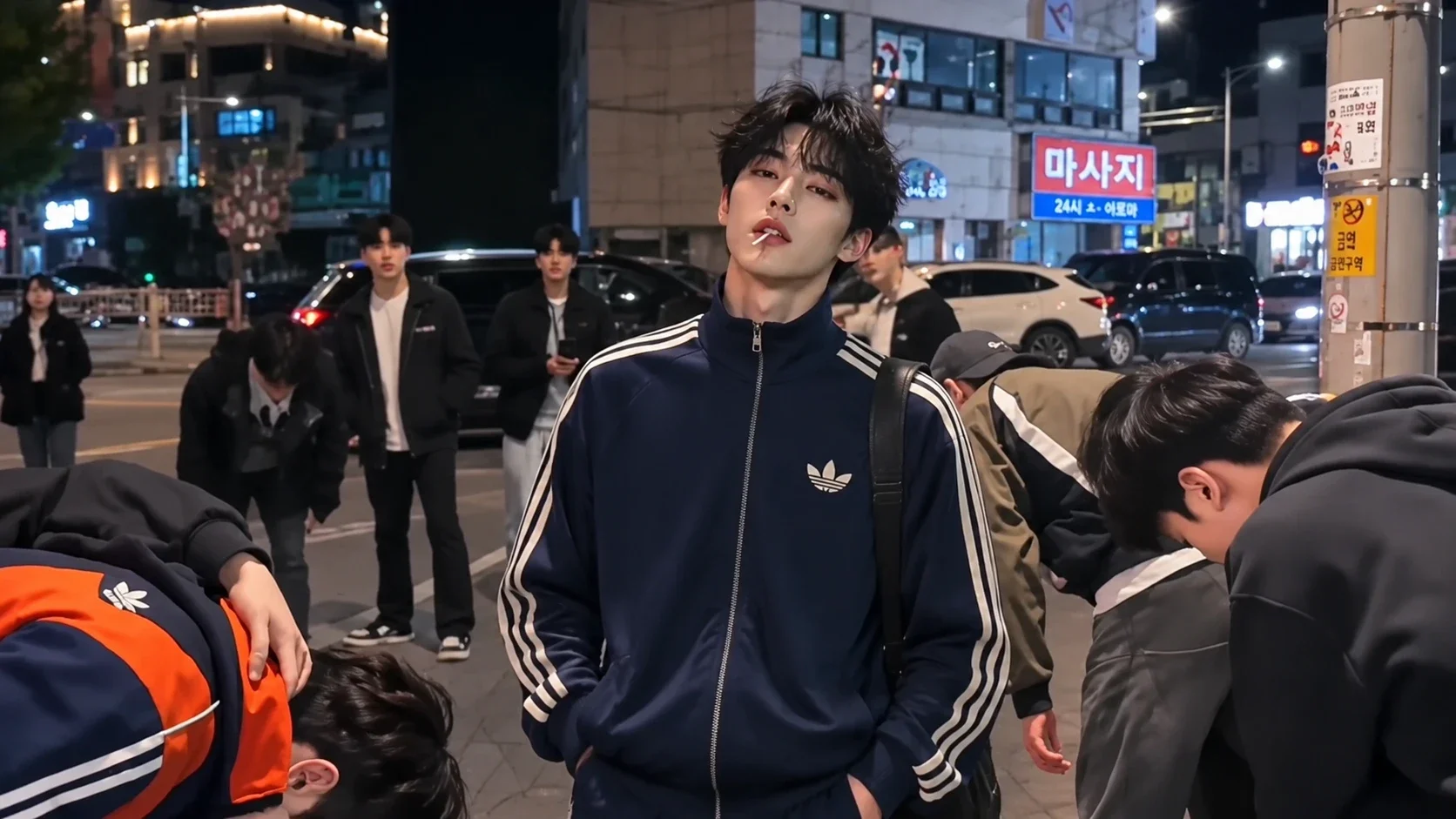
Navy & Black Tracksuit — Athletic street-boss entrance with sharp beat cuts
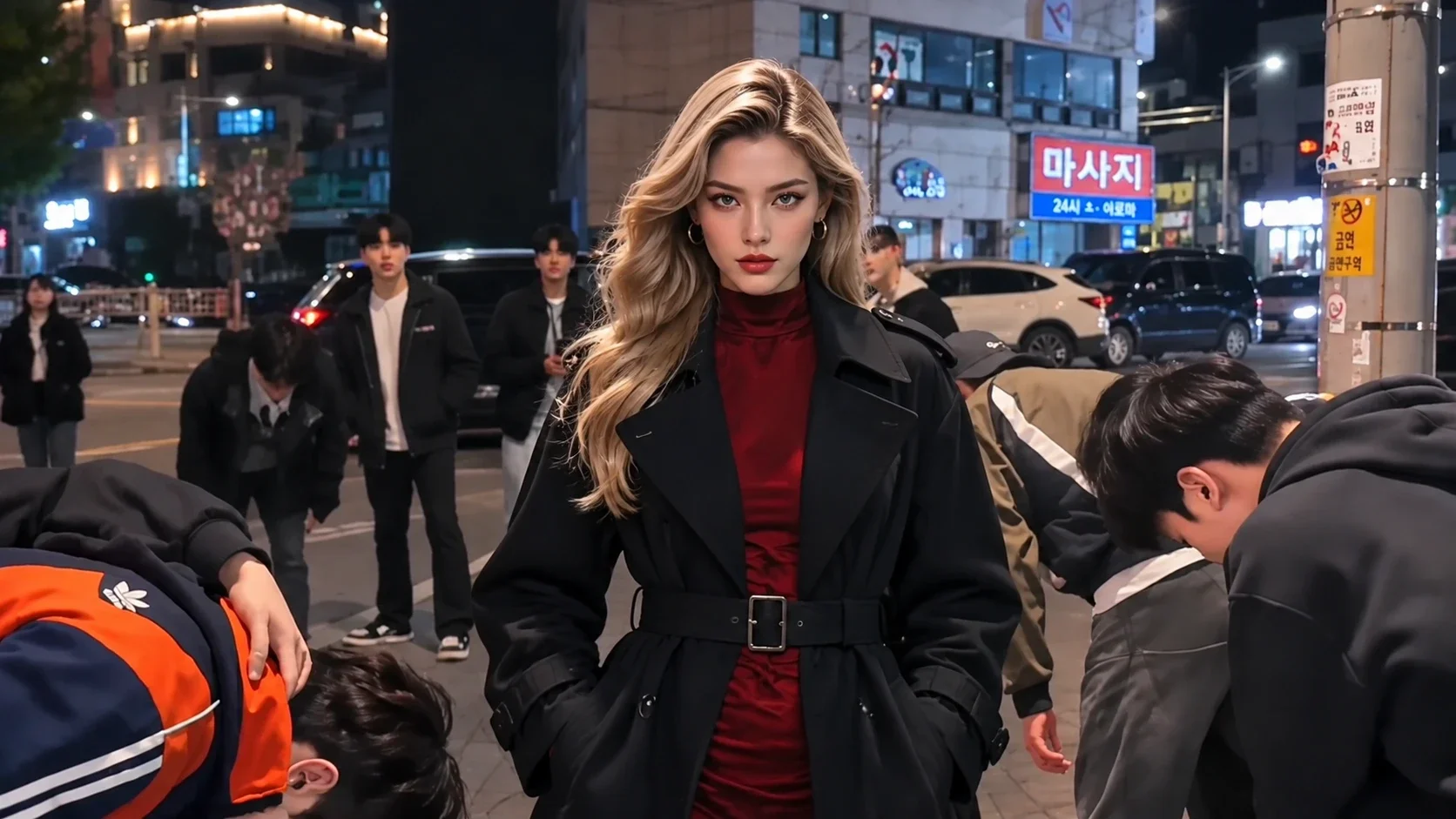
Boss Lady Edition — Confident female entrance with dramatic stairwell & rooftop shots
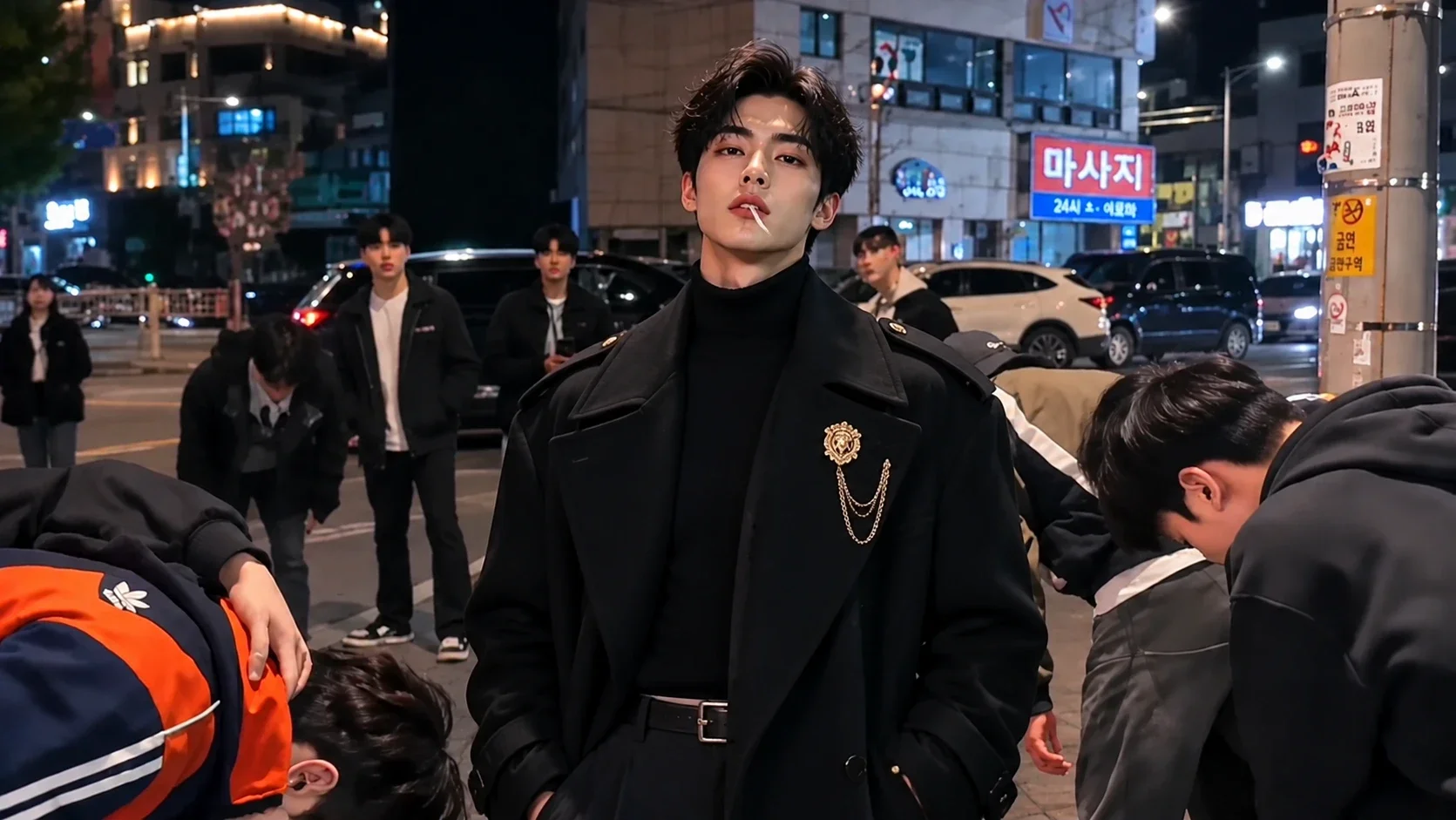
Luxury Overcoat Boss — High-fashion winter coat entrance with moody city lights
How to Make a King Jin AI Trend Video in 3 Steps
Go from a single selfie to a viral TikTok & Reels edit in minutes. 1. Upload One Clear Portrait: Choose a well-lit, front-facing solo photo where your face is clearly visible (crop out anyone else in the frame). 2. Apply the King Jin Reference Motion: Pick your preferred outfit style in our Video Reference tool or paste the King Jin prompt into Image-to-Video. 3. Export & Add TikTok Sound: Download your watermark-free vertical MP4, upload it to TikTok, and tap "Use this sound" on KIAT JUD DAY HARDTEKK to post.
Start Creating Now
King Jin AI Trend Prompt Formula (Custom Boss Entrance)
Upload the original King Jin trend clip as your reference video alongside your own portrait, then paste this prompt into Video Reference to Video to replace the lead character while keeping every beat cut and camera move.
| Prompt | Output Result |
|---|---|
Replace the main lead character in the reference video with the person from the uploaded portrait image, strictly preserving their exact facial identity, hairstyle, and natural skin tone across all four shots. Keep the exact choreography, beat-synced camera cuts, bowing night-street crowd, lollipop close-up, stairwell walk, and rooftop crew lineup from the reference video, seamless body integration, realistic lighting and shadows, 9:16 vertical HD. Generate with This Prompt | 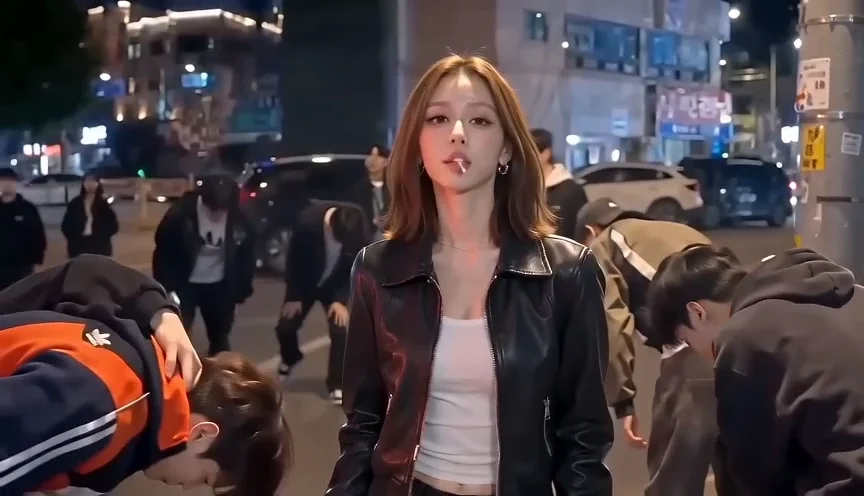 |
King Jin AI Trend: Movmix AI vs. Manual CapCut & Basic Face-Swap Tools
| Feature | Movmix King Jin AI Generator | Manual CapCut Templates | Basic Single-Template Sites |
|---|---|---|---|
| Setup & Editing Effort | 1-Click Reference Swap — Upload 1 photo + reference clip; zero timeline editing | Manual Keyframing — Requires cutting, beat-syncing, and masking 4 separate shots | Rigid Preset Only — Zero prompt control or scene customization |
| Facial Identity Lock | 96%+ Identity Preservation — Sharp facial structure across close-ups and wide rooftop shots | Depends on Source Clip — No AI face integration into original footage | Moderate Drift — Faces often blur during fast beat transitions |
| Rendering Speed | Fast Multi-Model Pipeline — Powered by Kling 4.0 & Seedance 2.5 with minimal wait | Manual Export Time — Plus trial-and-error re-edits | Slow Queues — Often takes 7+ minutes per single render |
| Custom Outfits & Pets | Full Prompt Flexibility — Swap in pets, anime avatars, or custom outfits anytime | Limited — Restricted to pre-made overlay assets | Not Supported — Locked strictly to human templates |
| Output Resolution & Ratio | Clean 9:16 Vertical HD — Watermark-free MP4 ready for TikTok & Reels | Often Watermarked — Requires removing end-screen logos manually | Standard 720p — Limited aspect ratio options |
More Viral AI Video Trends & Effects
Related AI Video Tutorials & Prompt Guides

FAQ
Company
About MovmixContact MovmixHelp CenterPrivacy PolicyTerms and ConditionsRefund PolicyAcceptable Use PolicyIntellectual Property RightsSubscription TermsAI Video Tools
AI Image to Video AI Video Extend AI Reference to Video AI Dance Generator AI Video Editor AI Text to Video


 Pay Safely And Securely With




© 2026 Movmix.ai. All rights reserved
