
GTA 6 Loading Screen AI Generator: Turn Your Photo Into Vice City Art
Transform any selfie, car, couple, or pet photo into inked GTA-style character art and viral block-wipe transition videos. Jump on the viral GTA 6 Loading Screen AI trend. Upload one clear photo and watch yourself redraw into bold black ink outlines, cel-shaded colors, and a glowing pink-orange Vice City sunset with palm trees and sports cars. Create still 9:16 phone wallpapers or animate the signature TikTok block-wipe transition video in seconds—no CapCut editing required. (Fan-made AI art generator; not affiliated with Rockstar Games.)
Make My GTA 6 Loading Screen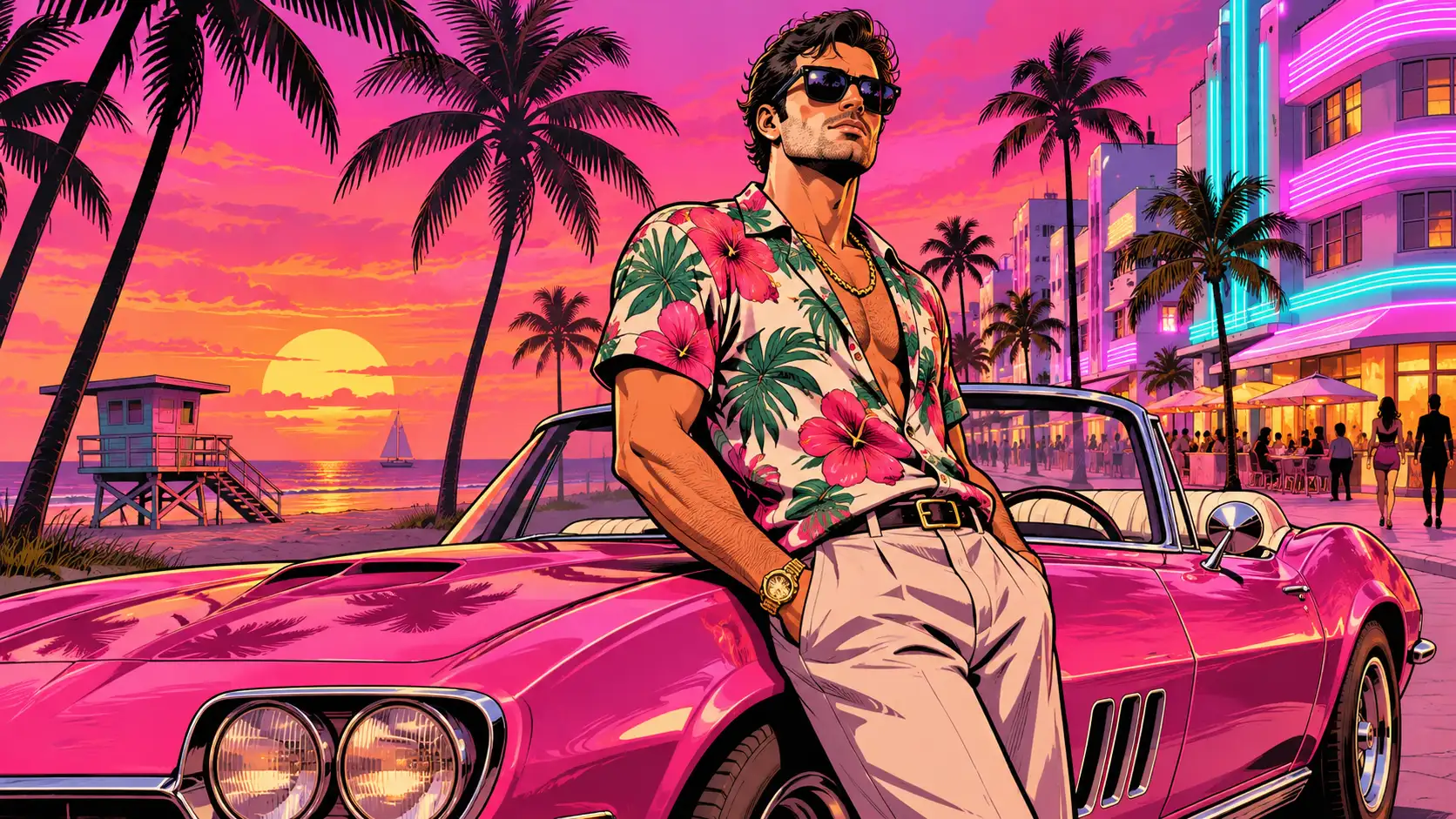
GTA 6 Loading Screen AI Generator
Create Vice City Character Posters & Wipe Videos From One Photo
Upload a clear portrait, couple shot, car, or pet photo to generate bold inked GTA-style character illustrations or the viral TikTok block-wipe reveal video.
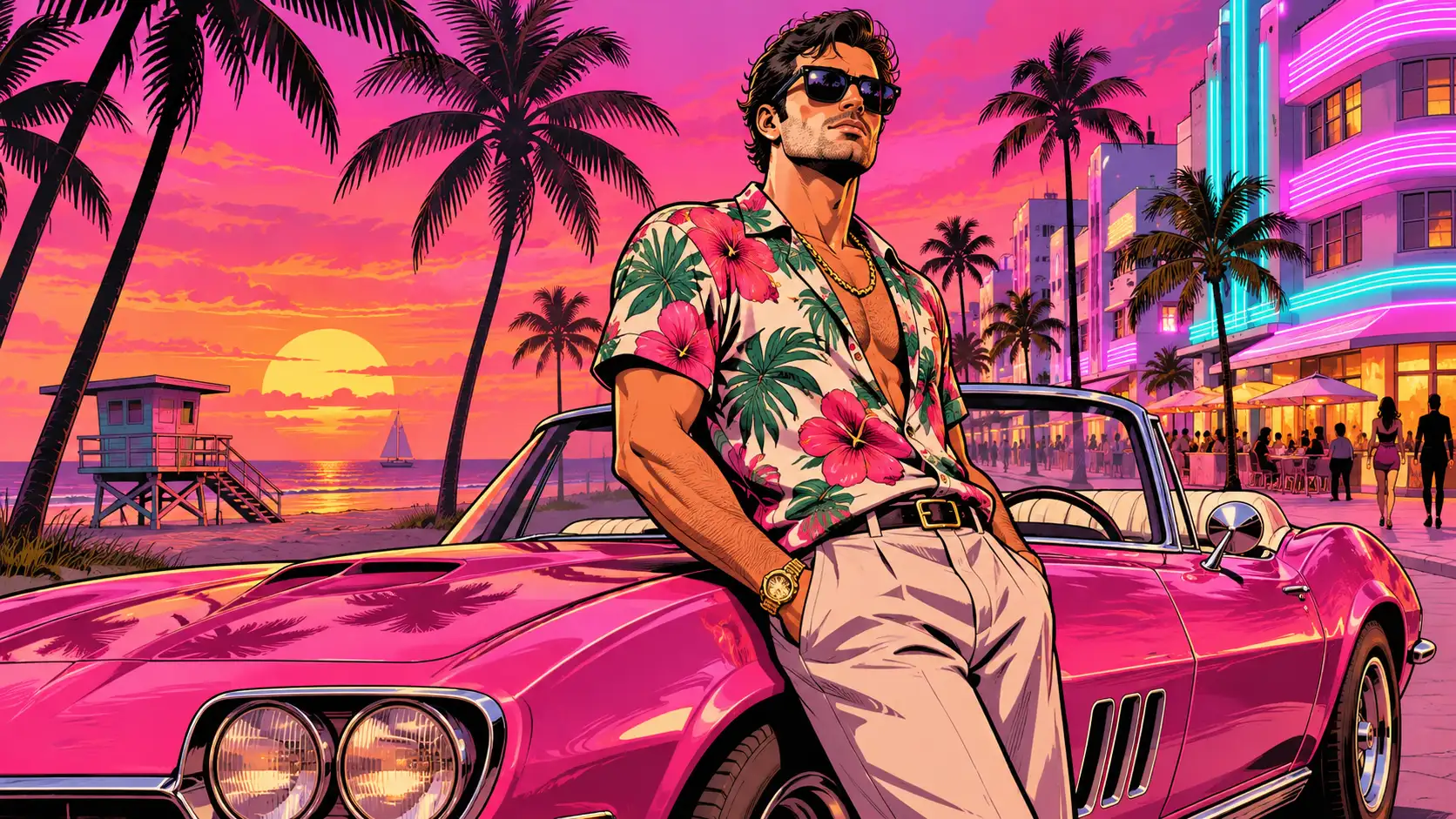
Vice City Loading Screen Showcase
What Is the GTA 6 Loading Screen AI Trend? (Viral TikTok & Poster Breakdown)
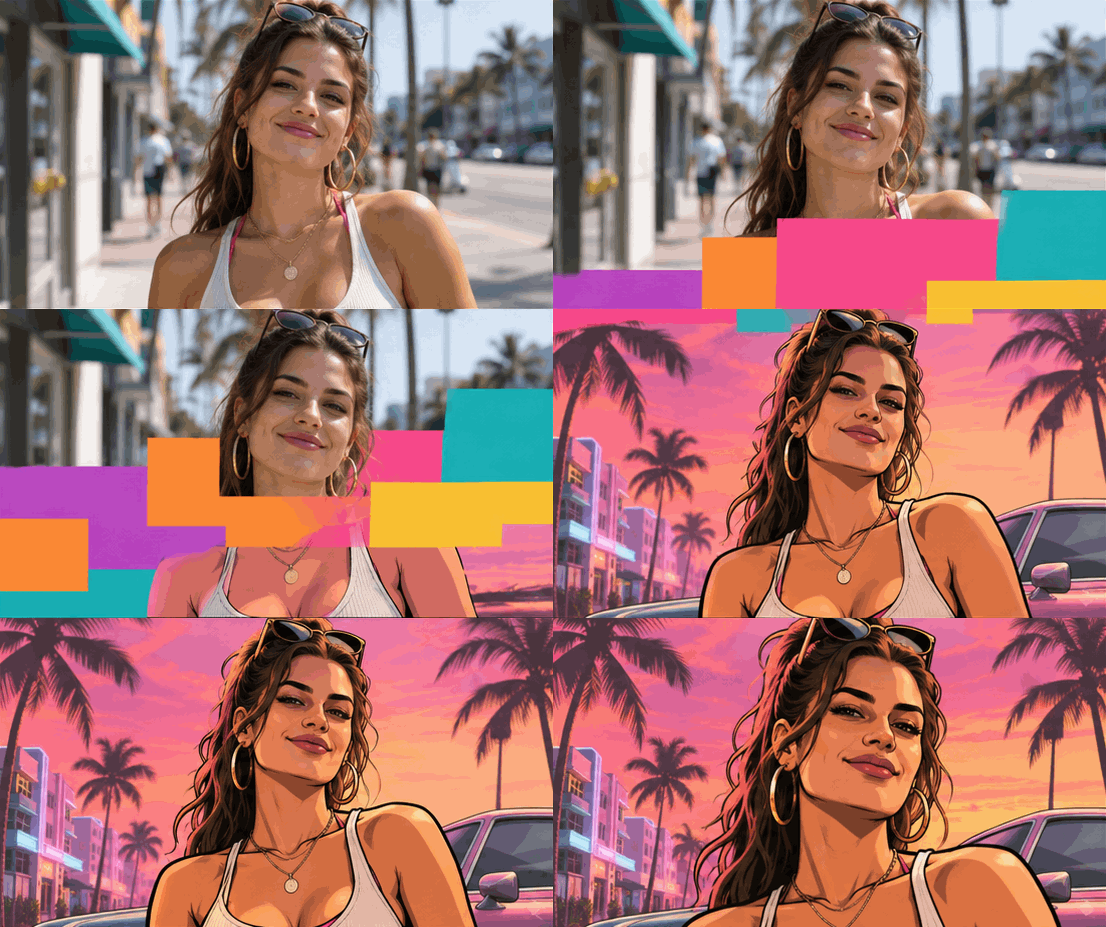
Status: Trending Now · Updated November 2026 The GTA 6 Loading Screen AI trend (also searched as your gta 6 loading screen, gta 6 loading screen edit, gta 6 filter, turn my picture into gta character, and #gta6loadingscreen) is exploding across TikTok and Instagram ahead of the GTA VI launch, drawing thousands of new creations daily. Videos open on a real photo before sliding blocks wipe the screen into an inked, cel-shaded Vice City character poster set against a coral-pink sunset. With Movmix, you can both redraw your original scene cleanly and export a ready-to-post block-wipe clip without messy mobile overlays.
GTA 6 Loading Screen AI Styles & Posters to Remix
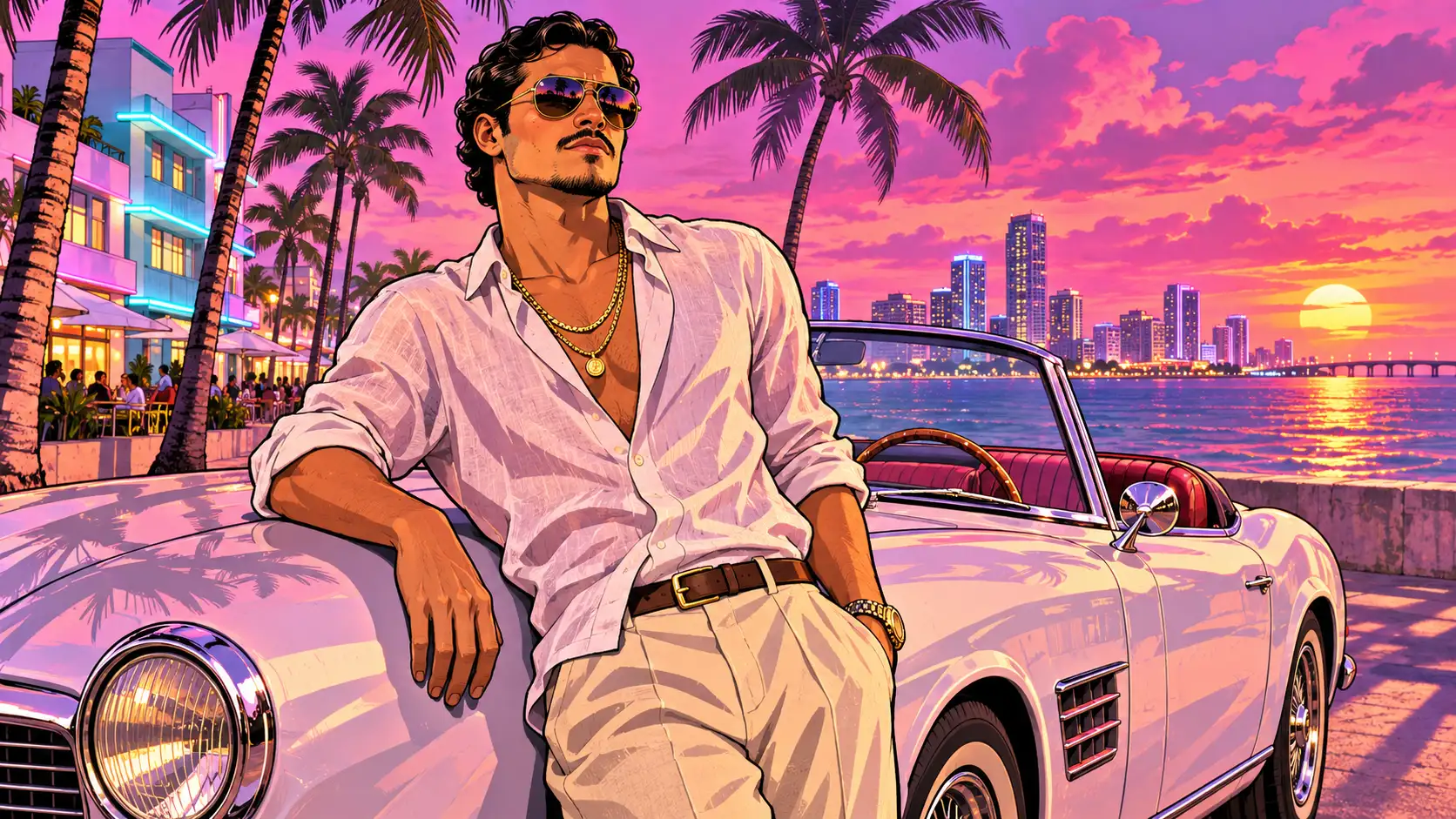
Keep your original selfie setup or step straight onto Ocean Drive with sports cars, couples, and pets.
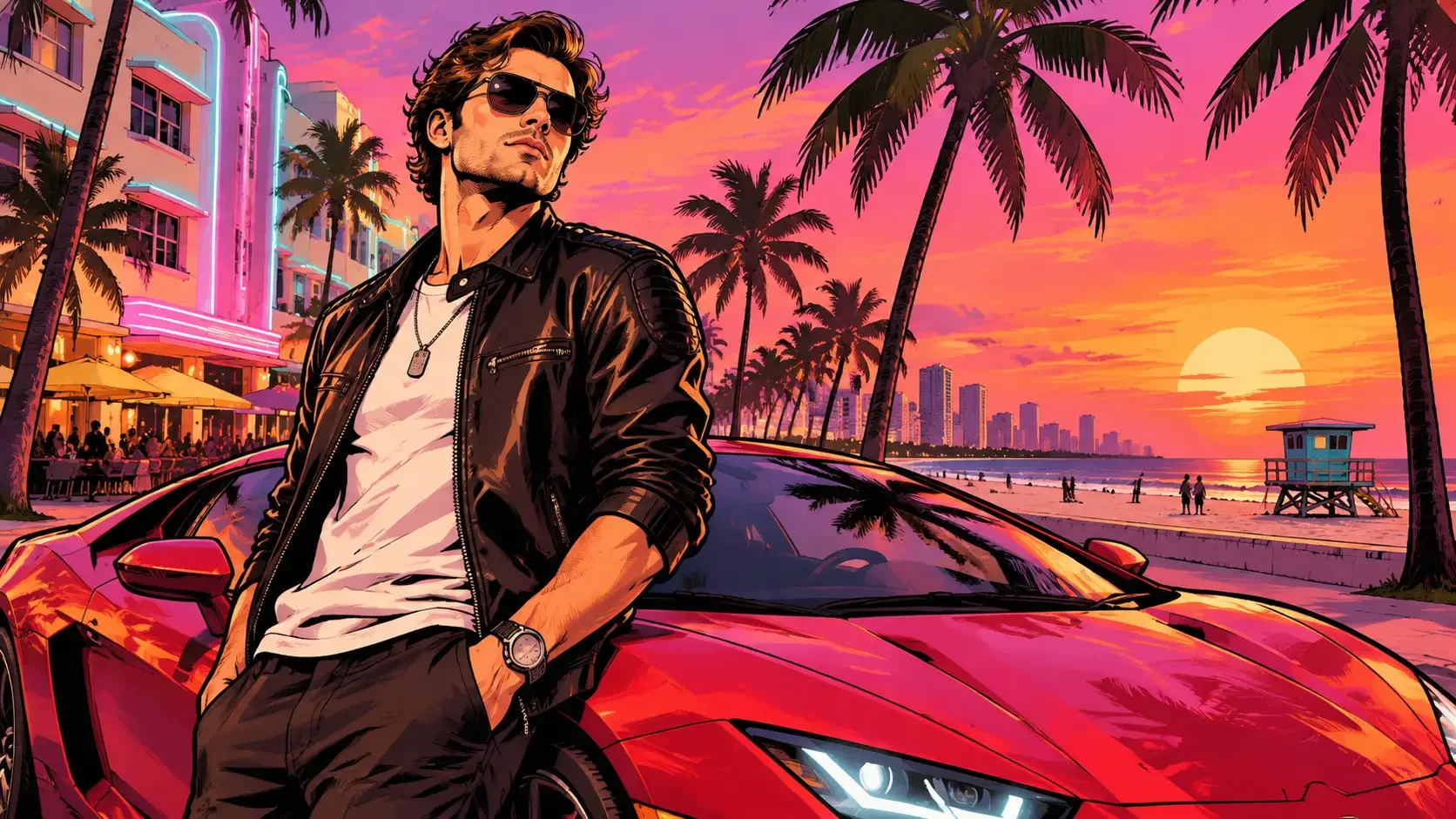
Sunset Sports-Car Poster — Classic palm-lined coastal boulevard, parked supercar & pink-orange sky
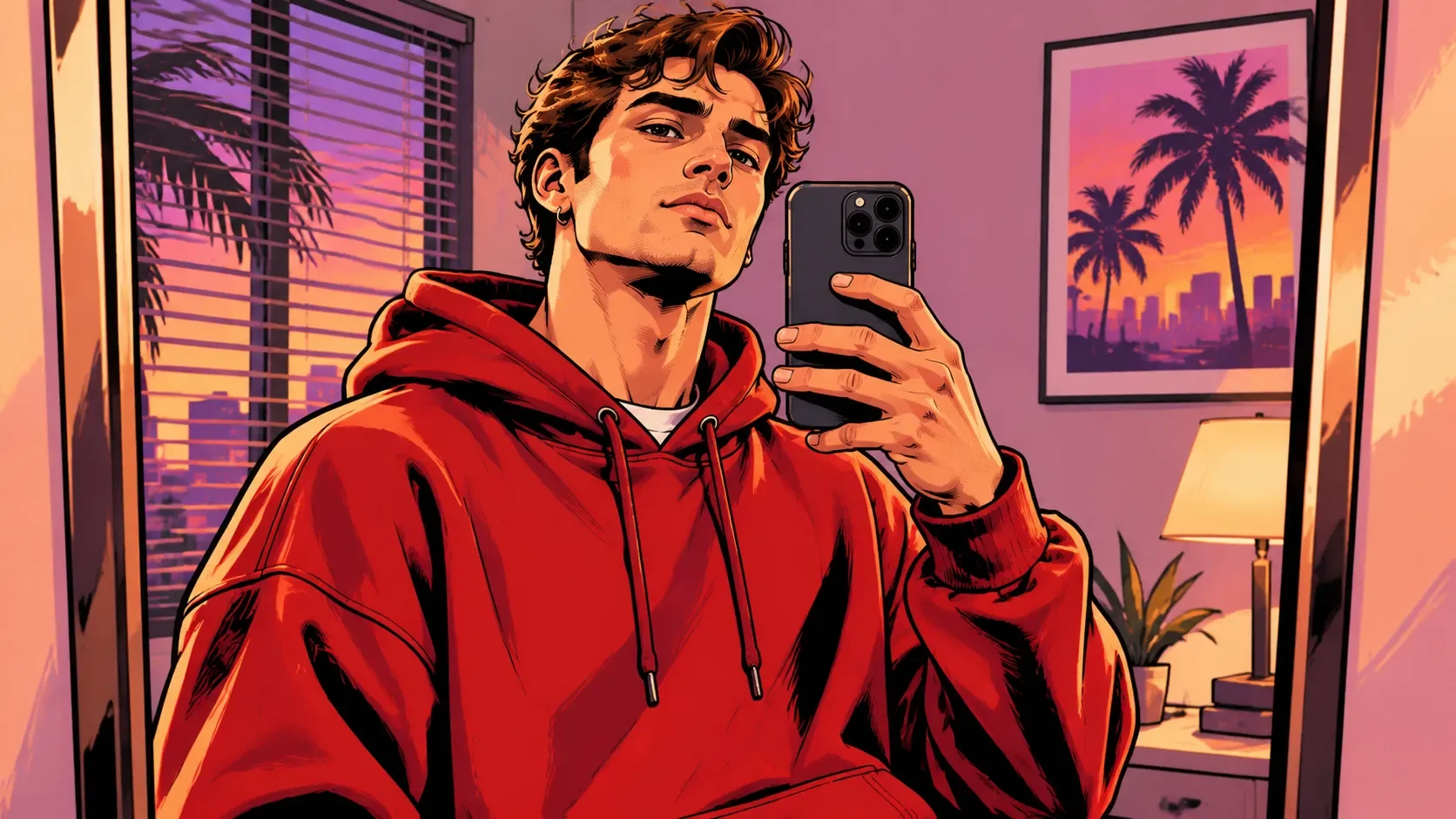
Original Photo Redraw — Keep your exact room, mirror selfie, or outfit in inked GTA comic lines
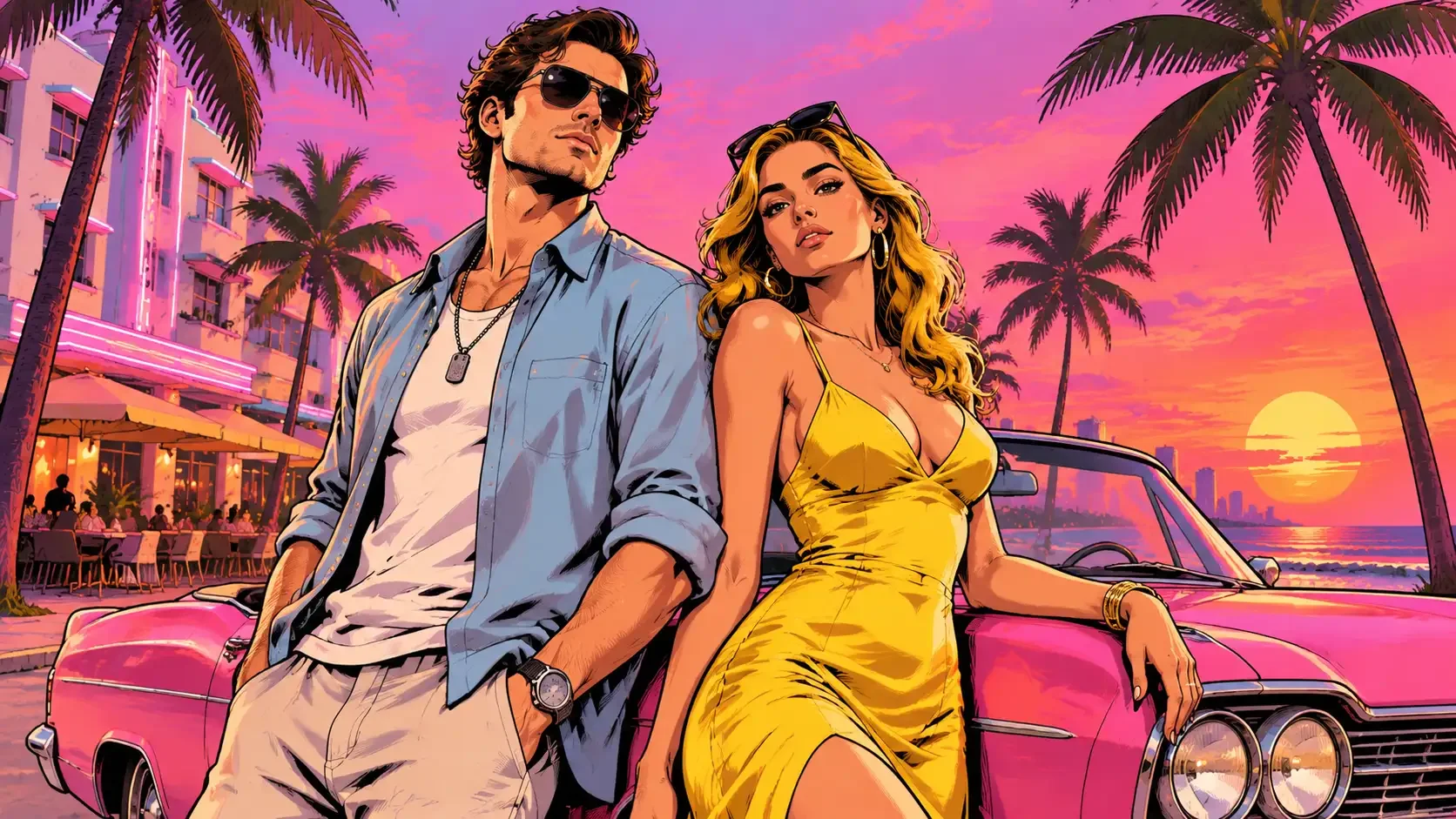
Couple Vice City Poster — Two distinct faces posed together beside a convertible at sunset
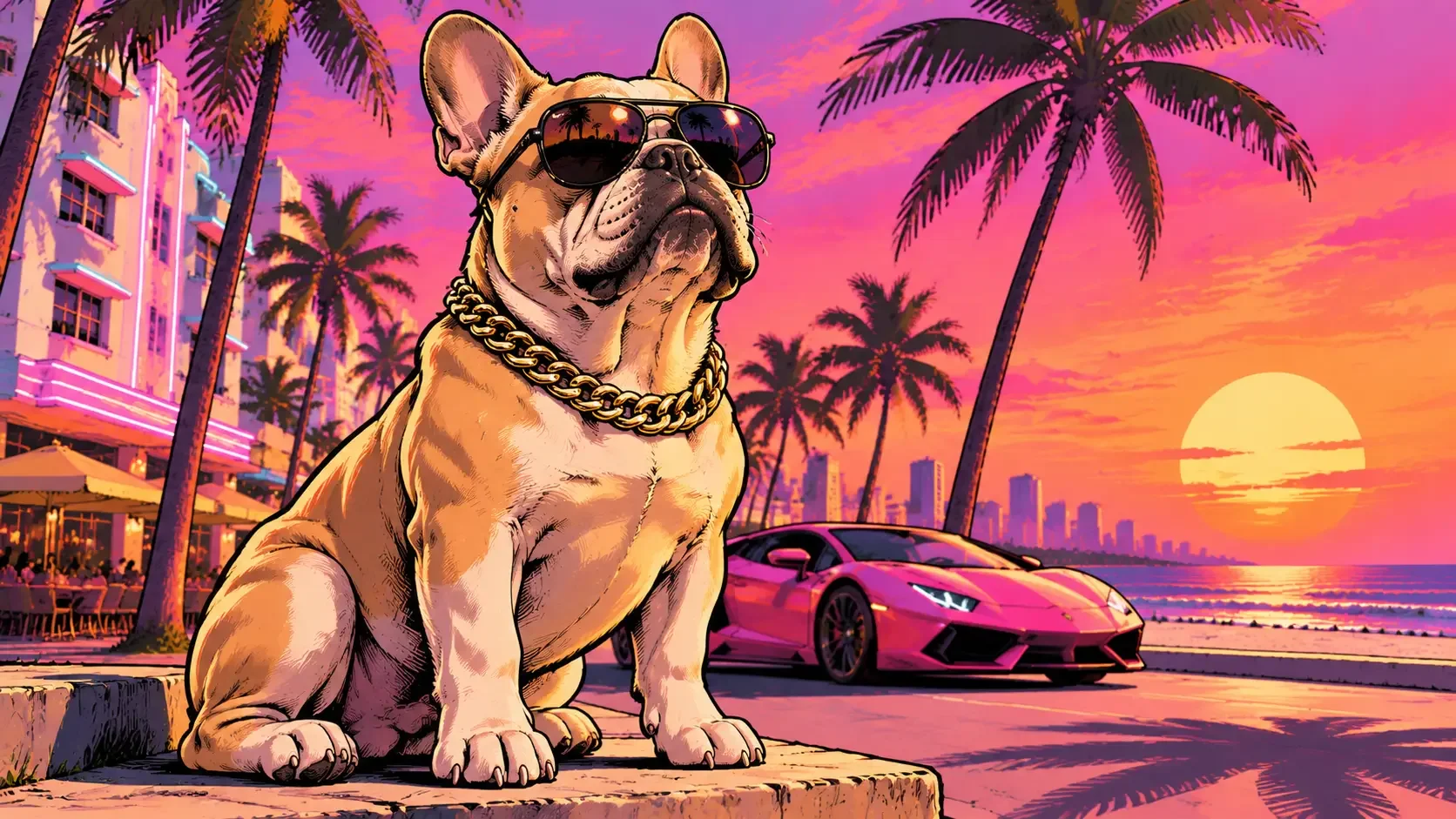
Pet Protagonist Poster — Turn your dog or cat into a Vice City loading-screen star
How to Make a GTA 6 Loading Screen From One Photo in 3 Steps
Generate a 9:16 phone wallpaper or a viral TikTok wipe transition in under a minute. 1. Upload a Clear Photo: Choose a sharp selfie, full-body outfit shot, couple portrait, or pet photo with clear facial features and good lighting. 2. Paste a GTA 6 Loading Screen Prompt: Open Image to Image (for still posters) or Image to Video (for animated reveals) and paste one of our ready-to-copy prompts below. 3. Download & Share: Export your watermark-free 9:16 or 16:9 artwork as a custom wallpaper, or post your block-wipe reveal on TikTok and Reels.
Start Creating Now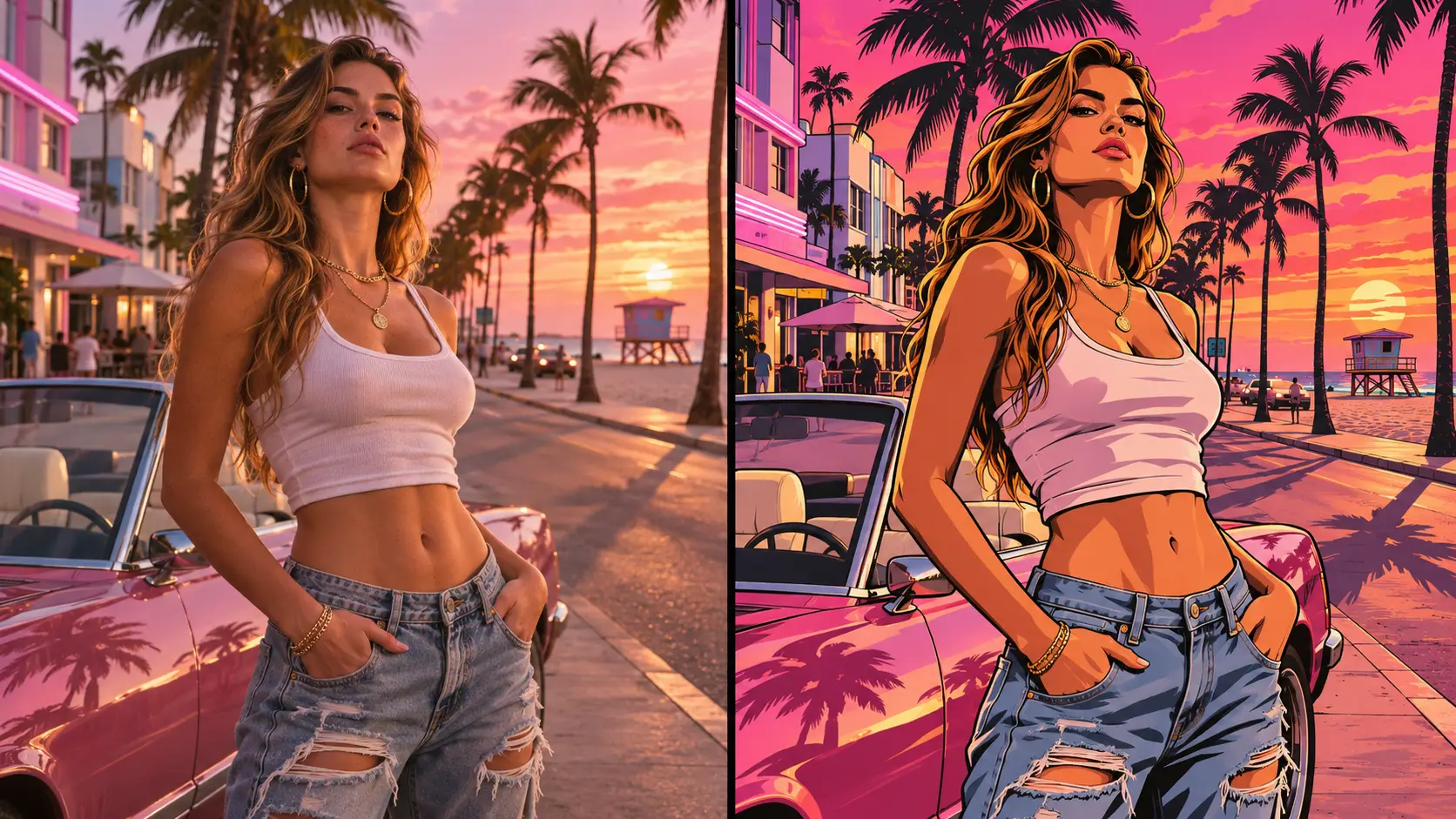
GTA 6 Loading Screen AI Prompts to Copy (Poster & Video Wipe)
Copy Prompt 1 into Image to Image to generate a crisp Vice City character illustration from your photo, or copy Prompt 2 into Image to Video to create the viral block-wipe transition clip.
| Prompt | Output Result |
|---|---|
Transform the person in the uploaded photo into a fan-made GTA 6-inspired loading-screen character illustration. Preserve their exact facial features, hairstyle, skin tone, build, and outfit. Show them from the knees up in a confident three-quarter pose beside a parked sports car on a Miami-inspired coastal boulevard with palm trees, pastel art-deco hotels, and a vivid pink-orange sunset. Render the entire scene with bold black ink contours, semi-realistic painted facial details, cel-shaded color blocks, and crisp sunset shadows. Vertical 9:16 composition, no text, logos, or game HUD. Generate GTA 6 Art Now | 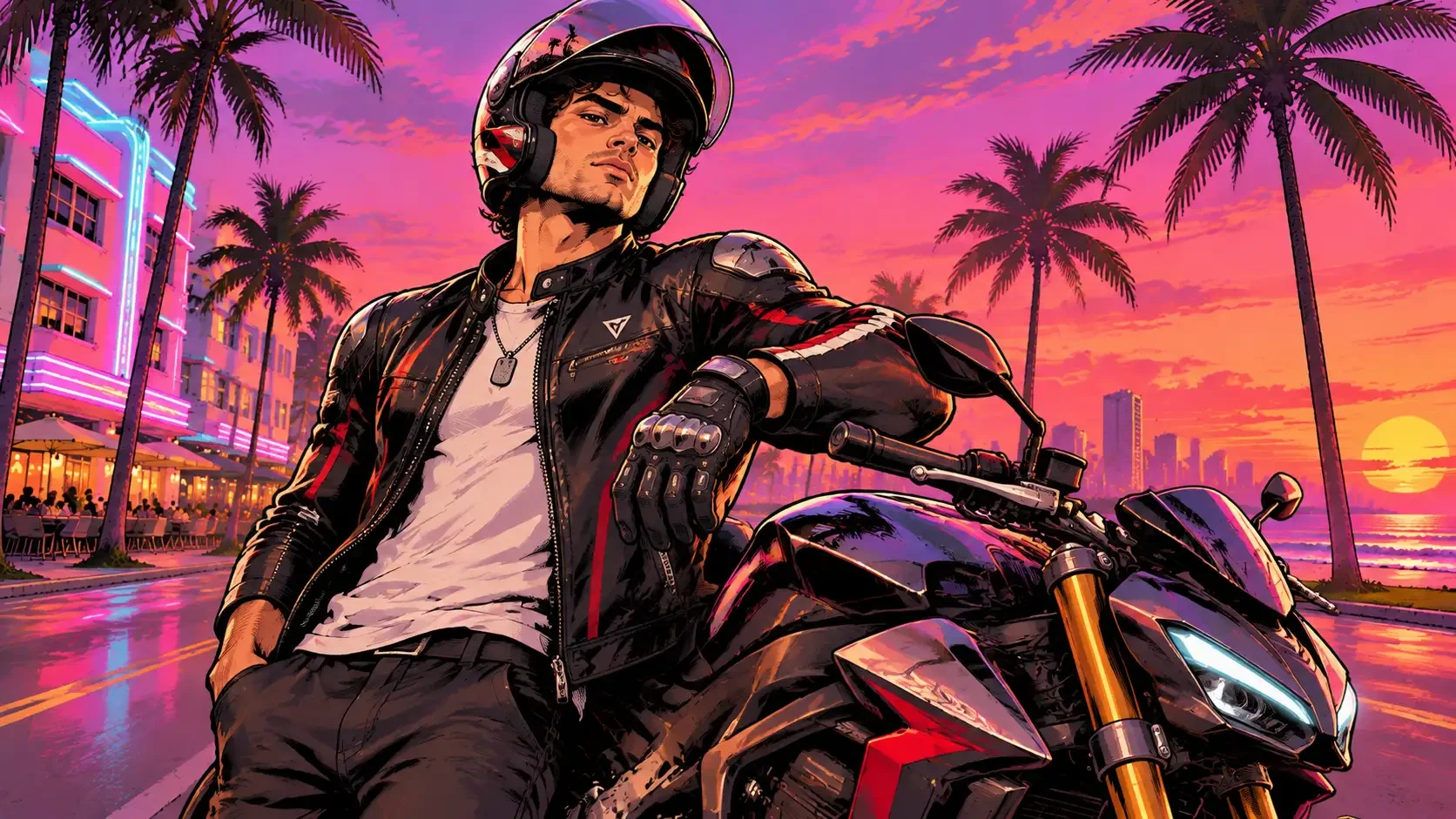 |
A 16:9 vertical transition video starting with the exact real-life photo uploaded, then colorful geometric blocks slide upward from the bottom of the screen to wipe and transform the scene into a bold black-inked, cel-shaded GTA 6 Vice City loading-screen illustration. The subject keeps their exact pose and facial identity while the background shifts into a glowing coral-pink sunset with palm trees and a parked supercar, subtle cinematic camera push-in, smooth 60fps motion, no text or watermarks. Generate GTA 6 Art Now |
GTA 6 Loading Screen AI: Movmix vs. Fixed Templates & Manual Editors
| Feature | Movmix GTA 6 Loading Screen AI | Fixed Single-Template Apps | Manual Photo & Video Editors |
|---|---|---|---|
| Poster & Video Flexibility | Both Stills & Wipe Videos — Generate 9:16/16:9 wallpapers via Image-to-Image or animated block-wipe clips via Image-to-Video | Video Preset Only — Cannot export high-res still wallpapers or customize backgrounds | Manual Layering — Requires stacking comic filters, sunset PNGs, and keyframe wipes by hand |
| Scene & Subject Control | Full Prompt Customization — Keep your original room, add a supercar, or cast couples & pets | Rigid Framing — Frequently crops out cars, helmets, or pets unpredictably | Limited Filter Presets — Generic cartoon filters flatten facial details |
| Facial Likeness Lock | High-Precision Identity Lock — Preserves exact facial contours, glasses, beards, and outfits in inked lines | Moderate Drift — Faces often look generic after heavy comic stylization | Unnatural Cutouts — Harsh edges when pasting real faces onto illustrated bodies |
| Rendering Speed | Rapid Multi-Model Pipeline — Powered by GPT Image 2.6, Nano Banana 2 & Kling 4.0 | Slow Queues — Often takes 5–7 minutes per single render | Hours of Manual Work — Complex masking and color grading required |
| Output Resolution | Clean HD & Watermark-Free — Ready for phone lock screens, desktop wallpapers, TikTok & Reels | 720p Cap — Often includes platform watermarks on free runs | Depends on Export — Free mobile apps add end-screen logos |
More Viral AI Video & Photo Trends on Movmix
You Might Need

FAQ
Company
About MovmixContact MovmixHelp CenterPrivacy PolicyTerms and ConditionsRefund PolicyAcceptable Use PolicyIntellectual Property RightsSubscription TermsAI Video Tools
AI Image to Video AI Video Extend AI Reference to Video AI Dance Generator AI Video Editor AI Text to Video


 Pay Safely And Securely With





© 2026 Movmix.ai. All rights reserved
