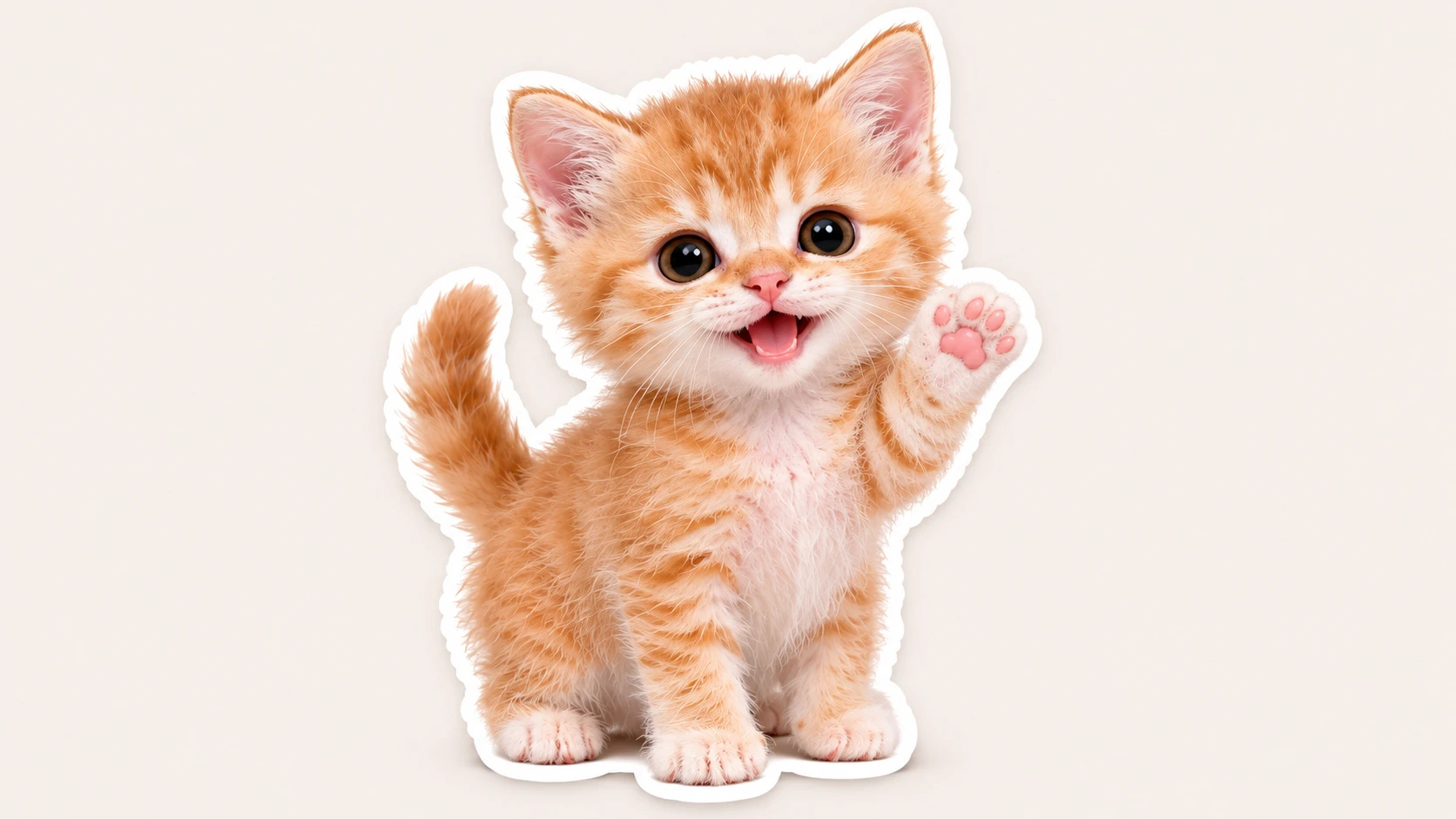
Use these GPT Image 2.6 GIF prompts to generate looping GIFs. Copy and paste them directly.
Basic GPT Image 2.6 GIF Prompt
Prompt: Create a seamless looping GIF of a cute chibi cat character waving one paw. Keep the character design consistent across all frames, white background, sticker style, clean edges, 9 frames, smooth loop
Character Expression GIF Prompts
Add these after the base character description for different reactions.
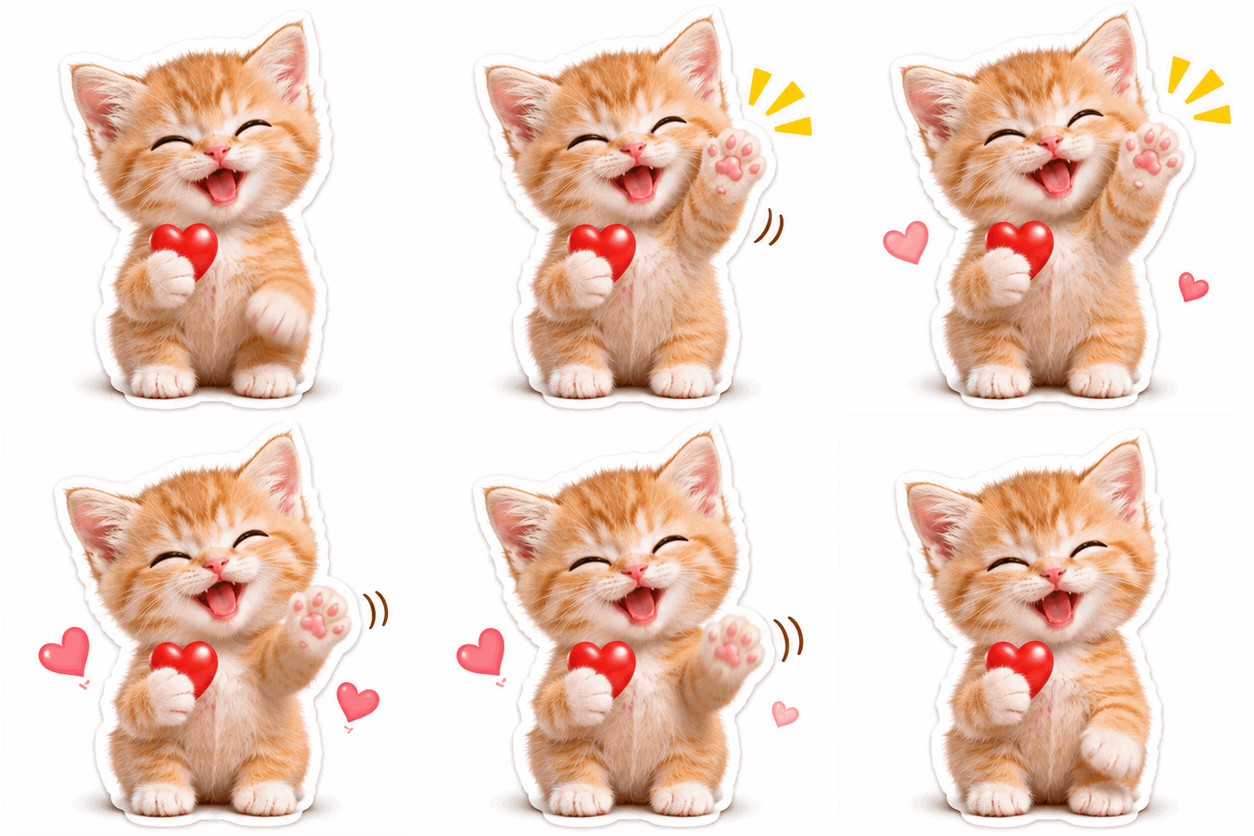
Happy Wave
Prompt: Create a seamless looping GIF of a cute chibi cat character waving happily, eyes closed, smiling widely. Consistent character, white background, sticker style, 9 frames, smooth loop.
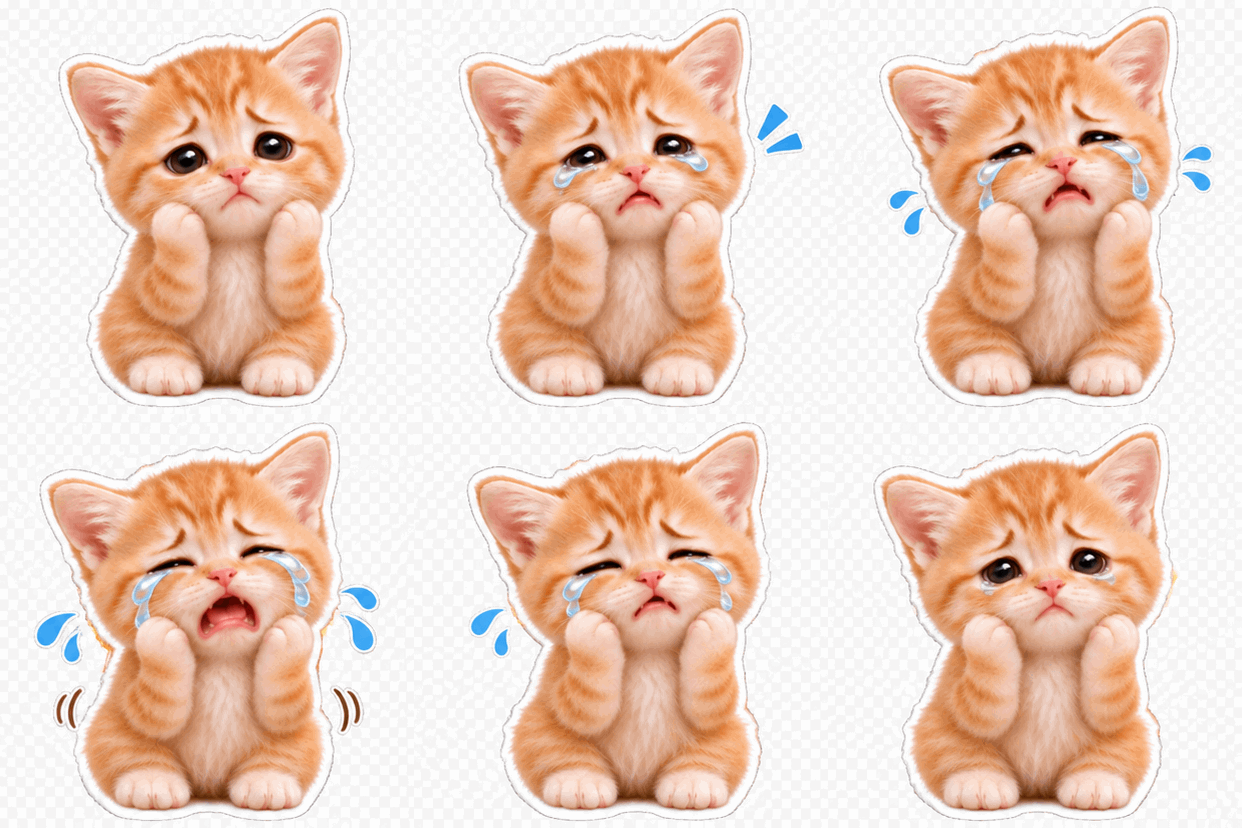
Sad
Prompt: Create a seamless looping GIF of a cute chibi cat character crying with small tears, looking down. Consistent character, white background, sticker style, 9 frames, smooth loop.
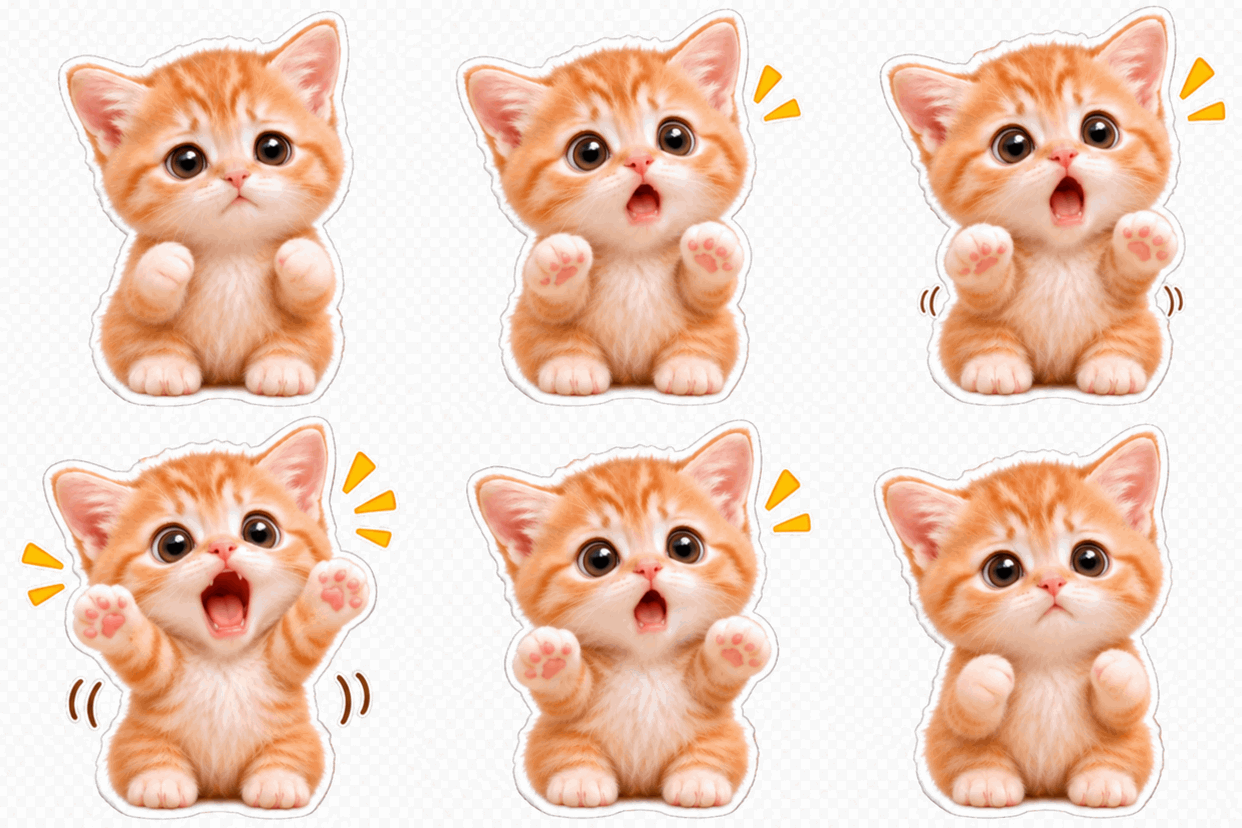
Surprised
Prompt: Create a seamless looping GIF of a cute chibi cat character with wide eyes and open mouth, hands raised in surprise. Consistent character, white background, sticker style, 9 frames, smooth loop.
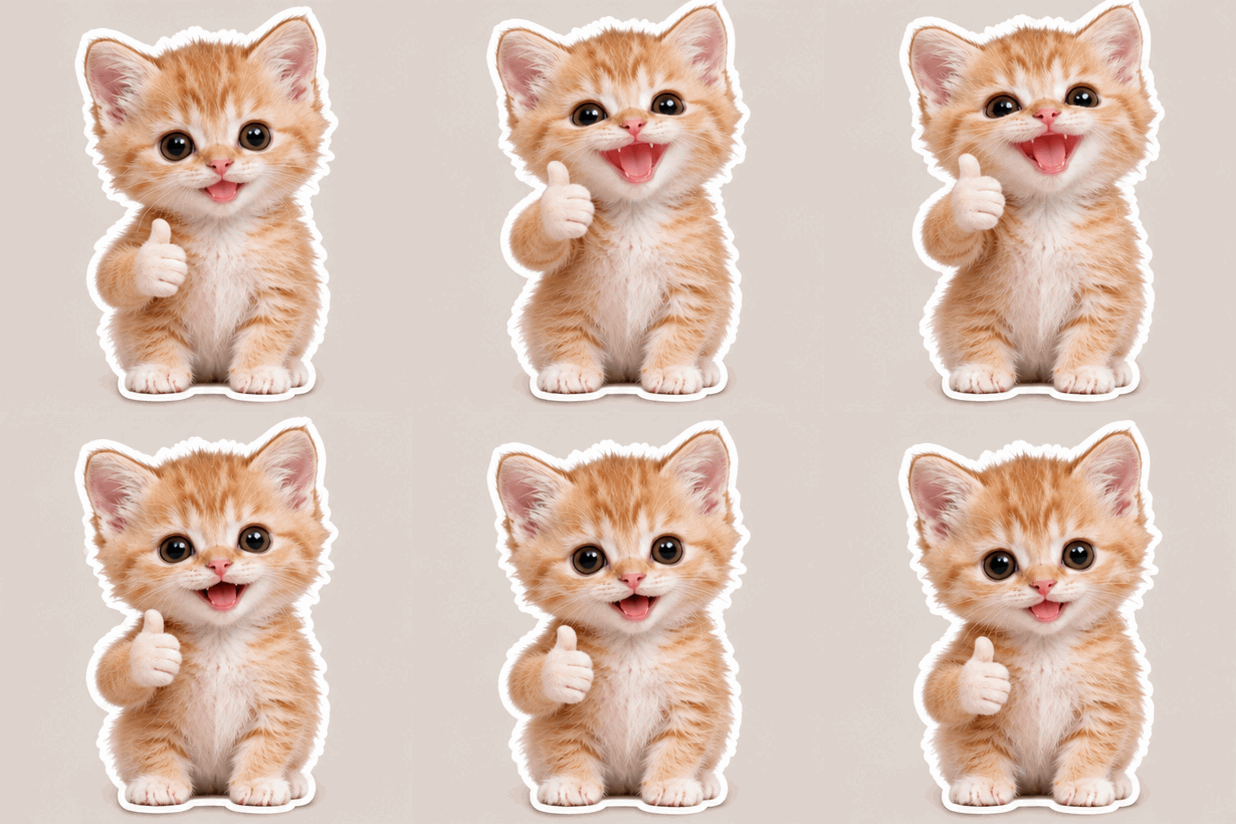
Thumbs Up
Prompt: Create a seamless looping GIF of a cute chibi cat character giving a thumbs up with a cheerful smile. Consistent character, white background, sticker style, 9 frames, smooth loop.
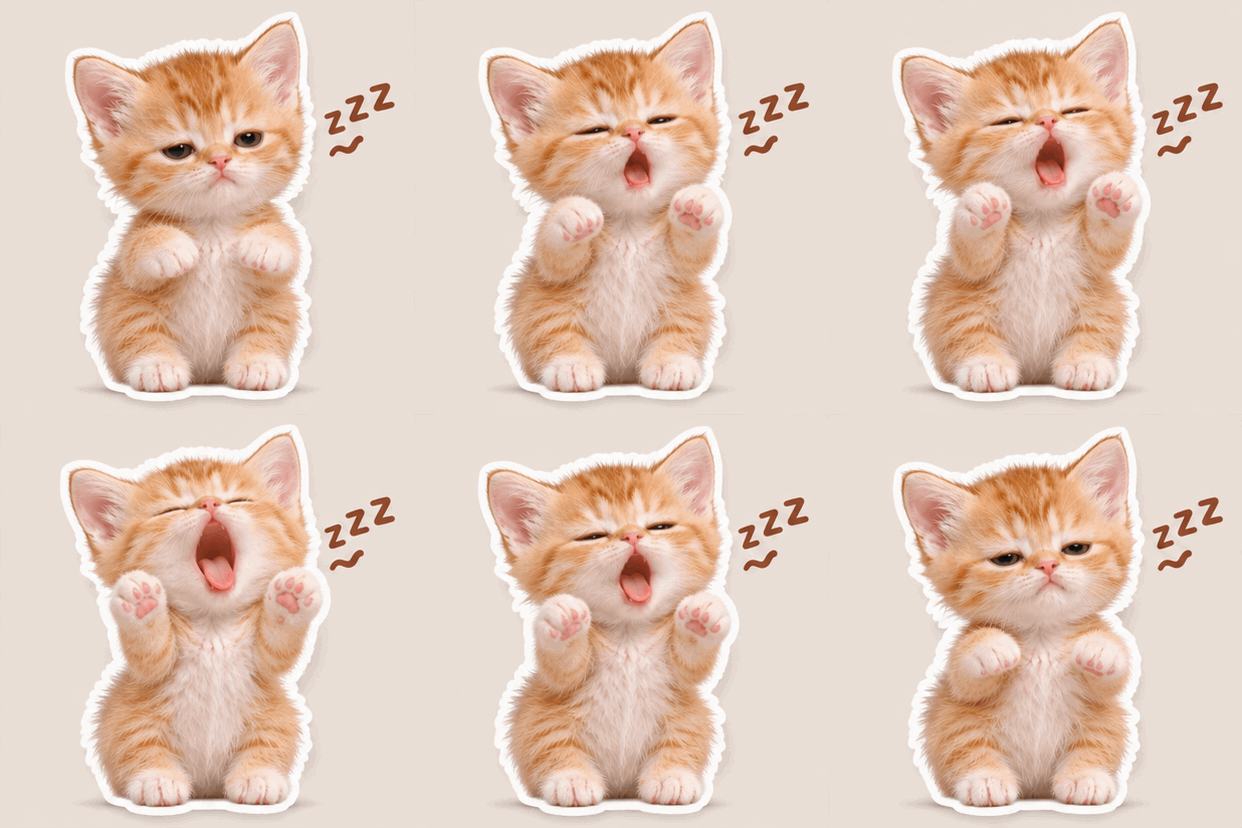
Sleepy
Prompt: Create a seamless looping GIF of a cute chibi cat character yawning with half-closed eyes and a small Zzz. Consistent character, white background, sticker style, 9 frames, smooth loop.
Text & Meme Style GIF Prompts
With Text
Prompt: Create a seamless looping GIF of a cute chibi cat character with the text “OK” in bold white font with black outline at the top. Waving one paw, consistent character, white background, sticker style, 9 frames, smooth loop
Prompt: Create a seamless looping GIF of a cute chibi cat character with the text “What?” in bold white font with black outline. Wide eyes, surprised expression, consistent character, white background, sticker style, 9 frames, smooth loop
Cat Meme Style
Prompt: Create a seamless looping GIF of a cute chibi cat character in the style of a popular cat meme, giving a smug side-eye look. Consistent character, white background, sticker style, 9 frames, smooth loop
Prompt: Create a seamless looping GIF of a cute chibi cat character doing the “this is fine” meme pose, sitting calmly with a small smile while a tiny flame appears beside it. Consistent character, white background, sticker style, 9 frames, smooth loop
Prompt: Create a seamless looping GIF of a cute chibi cat character with the text “Meow” in bold white font with black outline, blinking slowly in a chill meme style. Consistent character, white background, sticker style, 9 frames, smooth loop
Sticker-Style GIF Prompt
Prompt: Create a seamless looping GIF of a cute chibi cat character in die-cut sticker style, thick white border, transparent background, waving one paw. Keep character consistent across frames, 9 frames, smooth loop
Photo-to-GIF Prompt
Prompt: Turn this photo into a seamless looping GIF. Keep the original character appearance and style exactly the same. Add subtle motion: gentle head tilt and blink. Transparent background, sticker look, 9 frames, smooth loop
How to Use These GPT Image 2.6 GIF Prompts
- Copy one of the GPT Image 2.6 GIF prompts above.
- Paste it into ChatGPT or any tool that supports GPT Image 2.6 GIF output.
- Generate one GIF at a time.
- If the character drifts, add “same character as previous” or repeat the character description.
- For cleaner loops, keep the motion simple and always ask for a “seamless loop”.
FAQ
Why does the GIF not loop smoothly?
Add “seamless loop” and “end frame matches start frame” to the prompt. Keep the action short and simple.
How do I keep the character consistent?
Use the same character description in every prompt. Upload a reference image when possible and say “keep the character identical to the reference”.
Can I use these GPT Image 2.6 GIF prompts for stickers?
Yes. The sticker-style version works well for animated sticker packs. Add “die-cut sticker” and “white border” for better results.
Conclusion
You can also use your own imagination to make custom sticker packs. For example, the recently popular cat memes are a great fit. Use these GPT Image 2.6 GIF prompts as a starting point and create the cat meme GIFs you like, then send them to your friends or post them on social media.