

Google Veo 3.1 AI Video Generator: Ingredients to Video & 4K Cinema
Try Google Veo 3.1 online instantly. Use DeepMind's multi-reference "Ingredients to Video" to generate consistent character videos and 4K clips with native audio.
Google Veo 3.1 AI Video Generator Studio
Consistent Character AI Video & First-to-Last Frame Control
Upload your visual ingredients to prevent identity drift, bridge start and end keyframes, or generate native 9:16 vertical videos with built-in dialogue and sound effects.
Experience Kling 4.0 Cinematic Masterpieces in Action
Vidu Q4 Blockbuster Showcase: 4K Physics, Action & Multi-Shot Stories
Explore real outputs generated by Vidu Q4 Preview. Experience next-level character motion, seamless shot transitions, and photorealistic smoke and explosion effects.

Eliminate Identity Drift: Consistent Character AI Video Across Cuts
Standard text prompts often cause AI models to reinvent your actor's face in every shot. With Google Veo 3.1's multi-reference ingredients, your character portrait acts as a hard visual anchor—keeping facial structure, hairstyle, and outfit construction identical across episodic scenes.
Direct the Soundstage: AI Video with Spoken Dialogue & Ambient SFX
Stop wasting hours searching for external dubbing tracks. Veo 3.1 generates a complete soundstage alongside your visuals—including natural spoken dialogue with accurate lip-sync and immersive Foley sound effects generated in the exact same pass.
How to Create 4K Cinematic Videos with Vidu Q4 in 3 Steps
1. Upload Multi-Reference Ingredients
Add up to 3 clean reference images: Image 1 for your main character, Image 2 for the custom prop, and Image 3 for the background scene.

2. Map Keyframes or Audio Cues
Set your first and last frame keyframes for smooth interpolation, or write relational prompts with dialogue and ambient sound effects.

3. Render Consistent Character Video
Generate your high-definition motion clip in native 9:16 vertical or 16:9 widescreen with zero facial drift and built-in audio.
First and Last Frame Video Generator & Smooth Interpolation
Take full directorial command over how your scene begins and ends. Upload a starting frame and an ending keyframe as a powerful First and Last Frame Video Generator, letting Veo 3.1 bridge the temporal transition with physics-accurate lighting and spatial continuity.
| Reference Image | Output Video |
|---|---|
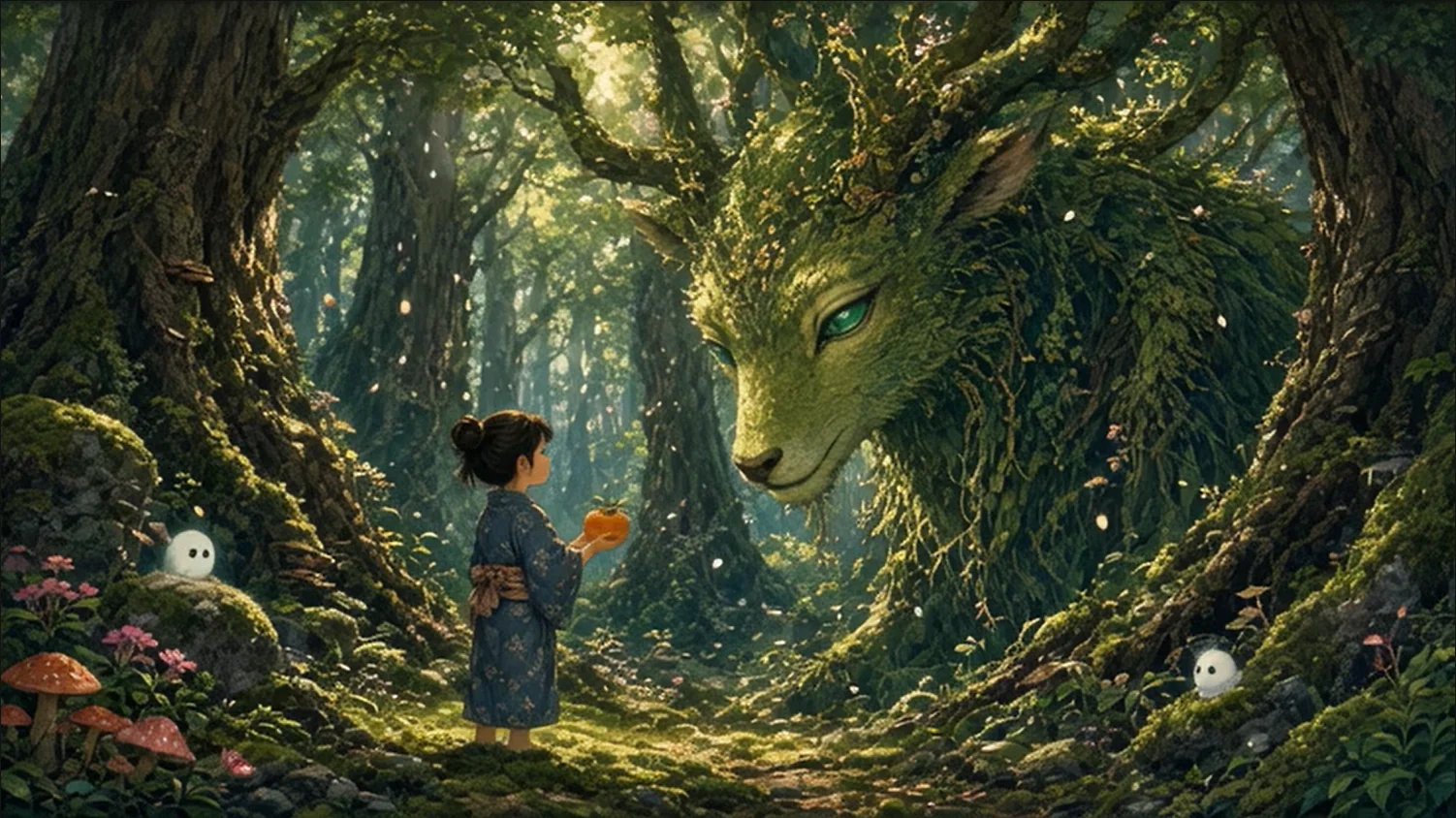 Image 1 Image 1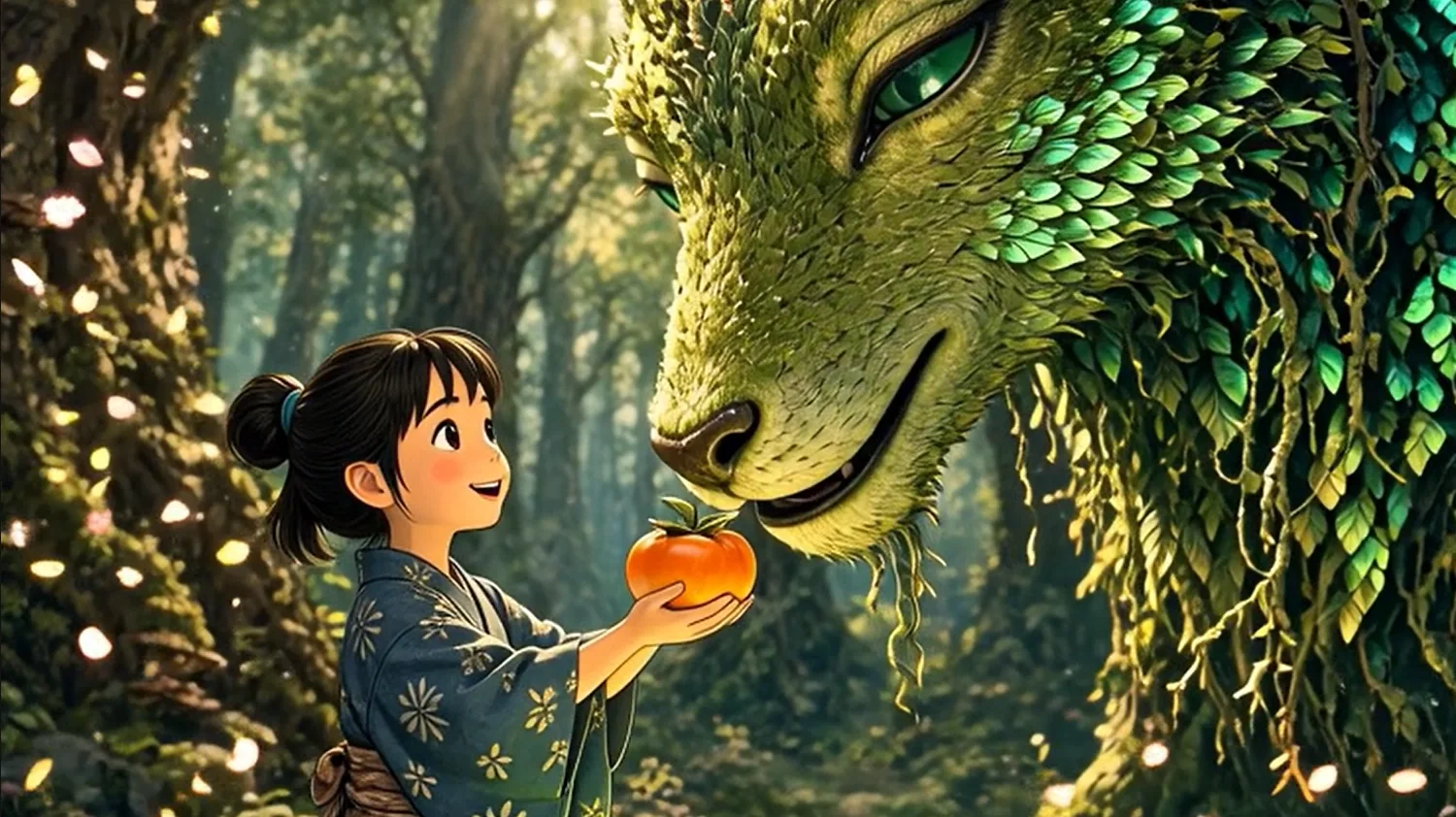 Image 2 Image 2 |
Recommended Guides & AI Video Tutorials



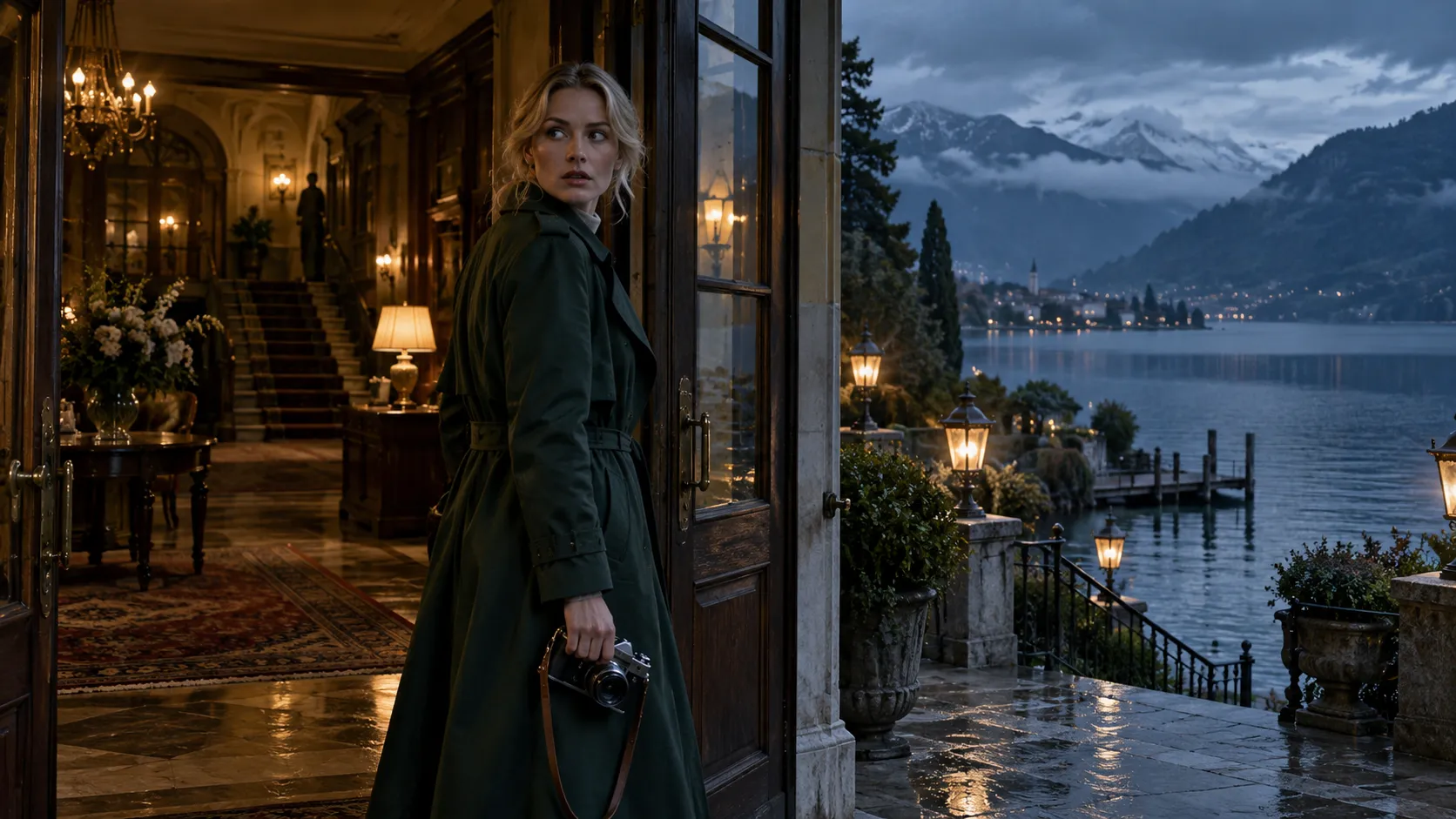
Google Veo 3.1 vs. Sora 2 vs. Kling 4.0 vs. Runway Gen-4: Multi-Reference Comparison
| Feature | Google Veo 3.1 (Ingredients Mode) | OpenAI Sora 2 | Kling 4.0 (Omni Mode) | Runway Gen-4 |
|---|---|---|---|---|
| Multi-Image Reference Workflow | 3-Role Ingredients (Subject + Prop + Scene) | Single Image / Storyboard | Up to 15 Multimodal Inputs | Multi-Subject Reference |
| Character Identity Consistency | Zero Facial Drift Across Episodic Cuts | Moderate (Prone to Subtle Shift) | High (Locked via Subject Elements) | High (Requires Director Setup) |
| First & Last Frame Control | Native Start-to-End Frame Interpolation | Storyboard Timeline | Up to 10 Timeline Keyframes | First/Last Keyframe Support |
| Object Add / Remove Editing | Built-in Object Insertion & Removal | Remix / Re-cut Mode | Video Element Replacement | Inpainting Brush |
| Native 9:16 Vertical Output | True Mobile-First 9:16 (No Cropping) | Native 9:16 Supported | Native 9:16 Supported | Native 9:16 Supported |
| Dialogue & Sound Effects (SFX) | Prompt-Driven Speech, Lip-Sync & Foley SFX | Basic Audio Generation | Stereo Sound & Multilingual Lip-Sync | Requires Separate Lip-Sync Pass |
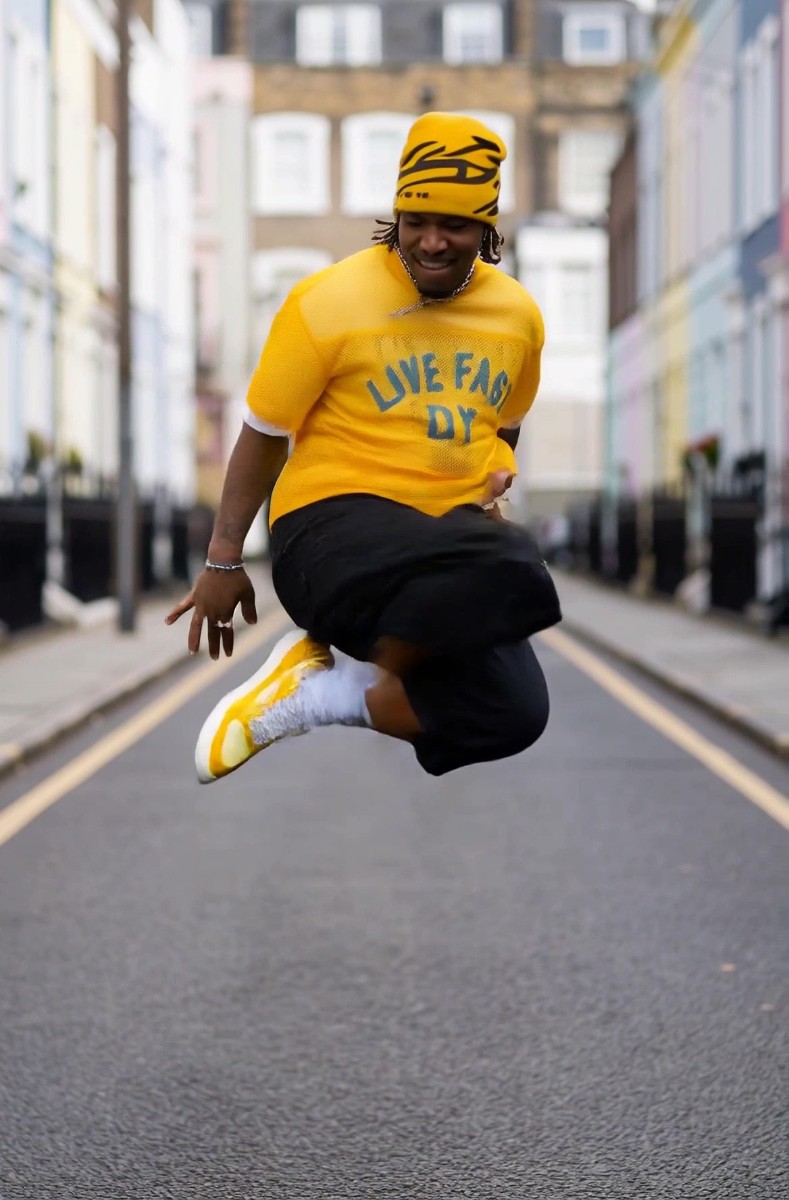
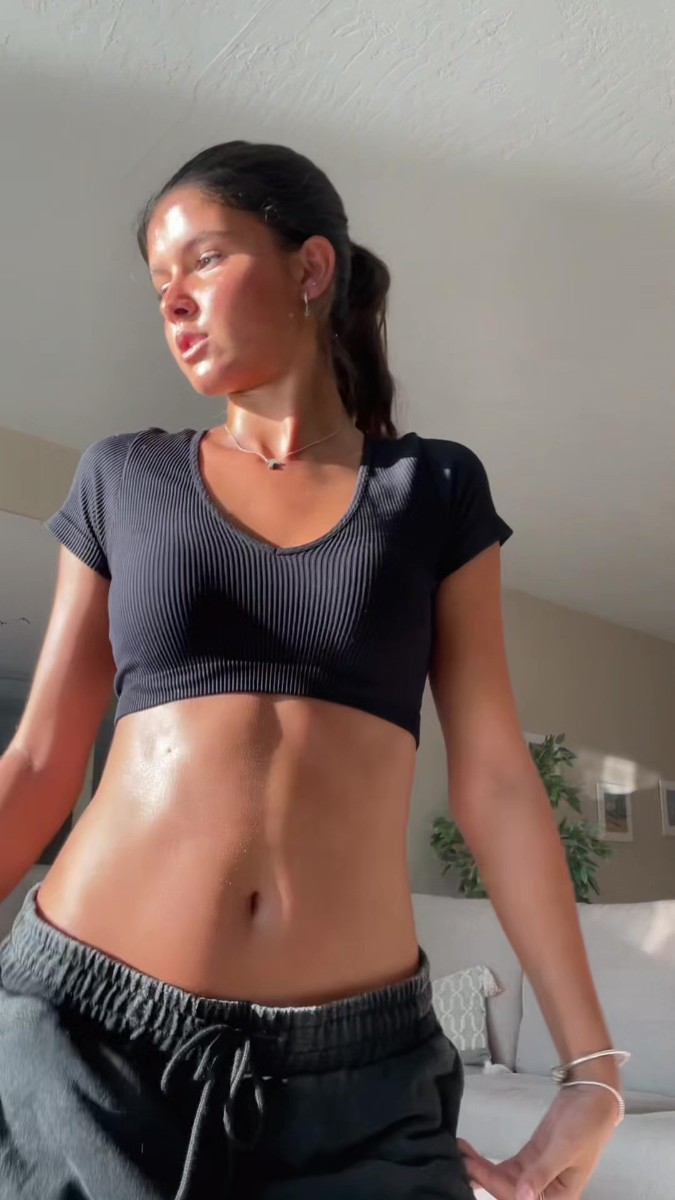
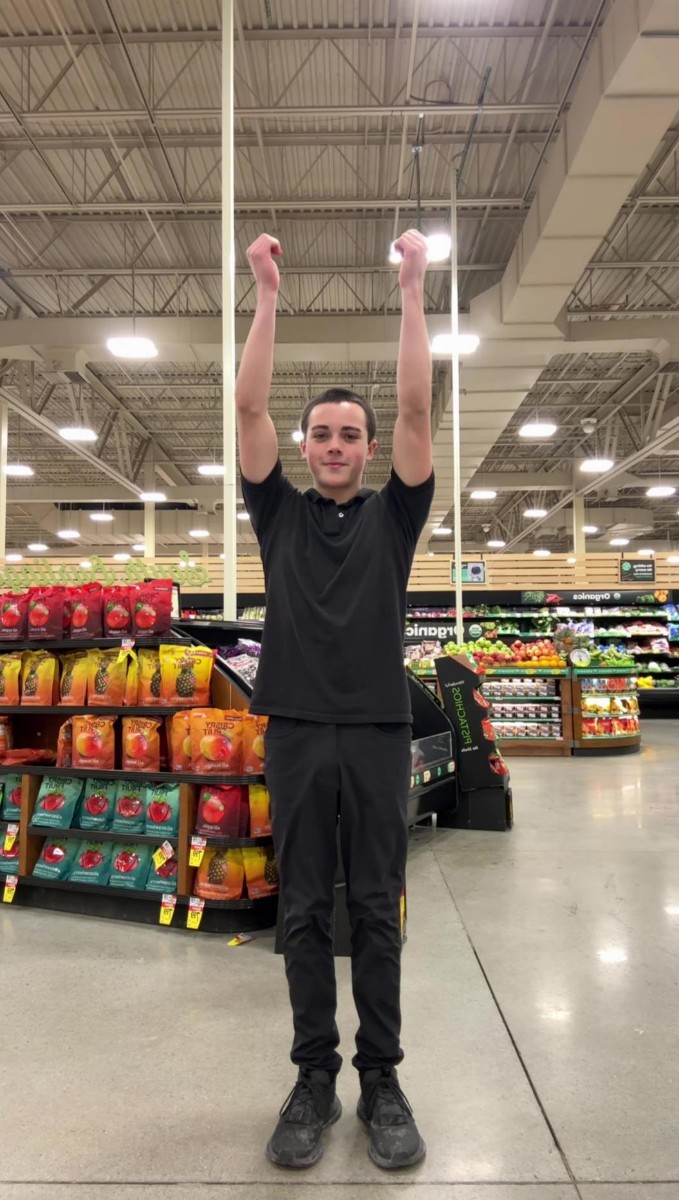
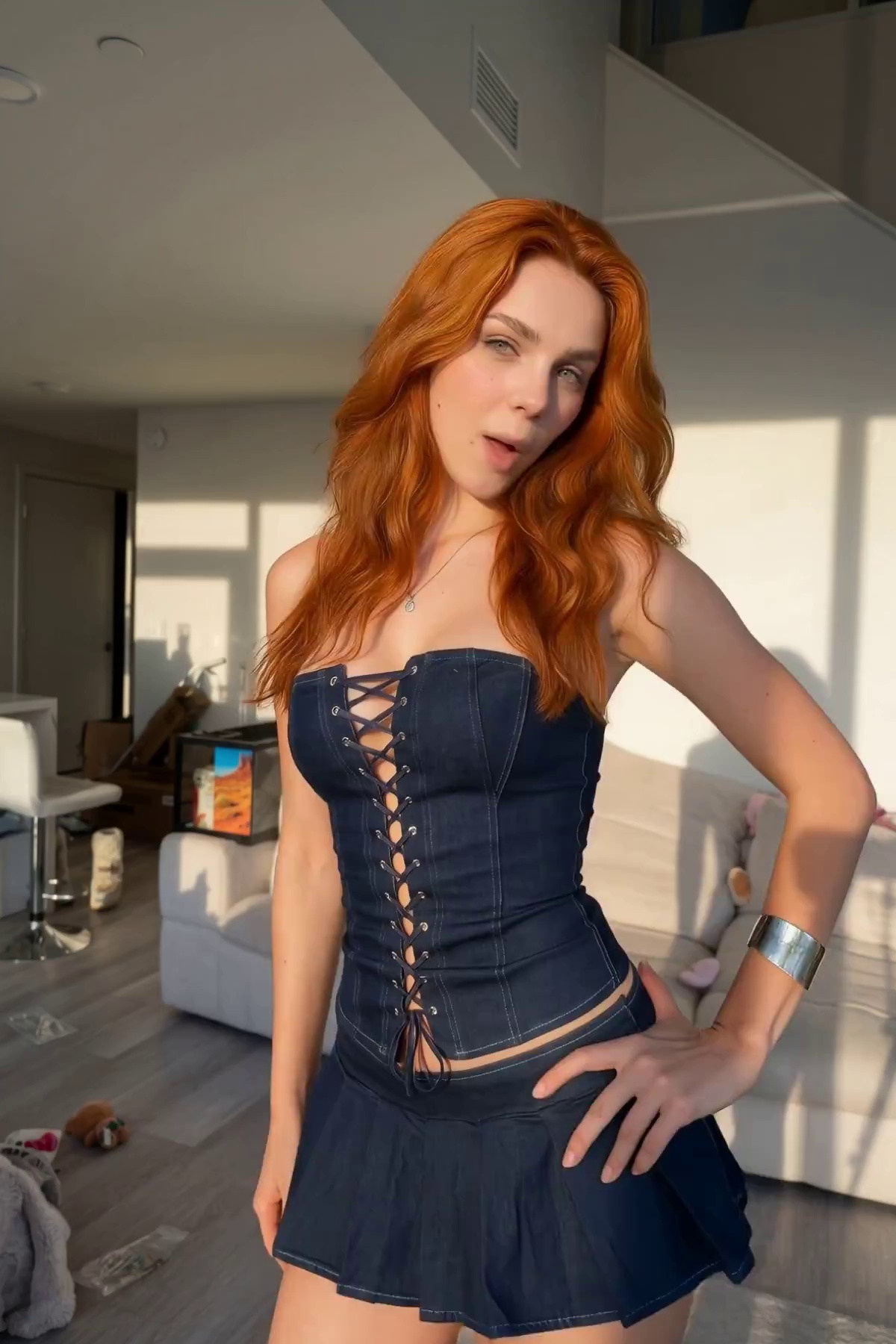
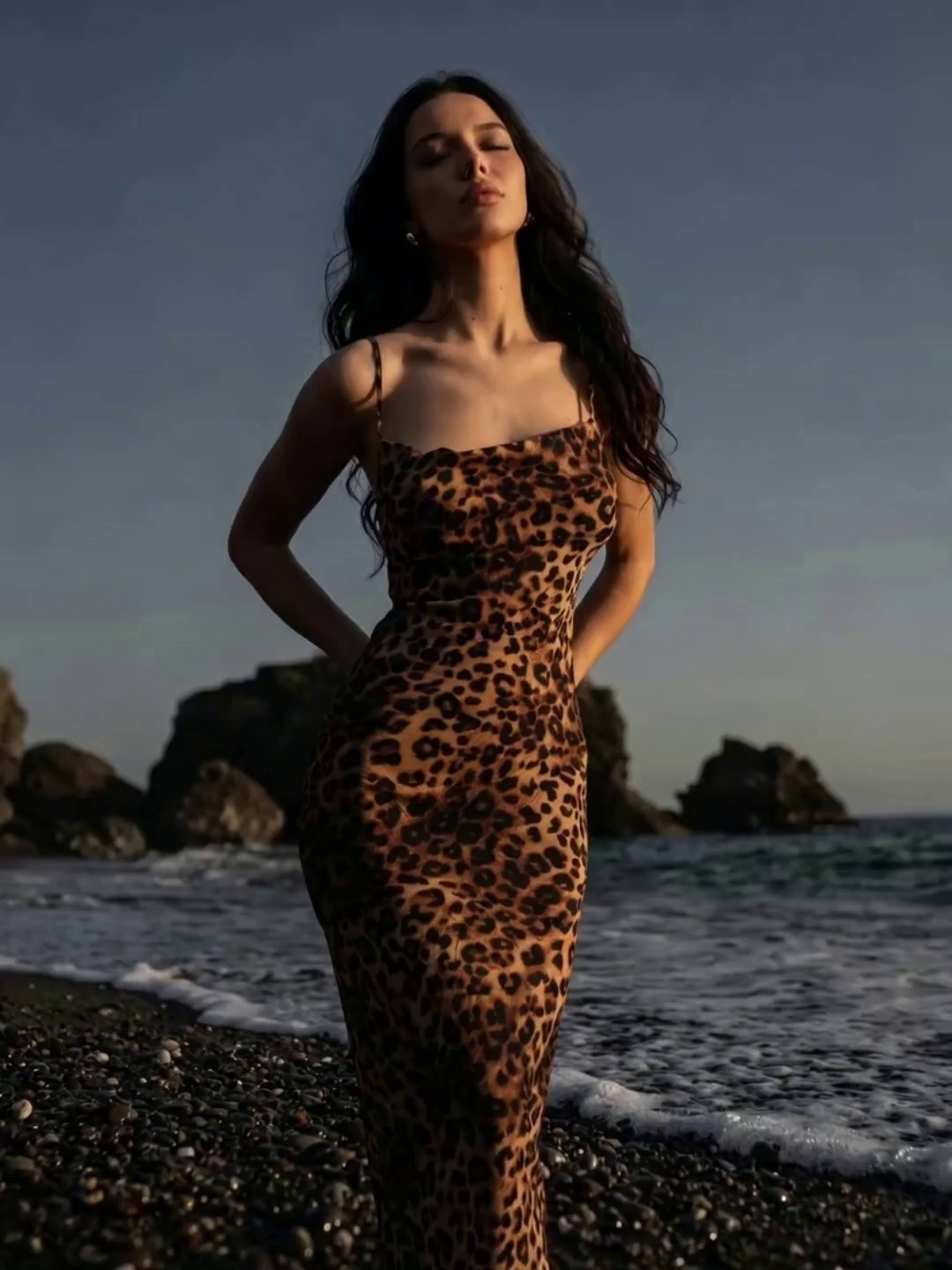
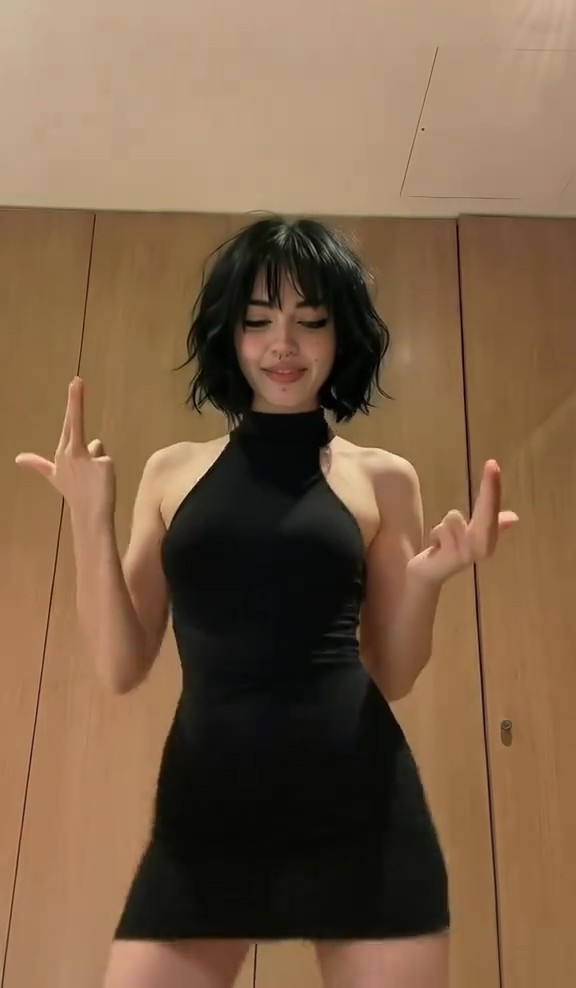
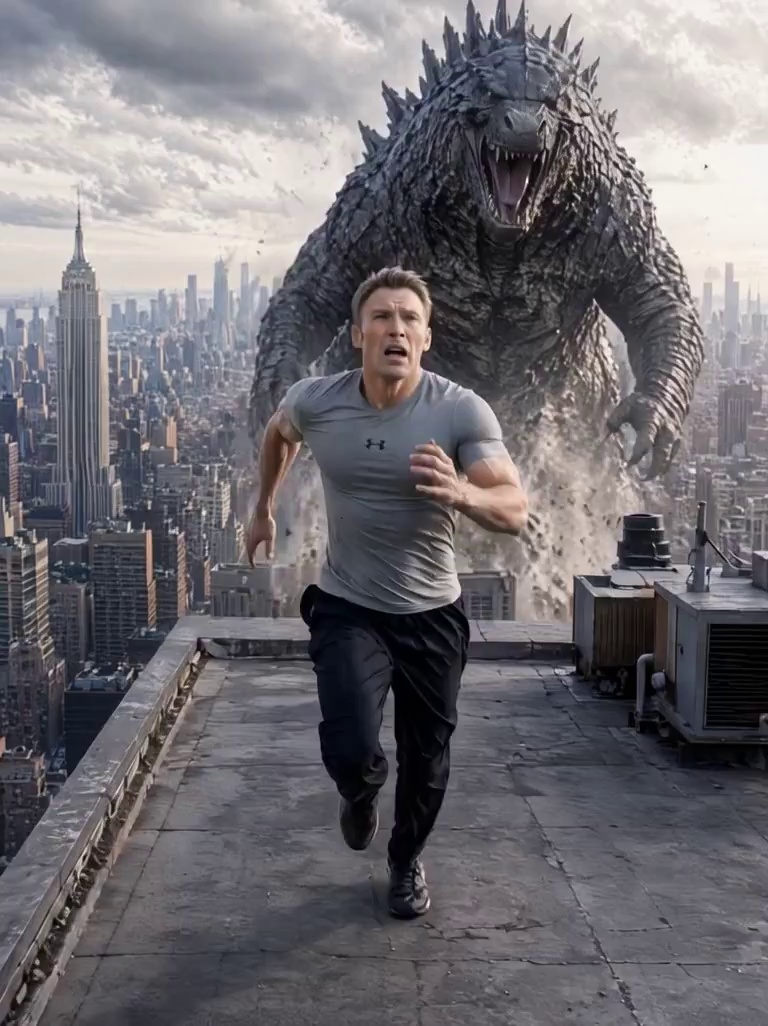
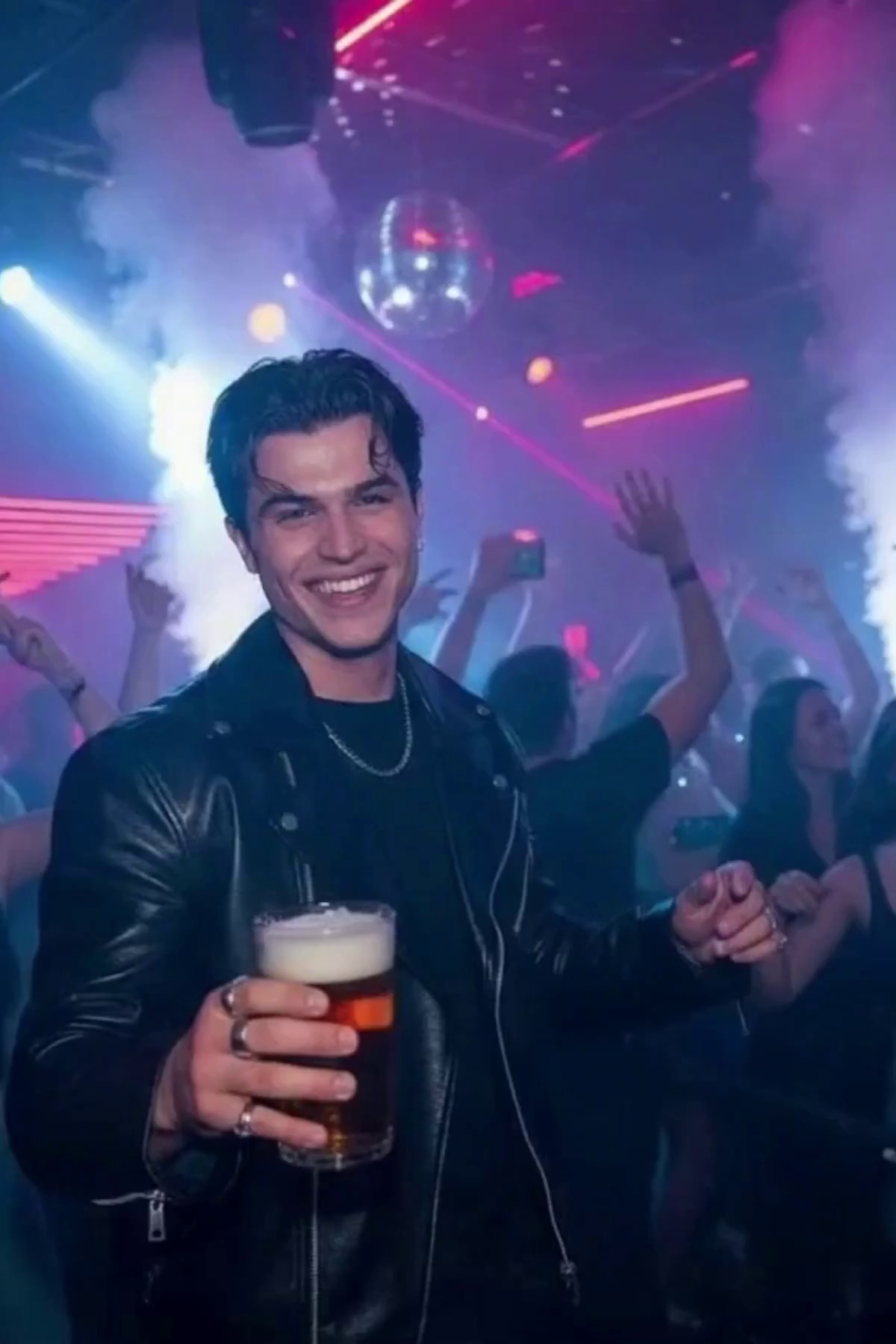
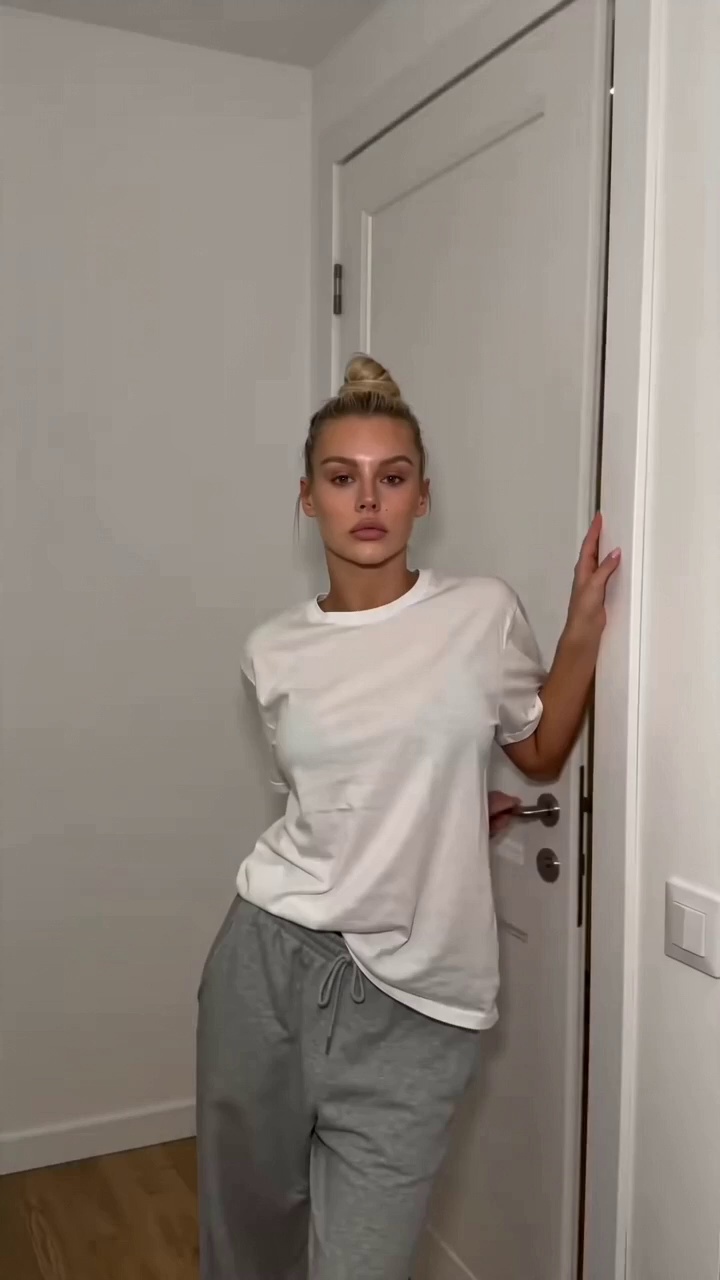
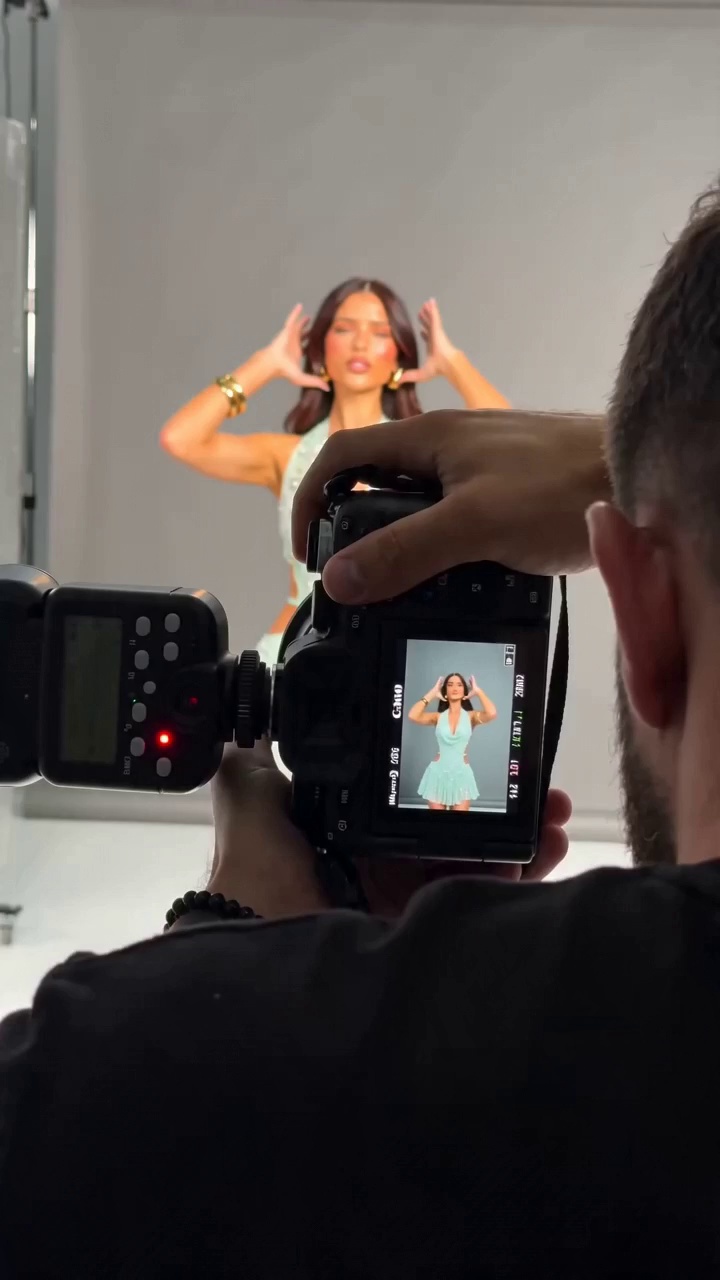
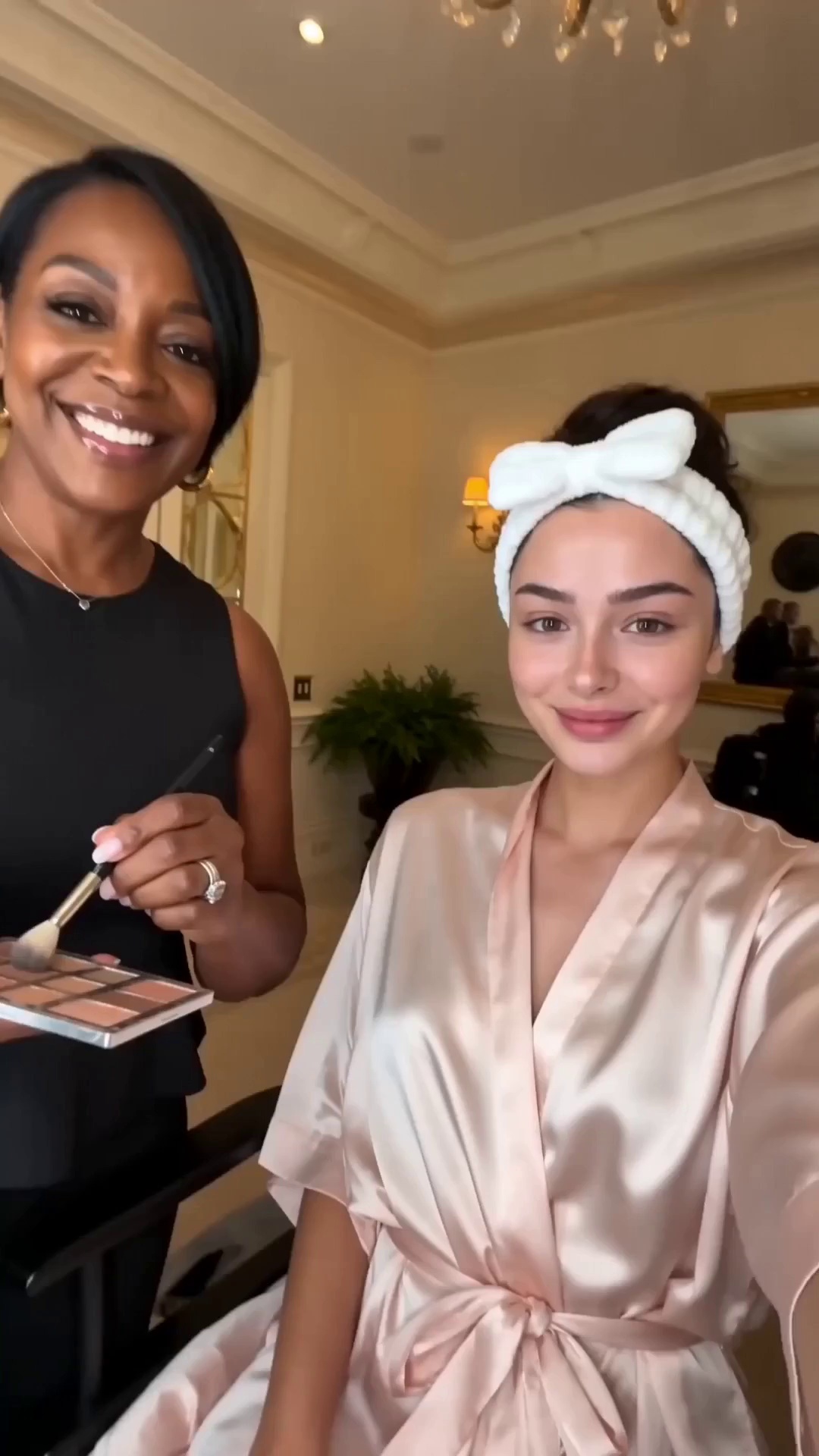
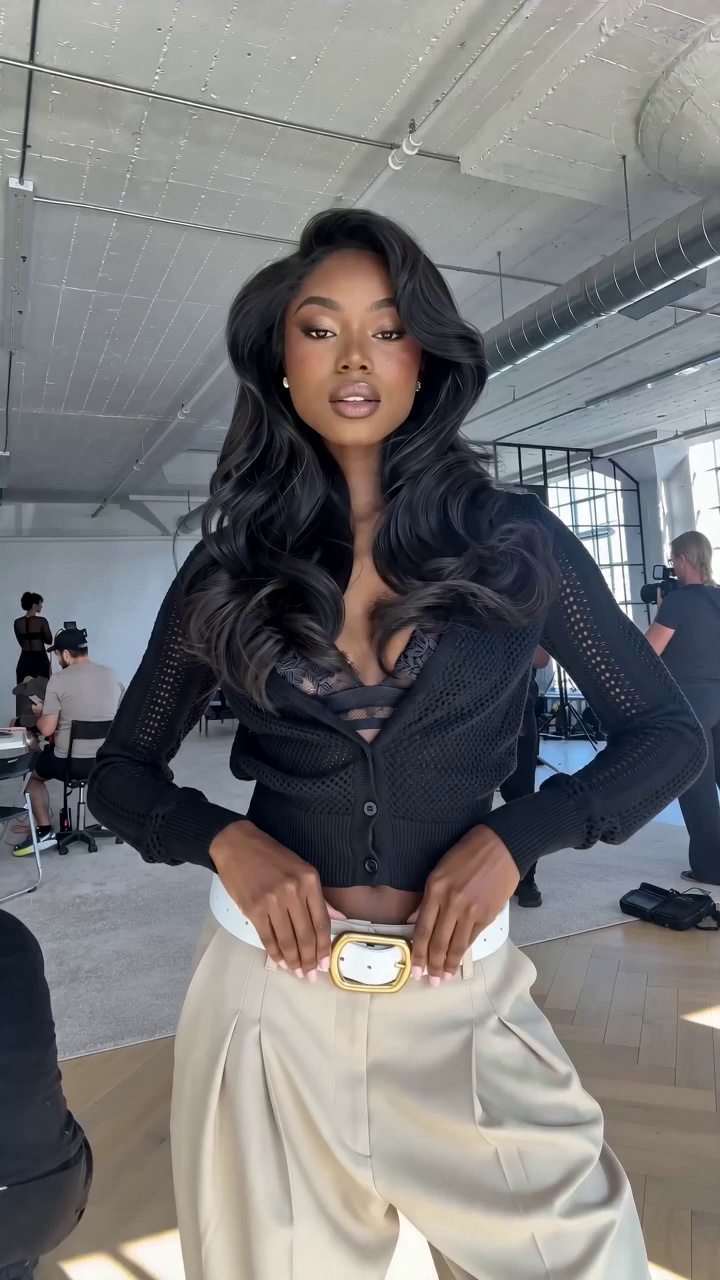
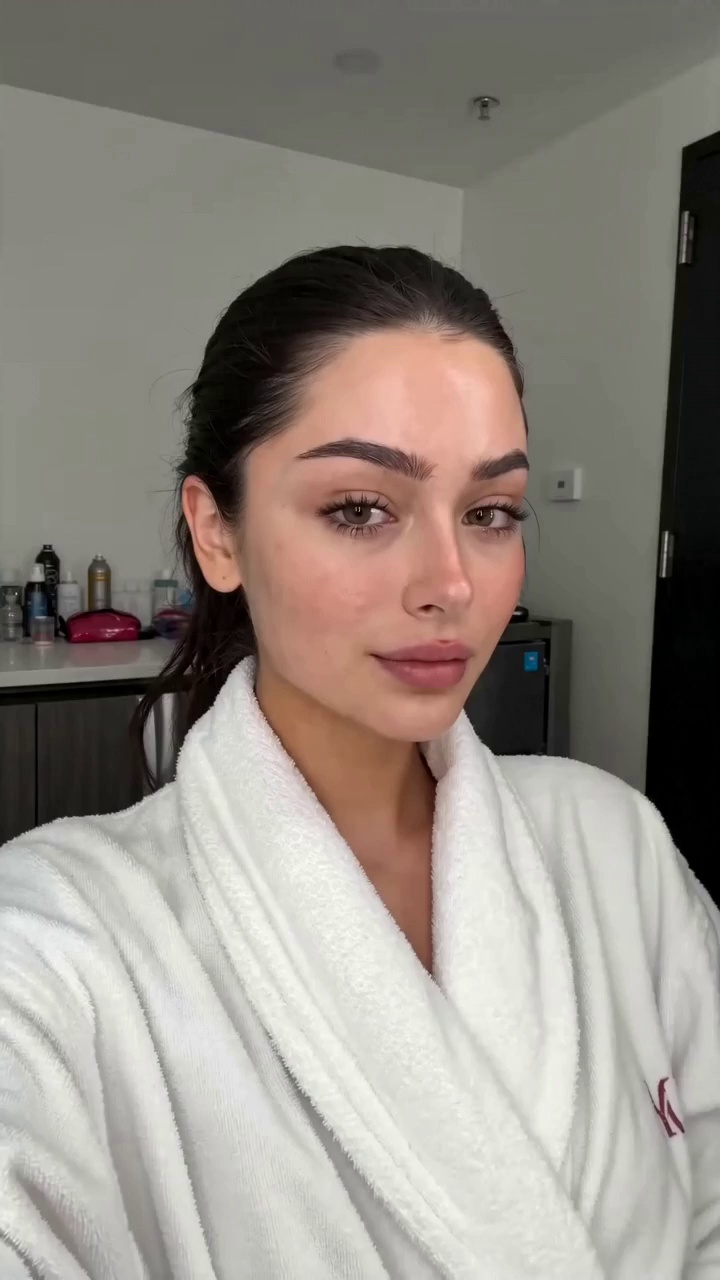
Most Popular Veo 3.1 Ingredients & Consistent Character Templates
Blend custom character portraits, interactive props, and reusable environments without identity drift. Hand-picked templates designed for seamless episodic storytelling.
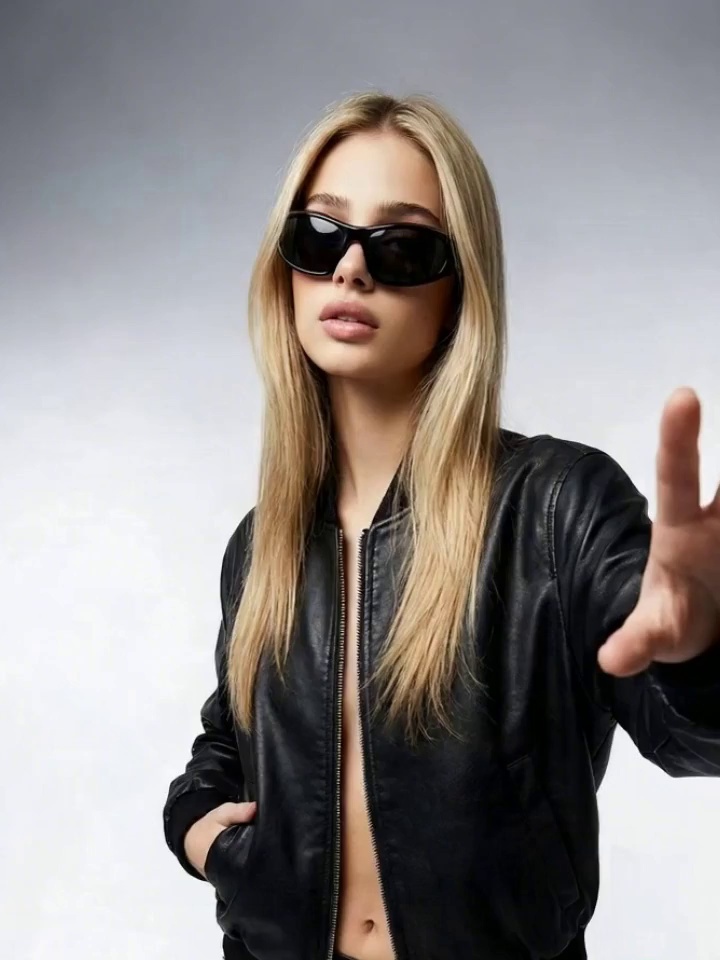
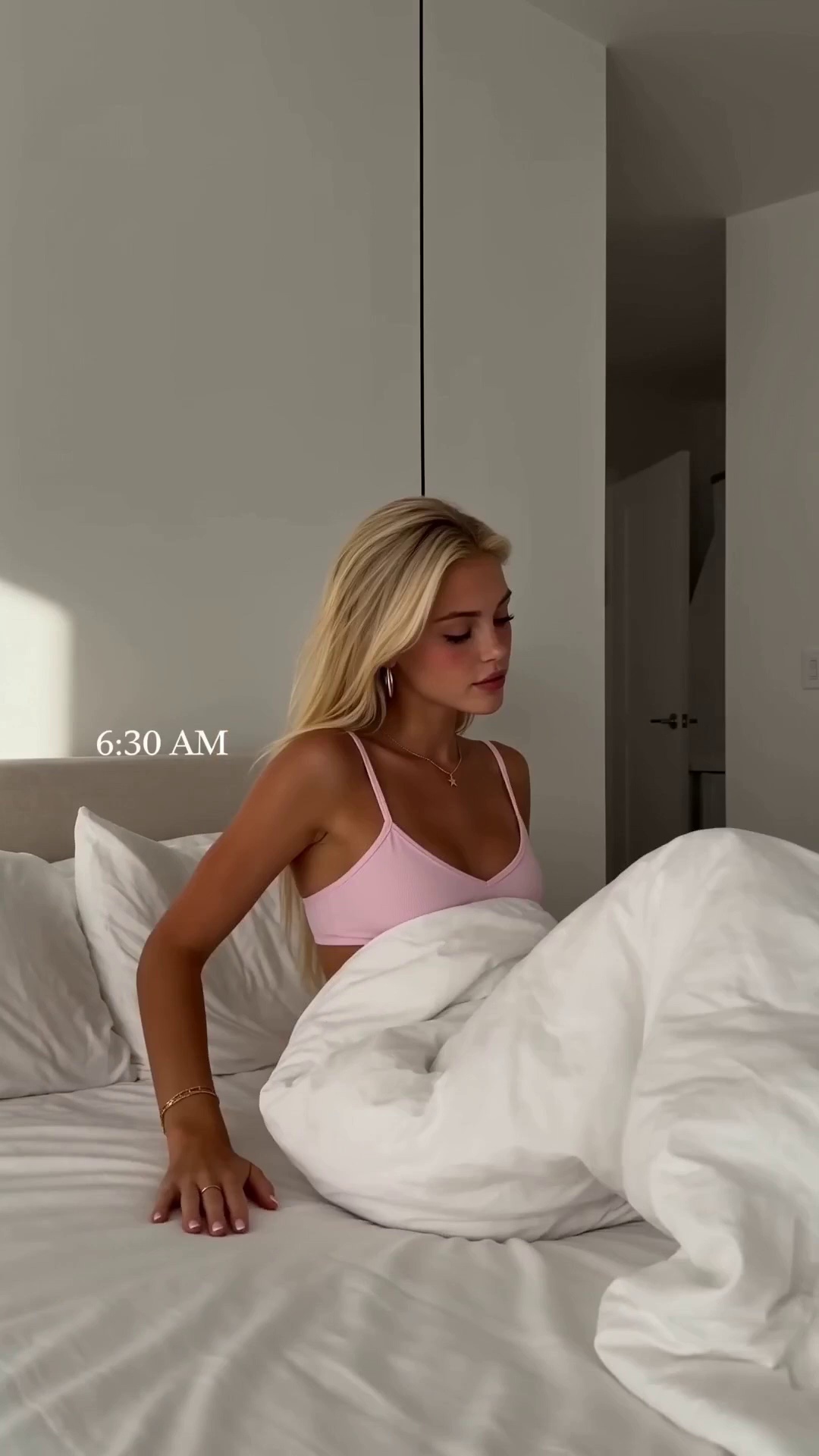
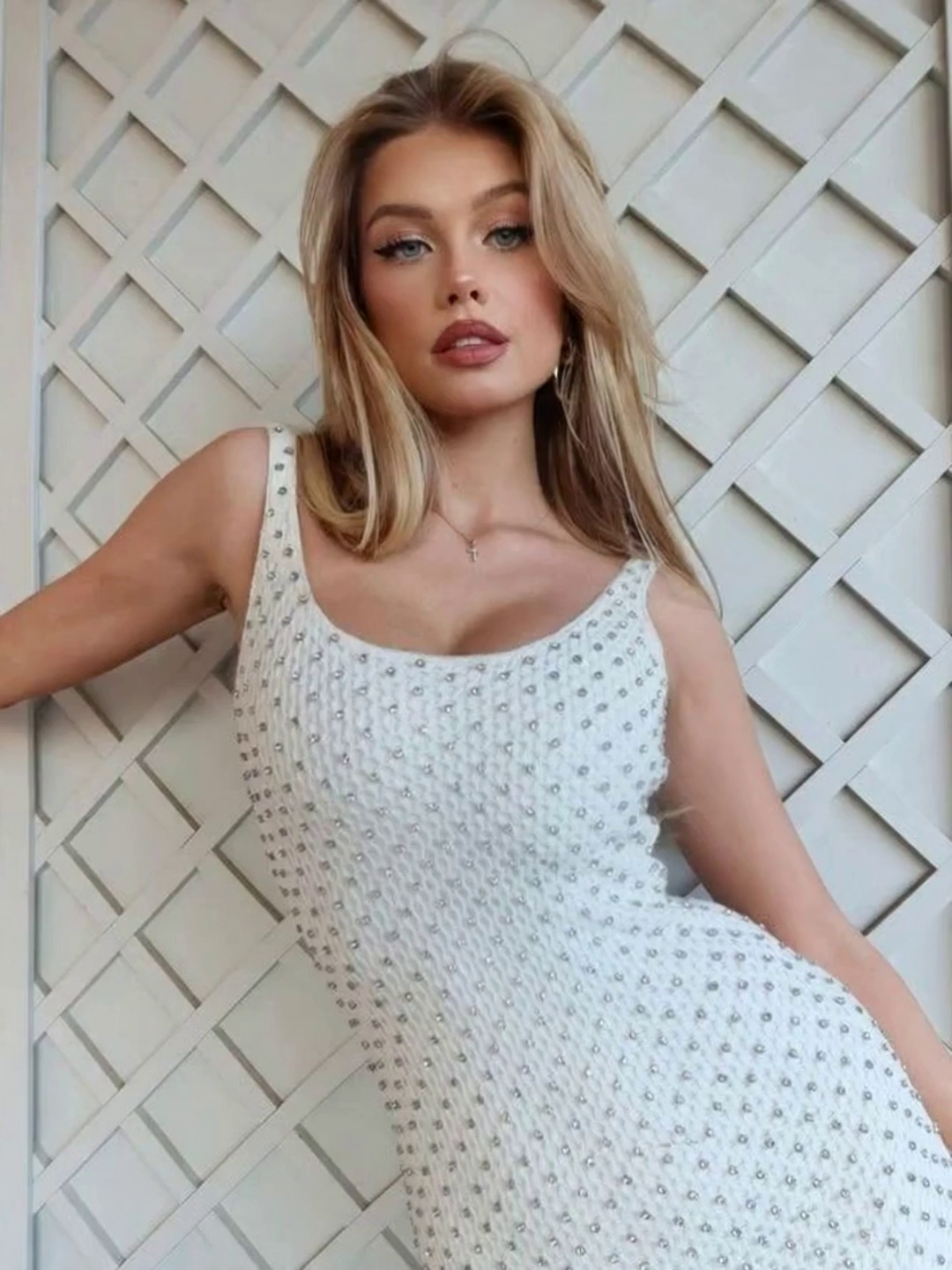
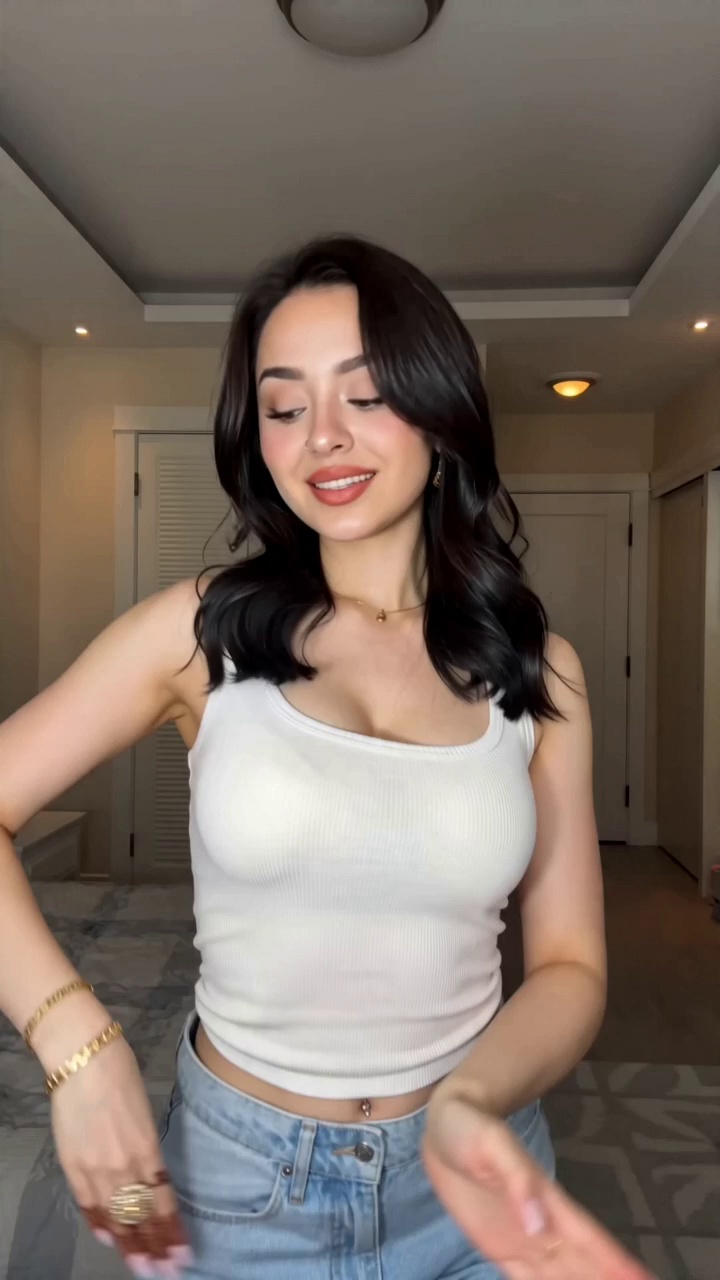
Native 9:16 Vertical & First-to-Last Frame Templates
Master smooth temporal interpolations and mobile-first framing. Hand-picked templates for TikTok, YouTube Shorts, and high-converting product showcases with native audio sync.
FAQ
Company
About MovmixContact MovmixHelp CenterPrivacy PolicyTerms and ConditionsRefund PolicyAcceptable Use PolicyAI Video & Image Generator


Lumcore Limited
 Pay Safely And Securely With


© 2026 Movmix.ai. All rights reserved
