
Kongfu Goal Keeper AI Video Generator
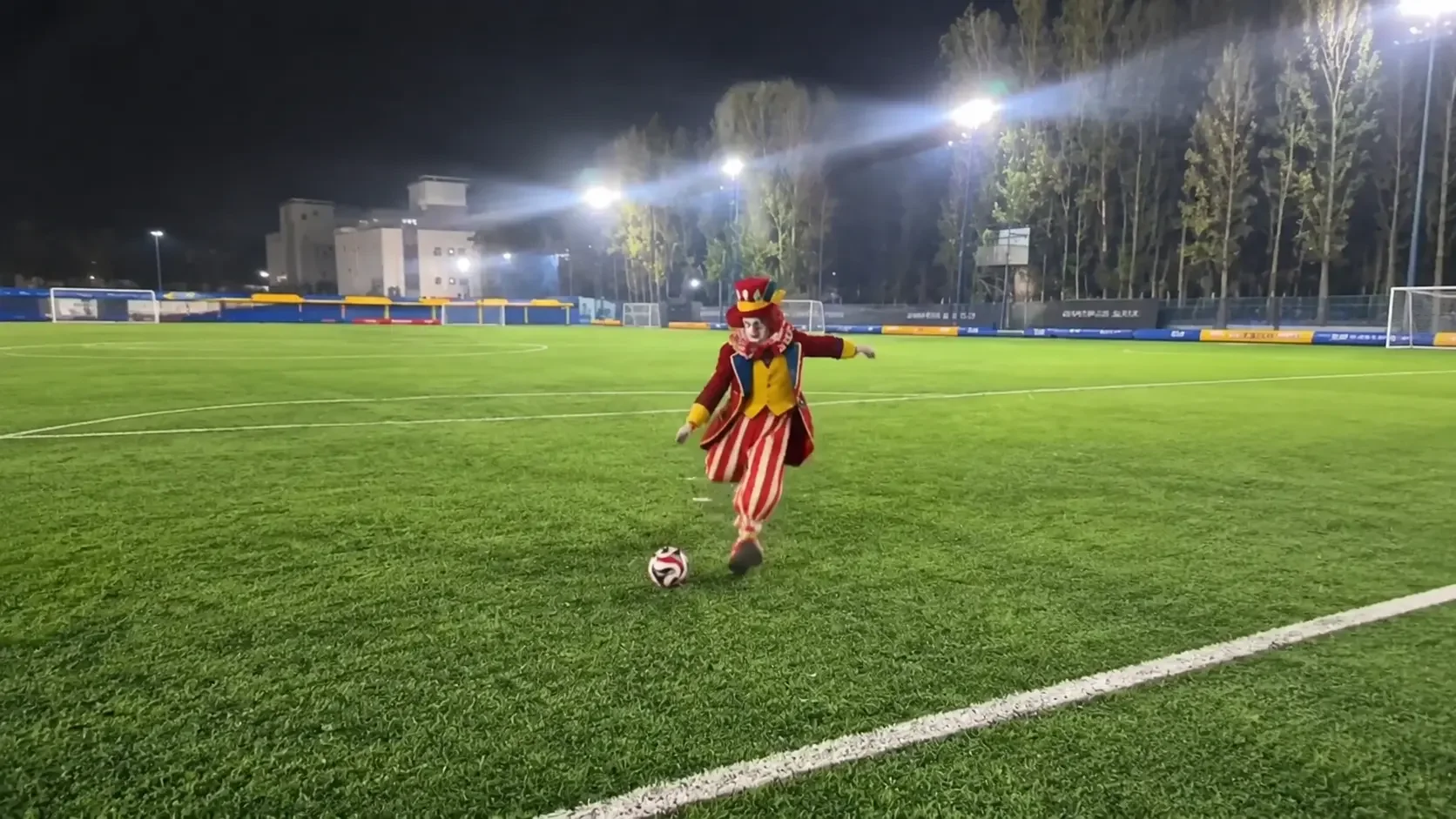
Recreate the viral Kongfu Goal Keeper AI trend in seconds on Movmix. Cast yourself and a friend as the striker and acrobatic goalkeeper—complete with the gravity-defying upside-down crossbar block, quick rebound shot, and full-stretch diving save on a floodlit night pitch. Jump straight into our one-click Kongfu Goal Keeper template for instant results, or use Video Reference to Video to swap both characters while preserving the exact match choreography and camera motion.
Try Kongfu Goal Keeper TemplateKongfu Goal Keeper AI Video Generator
Turn Two Photos Into the Viral Crossbar-Save Football Clip on Movmix
Recreate the viral Kongfu Goal Keeper AI trend without stepping onto a pitch. Upload two clear portraits—one kicker and one goalkeeper—to generate an action-packed vertical clip featuring an upside-down crossbar save, rapid rebound shot, and dramatic final dive.
Kongfu Goal Keeper AI Motion Preview
Two Ways to Create the Viral Crossbar-Save Clip
Why has the Kongfu Goal Keeper AI clip taken over short-video feeds? It pairs a casual penalty kick with a gravity-defying upside-down crossbar save and a dramatic diving catch. On Movmix, you can recreate it in two flexible ways: • One-Click Trend Template: Open our dedicated Kongfu Goal Keeper preset to lock in the exact four-beat save choreography with minimal setup—ideal for fast, ready-to-post vertical clips. • Video Reference to Video: Upload a reference clip alongside your own subject or custom prompt to restyle the stadium, swap jerseys, and control motion details from scratch. • Vertical 9:16 Ready: Both paths output crisp vertical framing built for instant sharing on TikTok, Instagram Reels, and YouTube Shorts.
Try the One-Click Template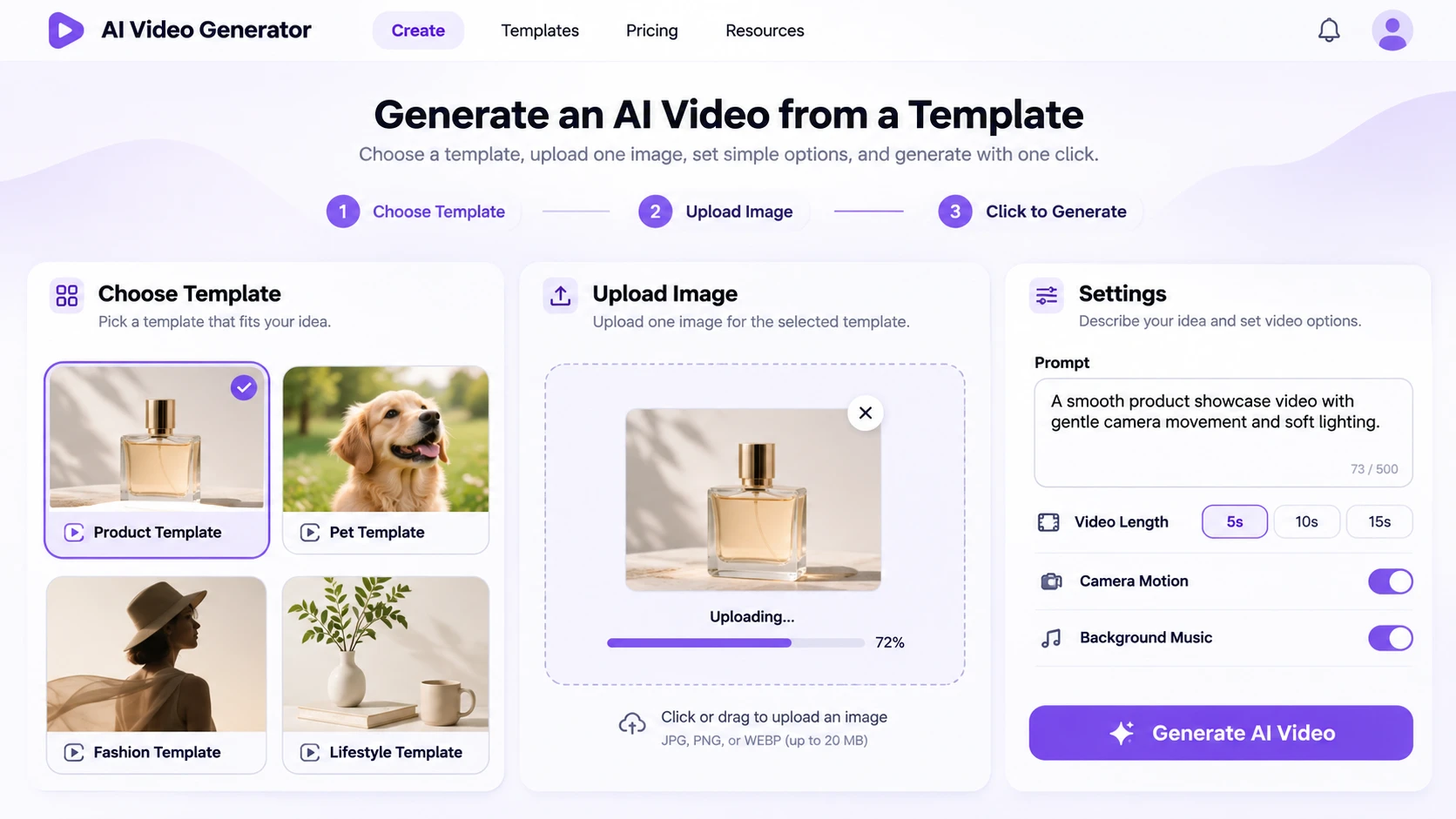
How to Make a Kongfu Goal Keeper AI Video
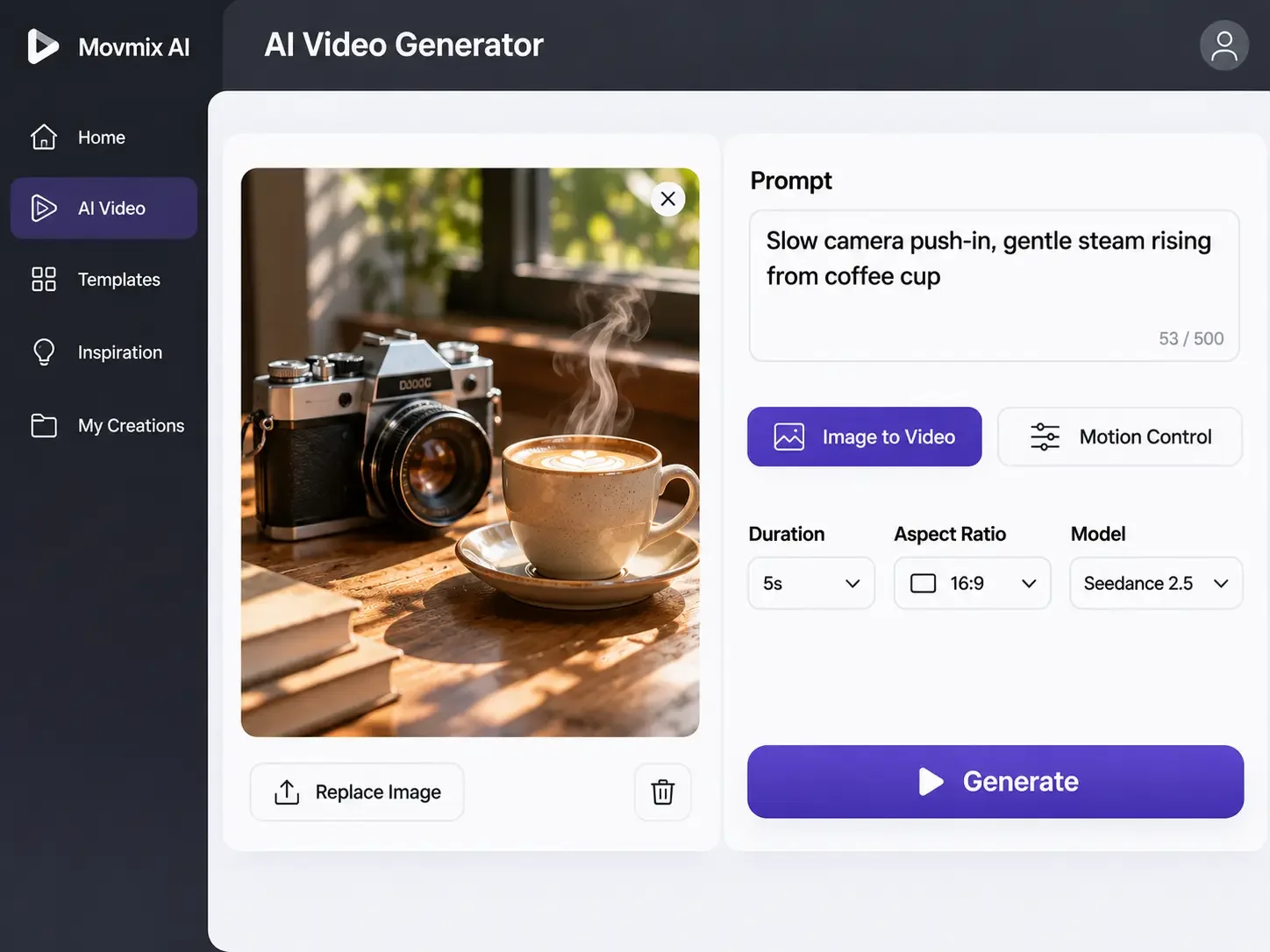
Follow three quick steps on Movmix to cast yourself and a friend in this viral football showdown.
Ready-to-Use Prompt for Video Reference to Video
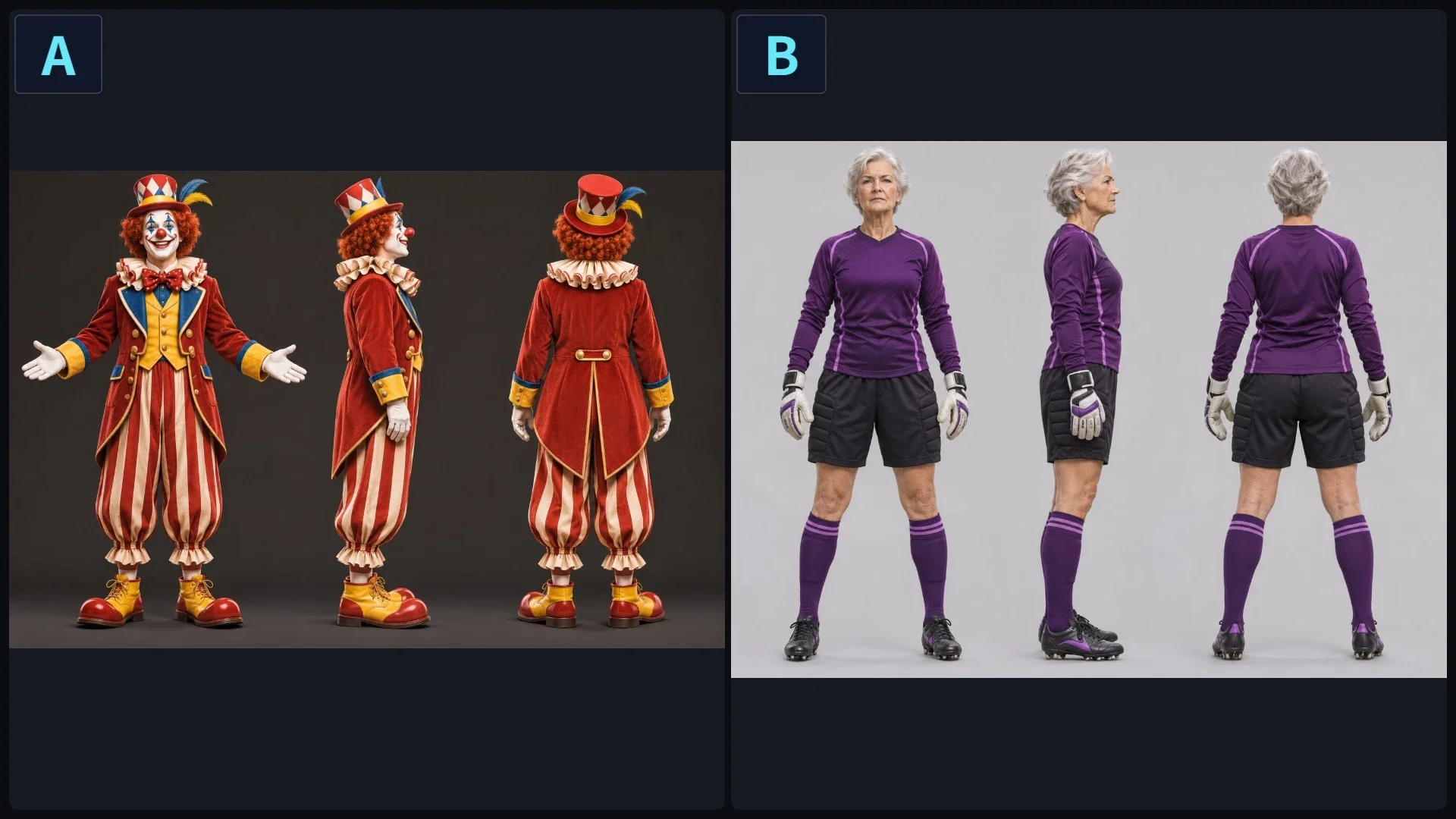
Upload your reference goalkeeper clip (Video 1) along with your two character photos (Image 1 for the kicker, Image 2 for the goalkeeper) into Movmix Video Reference to Video, then paste the prompt below and fill in the brackets:
| Prompt | Output Result |
|---|---|
Use Video 1 as the reference for the original body movements, football trajectory, camera framing, and stadium scene. Replace the adult male clown kicker in Video 1 with [describe character in Image 1], fully preserving [outfit, accessories, and appearance details from Image 1]. Replace the silver-haired female goalkeeper in Video 1 with [describe character in Image 2], keeping all movements strictly identical to the original video without altering the choreography, and fully preserving [outfit, accessories, and appearance details from Image 2]. Character replacement must follow the original roles: the clown's role remains the kicker throughout, and the silver-haired woman's role remains the goalkeeper throughout. Both characters must maintain consistent facial features, outfits, and identities from start to finish without swapping roles mid-video. Retain the exact football actions, action sequence, player interactions, ball flight path, camera motion, and overall pacing from Video 1. Keep the original night football pitch, green turf, white goalposts, net, and stadium floodlights unchanged. Re-render the footage in crisp, natural, high-definition live-action photography quality with clear facial features, natural fabric details, and intact ball and goalpost structures, eliminating any compression blur, motion smearing, or low-resolution artifacts from the source clip. Completely remove all usernames, captions, text overlays, social media UI elements, and watermarks from the original video without generating any extra text. 9:16 vertical aspect ratio, realistic photography style, no extra background people. Use This Prompt in Video Reference to Video |
Explore More Trending AI Effects & Topics
Discover other viral AI filters, dance trends, and creative visual effects on Movmix.
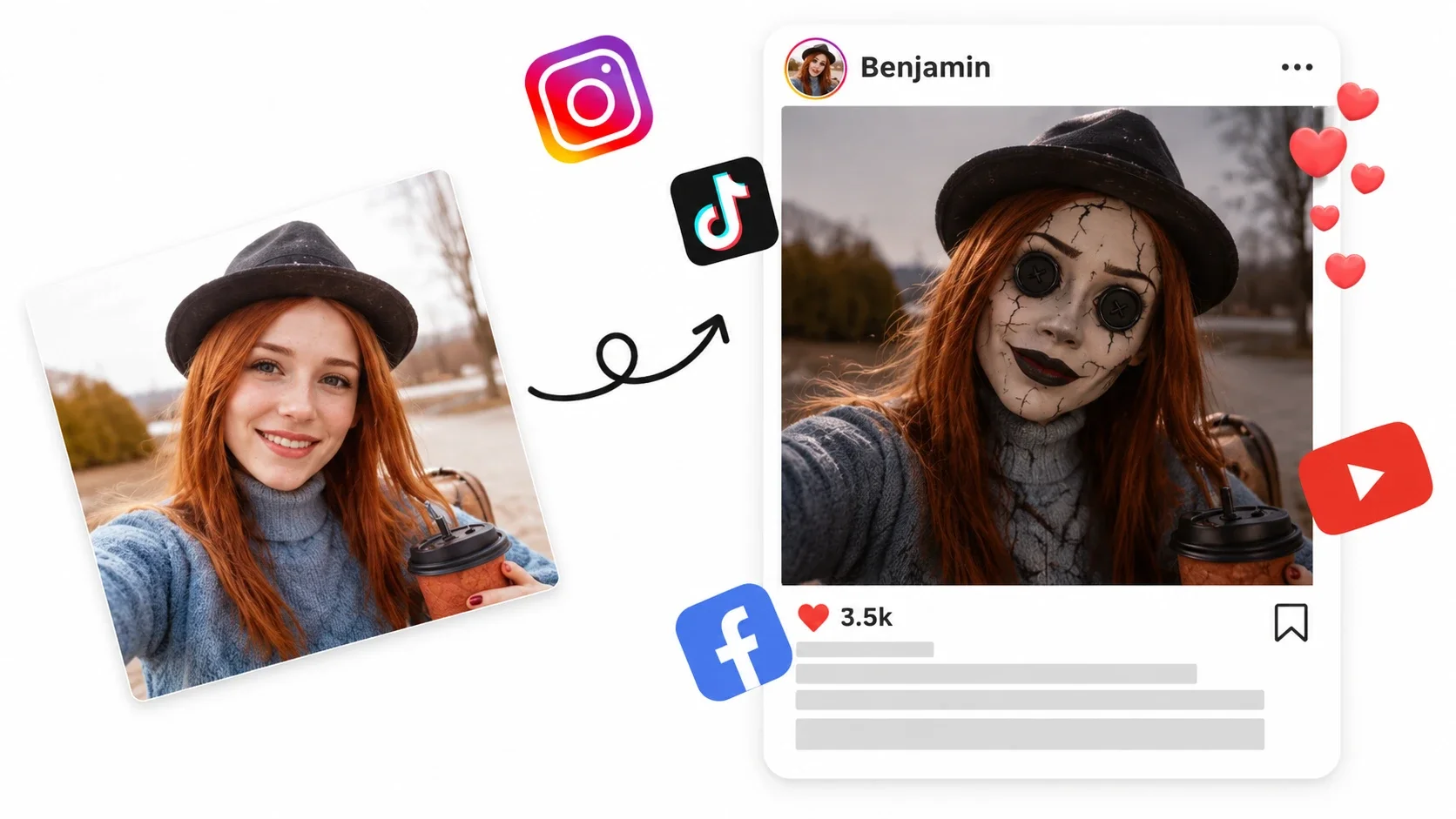
Coraline Button Eyes Filter — Dark Fantasy Doll Effect
Marigold Bridge AI — Glowing Golden Petal Fantasy
Wipe Me Down AI Dance — Viral Beat Transition Video
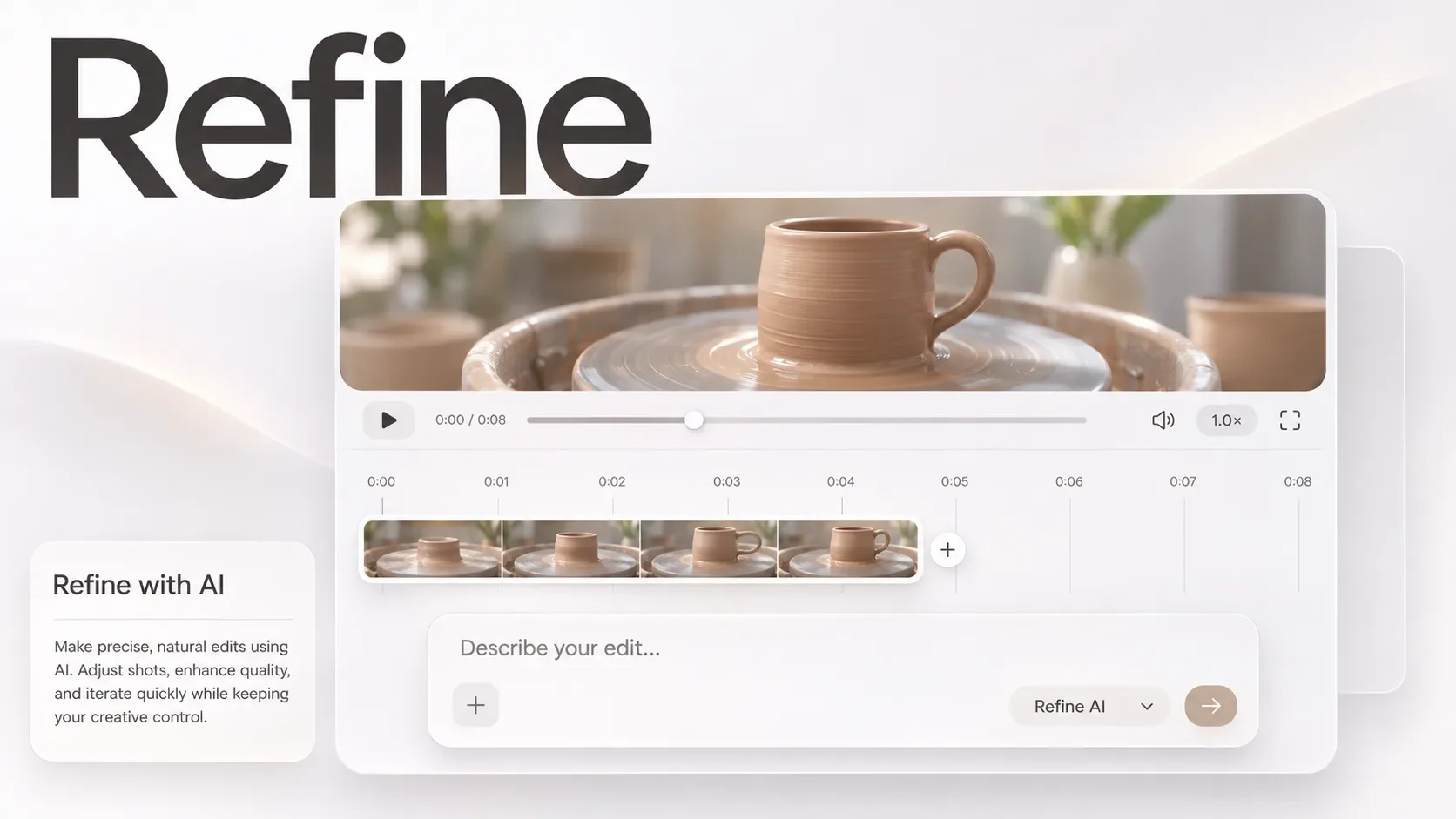
Google Flow AI — Cinematic Camera Trajectory Control

AI Christmas Background — Cozy Holiday Backdrop Changer
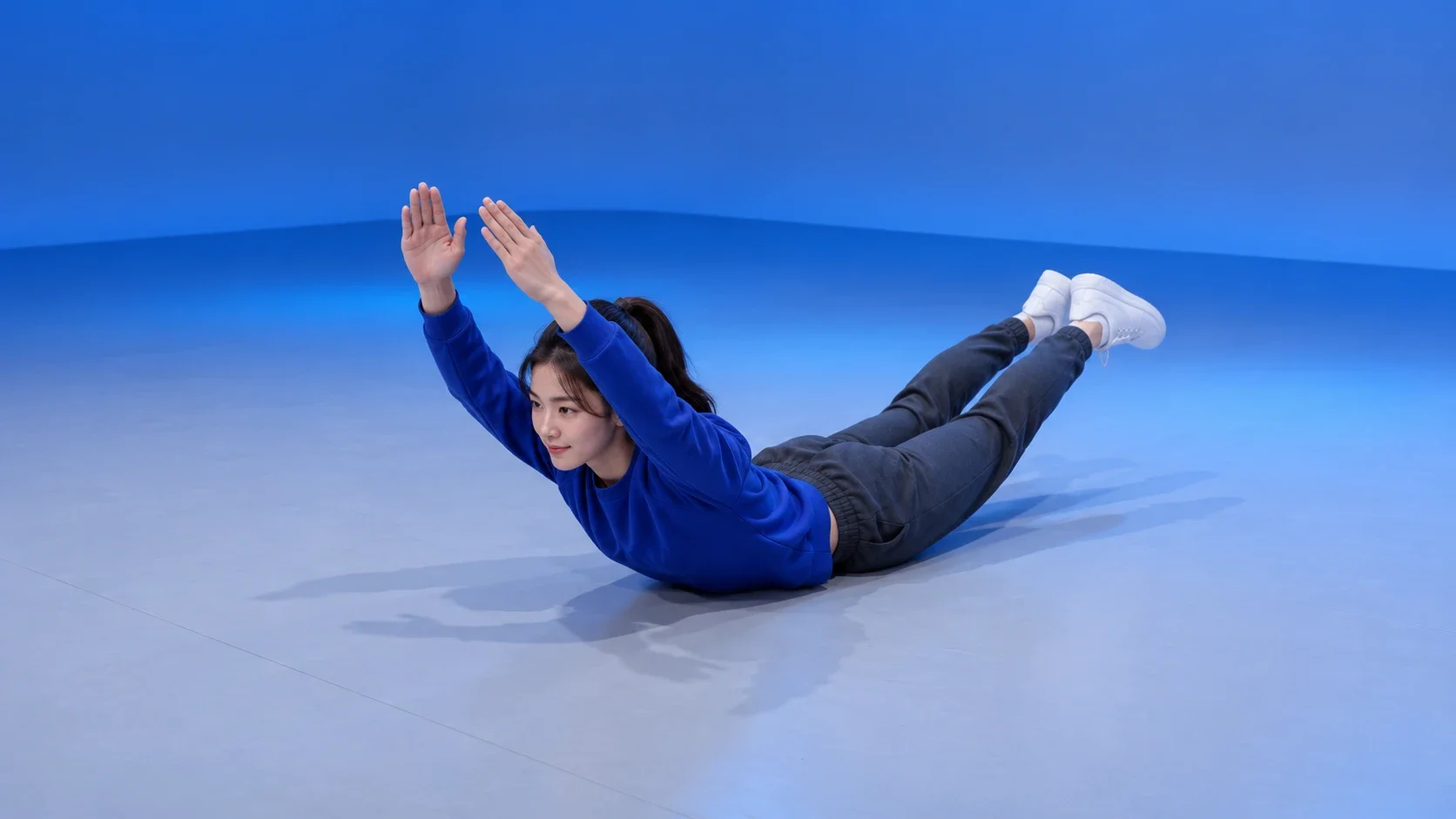
Mulmannan Gwangeo AI — Viral Korean Fish Meme Effect
Related AI Trend Guides & Video Prompts
Tips for Best Character & Motion Results
Keep Photos Sharp & Well-Lit:: You can wear sunglasses, hats, or custom outfits—just make sure the portrait is bright, sharp, and free of motion blur so the AI accurately locks onto your look.
One Subject Per Character Slot:: Upload clean single-person photos for the kicker (Image 1) and goalkeeper (Image 2) so the generator assigns each role accurately without blending identities.
Full-Body Shots Work Best:: Because this clip involves full-body kicks, crossbar hangs, and diving saves, upload full-body photos showing head to toe—otherwise, the AI will invent the lower body and footwear on its own.
Use Clean, Unobstructed Reference Clips:: When using Video Reference to Video, pick a clear source clip with distinct full-body movement so the goalkeeper flip transfers smoothly.
Create Your Kongfu Goal Keeper AI Clip Today
Launch our one-click trend template for instant results, or customize every detail with Video Reference to Video—ready for TikTok and Reels in seconds.
FAQ
Company
About MovmixContact MovmixHelp CenterPrivacy PolicyTerms and ConditionsRefund PolicyAcceptable Use PolicyIntellectual Property RightsSubscription TermsAI Video Tools
AI Image to Video AI Video Extend AI Reference to Video AI Dance Generator AI Video Editor AI Text to Video


 Pay Safely And Securely With




© 2026 Movmix.ai. All rights reserved
