
AI Christmas Photo Trend Generator: Viral Holiday Photos
Turn One Everyday Selfie Into the Viral Candy Cane & Holiday Photoshoot
Join the viral AI Christmas photo trend without renting outfits or booking a studio. Upload a clear photo of yourself or your partner to generate the glossy Candy Cane glam shoot, a 90s holiday party portrait, or a cozy snowy card—and animate your favorite look into a shareable Christmas clip.
AI Christmas Photo Trend Results
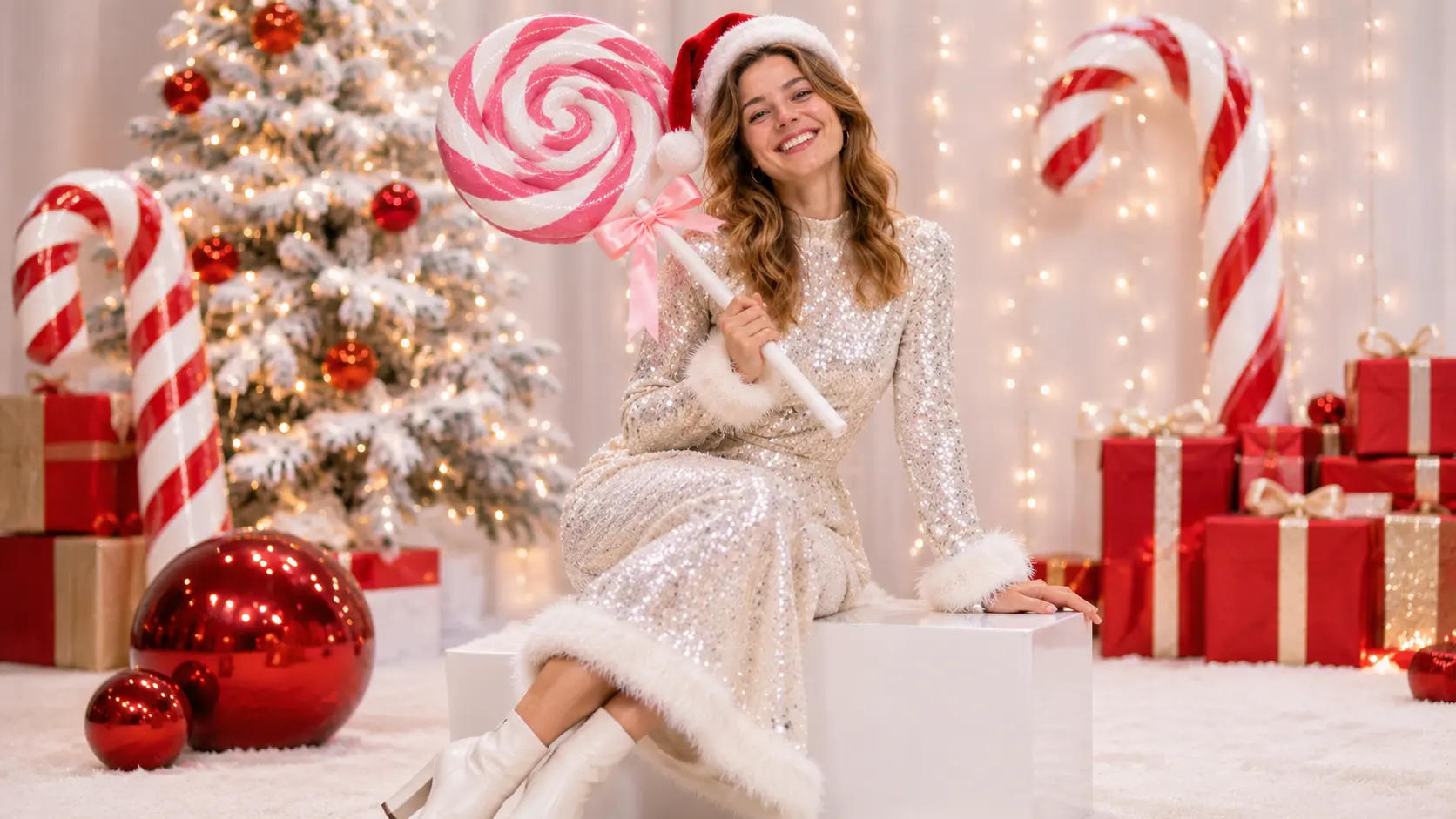
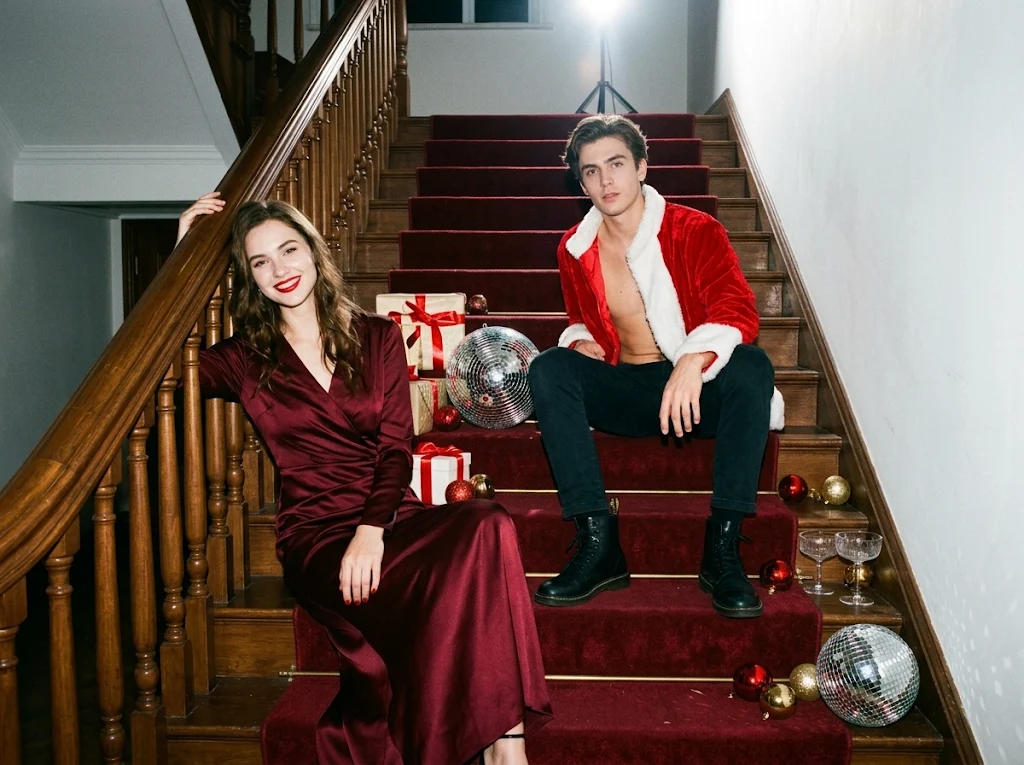
What Is the AI Christmas Photo Trend?
The AI Christmas photo trend—widely shared on TikTok and Instagram as the "ChatGPT Christmas photoshoot"—turns an everyday selfie or snapshot into a stylized holiday studio portrait in seconds.
Instead of renting costumes or booking a photography studio, creators use AI to keep their real facial features while stepping into viral holiday sets:
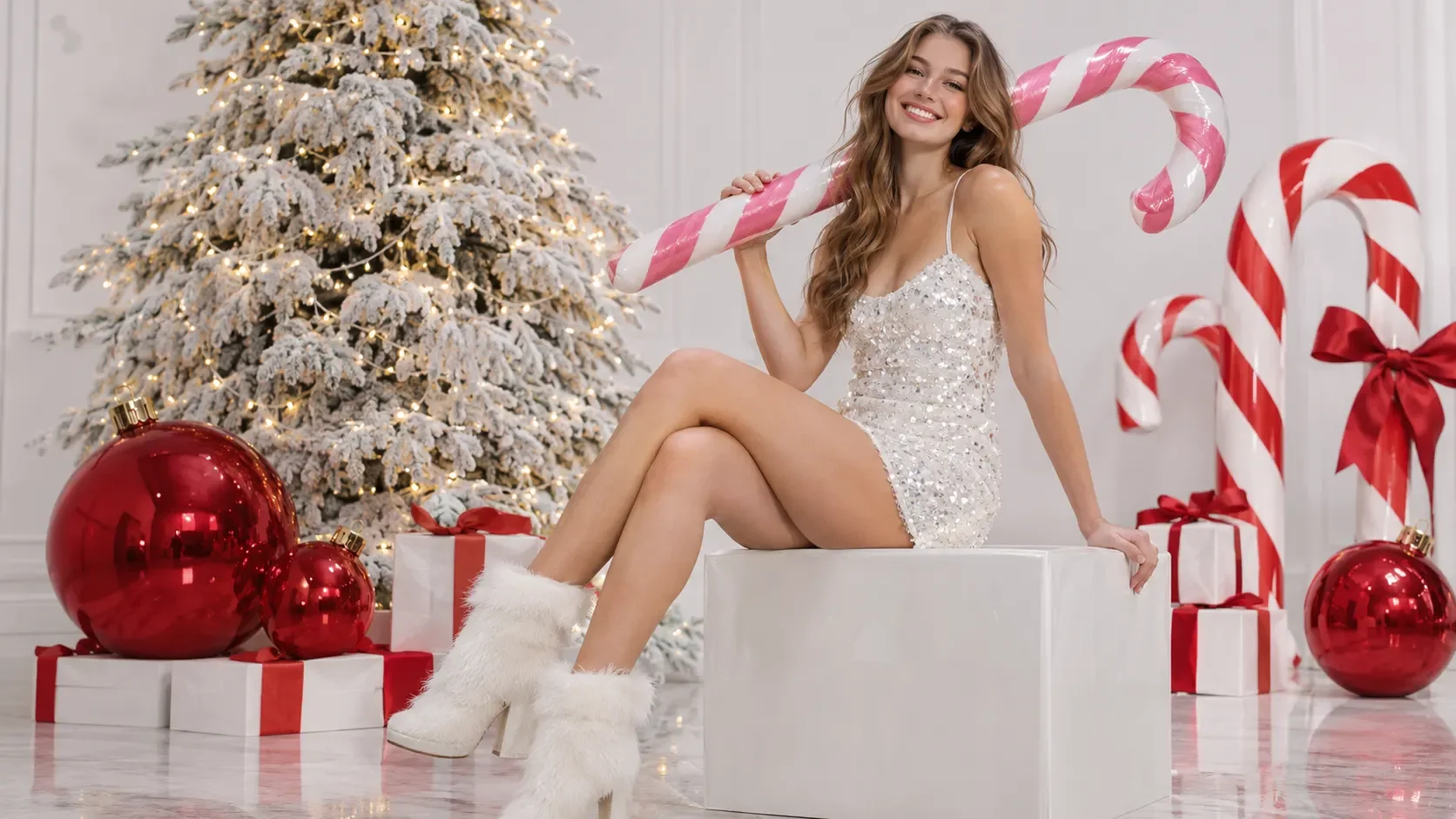
• The Candy Cane Glam Shoot: Sparkly white outfits, glossy white cubes, giant peppermint lollipops, and frosted Christmas trees.
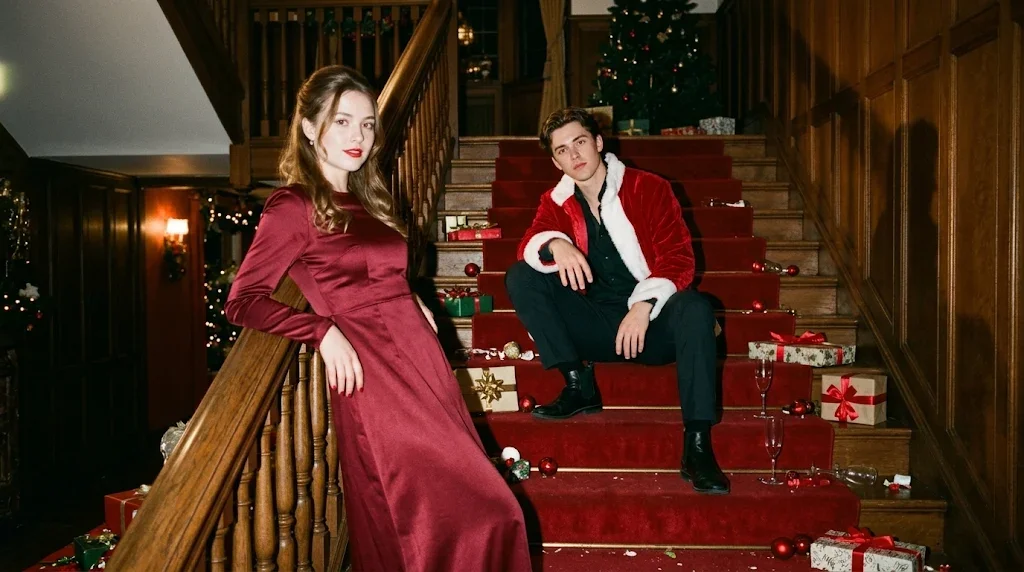
• 90s Holiday Party Portraits: Direct-flash film snapshots on red-carpeted staircases with velvet Santa suits and disco balls.
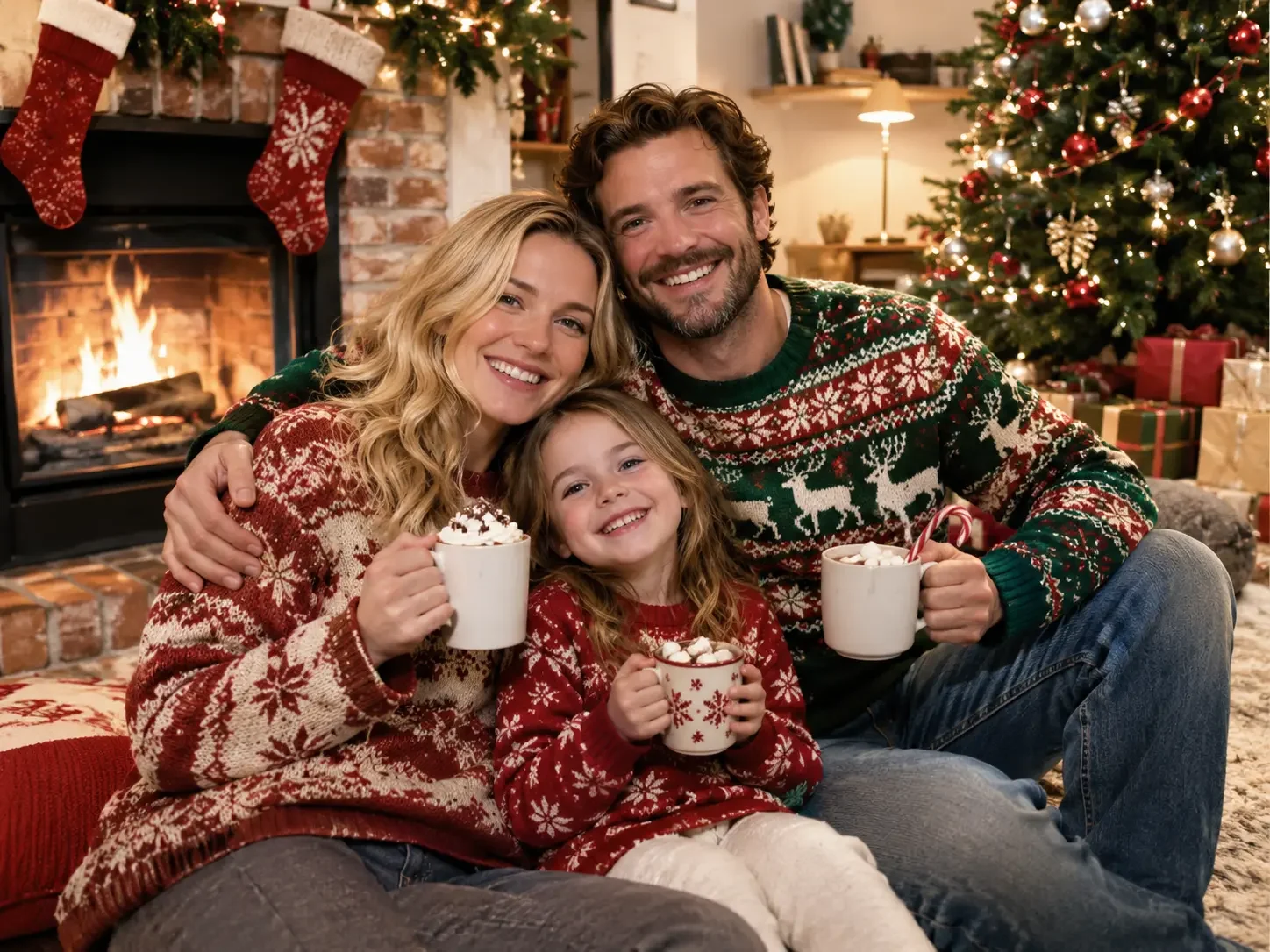
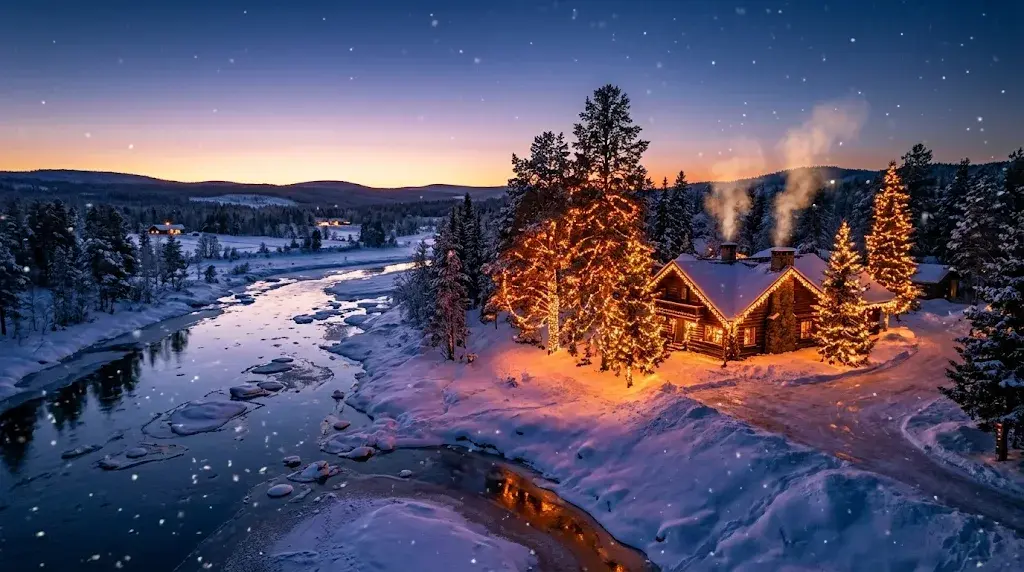
• Cozy Fireplace & Snowy Cards: Warm sweater portraits and winter cabin scenes ready for holiday cards and social feeds.
Try the Christmas Photo Trend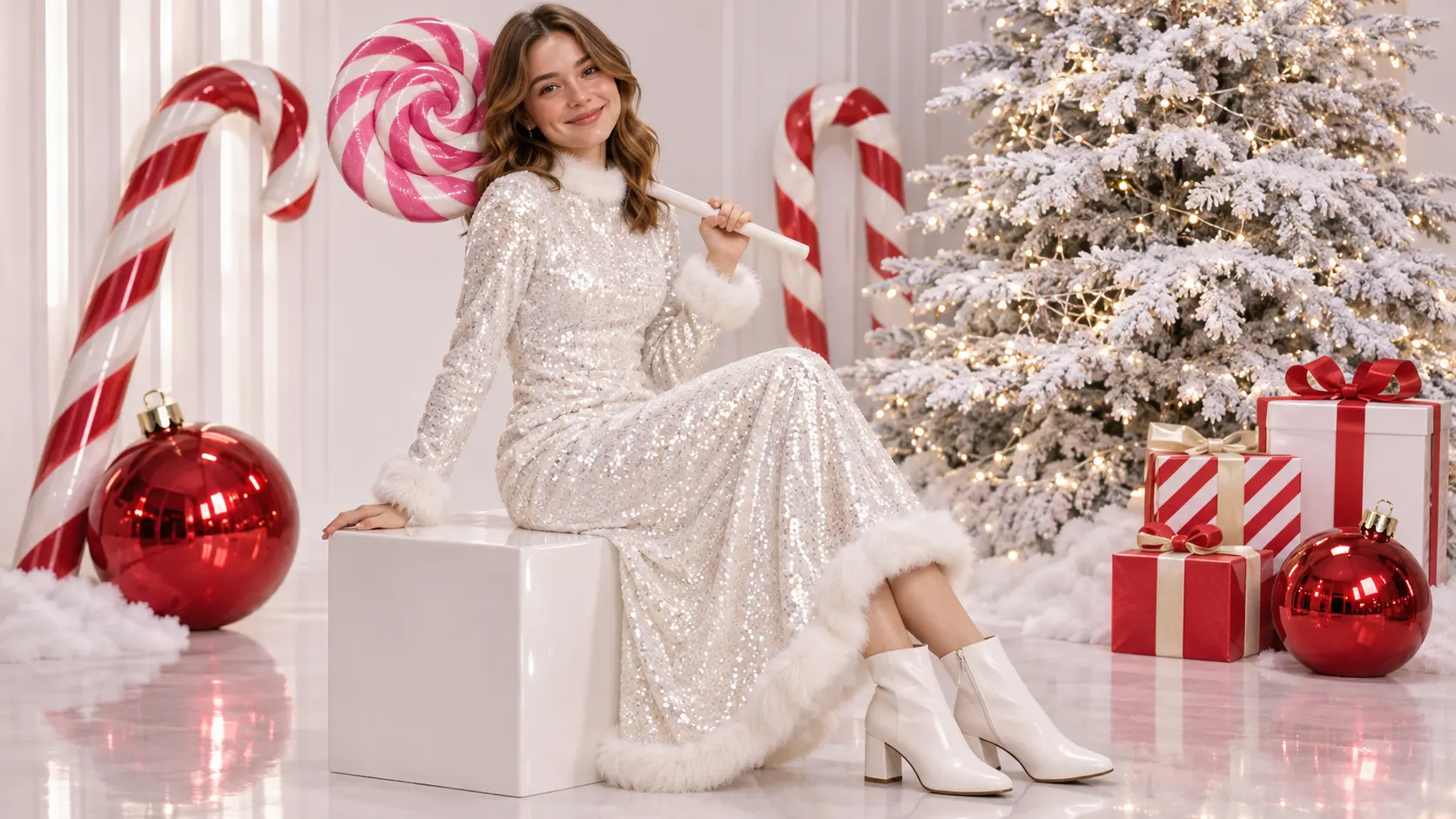
Choose Your Viral Christmas Vibe
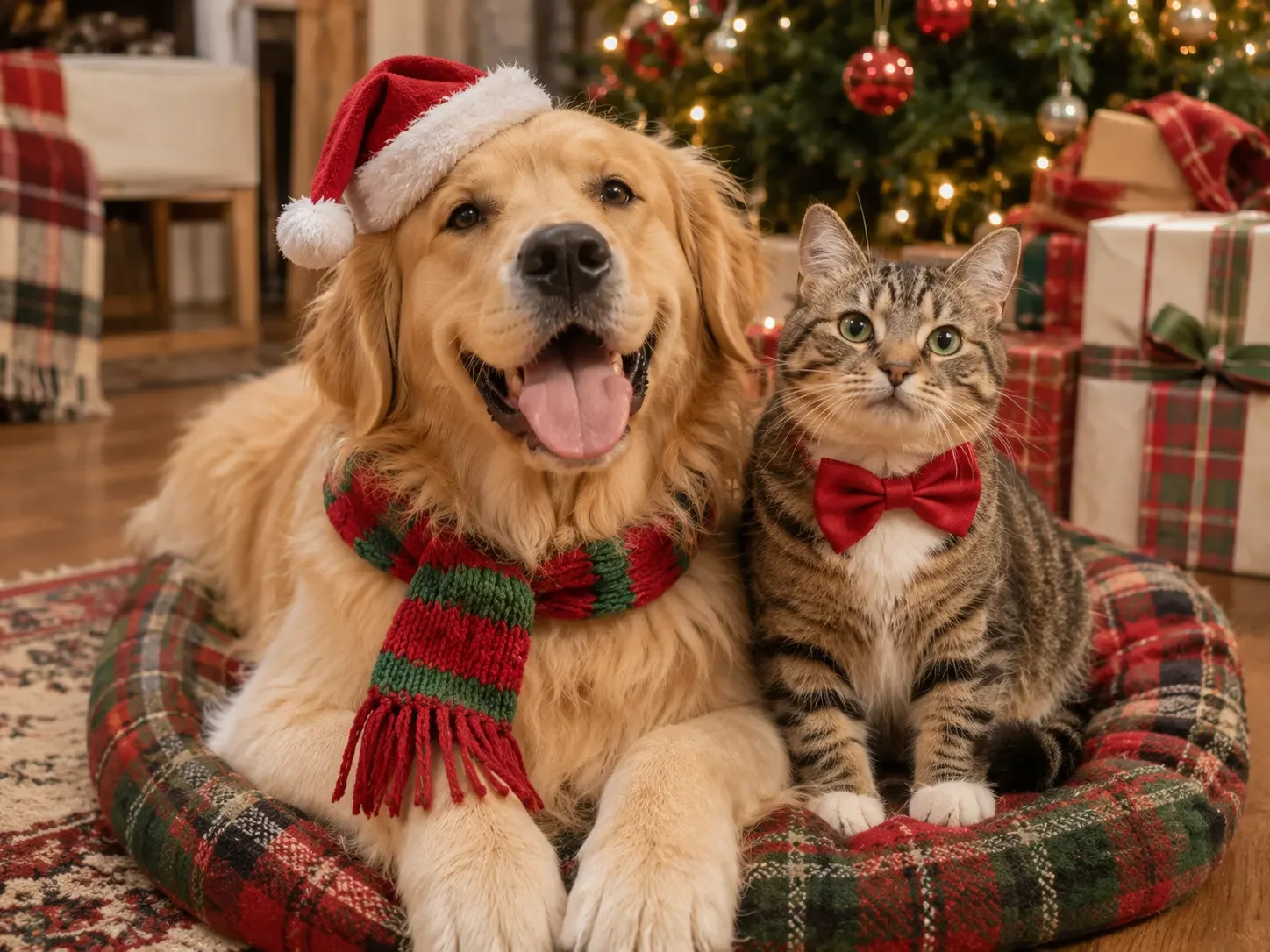
Select a festive style to transform your photos. From studio magic to nostalgic outdoor candids, bring your Christmas story to life.
How to Do the AI Christmas Photo Trend in 3 Steps
No studio booking or costume rental needed—follow three quick steps to turn an everyday photo into a viral Christmas portrait or short video.
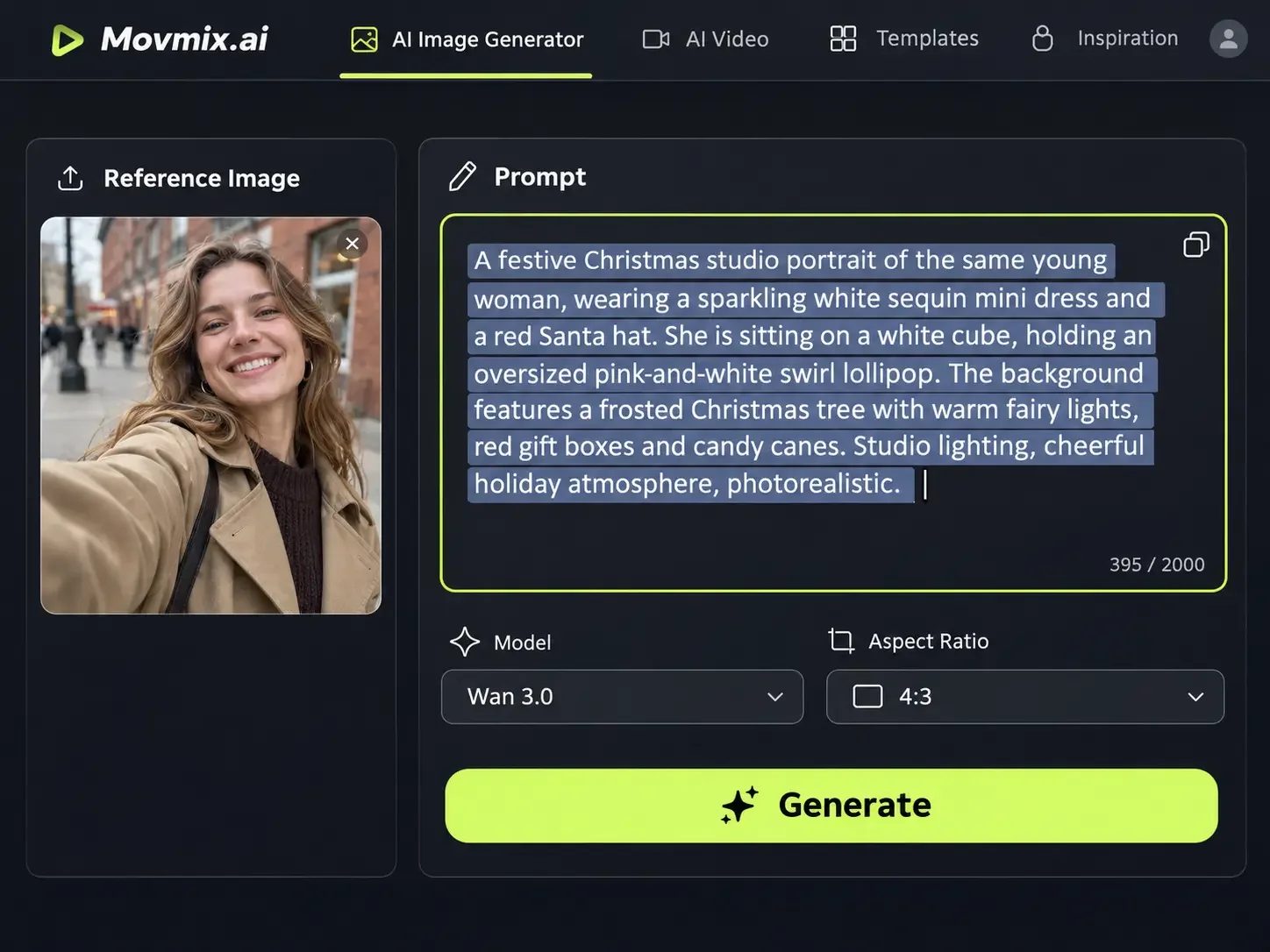
Copy-and-Paste Prompts for the AI Christmas Photo Trend
Pick any viral holiday aesthetic below, copy the prompt, or click to launch the generator with the prompt pre-filled—then upload your photo to create your own version.
| Prompt | Output Result |
|---|---|
Glamorous holiday studio portrait of the person in the uploaded photo wearing a sparkly white sequined holiday outfit and white ankle boots, seated gracefully on a glossy white cube, holding a giant pink-and-white swirled peppermint lollipop over one shoulder. Surrounded by frosted white Christmas trees with warm fairy lights, oversized red-and-white candy canes, and large glossy red ornaments. Bright, even 55mm studio portrait lighting, natural skin texture, keep facial features and hair identical to the reference photo. Try Candy Cane Prompt | 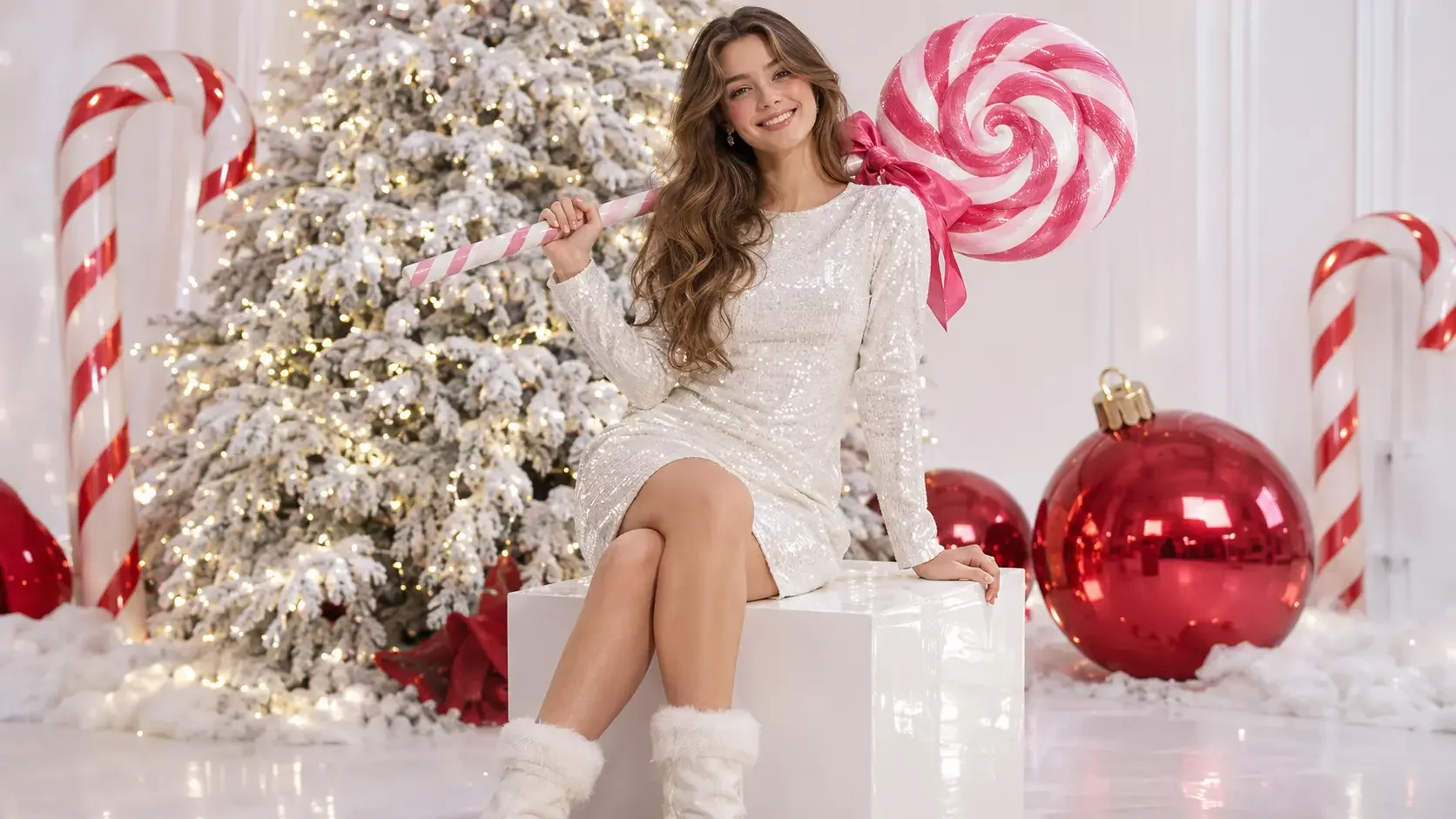 |
Candid 1990s editorial flash photography of the couple from the uploaded photo posing casually on a red-carpeted grand mansion staircase after a Christmas party. One partner leans along the wooden banister in a dark red satin evening gown with classic red lipstick, while the other sits a few steps higher in a red velvet jacket with white fur trim and black boots. Scattered silver disco balls, red baubles, wrapped gifts, and champagne glasses on the steps. Crisp direct camera flash, sharp shadows, authentic 90s film grain, keep both faces accurate. Try 90s Couple Prompt | 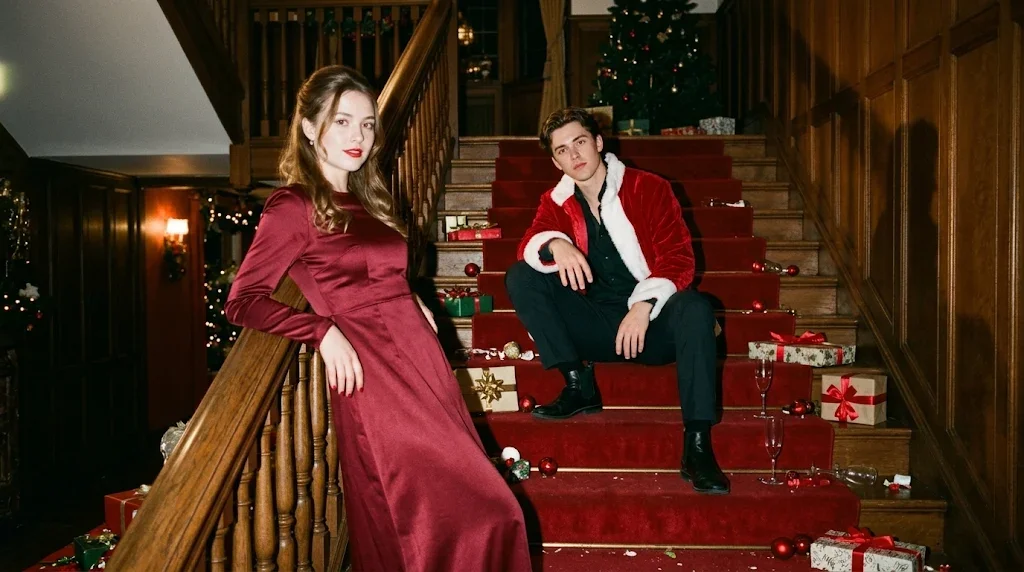 |
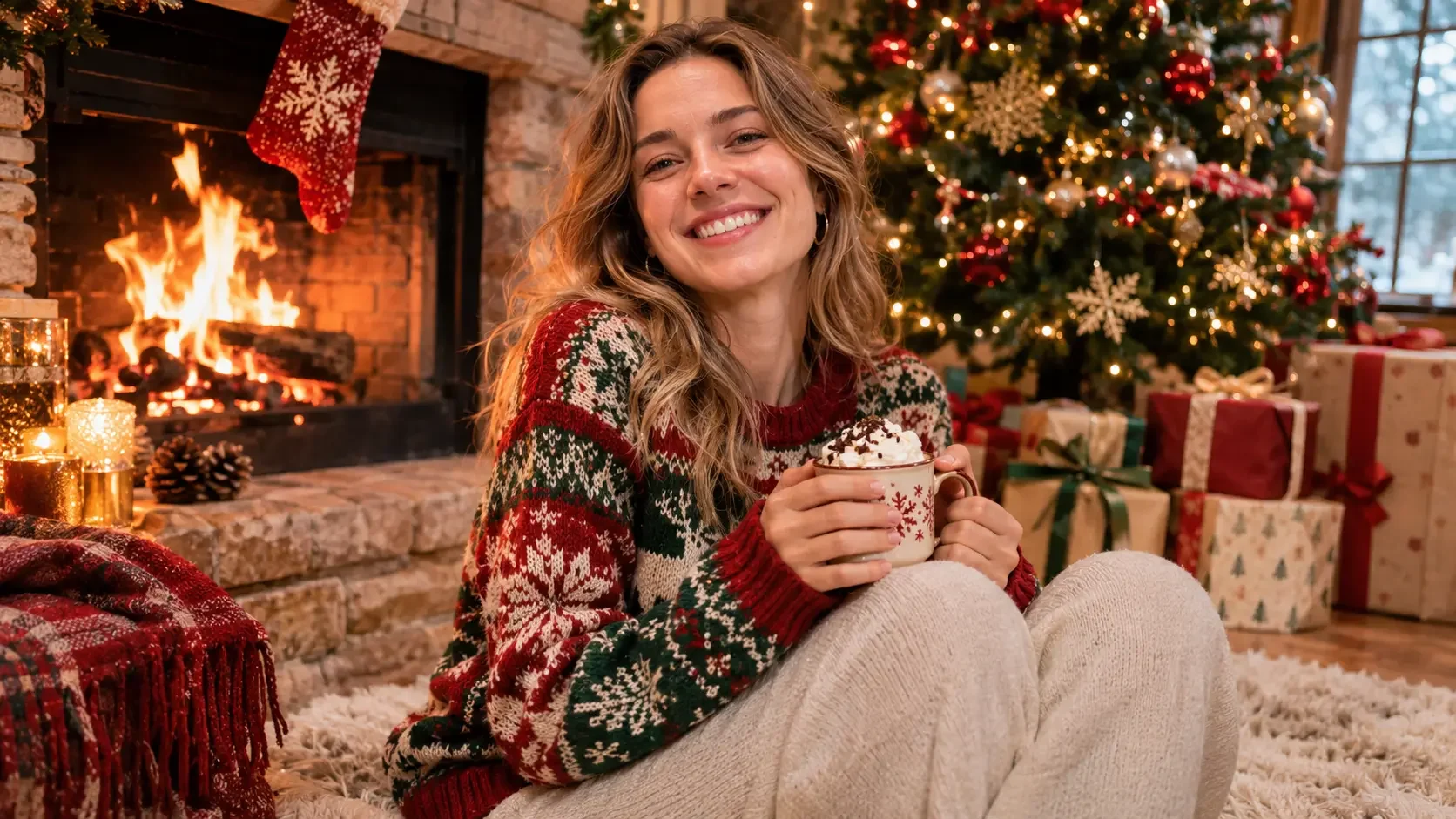
Candid, photorealistic holiday portrait of the subject from the uploaded photo sitting on a plush living room rug beside a glowing brick fireplace, wearing a cozy red-and-green Fair Isle knit Christmas sweater and holding a ceramic mug of hot cocoa. Warm amber firelight, a decorated Christmas tree with multicolored string lights and wrapped presents in the background, natural 35mm lens look, realistic skin and fabric textures, preserve exact facial likeness. Try Cozy Fireplace Prompt | 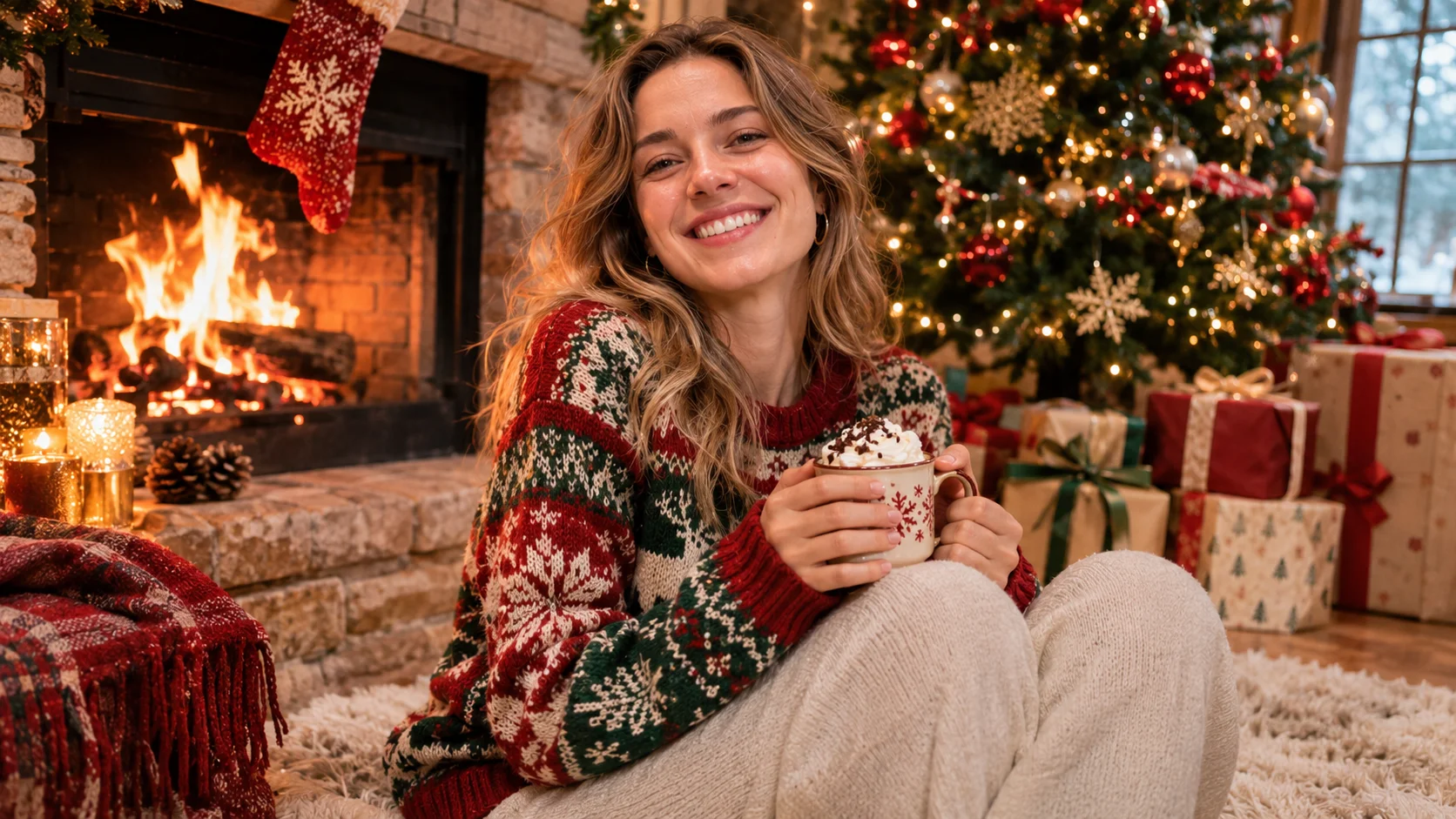 |
Authentic 1990s instant Polaroid snapshot of the person from the uploaded photo laughing next to a warmly lit Christmas tree indoors, wearing a vintage oversized holiday cardigan and holding a sparkler or wrapped gift. Warm nostalgic film tones, soft flash falloff, subtle analog grain and natural indoor shadows, candid unposed holiday card aesthetic, keep the face and expression true to the original photo. Try Vintage Polaroid Prompt | 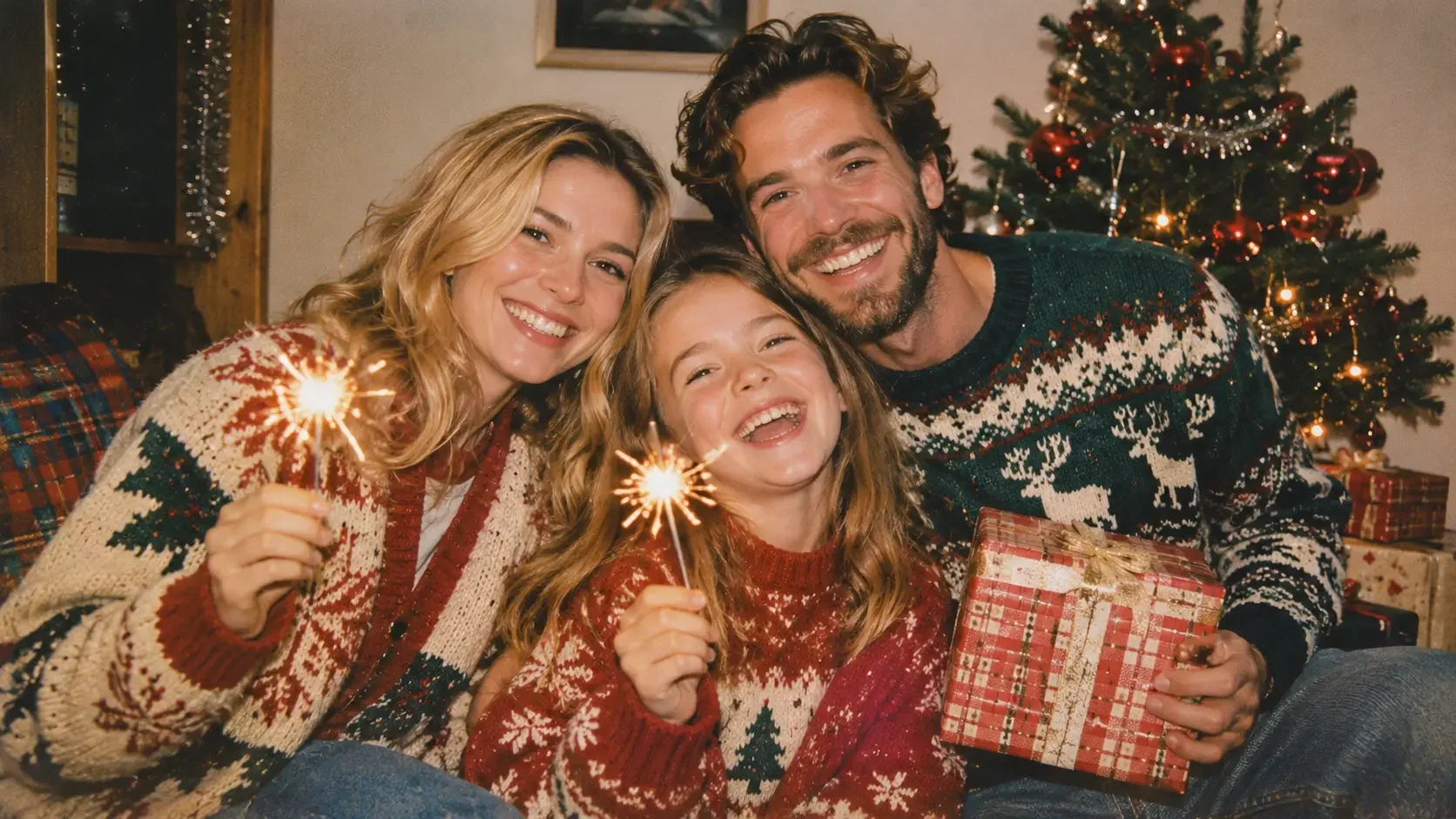 |
Tips for the Best Face Likeness
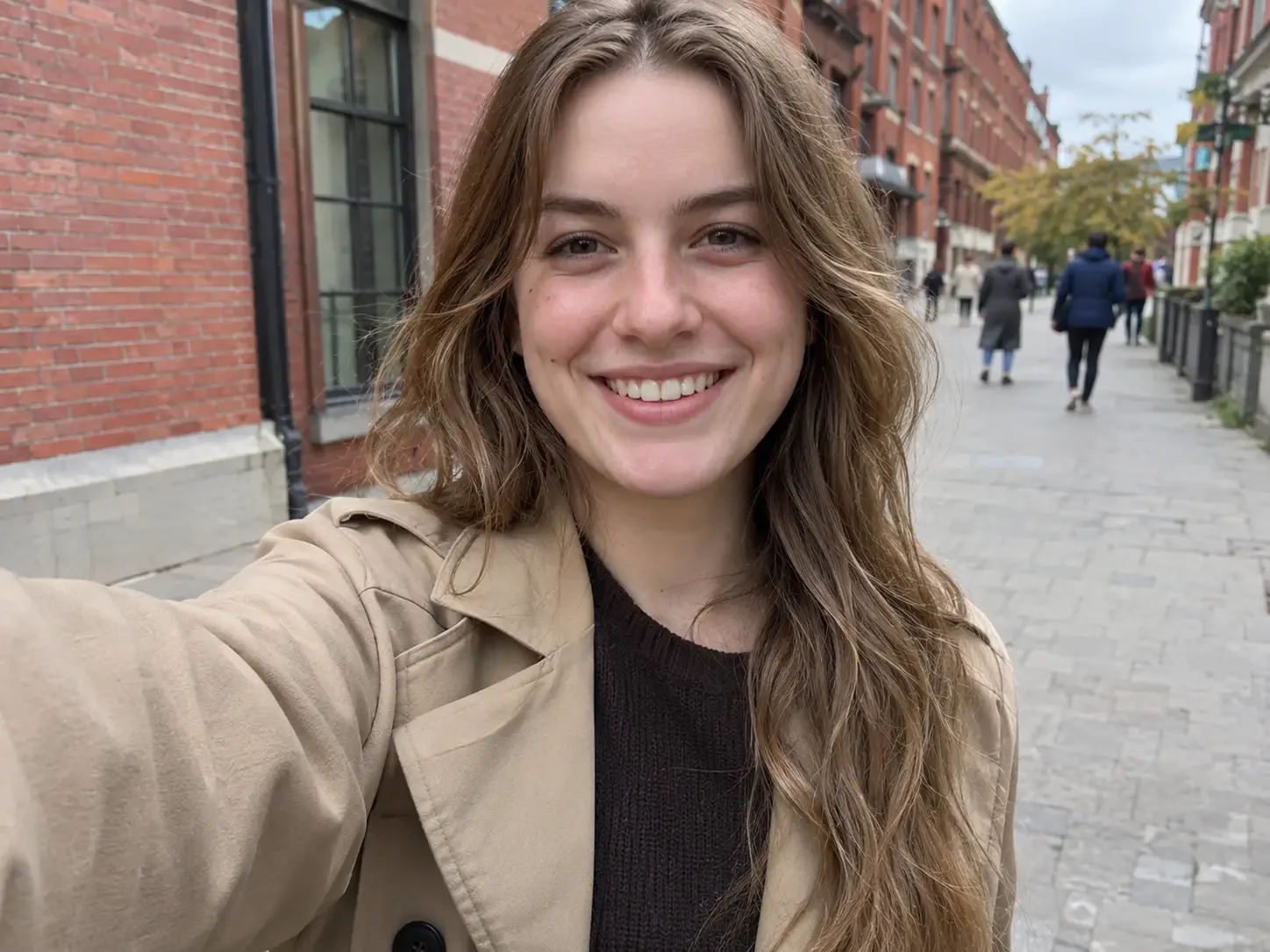
Use a Clear, Front-Facing Photo:: Choose a sharp photo where your face is facing the camera directly without sunglasses, hats, heavy shadows, or thick bangs covering your eyes.
Pick Waist-Up or Full-Body Shots:: While close-up selfies work, waist-up or full-body photos help the AI generate more natural seated poses for the Candy Cane shoot and 90s staircase portraits.
Start With Even, Natural Lighting:: Avoid harsh backlighting, heavy color filters, or grainy low-light snapshots so the model can accurately preserve your natural skin tone and facial contours.
Match the Subject Count to the Trend:: Upload a solo photo for single-person styles like the Candy Cane glam shoot, and use a clear two-person snapshot when creating the 90s holiday couple portrait.
Explore Viral AI Video Trends & Popular Video
Discover Movmix's trending AI templates, viral TikTok dance challenges, and creative photo-to-video filters.
King Jin AI Trend — Turn one portrait into the viral 4-shot boss entrance video
ChatGPT 2.6 GIF Generator — Create looping reaction memes and stickers from text or photos
Bicep Heart AI Video — Flex your arm into a viral heart transition clip
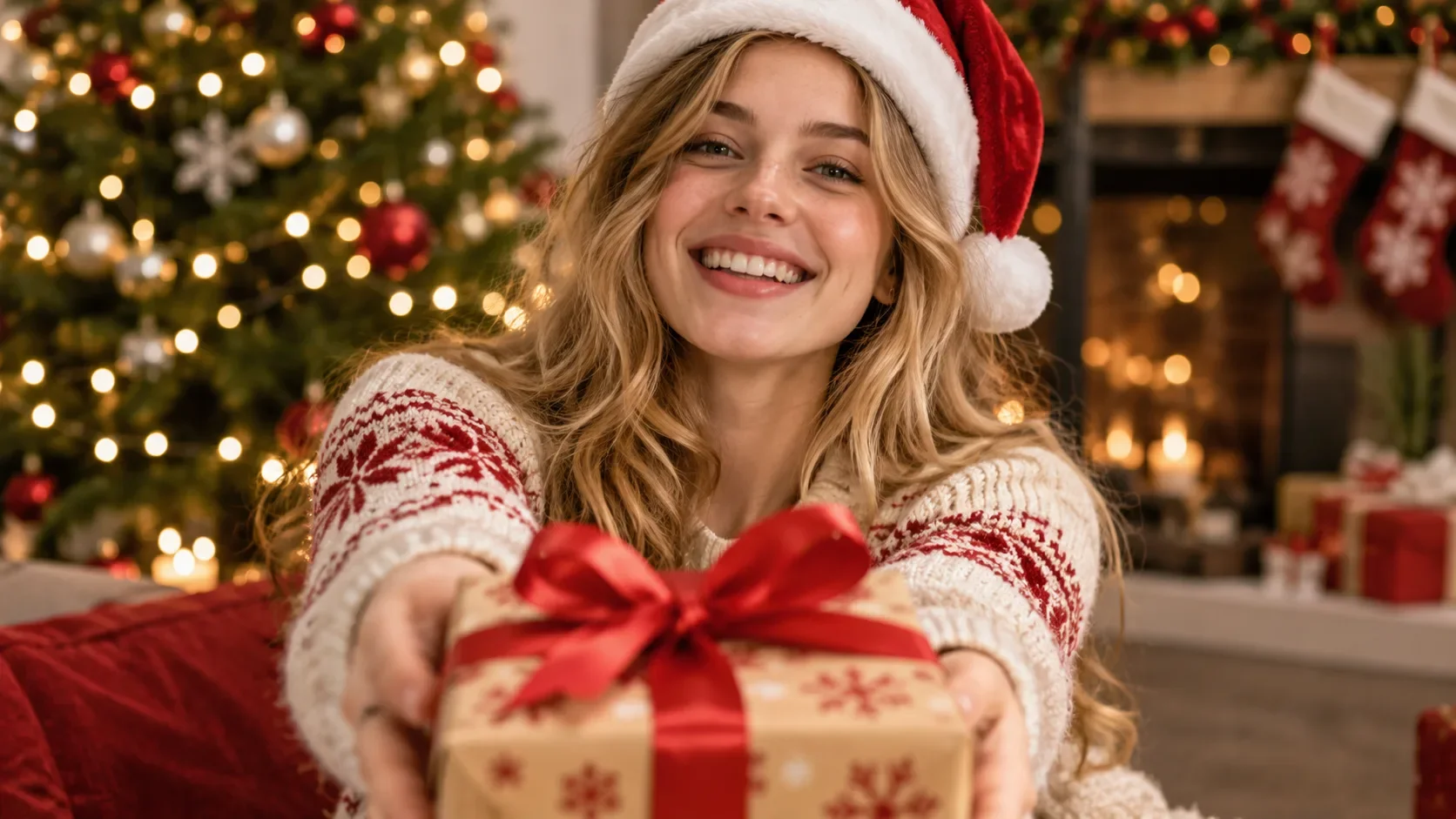
AI Christmas Background — Transform any photo into a cozy, snow-lit holiday scene
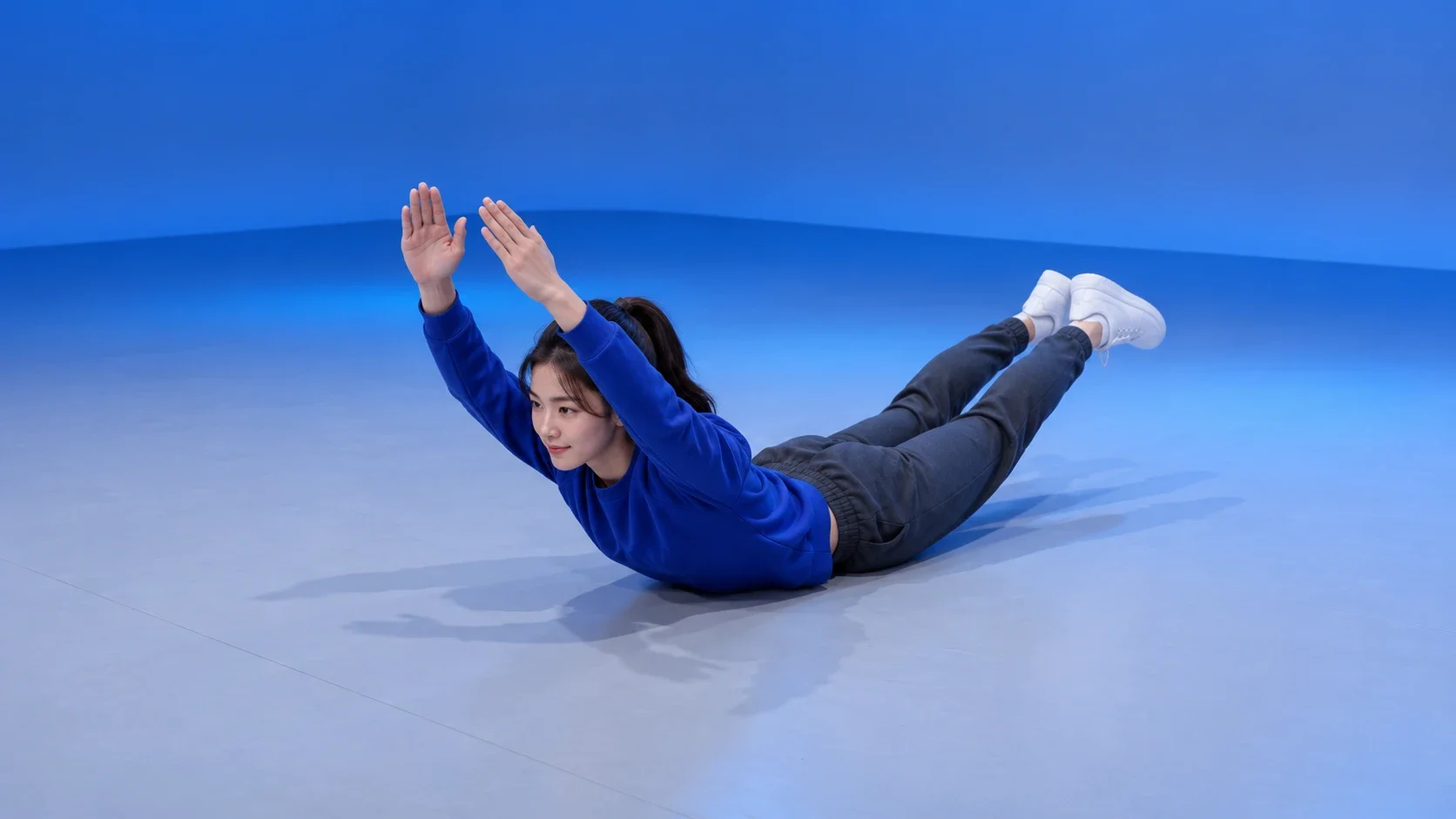
Mulmannan Gwangeo AI — Join the viral Korean energetic dance & fish-out-of-water trend
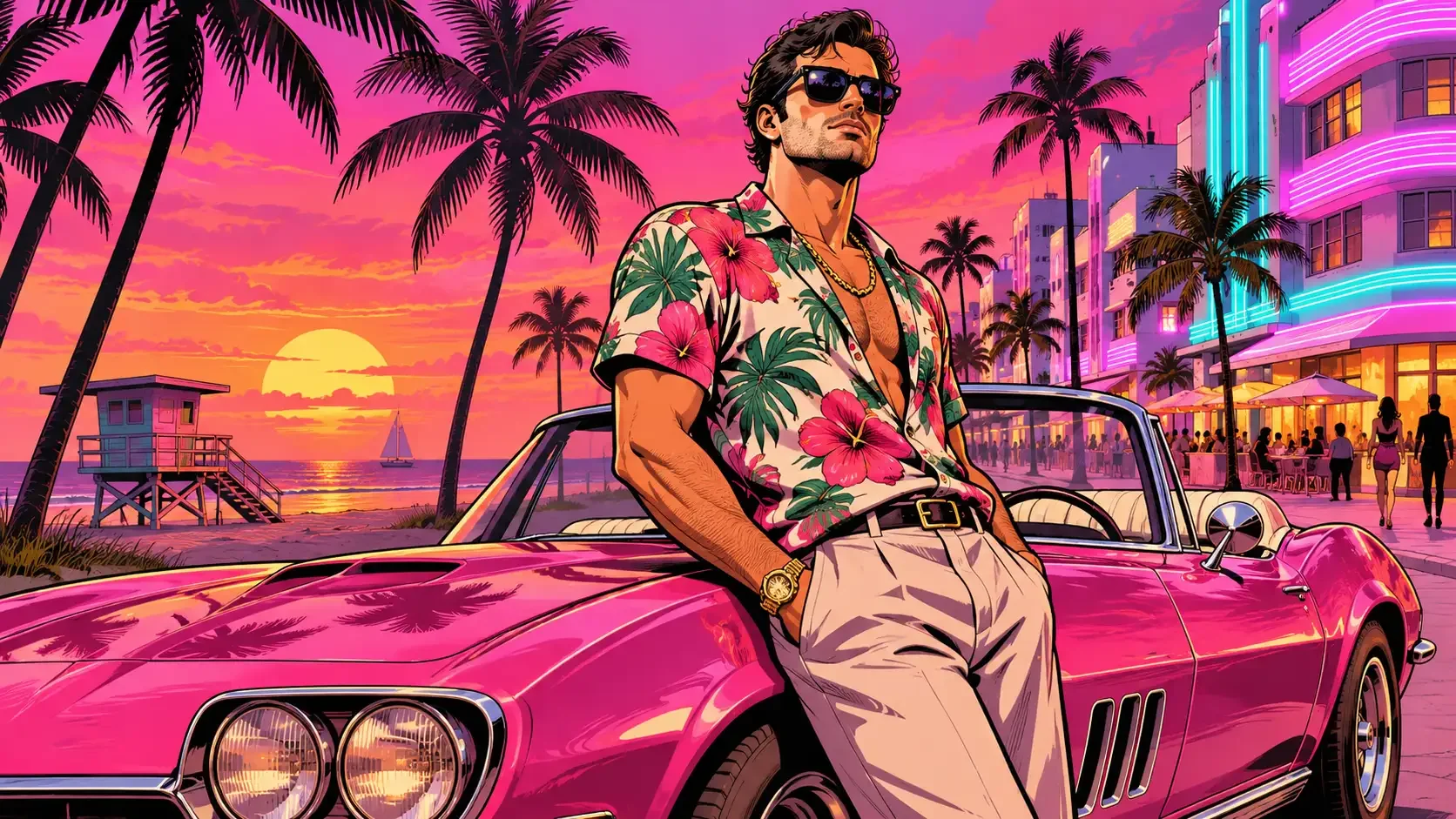
GTA 6 Loading Screen AI Generator: Turn Your Photo Into Vice City Art
Related AI Video Tutorials & Prompt Guides
Create Your AI Christmas Photo Trend Look Today
No studio booking, no holiday outfit shopping—just upload one clear photo or paste your favorite prompt to generate viral Christmas portraits and clips in seconds.
FAQ
Company
About MovmixContact MovmixHelp CenterPrivacy PolicyTerms and ConditionsRefund PolicyAcceptable Use PolicyIntellectual Property RightsSubscription TermsAI Video Tools
AI Image to Video AI Video Extend AI Reference to Video AI Dance Generator AI Video Editor AI Text to Video


 Pay Safely And Securely With





© 2026 Movmix.ai. All rights reserved
