
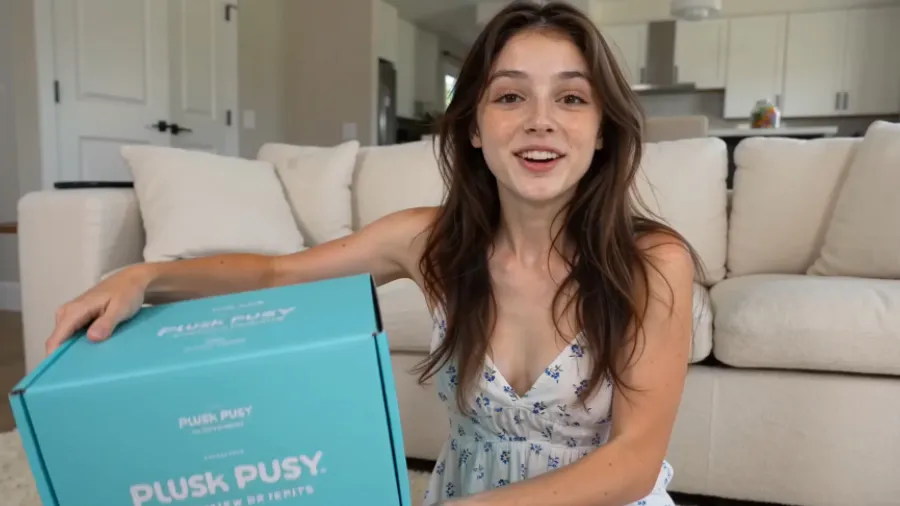
To create high-converting holiday product videos without hiring expensive creators or spending hours editing, upload your product photo and a presenter reference image to the Movmix AI Product Video Generator to generate ready-to-run ecommerce ads in minutes—starting with free sign-up credits.
With Thanksgiving, Black Friday, and the Christmas shopping rush driving peak traffic across TikTok Shop, Instagram Reels, and YouTube Shorts, short-form video has become the top sales channel for online brands. However, traditional creator fees ($100+ per clip), sample shipping delays, and manual post-production make it nearly impossible to scale ad creatives fast enough. Movmix eliminates that bottleneck by turning static product images into natural, presenter-led showcase videos on demand.
Why Traditional UGC Production Fails During Peak Q4 Sales
Traditional ecommerce video production fails during Black Friday and Christmas because high creator fees ($50–$200+ per clip) and 1-to-2-week turnaround times prevent sellers from testing creatives quickly—whereas Movmix lets you validate video quality first with free sign-up credits before scaling bulk production at a fraction of the cost.
For solo sellers and lean ecommerce teams watching their Q4 ad budgets, paying upfront for unverified creator shoots is a major financial risk. Instead of locking cash into slow agencies, Movmix allows you to test your product photos for free using starter credits, verify the visual output, and then batch-generate holiday ad variations once you find a winning angle:
| Production Factor | Traditional UGC Creators & Agencies | Movmix AI Product Video Generator |
| Upfront Cost & Risk | $50 – $200+ paid upfront per unverified clip | Start free with sign-up credits to test quality; scale affordably once validated |
| Turnaround Time | 5 – 14 days (outreach, shipping, filming, editing) | 2 – 5 minutes from static photo to finished video |
| Creative Testing | Limited to 1–2 hooks per creator shoot | Unlimited variations (unboxing, close-up, lifestyle demo) |
| Holiday Pivots | Requires costly reshoots for Christmas/New Year themes | Instant prompt updates for holiday settings and scripts |
Which AI Model Should You Choose on Movmix? (Hands-On Cost & Quality Breakdown)
Based on our hands-on testing on Movmix, Seedance 2.5 delivers top-tier multi-reference precision for hero brand commercials, while Seedance 2.0 Pro offers the best value for money—costing just 1,200 credits (roughly half the cost of 2.5) while still delivering crisp, natural presenter quality ready for paid ad campaigns.
Unlike basic image-to-video tools that only animate a single static background, the lets you combine product photos and presenter references into a cohesive video up to 30 seconds long. However, choosing the right model version determines how far your credit budget goes:
- Best Value for Money — Seedance 2.0 Pro (1,200 Credits / 50% Cost Savings): If you are a solo seller or lean ecommerce team testing multiple ad hooks without wanting to spend a big budget upfront, Seedance 2.0 Pro is the clear sweet spot. At 1,200 credits—cutting generation costs by about half compared to Seedance 2.5—it still produces smooth presenter gestures and accurate product showcases that easily meet TikTok Shop, Reels, and Shorts promotion standards.
- Best Overall Quality — Seedance 2.5 (Fast / Standard / Pro): When you need complex hand-held interactions—such as a presenter unboxing a detailed package or rotating a bottle toward the lens—Seedance 2.5 provides the strongest multimodal stability and camera control for flagship hero ads.
- Best for Heavy Multi-Asset Control — Wan 3.0: When you need to feed up to 20 reference assets into a single 30-second sequence, Wan 3.0 gives you extra creative flexibility for multi-angle product showcases.
How to Turn Your Product Photo into an AI Presenter Video in 3 Steps
Creating a presenter-led product video on Movmix takes less than three minutes: upload your product photo, pair it with a virtual creator from Movmix Assets, and enter a simple description of how you want the product showcased.
Inside the , the workflow is designed for speed:
1.Upload Your Product Photo: Upload a clear, front-facing photo of your item. If you are still testing a product idea without studio photos, you can generate a clean product image first using Movmix Text to Image.
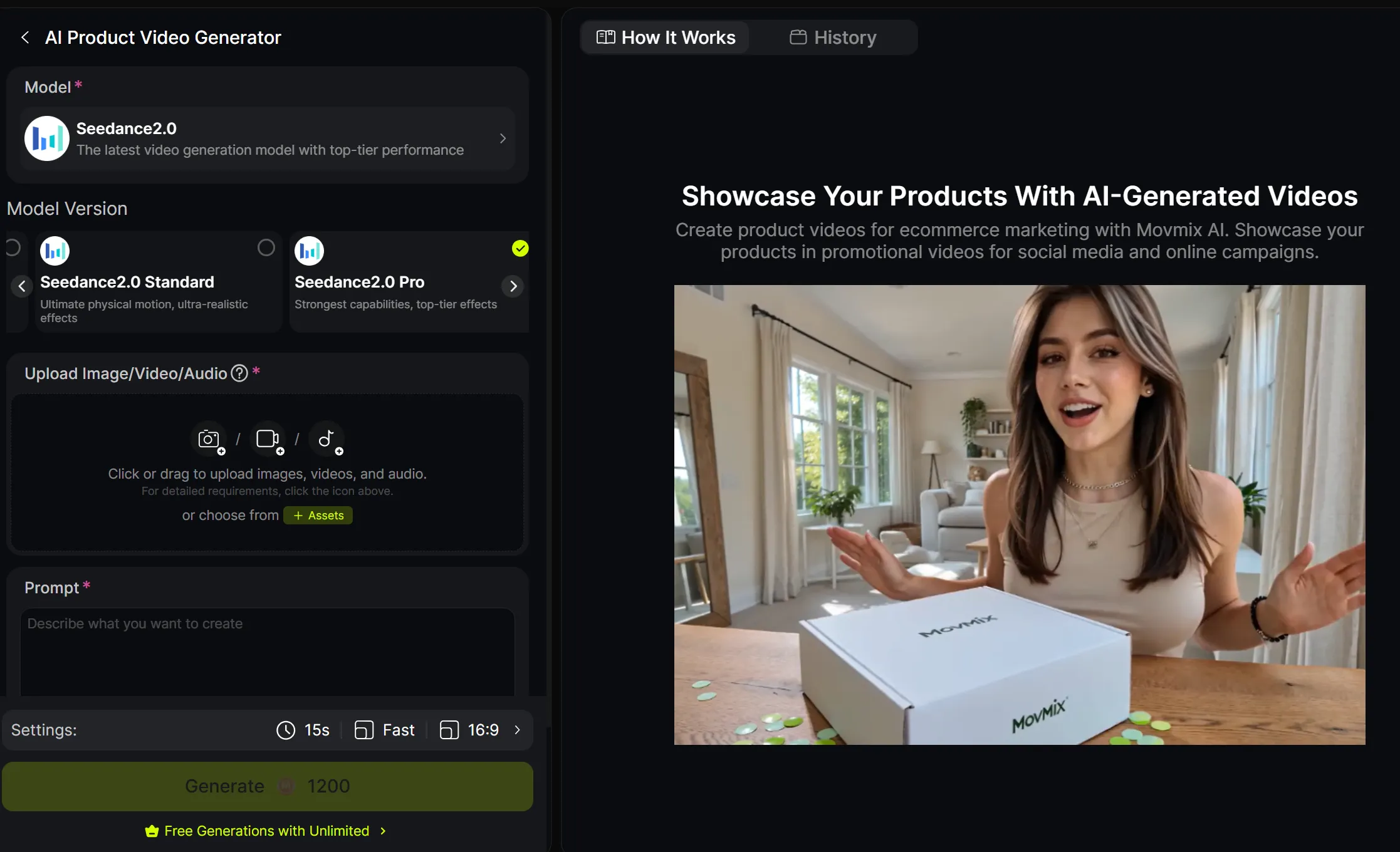
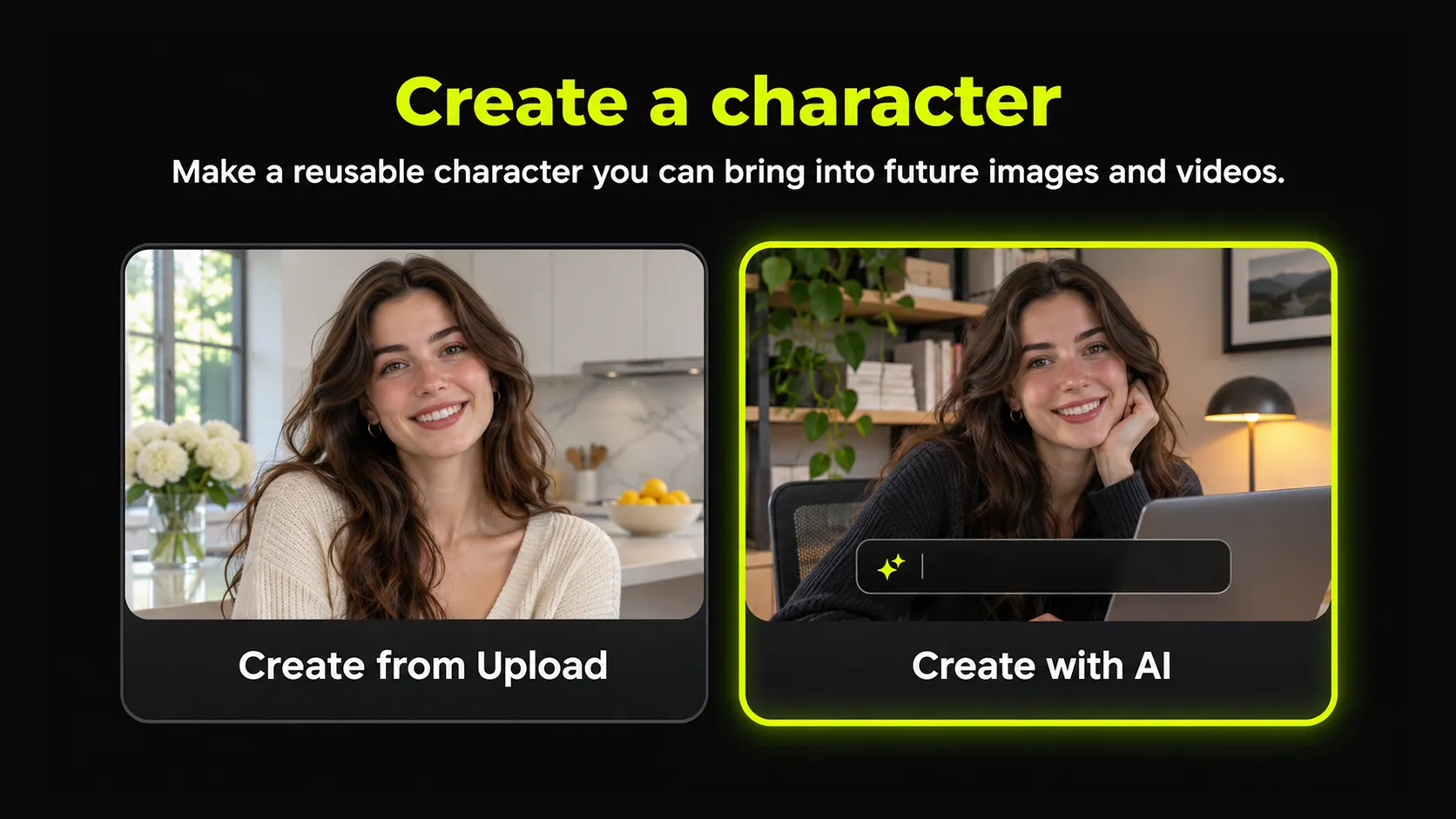
2.Pick a Copyright-Safe AI Presenter: Upload your own model photo, or browse the Movmix AI Assets Library to pick a ready-to-use virtual creator. Using a built-in AI character eliminates portrait copyright risks when running paid ads on TikTok or Meta.
3.Describe the Scene & Generate: Type a plain-English description of the action—for example, "A lifestyle creator holding the [Product Name] up to the camera in a cozy living room with Christmas lights in the background"—choose 9:16 for short-form feeds, select Seedance 2.0 Pro (1,200 credits), and hit Generate.
4 Practical Tips to Maximize Conversions on Your Holiday AI Videos
To get the highest return on your ad spend with AI-generated product videos, test short 5-second hooks first, inspect packaging logos and hands before publishing, and combine AI presenter intros with real product close-ups.
Even the best AI video tools work best when paired with smart ecommerce media buying habits. Keep these four practical rules in mind when scaling your Q4 campaigns:
- Test 5-Second Hooks Before Rendering Full Clips: In short-form feeds, the first three seconds determine whether viewers scroll past or click. Use 5s clips on Seedance 2.0 Pro to test different opening actions—such as holding the product vs. unboxing—before spending credits on 15-to-30-second versions.
- Double-Check Hands, Logos, and Small Text: AI motion can occasionally distort fine packaging typography or finger grips. Always review your generated clip carefully, and use the Movmix AI Video Editor to splice your AI presenter hook together with real, crisp close-up B-roll of your product details for maximum buyer trust.
- Lock In 9:16 Vertical Framing: Always select 9:16 when exporting for TikTok Shop, Instagram Reels, and YouTube Shorts so your presenter fills the entire mobile screen without awkward black bars.
- Pivot Early from Black Friday to Christmas: If your Black Friday campaigns are already running, use this exact workflow today to generate Christmas-themed variations—swapping in cozy winter backgrounds and gift-giving angles so your ad creatives stay fresh throughout December.
Want to see more real AI-generated product ads in action? Explore dozens of high-converting ecommerce video templates and demo clips on our TikTok E-Commerce Showcase→
Start Generating Your Holiday Product Videos for Free
You do not need a production studio, an editing team, or a $2,000 creator budget to win Q4 ecommerce feeds. Sign up on Movmix today to claim your free starter credits, upload your product photo, pair it with a copyright-safe character from Movmix Assets, and generate your first AI presenter ad in minutes.
Try Movmix AI Product Video Generator Free