
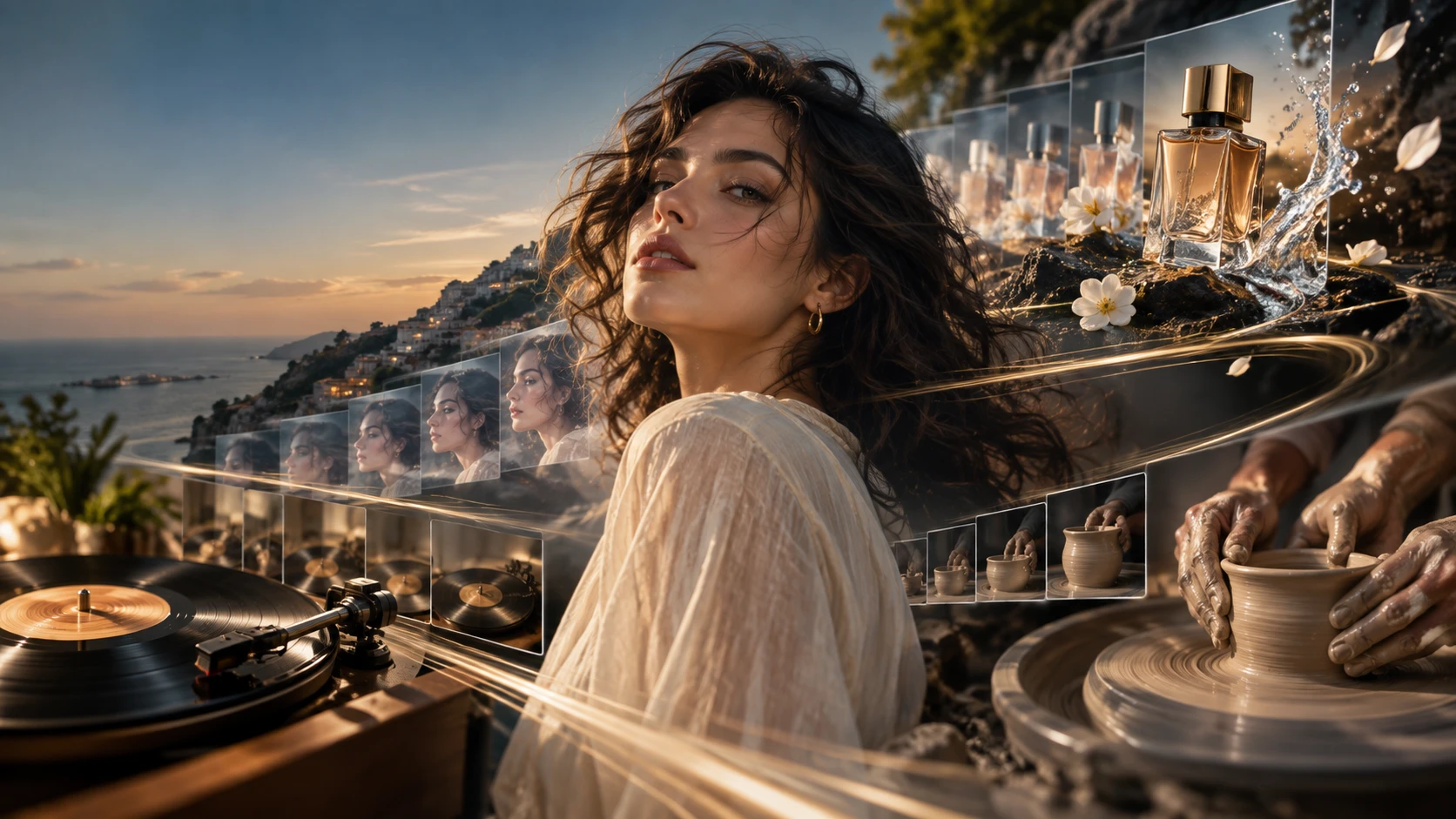
A good first frame does not automatically become a good video.
During image-to-video generation, faces can shift, objects may change shape, clothing details can drift, or the camera may move more than expected.
A better Seedance 2.5 prompt should describe not only what should move, but also what should stay consistent.
On Movmix, the workflow is simple:
Create a suitable first-frame image → upload it to Movmix → choose Seedance 2.5 → use a Video Prompt to control the motion.
Here are 10 practical Seedance 2.5 prompt examples you can copy and customize.
1. Natural Portrait Motion
A simple option for profile videos and social content.

The goal is subtle movement rather than a large action.
2. Cozy Reading
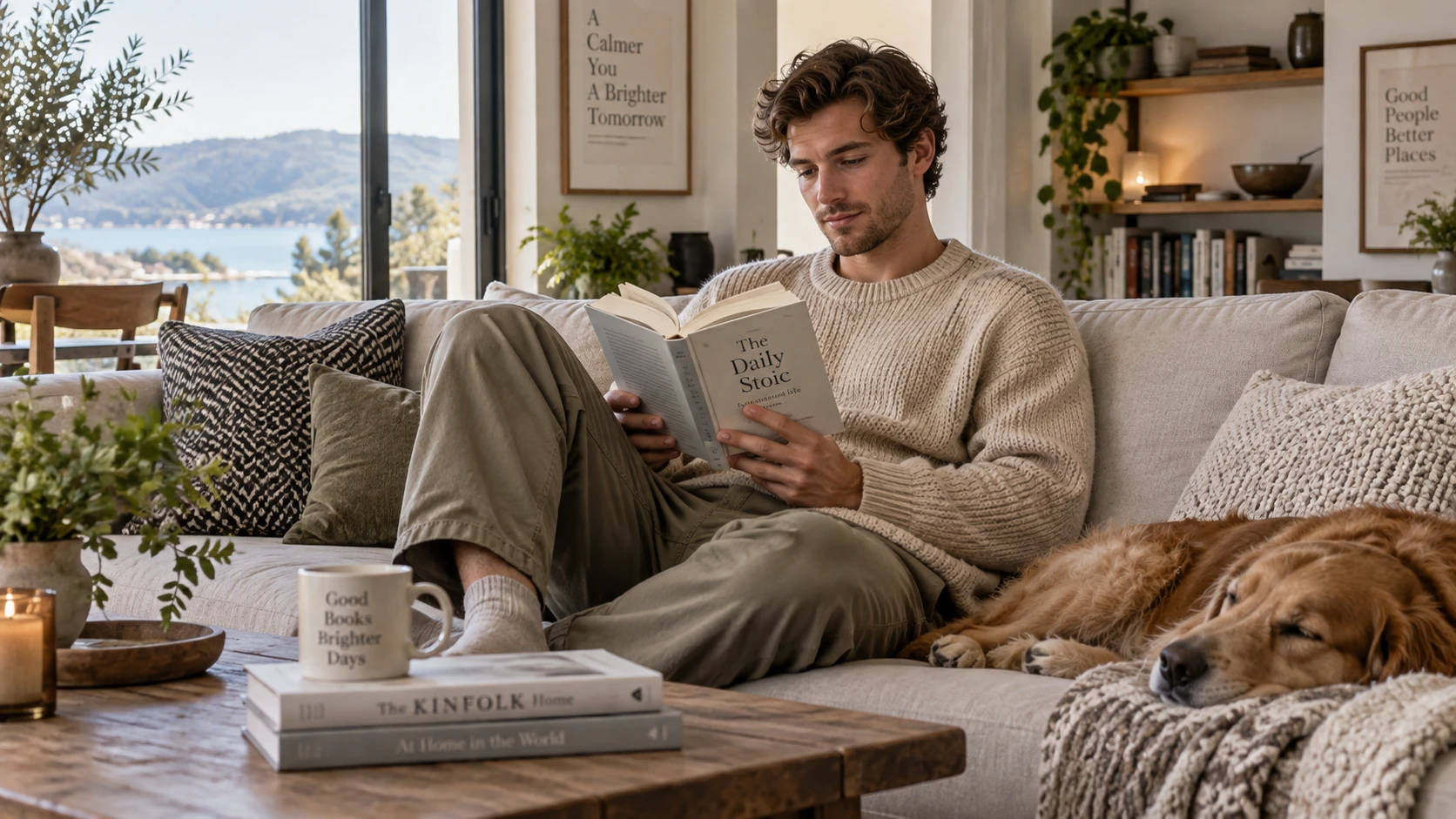
A small sequence such as turn page → pause → continue reading already creates a natural result.
3. Street Fashion Walk
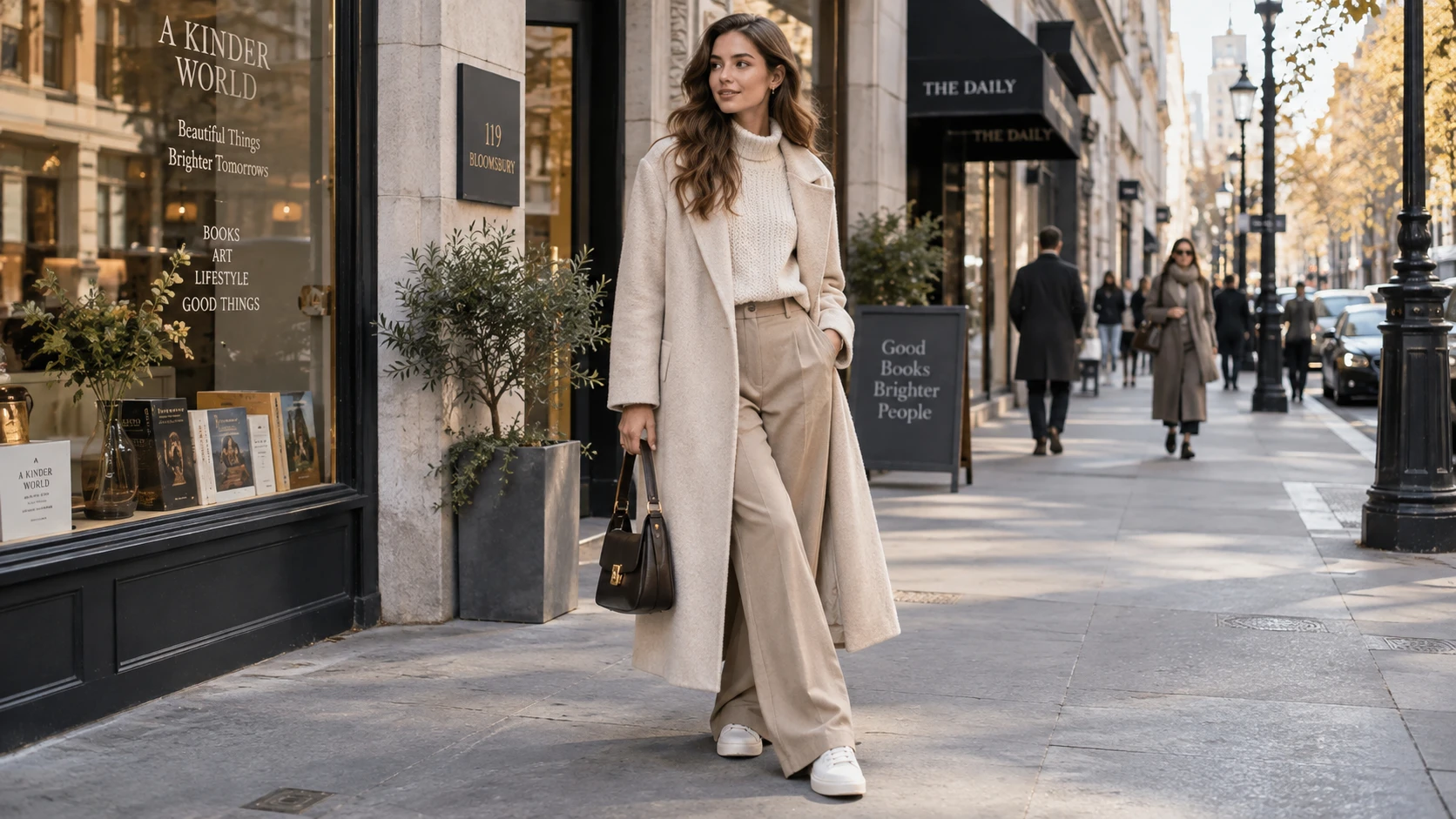
For walking shots, character consistency is just as important as the movement itself.
4. Hair and Fabric Motion
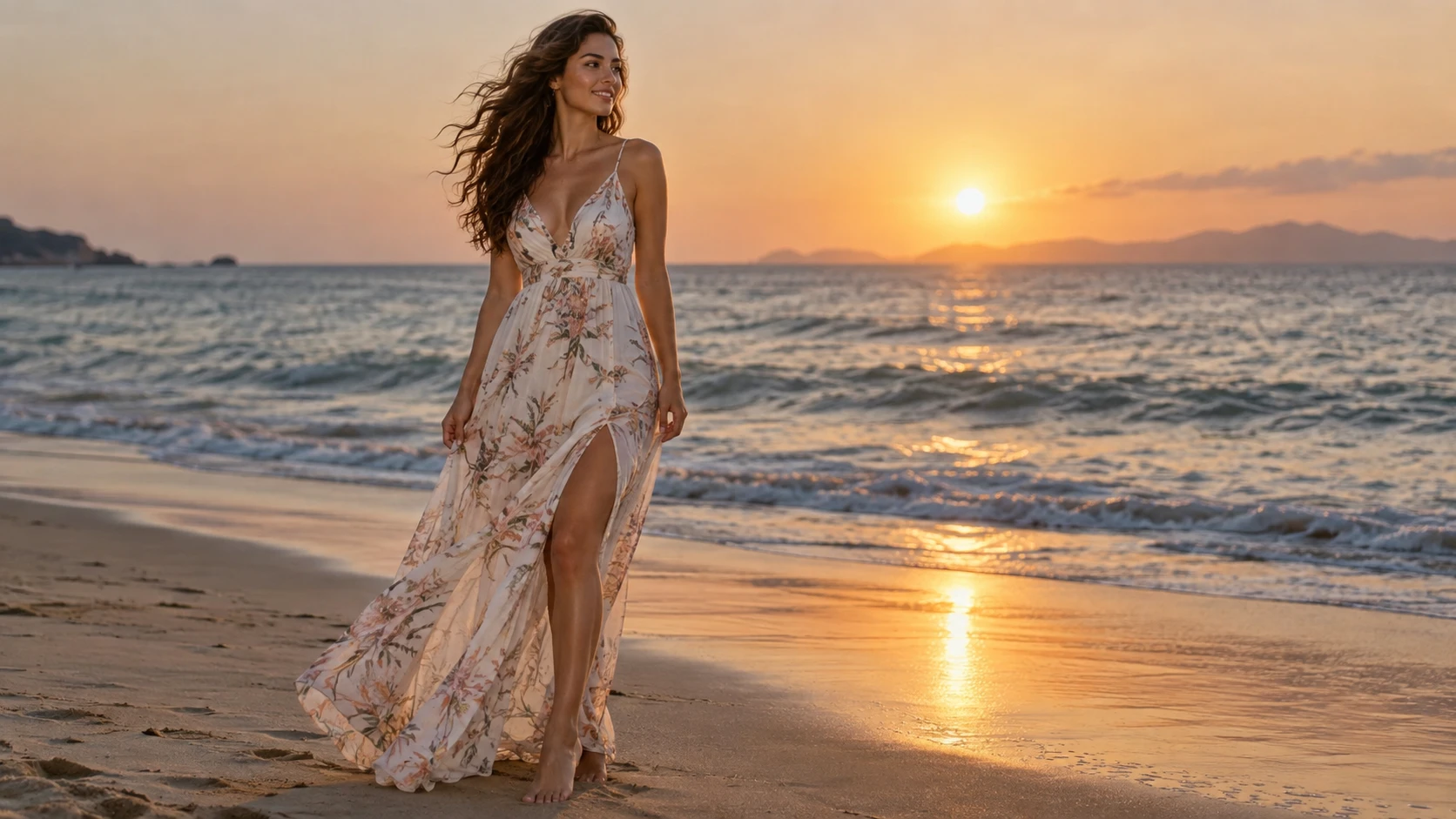
This type of shot works well when the motion comes mainly from hair, fabric, and the environment.
5. Coffee Shop Interaction

When hands interact with objects, simple movement is usually easier to control.
6. Product Camera Move
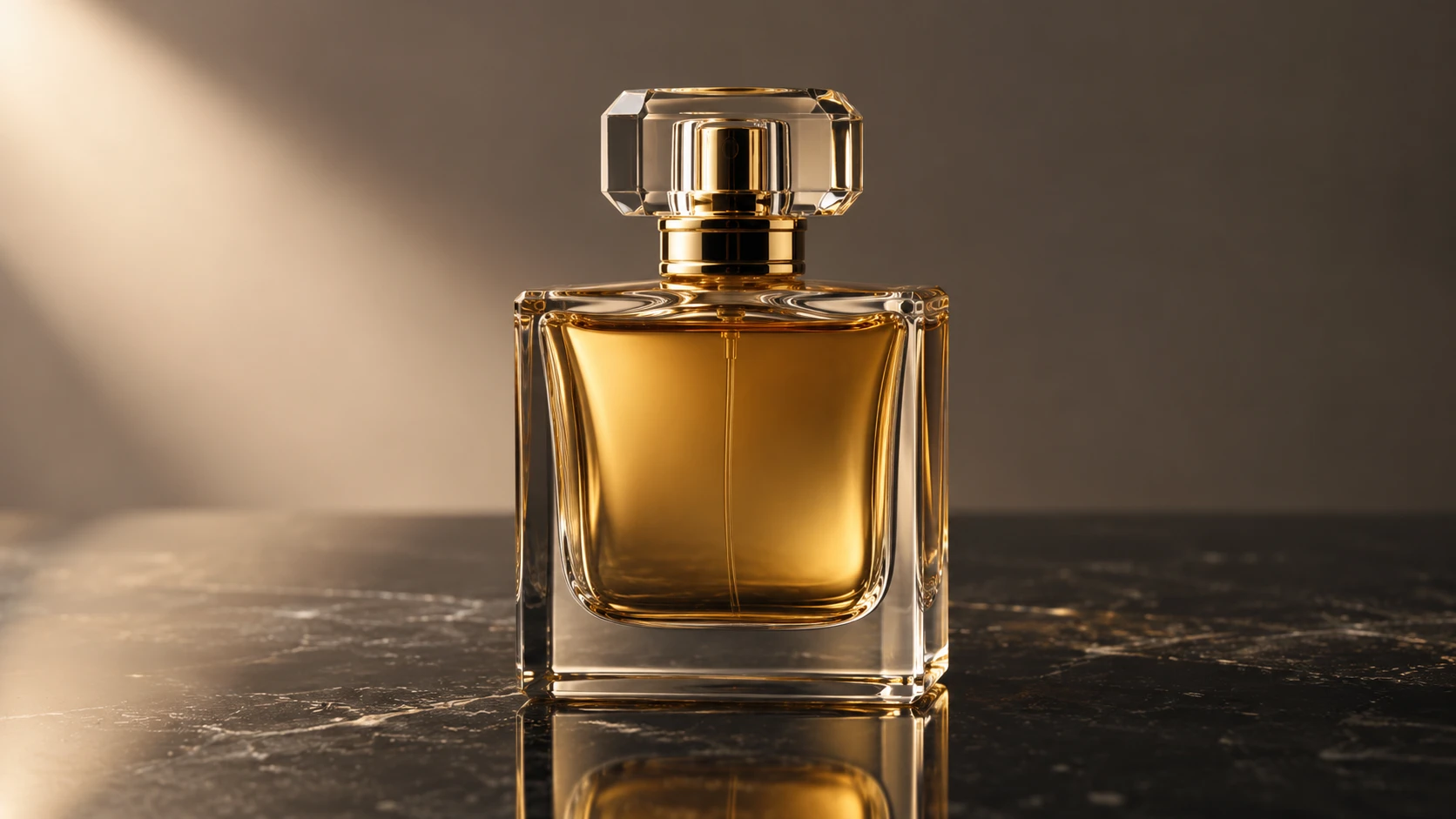
For product videos, it is often better to keep the product still and let the camera and reflections create the motion.
7. Car Driving Shot
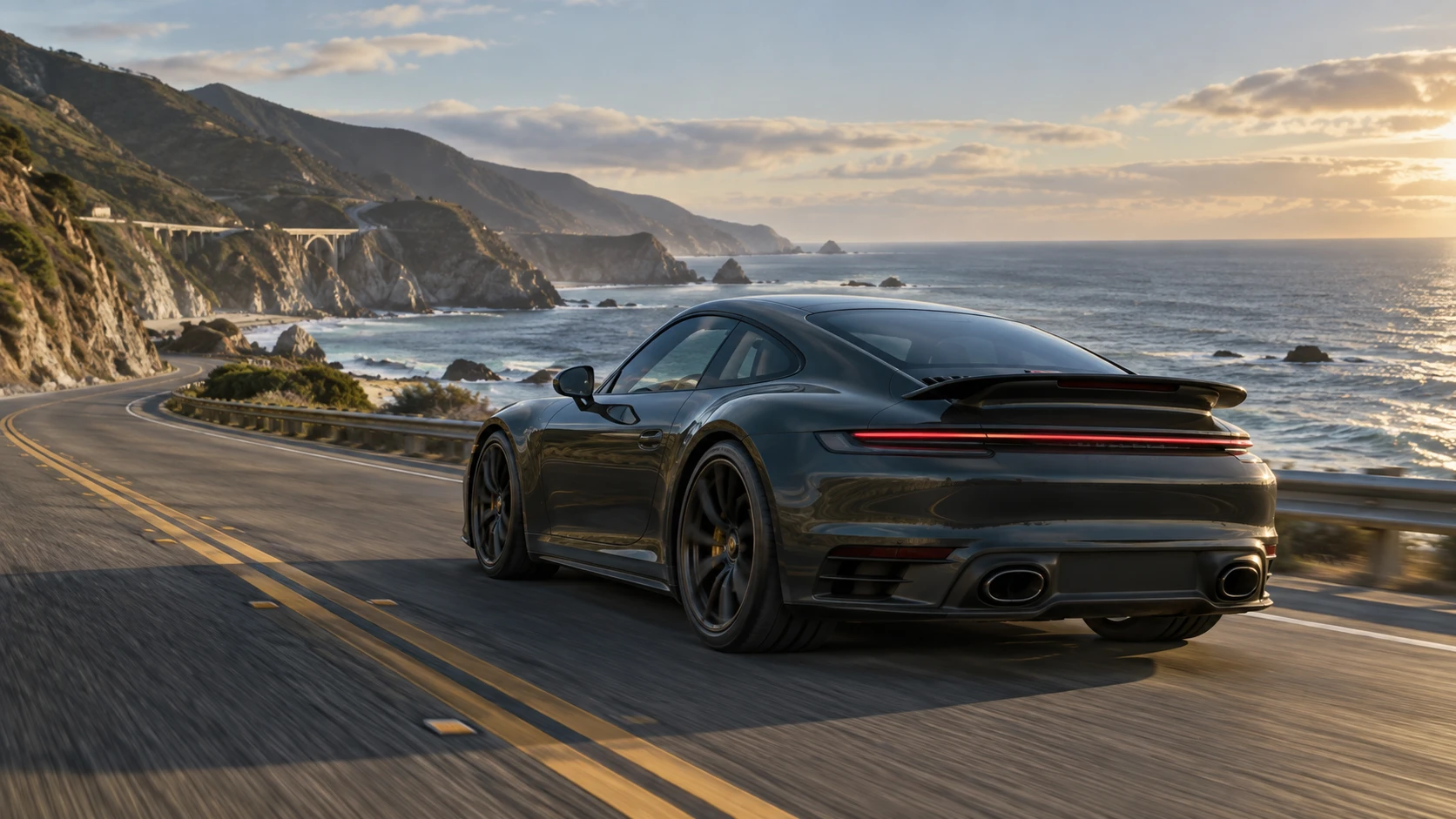
Automotive videos require specific constraints:
The vehicle body, the fan-shaped area, and the overall proportions must remain unchanged.
8. Vinyl Record Player
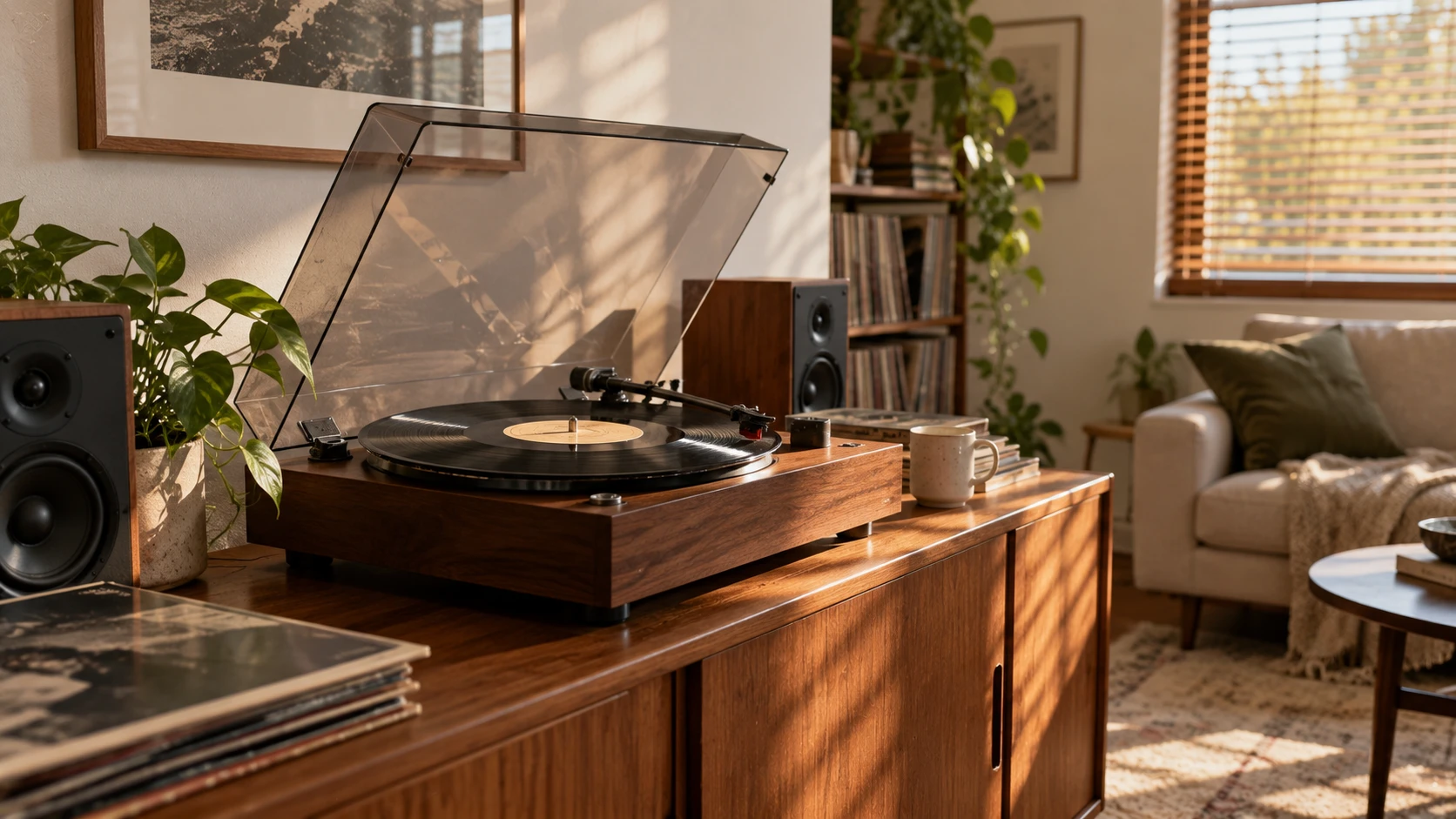
This example focuses on:
hand interaction + mechanical movement + object consistency.
9. Pottery Wheel
The pottery wheel begins rotating steadily as both hands gently shape the wet clay upward into a simple vase form. The hand movement remains slow and controlled. The camera stays mostly stable with a slight push-in. Keep the person's hands natural and preserve the pottery wheel, studio layout and clay position throughout the shot.

This tests a more complex combination:
rotating object + hand movement + gradual shape change.
10. Environment Transformation
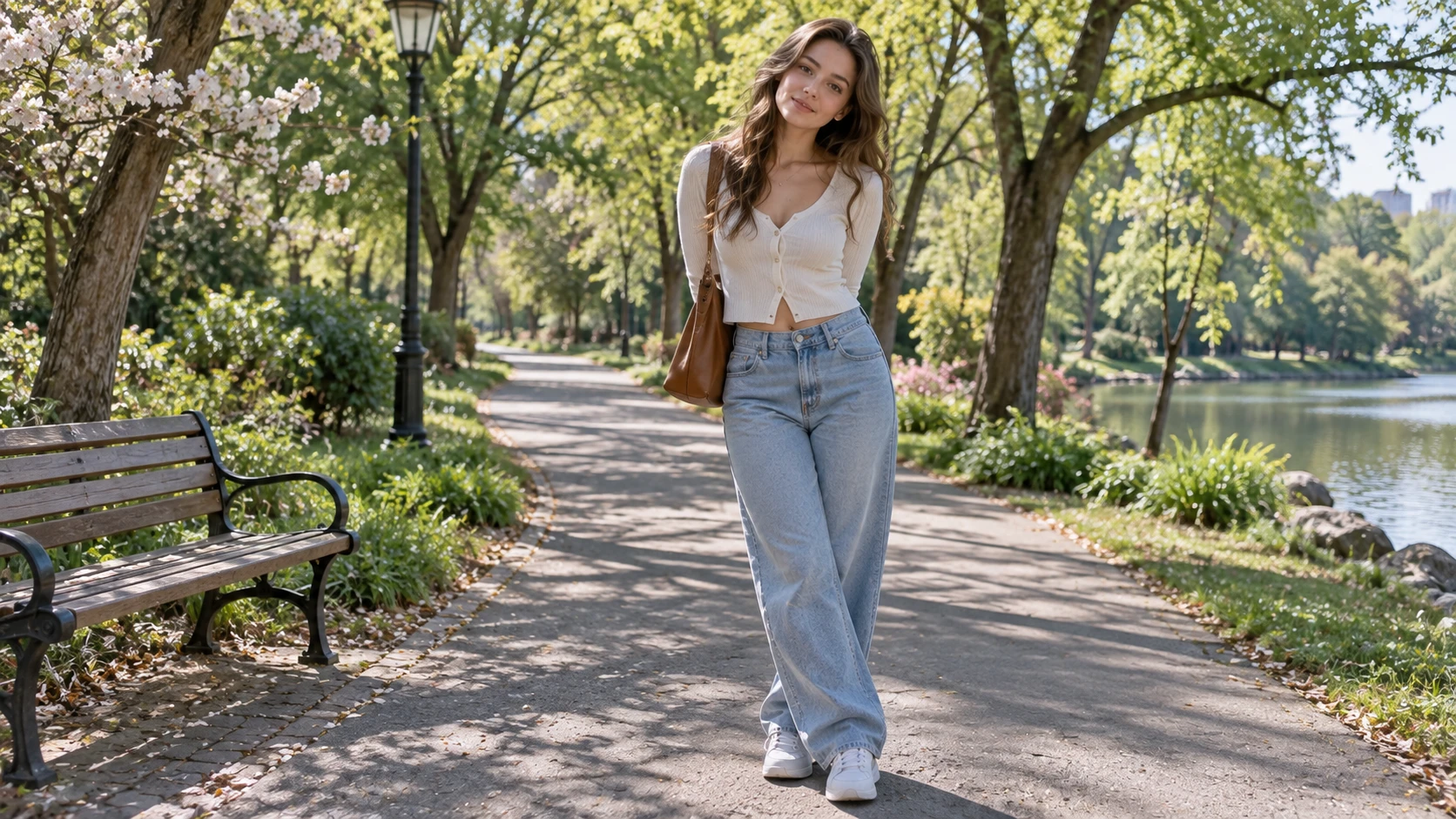
Here, the objects remain stable while the lighting and atmosphere change.
How to Write Better Seedance 2.5 Prompts
A useful Seedance 2.5 prompt does not need to be long.
Three simple rules are usually enough.
1. Use One Main Action
Avoid combining walking, turning, running, jumping, and scene changes in the same short clip.
For a 5–8 second video, one clear action is often enough.
2. Say What Should Stay Unchanged
For character videos:
Keep the object structure and surrounding layout consistent.
For products:
Keep the product shape, proportions and packaging details unchanged.
For objects:
Keep the object structure and surrounding layout consistent.
These instructions help define the parts of the first frame that matter most.
3. Keep Camera Movement Simple
You usually only need a few useful camera instructions:
- gentle push-in
- slow pull-back
- camera tracks backward
- camera moves slightly sideways
- camera remains stable
Not every video needs a dramatic camera move.
Final Thoughts
Useful Seedance 2.5 prompt examples are not about writing the longest possible prompt.
A better structure is:
Subject motion + camera motion + environmental motion + consistency instructions.
Start with a strong first frame, upload it to Movmix, choose Seedance 2.5, and then describe exactly what should move and what should remain unchanged.
For short AI videos, one clear action and a few consistency instructions are often enough to produce a cleaner, more controlled result.
'%3e%3crect%20y='2.1906'%20width='26'%20height='17.4314'%20rx='1.55981'%20fill='white'/%3e%3c/g%3e%3crect%20x='0.311961'%20y='2.50256'%20width='25.3761'%20height='16.8075'%20rx='1.24784'%20stroke='%2322257C'%20stroke-width='0.623922'/%3e%3c/g%3e%3crect%20x='13.078'%20y='15.5656'%20width='10.8016'%20height='2.49569'%20rx='0.623922'%20fill='%2366B3FF'%20stroke='%2322257C'%20stroke-width='0.623922'/%3e%3crect%20x='-0.311961'%20y='0.311961'%20width='10.8016'%20height='2.49569'%20rx='0.623922'%20transform='matrix(-1%200%200%201%2012.61%2015.2536)'%20fill='%2366B3FF'%20stroke='%2322257C'%20stroke-width='0.623922'/%3e%3crect%20x='10.3093'%20y='13.3231'%20width='4.91339'%20height='6.98013'%20rx='2.45669'%20fill='%2322257C'/%3e%3cpath%20d='M18.9174%200.31543C20.5962%200.268025%2022.1261%200.655527%2023.9487%201.55762C24.0483%201.60695%2024.1137%201.71153%2024.1137%201.8291V16.502C24.1137%2016.7236%2023.8763%2016.891%2023.6499%2016.7979C21.803%2016.0377%2020.2158%2015.6963%2018.4975%2015.7705C16.8915%2015.8399%2015.1907%2016.2732%2013.0776%2017.0332V1.6709C15.4678%200.825877%2017.2746%200.36187%2018.9174%200.31543Z'%20fill='white'%20stroke='%2322257C'%20stroke-width='0.623922'/%3e%3cpath%20d='M15.3008%204.57C16.3536%203.94578%2019.2783%203.20503%2021.8909%203.94608'%20stroke='%2366B3FF'%20stroke-width='0.935883'%20stroke-linecap='round'/%3e%3cpath%20d='M15.3008%207.26054C16.3536%206.63631%2019.2783%205.89557%2021.8909%206.63661'%20stroke='%2366B3FF'%20stroke-width='0.935883'%20stroke-linecap='round'/%3e%3cpath%20d='M15.3008%209.95107C16.3536%209.32684%2019.2783%208.5861%2021.8909%209.32714'%20stroke='%2366B3FF'%20stroke-width='0.935883'%20stroke-linecap='round'/%3e%3cpath%20d='M15.3008%2012.6398C16.3536%2012.0156%2019.2783%2011.2749%2021.8909%2012.0159'%20stroke='%2366B3FF'%20stroke-width='0.935883'%20stroke-linecap='round'/%3e%3cpath%20d='M7.08257%200.31543C5.40384%200.268025%203.87393%200.655527%202.05132%201.55762C1.95165%201.60695%201.88628%201.71153%201.88628%201.8291V16.502C1.88628%2016.7236%202.12373%2016.891%202.35014%2016.7979C4.19702%2016.0377%205.78418%2015.6963%207.50249%2015.7705C9.10852%2015.8399%2010.8093%2016.2732%2012.9224%2017.0332V1.6709C10.5322%200.825877%208.72541%200.36187%207.08257%200.31543Z'%20fill='white'%20stroke='%2322257C'%20stroke-width='0.623922'/%3e%3cpath%20d='M10.6992%204.57C9.64638%203.94578%206.72175%203.20503%204.10907%203.94608'%20stroke='%2366B3FF'%20stroke-width='0.935883'%20stroke-linecap='round'/%3e%3cpath%20d='M10.6992%207.26054C9.64638%206.63631%206.72175%205.89557%204.10907%206.63661'%20stroke='%2366B3FF'%20stroke-width='0.935883'%20stroke-linecap='round'/%3e%3cpath%20d='M10.6992%209.95107C9.64638%209.32684%206.72175%208.5861%204.10907%209.32714'%20stroke='%2366B3FF'%20stroke-width='0.935883'%20stroke-linecap='round'/%3e%3cpath%20d='M10.6992%2012.6398C9.64638%2012.0156%206.72175%2011.2749%204.10907%2012.0159'%20stroke='%2366B3FF'%20stroke-width='0.935883'%20stroke-linecap='round'/%3e%3c/g%3e%3cdefs%3e%3cfilter%20x='0'%20y='2.1906'%20width='26'%20height='17.4314'%20filterUnits='userSpaceOnUse'%20color-interpolation-filters='sRGB'%3e%3cfeFlood%20flood-opacity='0'%20result='BackgroundImageFix'/%3e%3cfeBlend%20mode='normal'%20in='SourceGraphic'%20in2='BackgroundImageFix'%20result='shape'/%3e%3cfeColorMatrix%20in='SourceAlpha'%20type='matrix'%20values='0%200%200%200%200%200%200%200%200%200%200%200%200%200%200%200%200%200%20127%200'%20result='hardAlpha'/%3e%3cfeOffset%20dy='-1.24784'/%3e%3cfeComposite%20in2='hardAlpha'%20operator='arithmetic'%20k2='-1'%20k3='1'/%3e%3cfeColorMatrix%20type='matrix'%20values='0%200%200%200%200.572549%200%200%200%200%200.768627%200%200%200%200%200.976471%200%200%200%201%200'/%3e%3cfeBlend%20mode='normal'%20in2='shape'%20result='effect1_innerShadow_0_4'/%3e%3c/filter%3e%3c/defs%3e%3c/svg%3e)



