
Image to Image
Model*

Nano banana 2.1NEW
Comprehensive capability upgrade, higher definition, smarter.



Click or drag to upload images
Create New Photos From Your Reference Images
A few words. Many directions
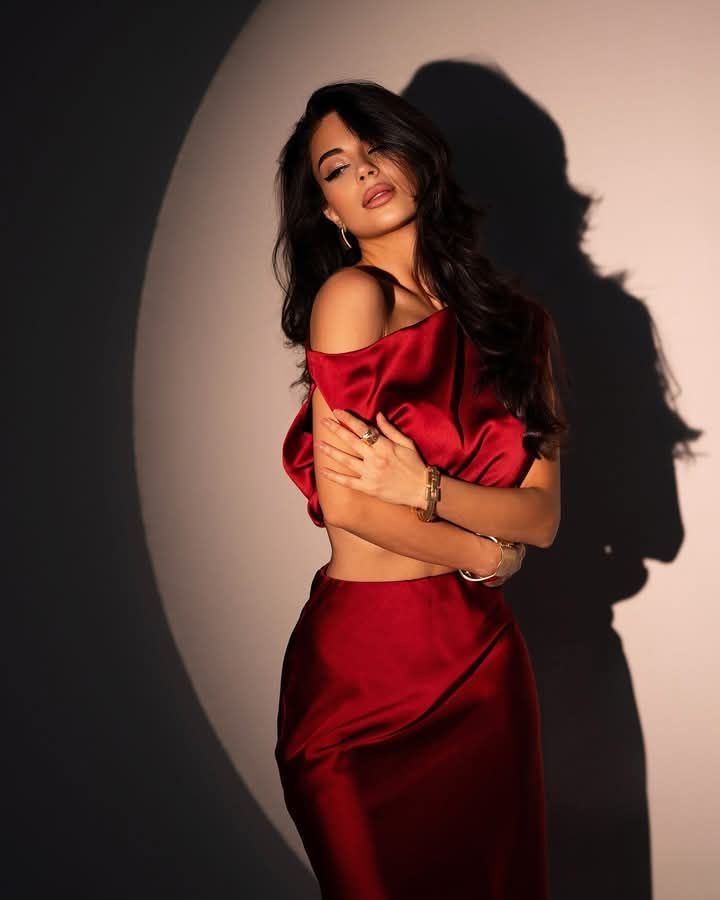
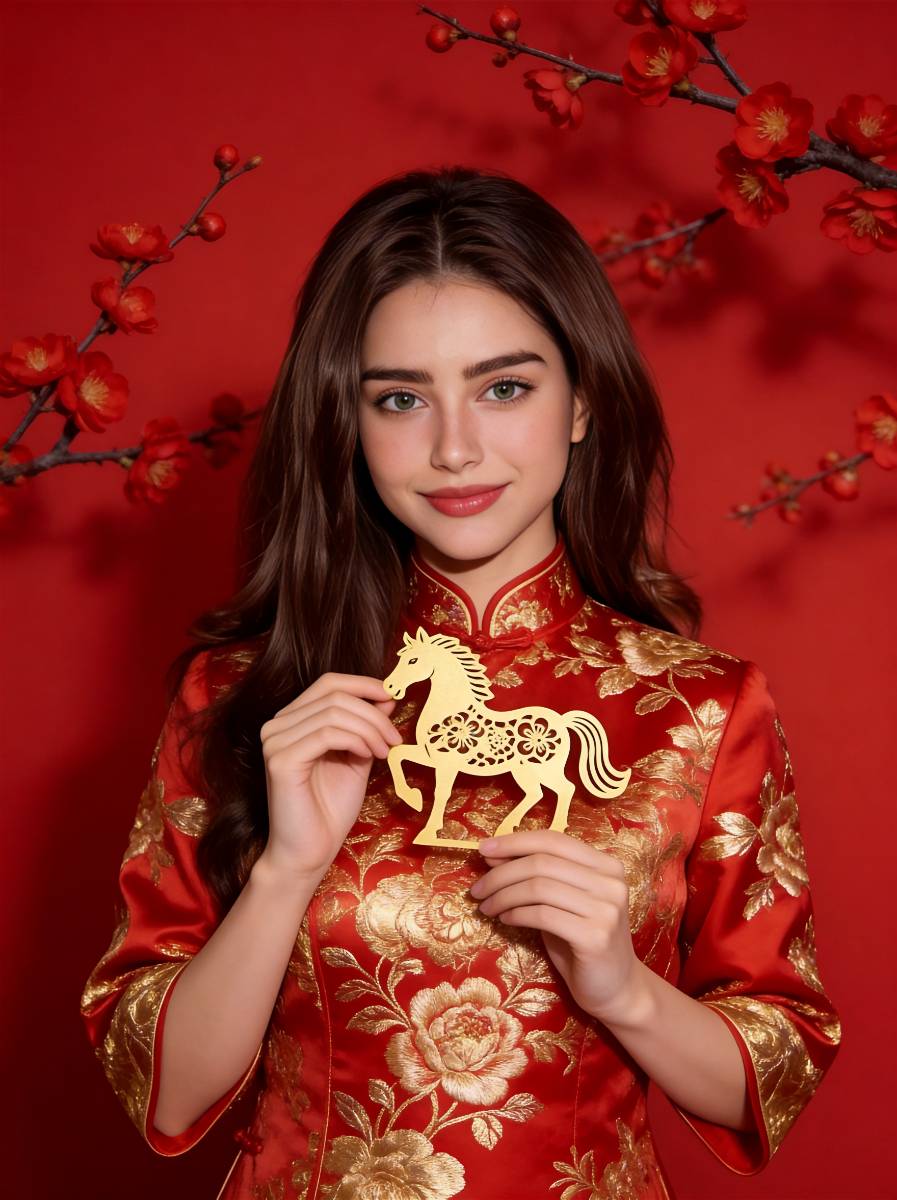
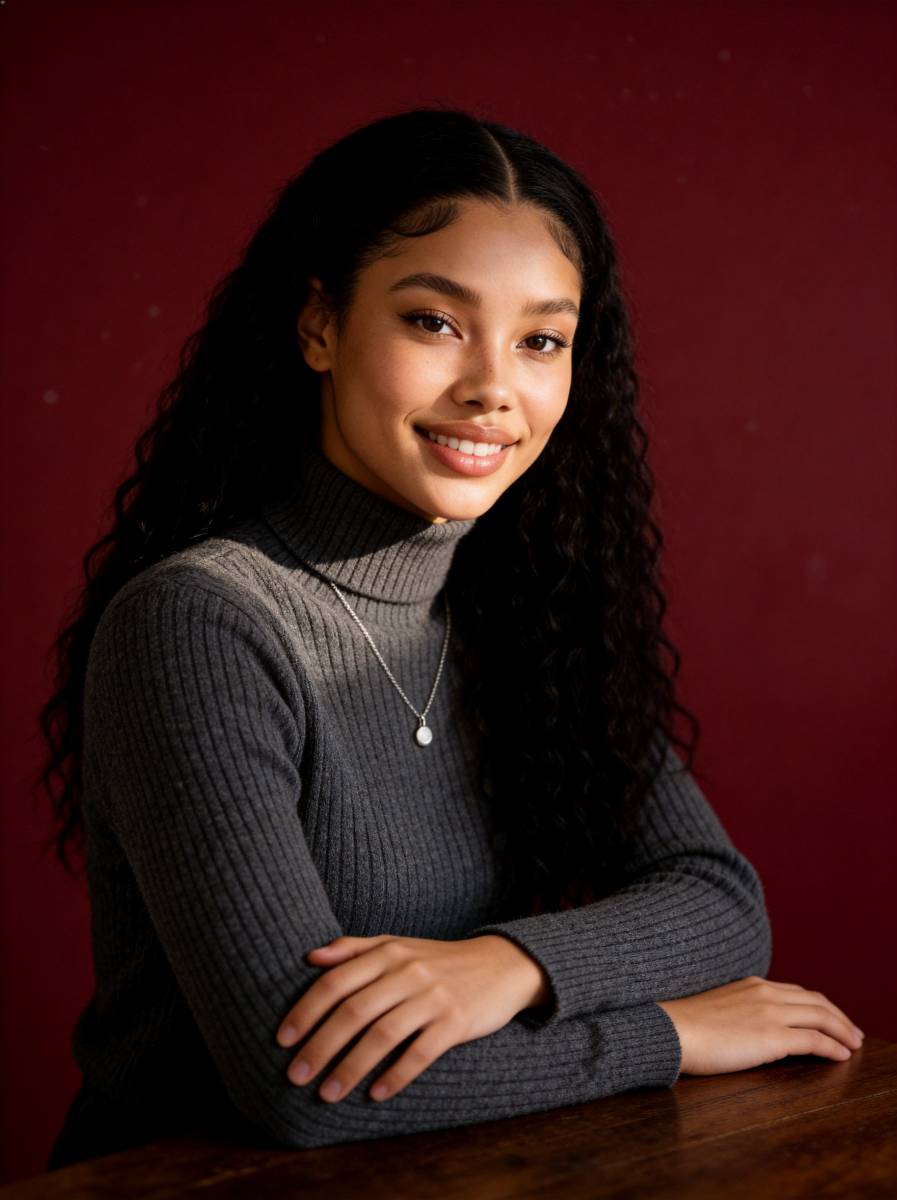
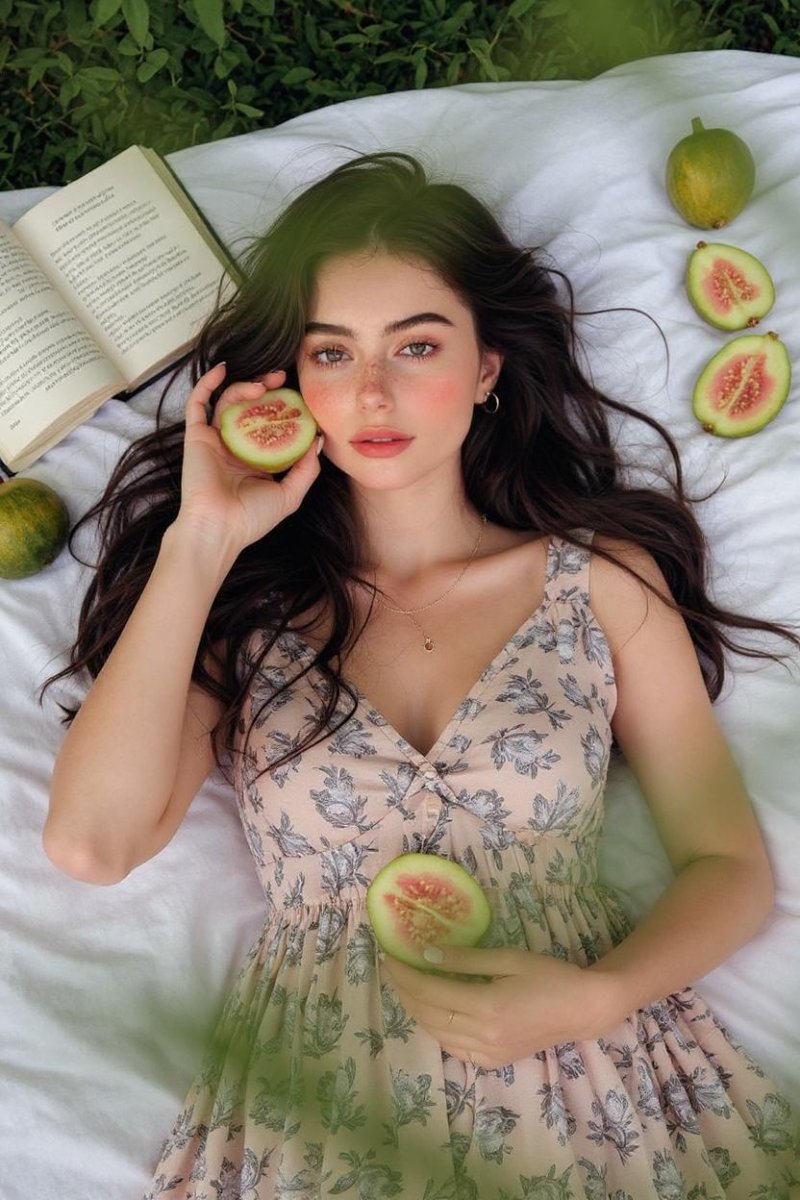
Explore a concept, read the prompt, and make it yours. These examples show how a subject, setting, and style work together.
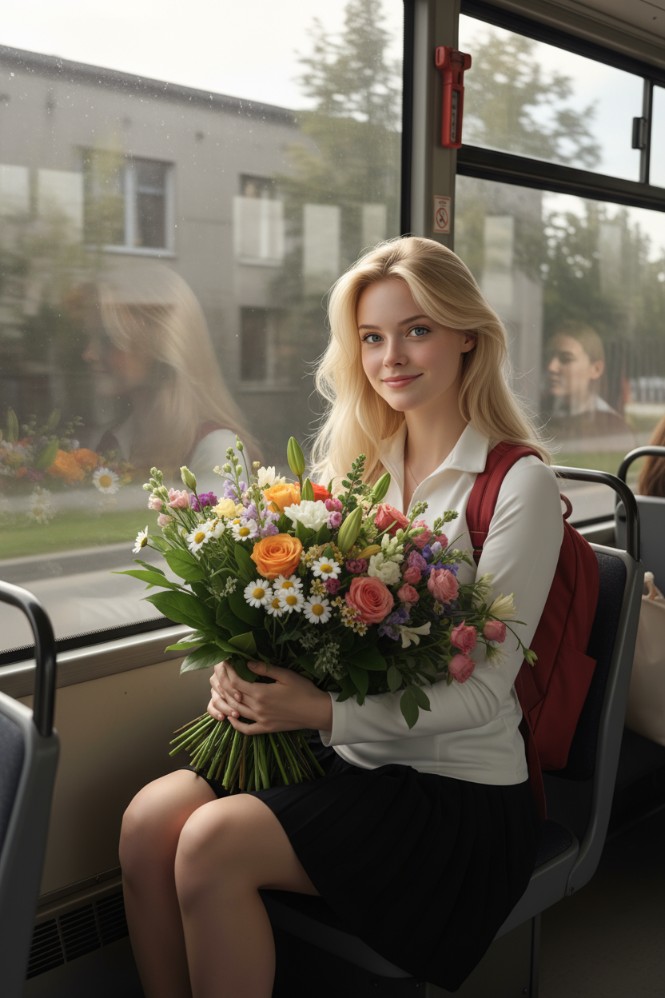
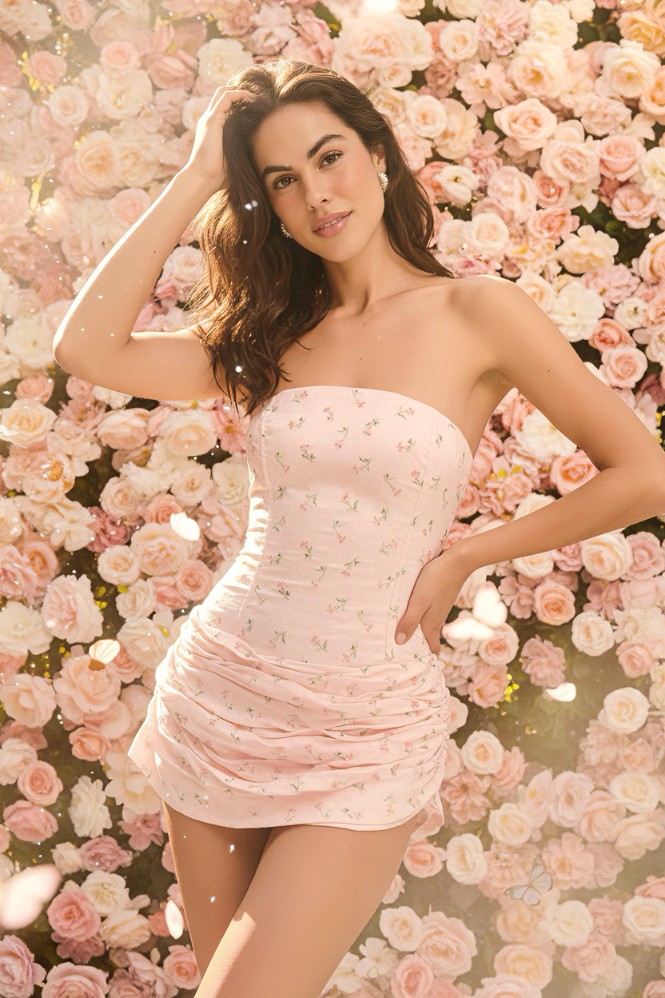
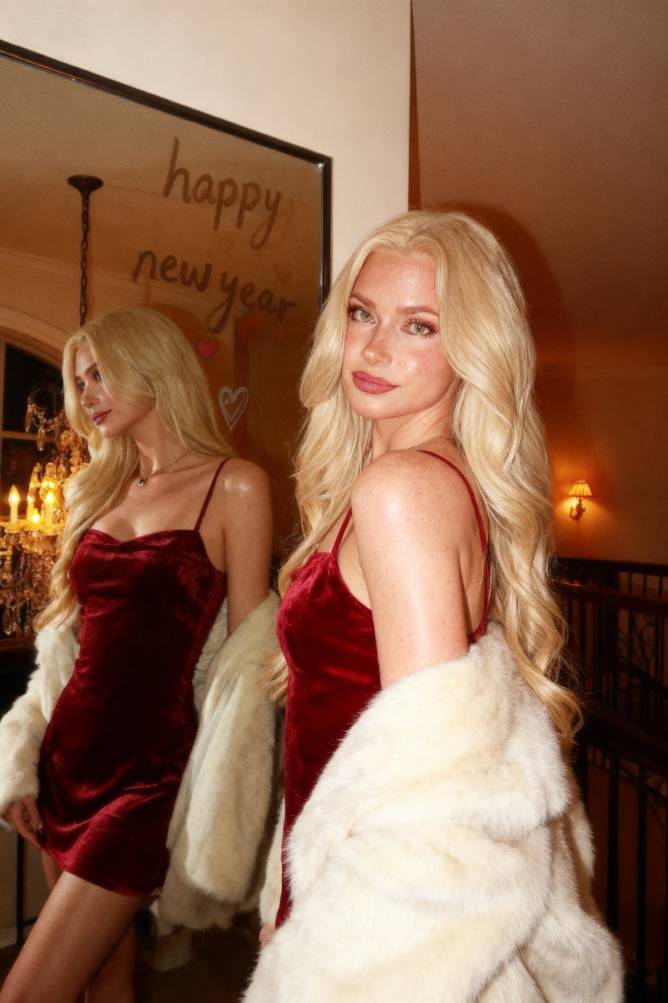
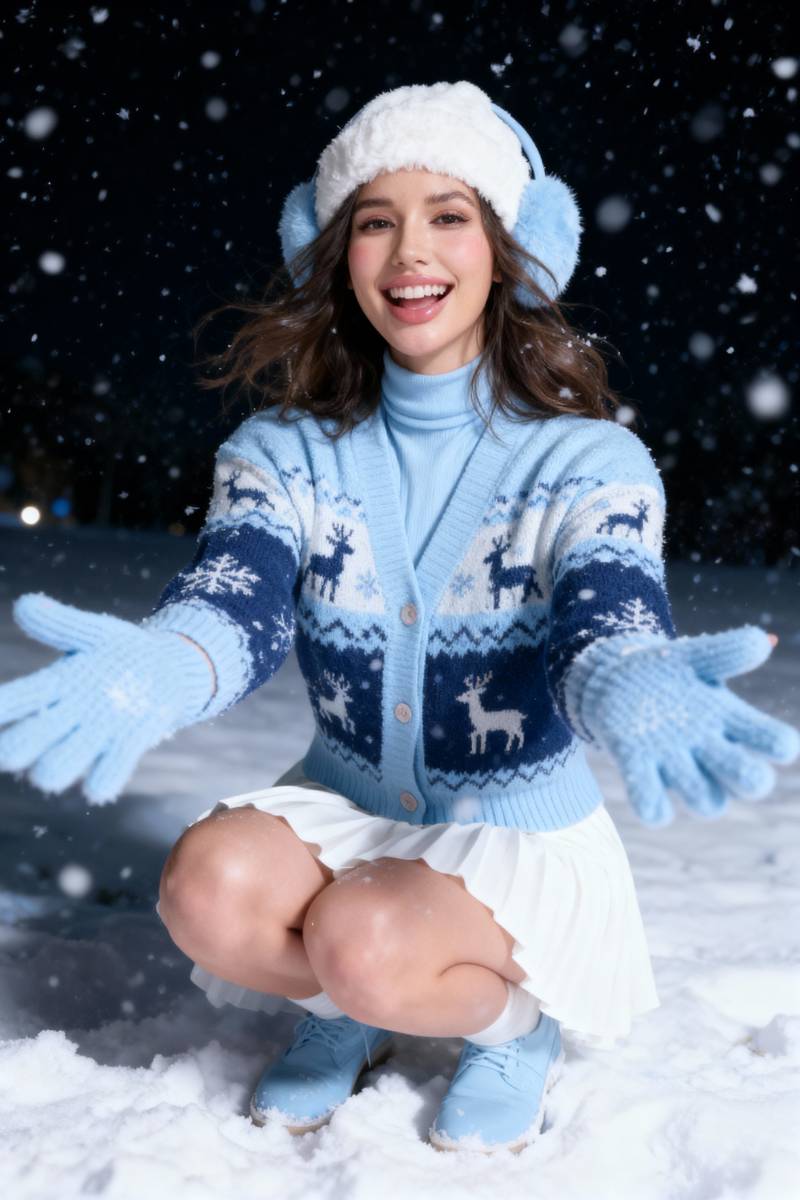
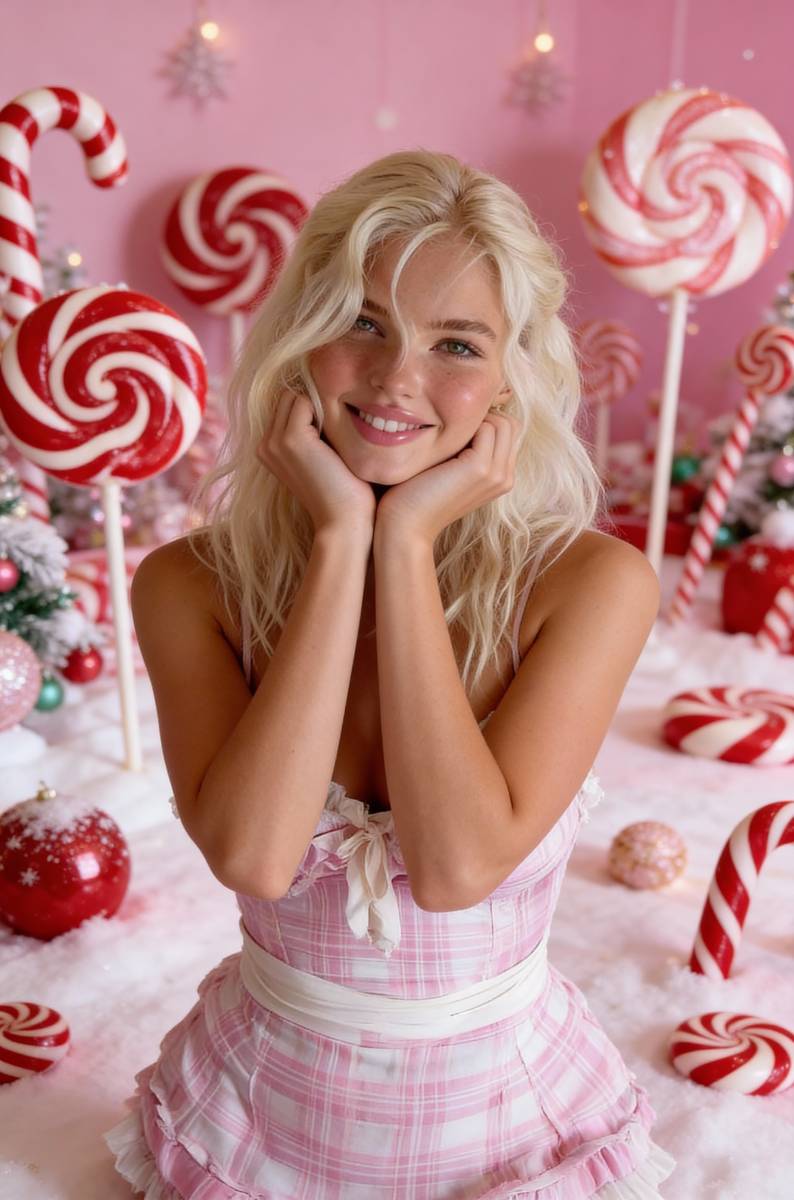
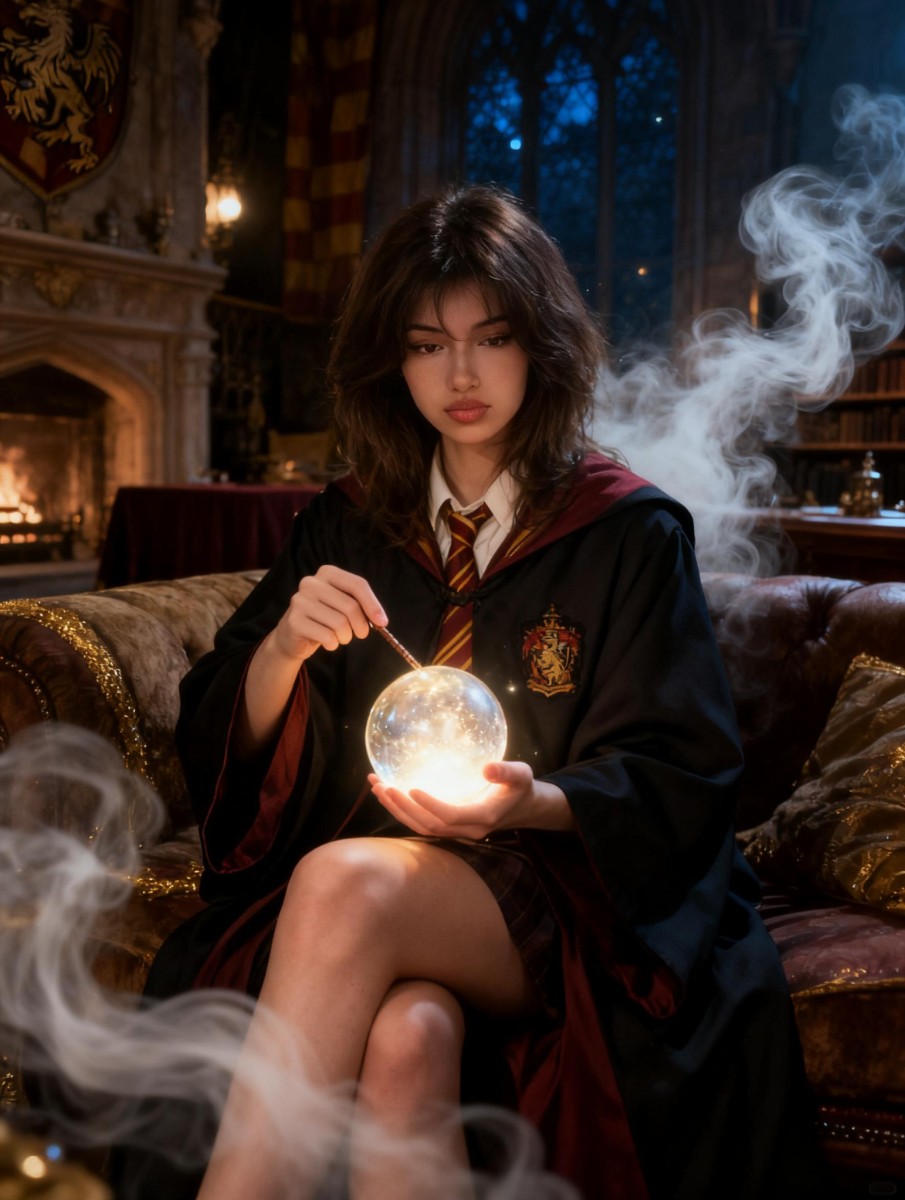
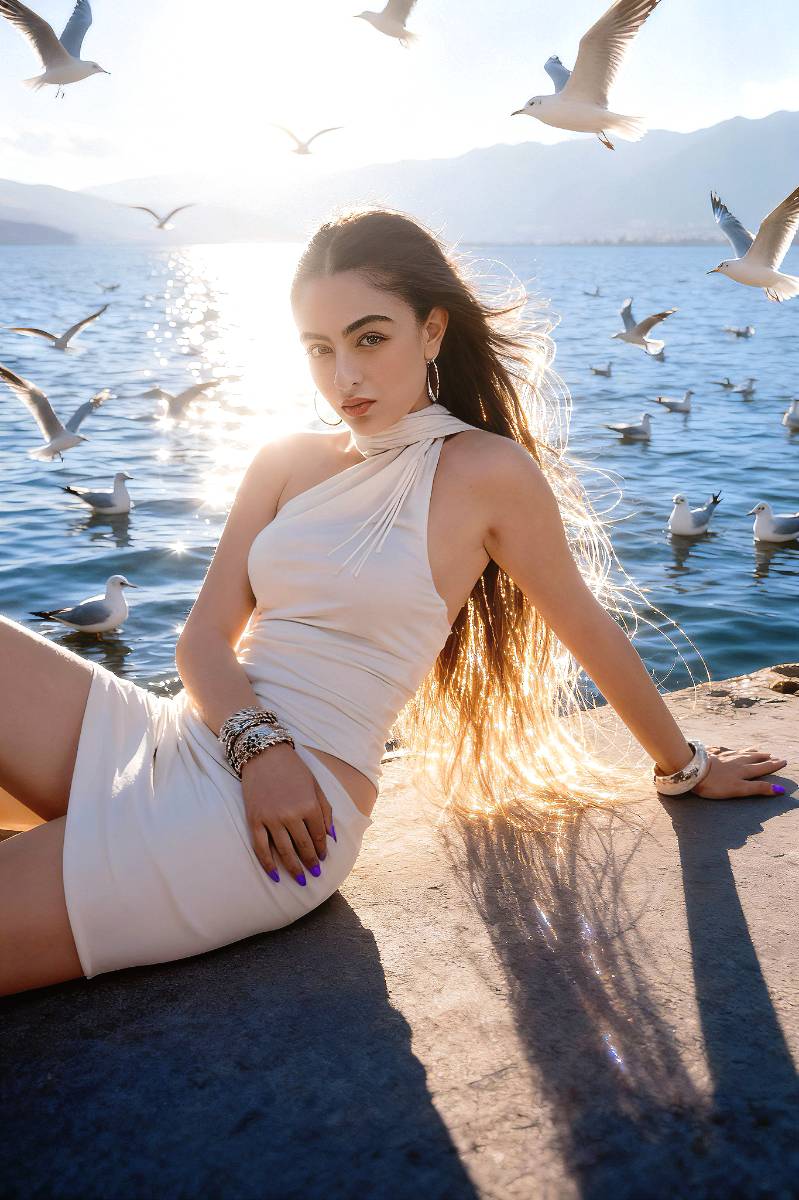
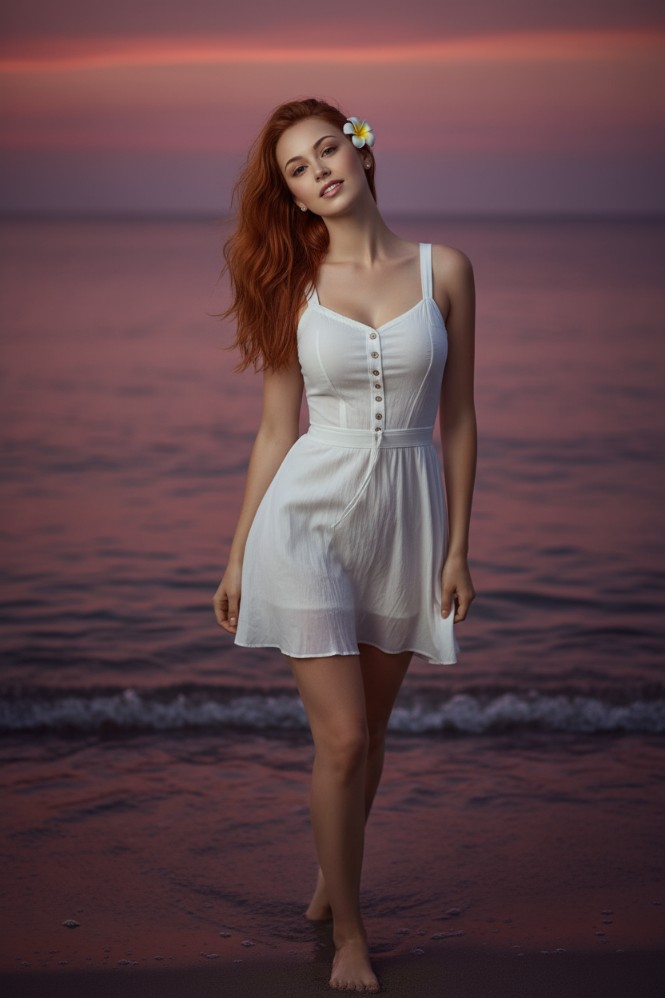
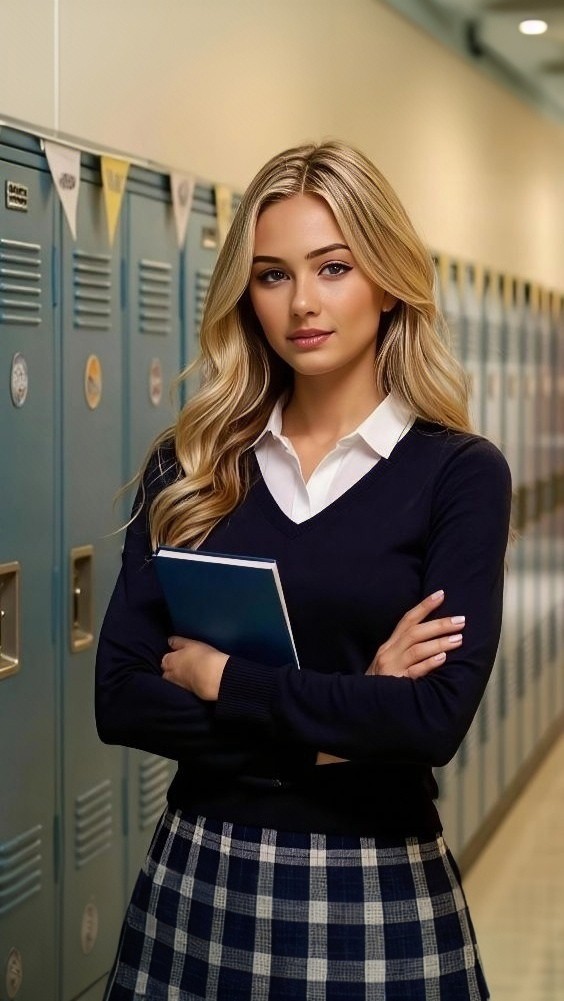
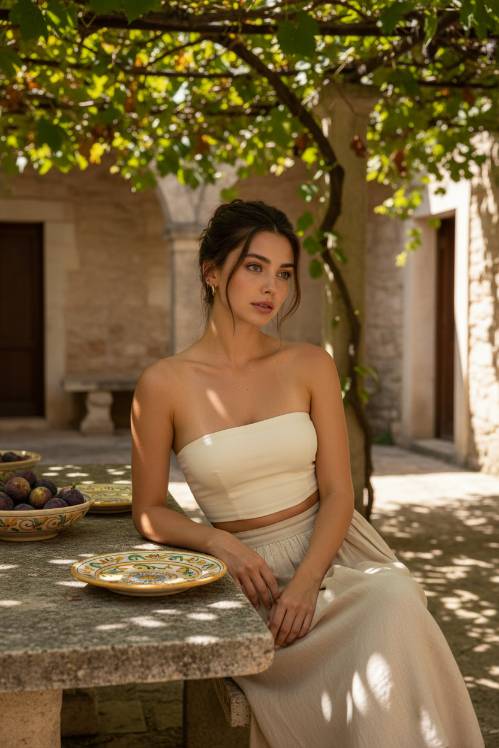
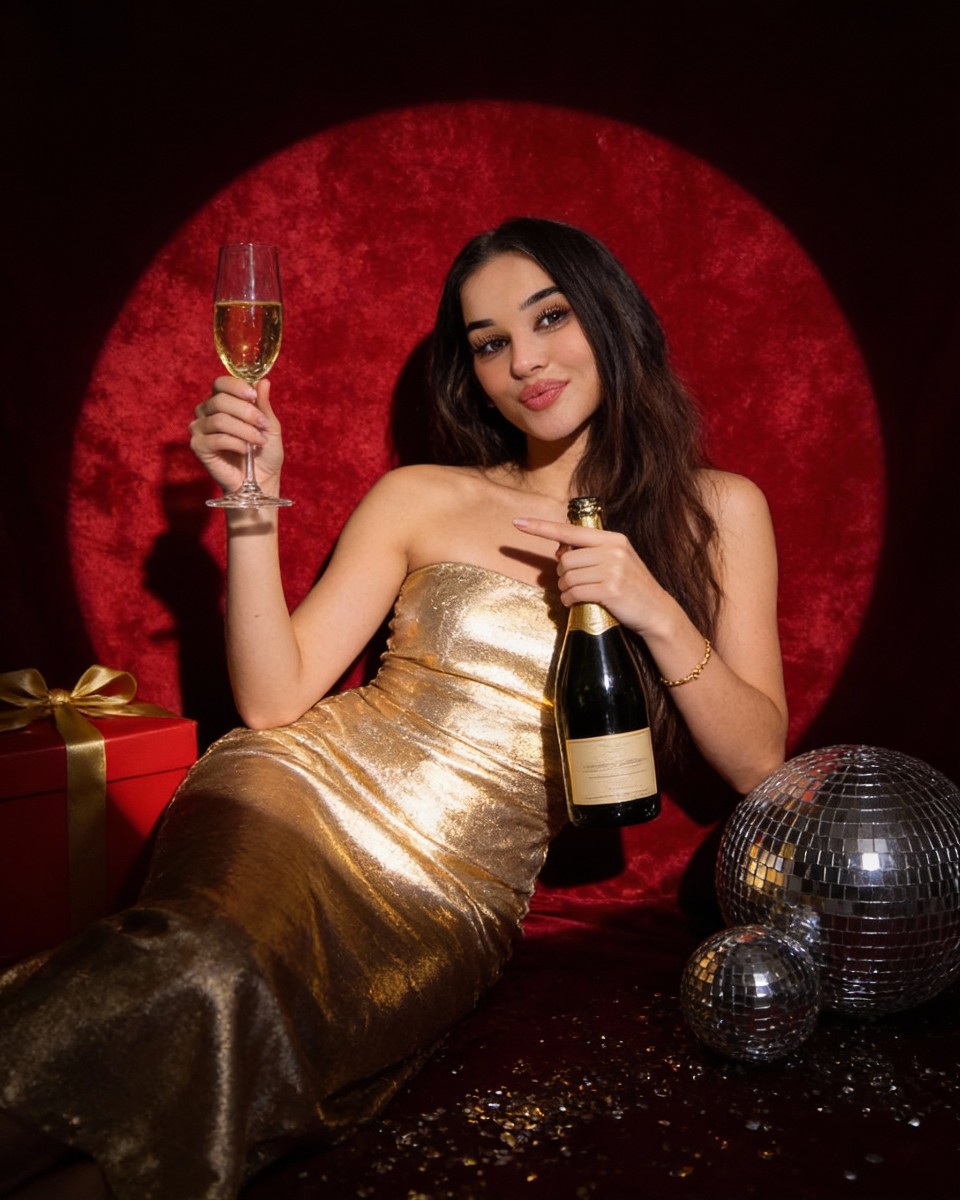
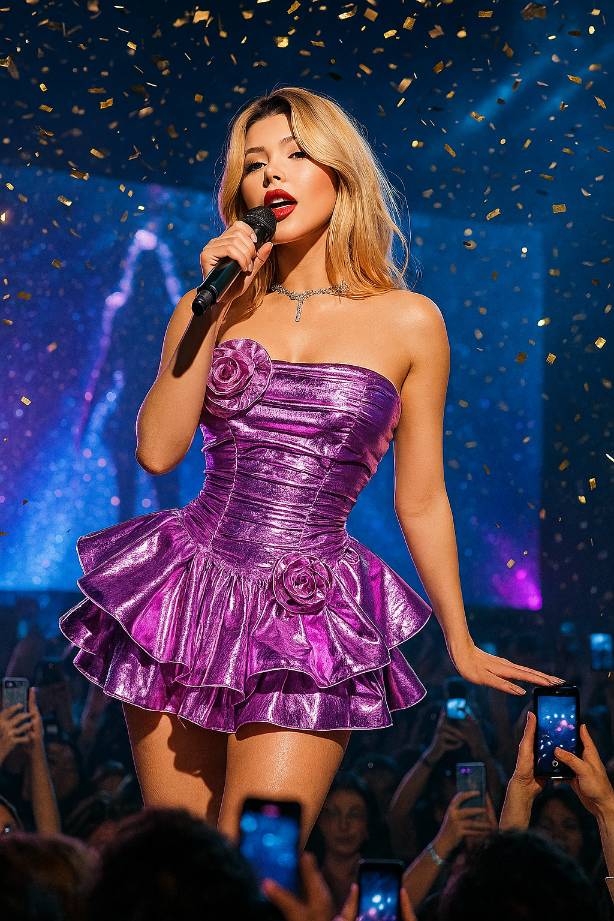
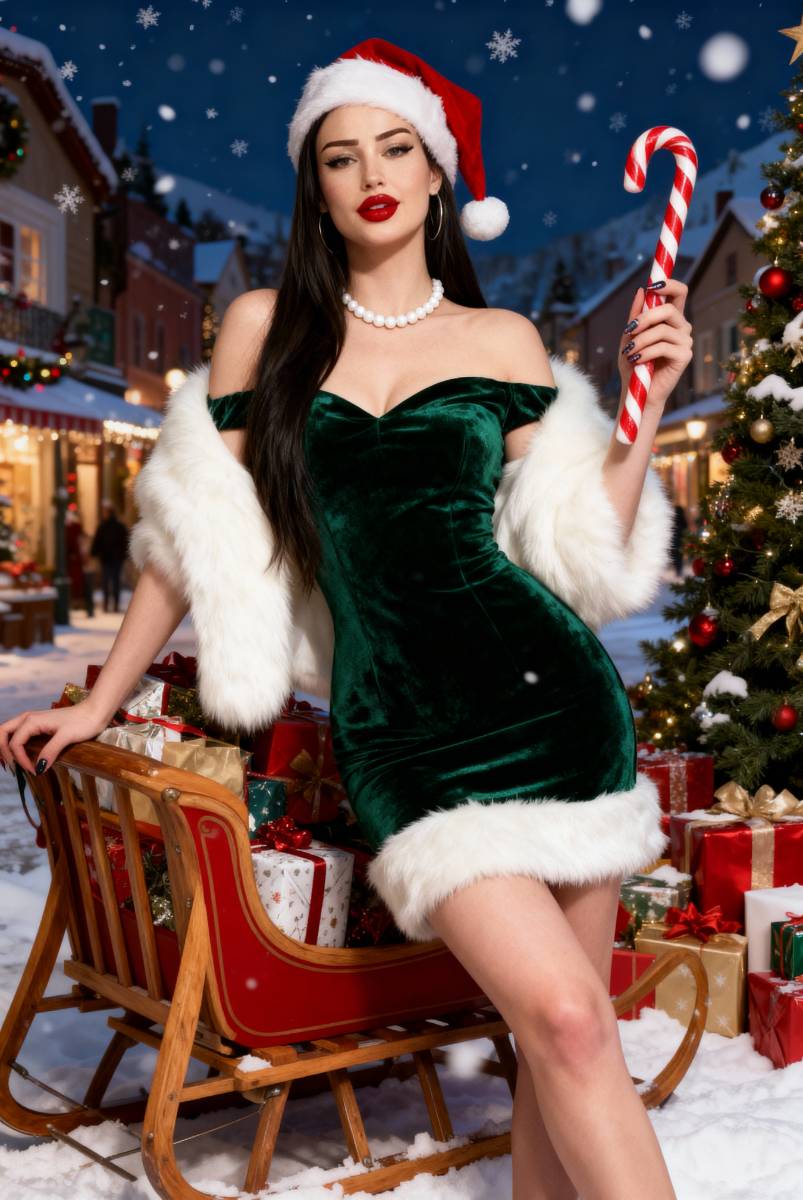
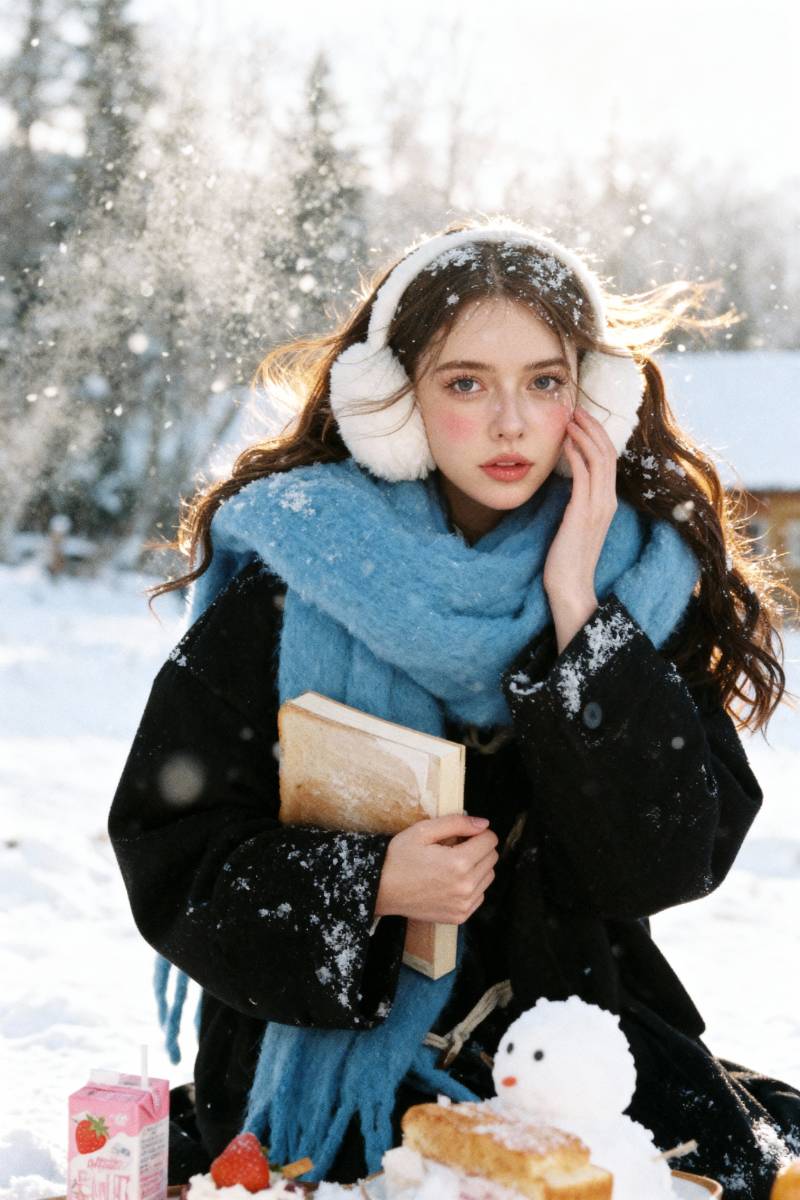
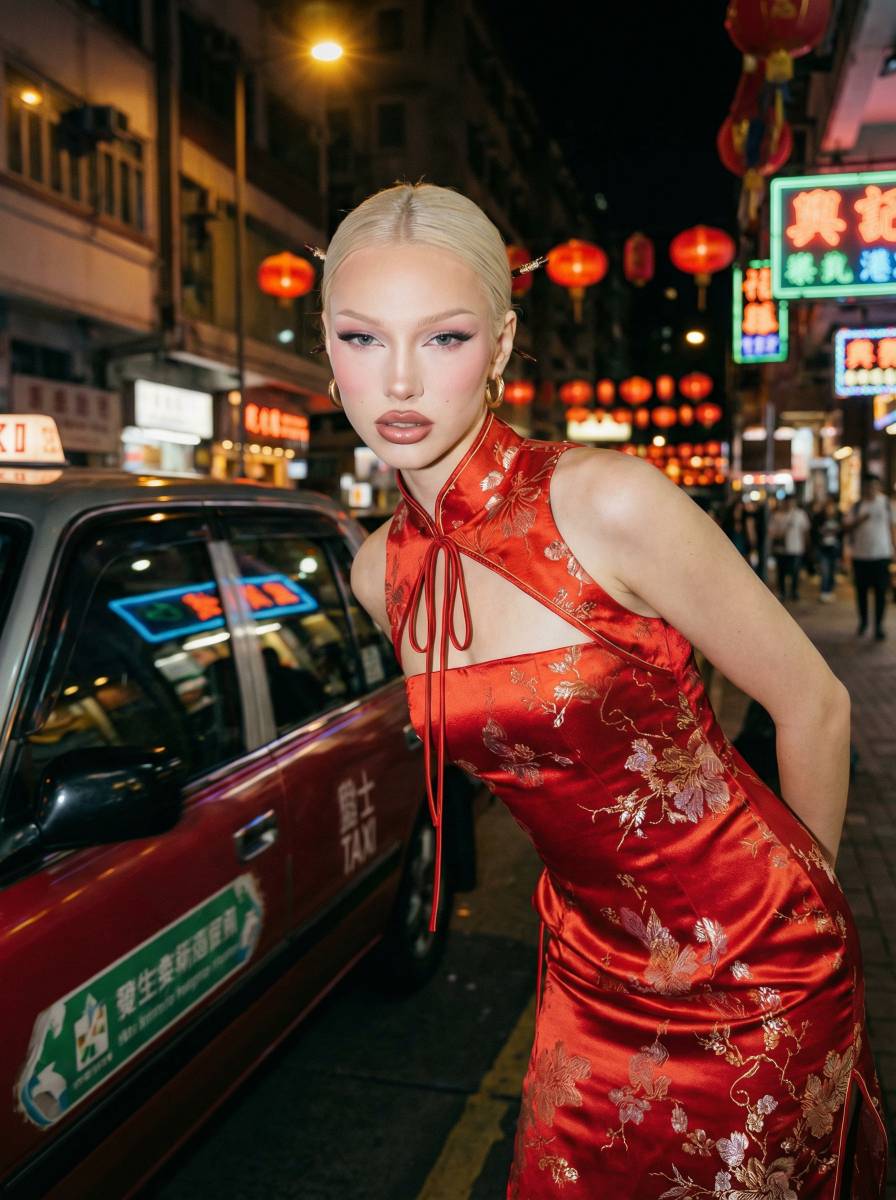
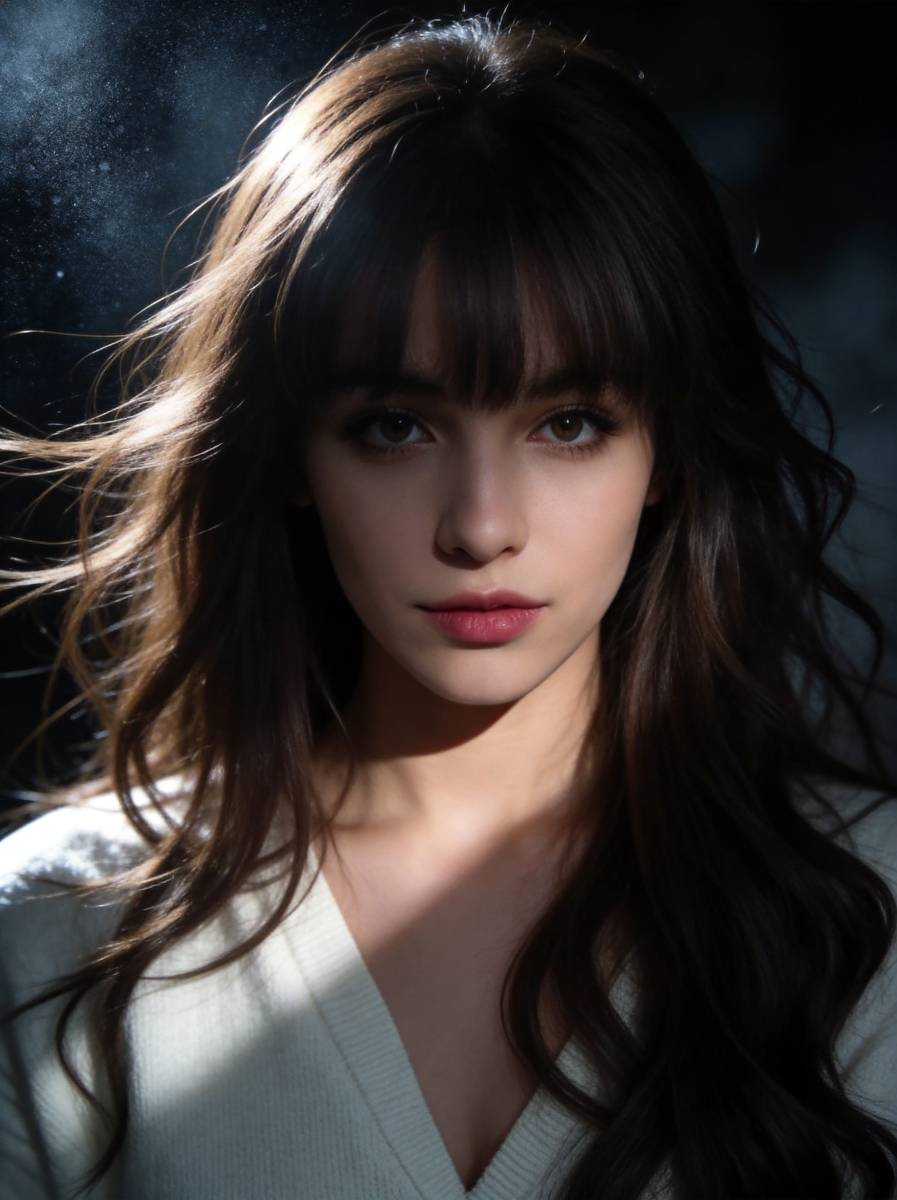
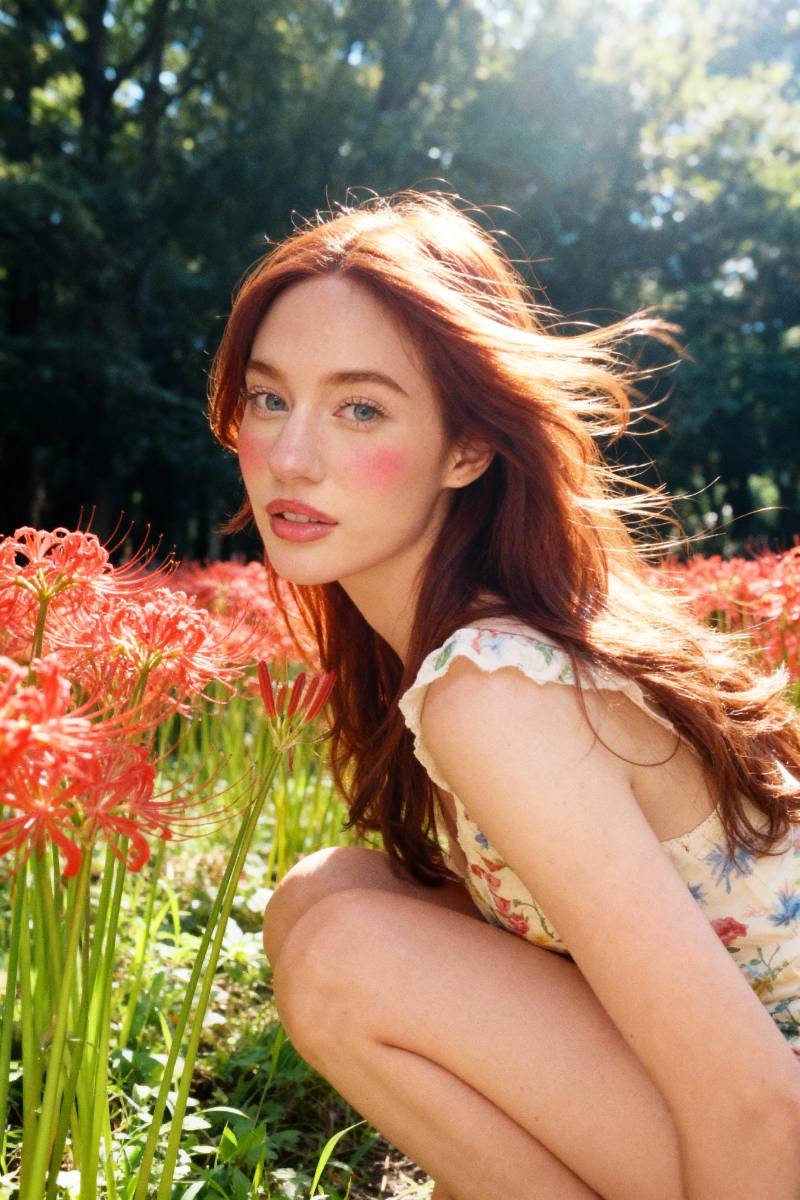
A new look. A familiar starting point
Have the right subject, but the wrong setting or style? Use your existing image to explore a different background, mood, or creative direction without starting from a blank prompt.
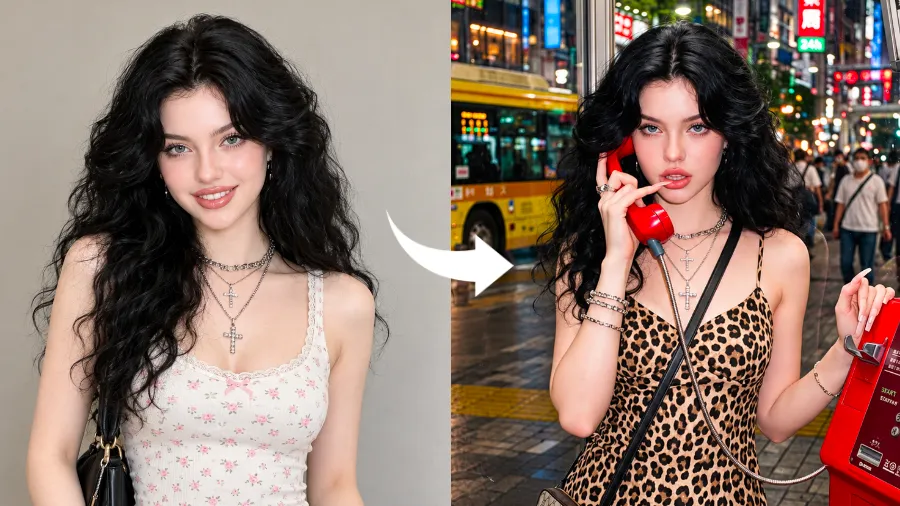
What is image to image AI?
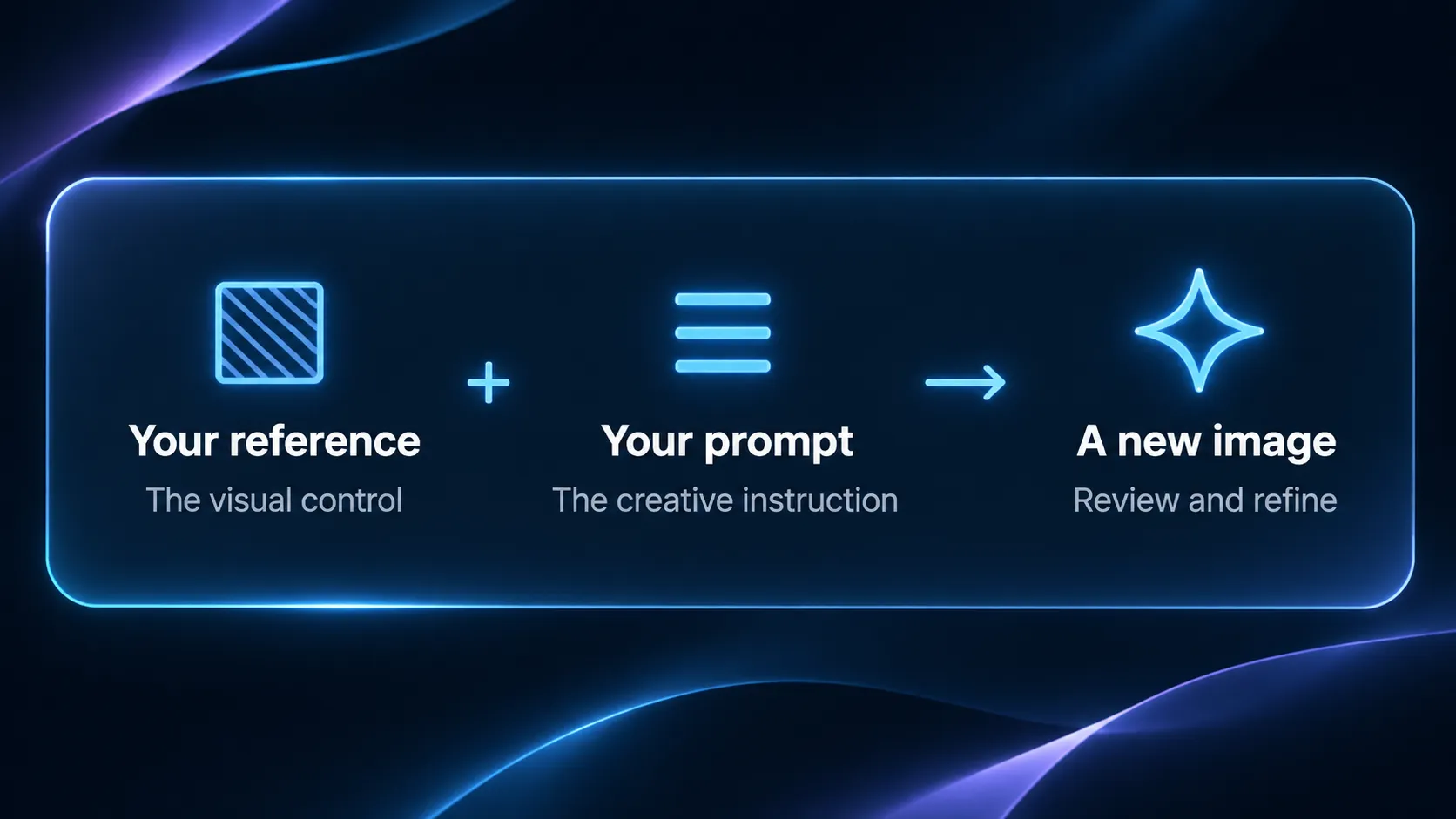
Image to image AI uses an existing picture and a text prompt to create a new image. Your reference provides visual context; your instructions describe the changes you want to explore.
Start with a photo, a drawing, or an earlier concept. Try a different look while giving the model a clear starting point for the subject, composition, or style.
See the change. Choose the direction
Compare what stays relevant from the reference and what you want to change. Each concept below includes a focused prompt to start from.
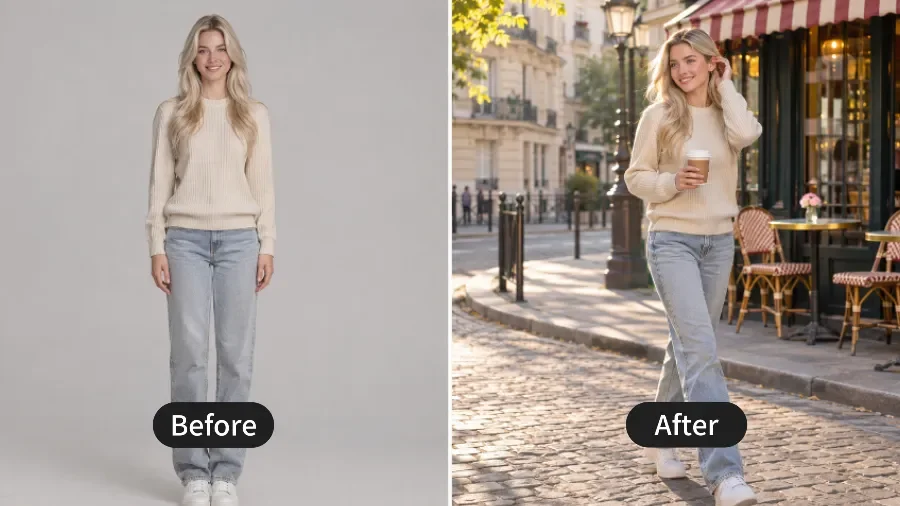
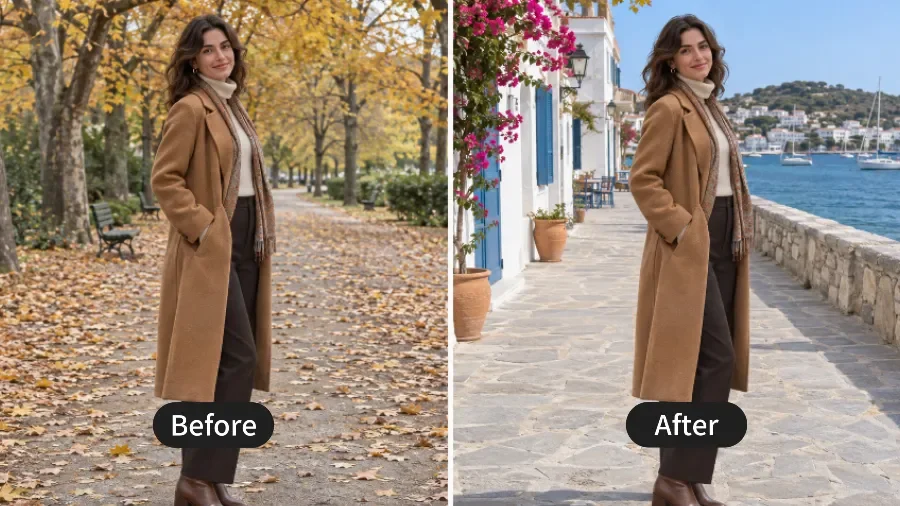
Change the Scene
Explore a new setting, season, or time of day.
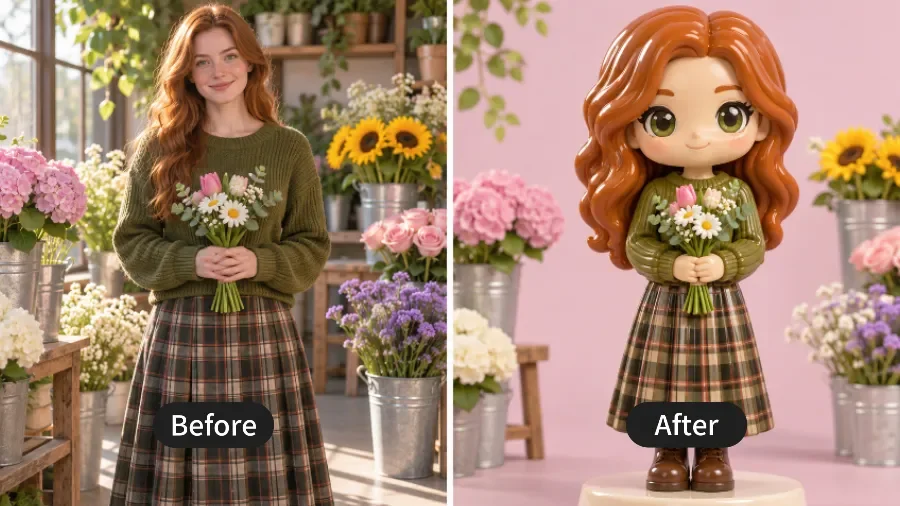
Restyle an Image
Explore an illustrated, painted, or graphic treatment
Product Concepts
Explore a new surface, backdrop, and lighting direction
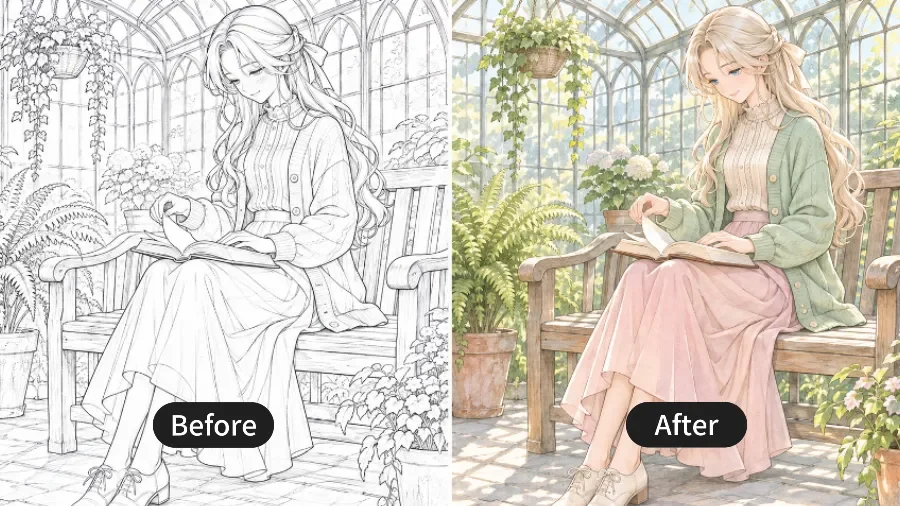
Sketch to Concept
Use your sketch to guide a more developed visual concept
Your Next Image, In Three Steps
Add your image
Write the change
Generate and review
See the change. Choose the direction
See how outfits, lighting, props, and entire scenes change across these supplied comparisons. Find a direction that matches the photo you already have
| Prompt | Output Result |
|---|---|
Use the uploaded photo as the reference for the same person. Preserve his recognizable facial features, tousled dark hair, and oversized black sunglasses. Replace the black overshirt and white T-shirt with a chunky, fuzzy black sweater featuring large abstract light-gray patterns, worn over a crisp white collared shirt. Turn his head toward the left side of the image in a three-quarter view, with his chin slightly raised and a neutral expression. Create a waist-up fashion editorial portrait against a dark blue-gray studio wall. Cast a large circular pool of cool white light onto the wall behind him, with a distinct shadow of his head and upper body falling to the right. Use dramatic, high-contrast lighting, realistic skin texture, and detailed knit fabric. No text or logos. | 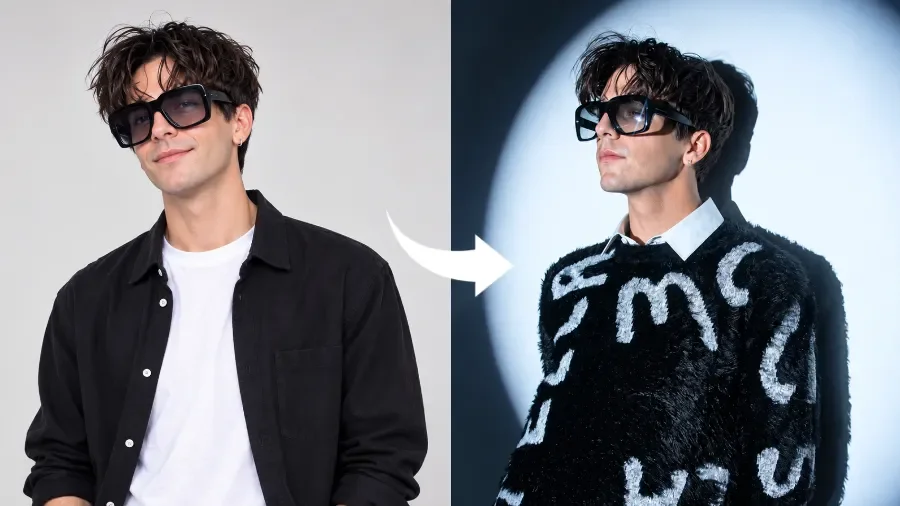 |
Use the uploaded photo as the reference for both people. Preserve their recognizable facial features, hairstyles, and black sunglasses. Restyle them in coordinated black fashion outfits: the man wears a tailored black blazer over an open-collar black shirt; the woman wears a black cropped camisole, high-waisted black trousers, and a black leather jacket draped off her shoulders. Keep the man on the left and the woman on the right, standing close together with their heads gently leaning toward each other. Give the man a relaxed, neutral expression and the woman a subtle pout. Use a tighter waist-up composition, photographed from a slightly elevated angle. Keep a clean light-gray studio background with soft, even lighting, realistic skin texture, and detailed clothing materials. Fashion editorial photography. Show exactly two people. No text or logos. | 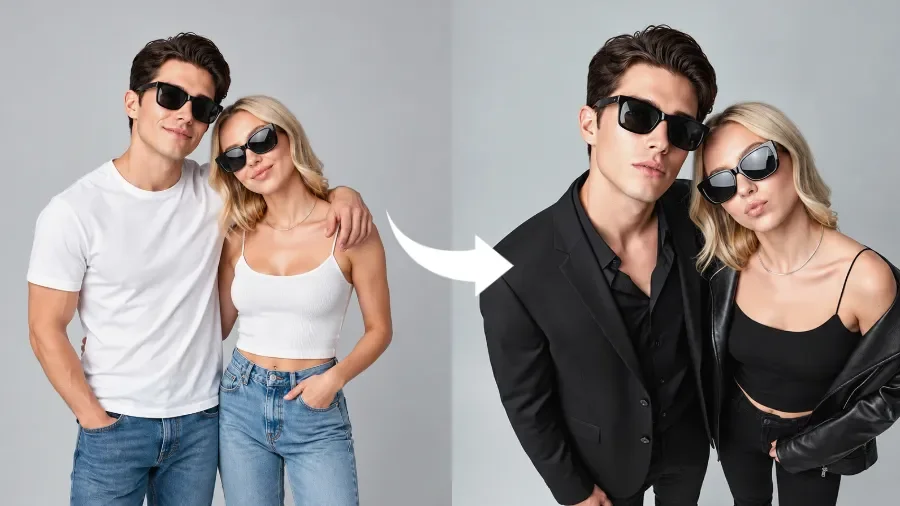 |
Use the uploaded photo as the reference for the man and his dog. Preserve the man’s recognizable facial features, short hair, and skin tone, along with the dog’s gray coat, white chest markings, and facial appearance. Keep both wearing pink sunglasses and pink over-ear headphones. Replace the man’s hoodie and white T-shirt with a chunky pink turtleneck sweater. Change the background to a solid rose-pink studio backdrop. Have both the man and the dog facing the camera, each with a glossy, translucent pink bubblegum bubble centered over the mouth. Make the man’s bubble slightly larger than the dog’s. Keep the dog seated in front of the man, with the man’s arms gently around it. Use a close portrait composition, soft studio lighting, realistic skin, fur, and knit textures, and a playful monochromatic pink aesthetic. Show exactly one man and one dog. No text or logos. | 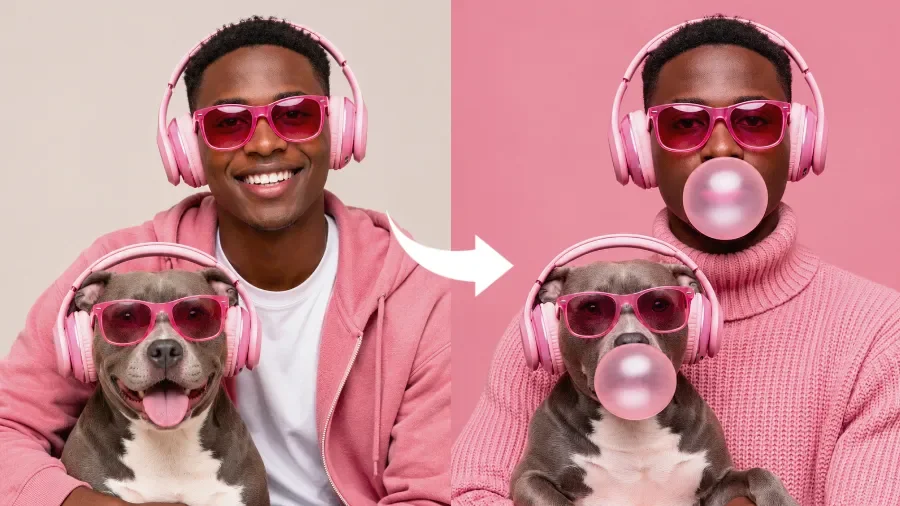 |
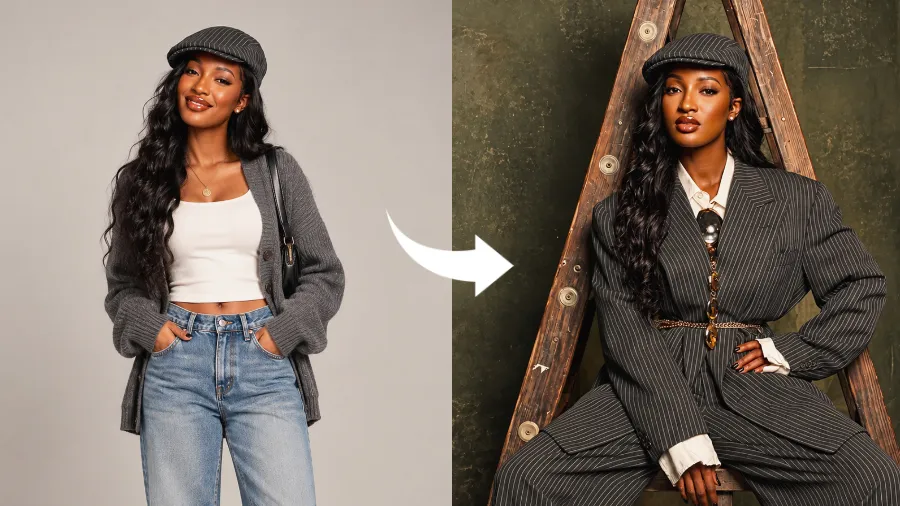
Change the outfit
Try a new clothing style using the person in your photo as a reference
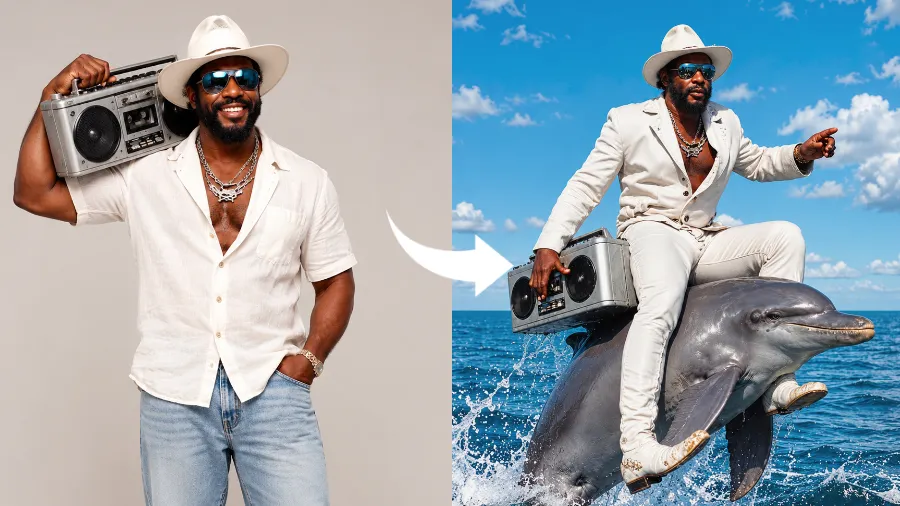
Change the scene
Move beyond the original backdrop and explore a setting that fits your idea
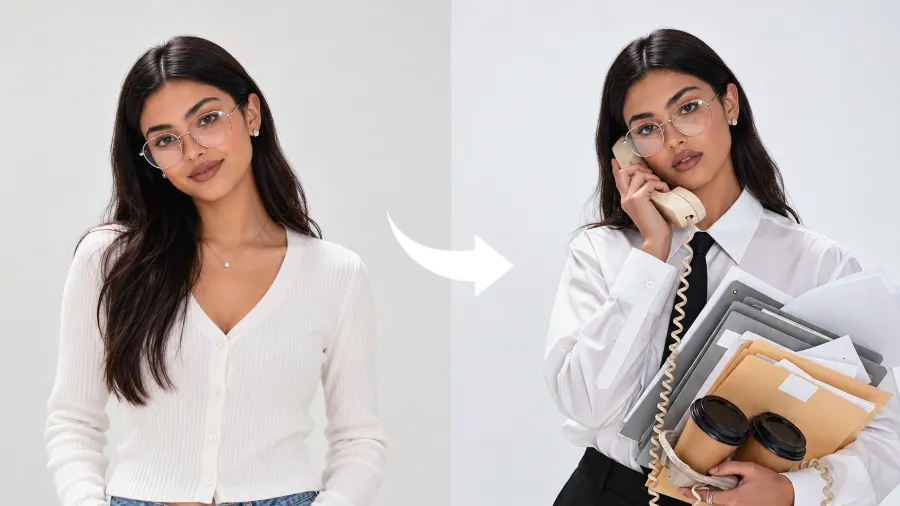
Change the mood
Reimagine the lighting and atmosphere of an otherwise ordinary photo
Text to image or image to image?
| Feature | Text to Image | Image to Image |
|---|---|---|
| Input | A written description | A reference image and a prompt |
| Use it when | You want a new visual without an existing source | You want to build on a subject, layout, or style you can show |
| Example | A glasshouse in a meadow at dawn | Reimagine this glasshouse in a winter setting |
More Functions are Waiting for You to Discover
FAQ
Company
About MovmixContact MovmixHelp CenterPrivacy PolicyTerms and ConditionsRefund PolicyAcceptable Use PolicyIntellectual Property RightsSubscription TermsAI Video Tools
AI Image to Video AI Video Extend AI Reference to Video AI Dance Generator AI Video Editor AI Text to Video


 Pay Safely And Securely With





© 2026 Movmix.ai. All rights reserved

